Template details
Next.js & HeroUI Template
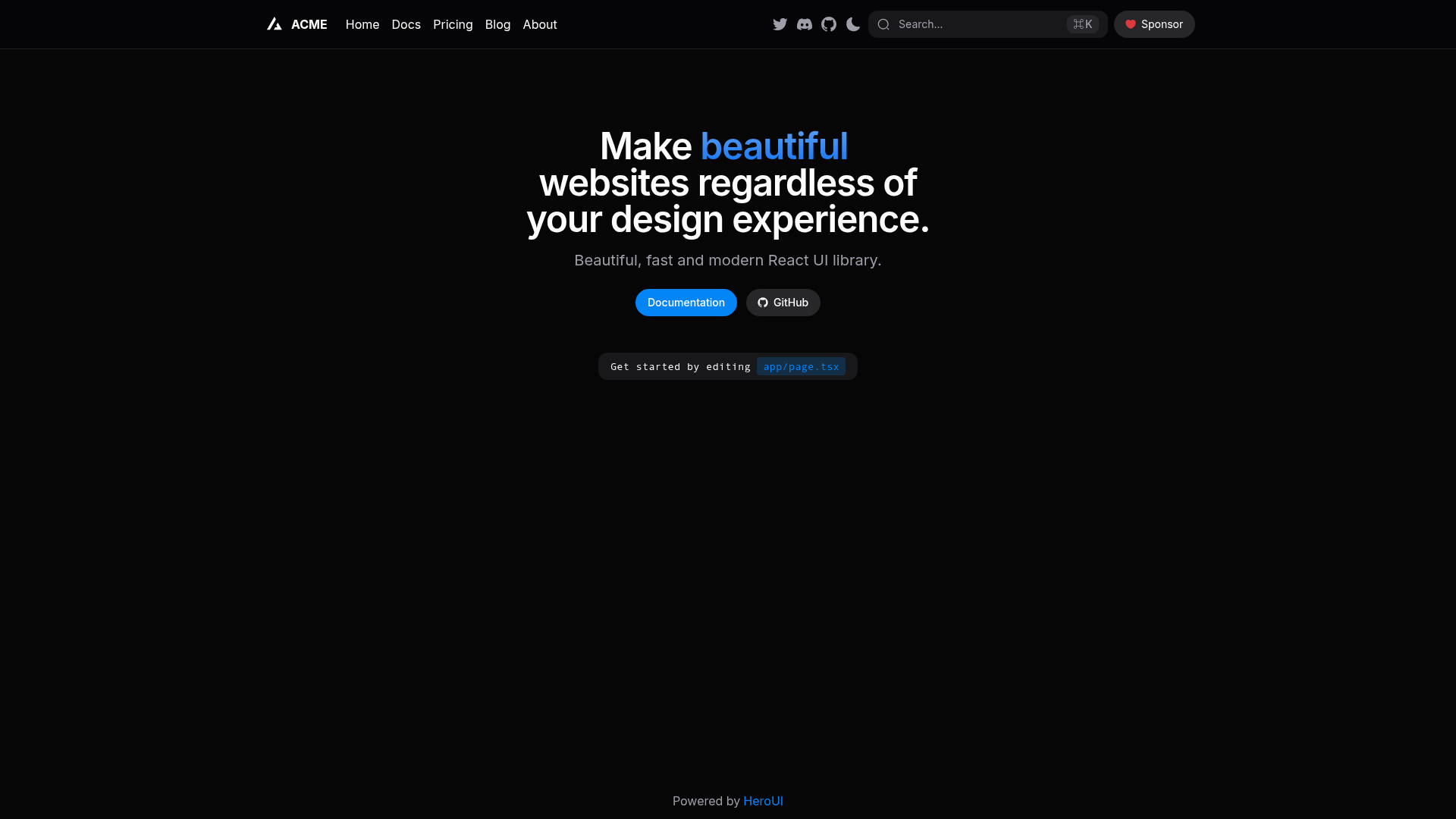
A Next.js 16 with app directory template pre-configured with HeroUI (v3) and Tailwind CSS (v4).
About this template
The Next.js & HeroUI Template is a boilerplate for creating React applications with the Next.js 16 app directory, pre-configured with HeroUI v3 components and Tailwind CSS v4 styling.
What is the Next.js & HeroUI Template?
The Next.js & HeroUI Template is an official starter project from the HeroUI team (heroui-inc) that combines Next.js 16's App Router with the HeroUI v3 component library. It takes a fresh create-next-app setup and adds a pre-configured styling stack and utility dependencies, producing a TypeScript project with dark mode support ready for feature development. The template lives in the heroui-inc/next-app-template repository on GitHub and is licensed under the MIT license. You can also run it directly in CodeSandbox using the provided link.
Key Features
- Next.js 16 app directory — Uses the modern App Router architecture, giving you file-based routing, nested layouts, and server-side rendering capabilities.
- HeroUI v3 — Pre-configured with HeroUI v3, a React component library with accessible, customizable UI elements, so you can build interfaces without setting up components manually.
- Tailwind CSS v4 — The project is styled with Tailwind CSS v4, letting you write utility-first CSS and customize the design system through configuration.
- Tailwind Variants — Includes Tailwind Variants for defining component variants in a TypeScript-friendly way, making it easier to manage complex styling states.
- TypeScript — The entire template is written in TypeScript, providing type checking and better editor tooling from the start.
- next-themes — Integrated next-themes for theme switching, enabling light and dark mode with automatic system preference detection.
Who is it for?
The template is for developers who want to skip configuration and start coding immediately. React developers starting a new product or side project can use it to get a type-safe Next.js setup with a component library already wired up. Teams building multi-page applications will benefit from the App Router structure and the pre-configured styling utilities. It is also suitable for anyone wanting to learn how Next.js and HeroUI work together, since the source code serves as a reference implementation.
What can you do with it?
- Build a new web app quickly — Scaffold a project with the template and have a working Next.js 16 environment with HeroUI components and Tailwind styling in minutes.
- Create a themed application — Use the included next-themes integration to add dark mode support to your app without writing theme-management logic.
- Develop a component-driven UI — Leverage HeroUI v3 components and Tailwind Variants to build consistent interfaces and manage component states declaratively.
- Learn the stack — Study the template's source files to understand how to configure Next.js 16 with Tailwind CSS v4 and a component library.
How does the template work?
You start by creating a new project with npx create-next-app -e https://github.com/heroui-inc/next-app-template, which pulls the template into a new directory. After that, install dependencies with a package manager like npm (npm install) and run the development server with npm run dev. The resulting project includes the App Router pages and components already wired up, so you can edit and extend them.
FAQ
Is the Next.js & HeroUI Template free?
Yes, the template is open source and licensed under the MIT license, so you can use it for personal and commercial projects, including modifying and redistributing it.
What versions of Next.js and HeroUI does it use?
The template is built for Next.js 16 (with the app directory) and HeroUI v3. It also uses Tailwind CSS v4, Tailwind Variants, and next-themes.
Can I install it with any package manager?
The README recommends npm, yarn, pnpm, or bun. You can use any of these—for example, npm install after scaffolding.
Does it support dark mode?
Yes, via next-themes. The template includes integration for theme switching, which supports light and dark mode based on system preferences or manual toggles.
What is the repository name?
The repository is heroui-inc/next-app-template on GitHub. You can clone it directly or use it with create-next-app.