Template details
Tailwind React Components
React components with Tailwind CSS — an easy way to start your React app.
About this template
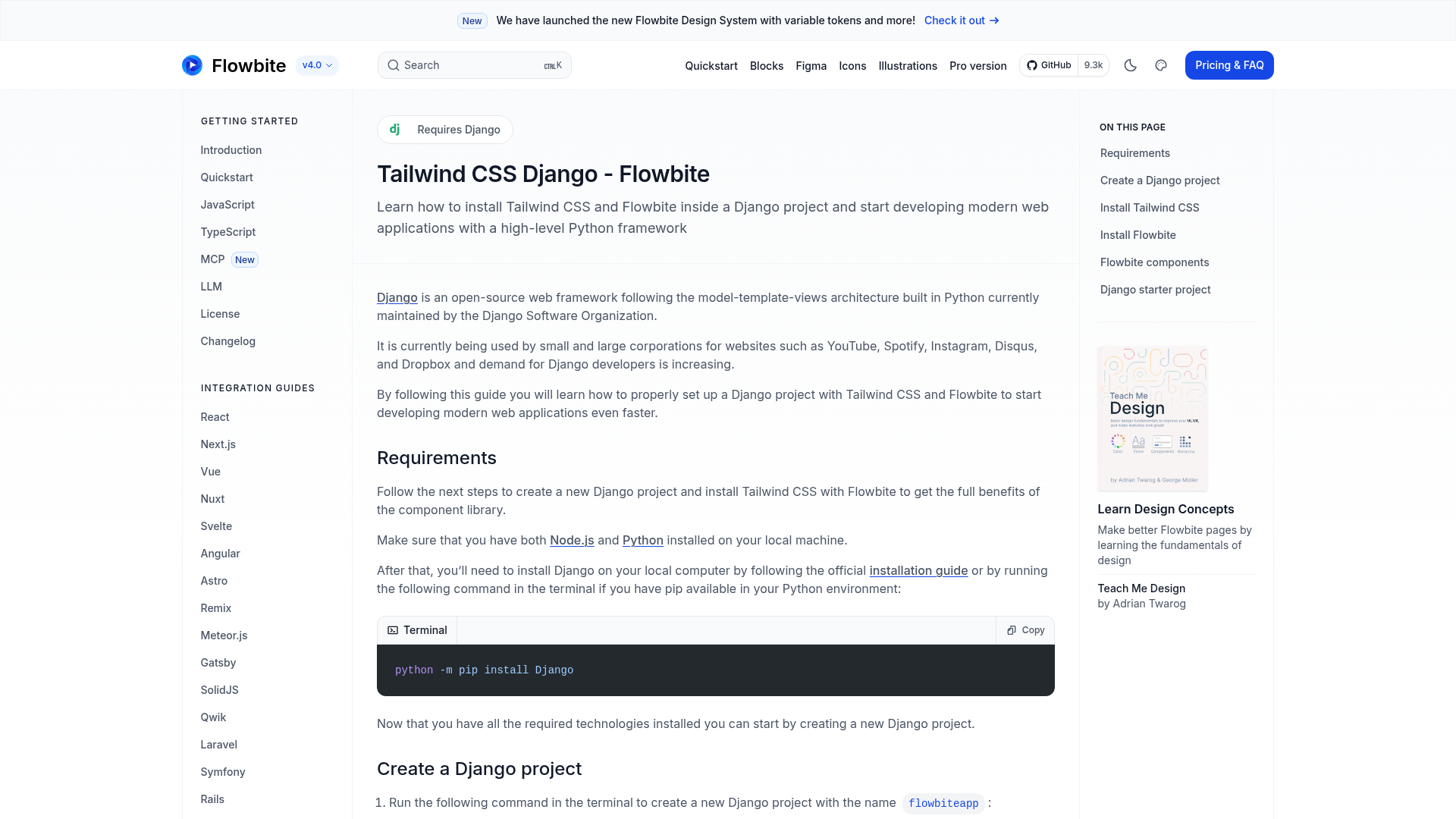
Tailwind React Components is a boilerplate and component-library template for building React applications with Tailwind CSS, powered by Next.js. The repository is the official source behind the Tailwind CSS documentation website and is described in its metadata as "A React Components with Tailwind CSS. Easy Way To Start Your React App."
What is Tailwind React Components?
Tailwind React Components is a React component library and starter kit that uses Tailwind CSS for styling and Next.js as its framework. It provides a component-library structure, making it simple to start a React app without configuring the build pipeline manually. The repository is public on GitHub under the tailwindlabs organization and can be cloned, modified, and extended.
Key Features
- Next.js framework — The project runs on Next.js, providing React-based rendering, routing, and a
yarn devdevelopment server for local work. - Tailwind CSS styling — Every component is styled with Tailwind CSS utility classes, enabling rapid design changes without writing custom CSS.
- Component library organization — Code is arranged as a component-library, so components are reusable and distinct from page-level code.
- Official documentation source — The repository contains the code that powers the Tailwind CSS documentation, giving you a production-grade example of a Next.js and Tailwind site.
- Simple local setup — The README lists three commands (
git clone,yarn,yarn dev) to get the project running locally.
Who is it for?
- React developers who want a pre-configured setup with Tailwind CSS and can skip the initial configuration and begin building components immediately.
- Documentation maintainers who need a Next.js and Tailwind-based documentation site and can use this repository as a direct template.
- Tailwind learners who want to inspect the real codebase of the Tailwind CSS site to see utility class usage at scale in a production project.
What can you do with Tailwind React Components?
- Start a React app quickly: Clone the repository and use its component structure and Tailwind configuration as the foundation for a new application.
- Build a documentation site: Use the Next.js setup and layout patterns of the official Tailwind docs to publish your own technical documentation.
- Adapt the component library: Modify the existing components or add new ones, leveraging the organized component-library structure.
How does Tailwind React Components work?
The README outlines a straightforward local workflow: clone the repository with git clone https://github.com/tailwindlabs/tailwindcss.com.git, enter the project directory, install JavaScript dependencies with yarn, and launch the development server with yarn dev. This produces a live Next.js site running with Tailwind CSS.
Pros and cons
- Pros — Built on widely used tools (Next.js and Tailwind); official source from Tailwind Labs; minimal setup steps; public GitHub repository.
- Cons — The repository is specifically the Tailwind CSS documentation site, so you may need to remove Tailwind-specific content before reusing it for a different project.
FAQ
Is Tailwind React Components free?
The repository is publicly available on GitHub under the Tailwind Labs organization, so you can clone and use it without upfront payment. No license details are mentioned in the README, so check the repository license file before commercial use.
What stack does it use?
It uses Next.js as the React framework and Tailwind CSS for styling. The README instructs installing dependencies with Yarn, and the development server is started with the yarn dev command.
Can I use this as a base for my own React app?
Yes, the project metadata describes it as an easy way to start a React app. The component-library structure and Tailwind styling are reusable, though the repository is tailored to the Tailwind CSS documentation, so you will likely need to customize content and components.
How do I run the project locally?
Clone the repository, install dependencies with Yarn, and run the development server using yarn dev. The README documents only the development workflow and does not include production build commands.
Where is the source code hosted?
The source is on GitHub at https://github.com/tailwindlabs/tailwindcss.com, under the tailwindlabs organization. The README uses this URL for cloning.