Template details
Next.js MUI TypeScript Starter
Battery-packed Next.js 15, React 19, MUI 6, TypeScript starter with React Hook Form, ESLint, Husky, and CI.
About this template
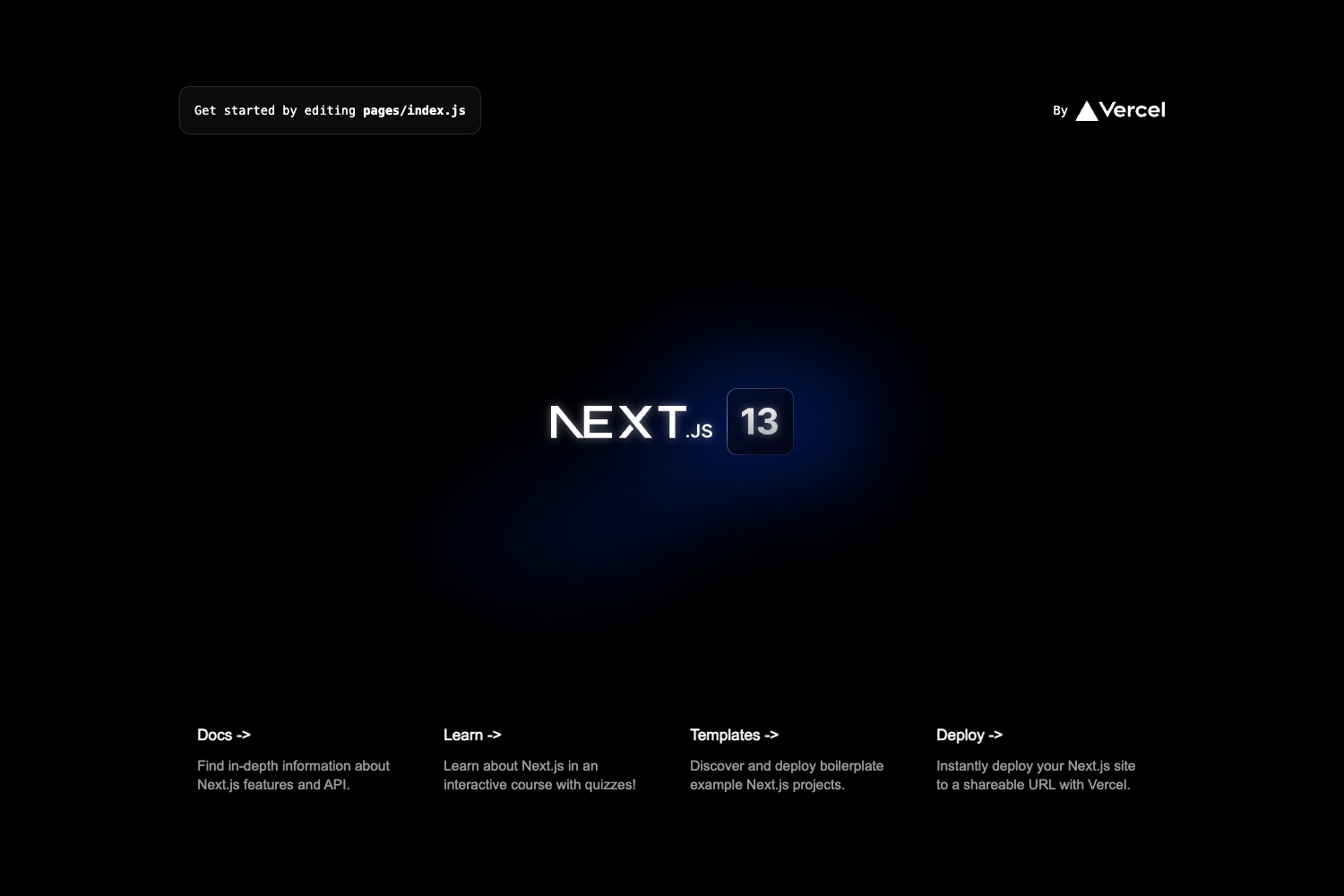
The Next.js 15 + MUI 6 TypeScript Starter is an open-source boilerplate for building production-ready web applications with the Next.js App Router, React 19, Material UI 6, and TypeScript, and it bundles development tooling such as React Hook Form, Husky, ESLint, and GitHub Actions. The MIT-licensed repository, nextjs-materia-mui-typescript-hook-form-scaffold-boilerplate-starter, was created by AlexStack and can be installed with git clone or npx create-next-app -e, with one-click deployment to Vercel.
What is the Next.js 15 + MUI 6 TypeScript Starter?
The starter is a pre-configured Next.js application scaffold that takes an empty project and produces a working app with example pages, a defined folder structure, and complete development workflows. It runs in a Node.js environment with Yarn, and it includes two version branches: react19-nextjs15 (React 19, Next.js 15, MUI 6) and nextjs14 (React 18, Next.js 14, MUI 5). The repository serves as both a boilerplate for new projects and a learning reference for App Router, MUI SSR, and React Hook Form patterns.
Key Features
- Next.js 15 App Router — Uses the
appdirectory with server components, special files likepage.tsx, and built-in API routes; example API endpoints are included. - Material UI 6 — MUI components are pre-configured with server-side rendering (SSR), styled components, and showcased in examples such as AlertBar, confirmation dialog, and loading button.
- React Hook Form + Zod — Includes a form example with schema-based validation, simplifying client-side form state management in TypeScript.
- TypeScript and Absolute Imports — All source files are typed, and the
@/path alias lets you import components without relative paths. - Husky + Lint Staged + Conventional Commits — Git hooks format and lint staged files; commitlint enforces conventional commit messages.
- ESLint and Prettier — ESLint is configured with import auto-sorting, while Prettier formats code consistently.
- CI with GitHub Actions — A workflow lints code on pull requests, and a Release Please workflow auto-generates changelogs and release notes.
- SEO and Sitemap — Includes an Open Graph helper function and automatic generation of
sitemap.xml.
Who is it for?
Developers and teams who want a ready-to-run Next.js + MUI project without setting up tooling from scratch will find this starter useful for a range of roles.
- Next.js developers starting a new MUI-based app get a working base instead of a default
create-next-appproject. - Product teams can adopt pre-configured linting, formatting, commit conventions, and release automation before the first commit.
- Learners can study the included examples of client components, React Context updates, and fetching remote APIs to understand App Router patterns.
- Freelancers and agencies can use the one-click Vercel deploy to spin up client demos quickly.
What can you do with the starter?
You can use the starter to accelerate a variety of web development tasks, from landing pages to form-heavy applications.
- Launch a landing page: Deploy the default app to Vercel and customize the MUI components, title, and URLs by following the
!STARTERCONFcomments in the code. - Build a form-heavy app: Use the provided React Hook Form + Zod example to handle validation and submission in TypeScript.
- Set up release management: Enable the Release Please GitHub Action to auto-generate a changelog and versioned releases.
- Create error pages: Use the included 404 and 500 error page examples as a base for your own error handling.
How does the starter work?
Clone the repository (or run npx create-next-app -e with the repository URL), install dependencies with yarn install, then start the development server with yarn dev. The README provides a one-line clone command that also installs dependencies and runs the server on port 3005. After setup, search for !STARTERCONF comments to change default metadata, URLs, and favicons.
FAQ
Is the starter free?
Yes, the project is MIT-licensed, so you can use it freely for personal or commercial projects.
What versions does the main branch support?
The default branch tracks React 19, Next.js 15, and Material UI 6. A separate nextjs14 branch provides React 18, Next.js 14, and MUI 5 for projects that need the older stack.
How do I install dependencies?
The README recommends using Yarn because Husky hooks work correctly with it. Run yarn install after cloning or scaffolding the project.
How do I change site metadata?
Find every comment containing !STARTERCONF in the source and update the title, URL, favicon, and Open Graph settings. The package name in package.json should also be changed.
Can I list my project as a user of this starter?
Yes, the README invites users to add their site (and repo) to the "Projects using this starter" list via a pull request.