Template details
Password-Protected Website Template
Template to create and host a simple password-protected website with Github Pages.
About this template
Password-Protected Website Template is a GitHub template repository that creates a static, password-protected single-page website hosted on GitHub Pages, using StatiCrypt encryption applied by a GitHub Actions workflow.
What is the Password-Protected Website Template?
The Password-Protected Website Template is a GitHub template repository that makes it easy to create and host a simple password-protected web page on GitHub Pages. It takes a normal HTML file (main.html) as input and produces an encrypted index.html that is deployed automatically; visitors must enter the password you define to view the decrypted content. The repository, which has 62 stars on GitHub, is built around StatiCrypt for client-side encryption, Bootstrap 4 for the default styling, and a GitHub Actions workflow adapted from staticrypt-github-actions.
Key Features
- One-click GitHub template setup — Click the
Use this templatebutton to create your own repository; the resulting site is served at a URL based on your GitHub account and repository name (for example, ACCOUNT.github.io/REPOSITORY). - Password protection via StatiCrypt — The login page and page content are encrypted/decrypted entirely in the browser; the password is stored as a GitHub Actions secret named
DECRYPTION_PASSPHRASE. - Automated encryption with GitHub Actions — The
encrypt_with_assets.ymlworkflow runs on every push, encryptsindex.html, and deploys the result to GitHub Pages from themainbranch. - Customizable login page — You can adjust the workflow's
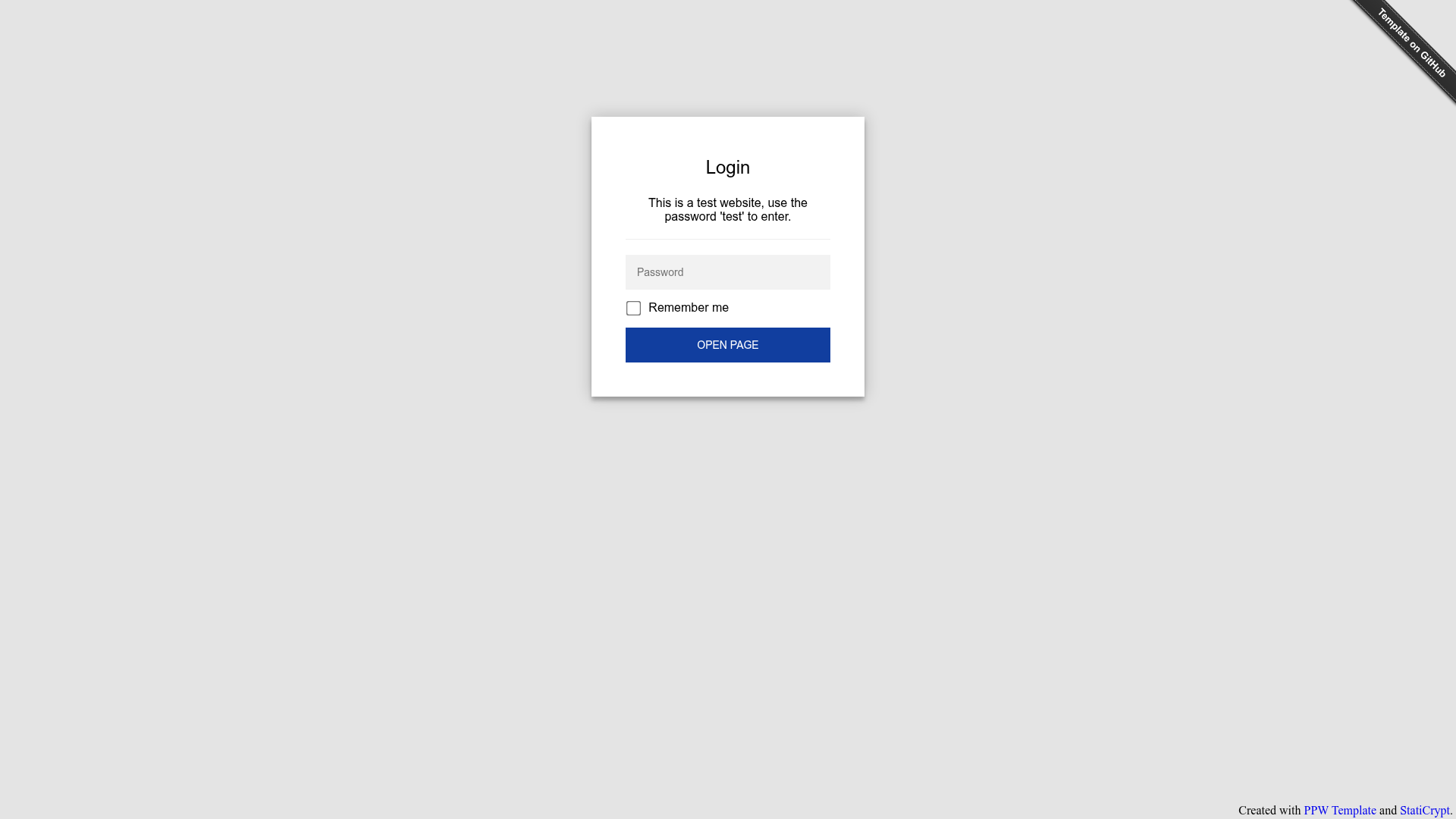
Encrypt indexstep to set the login page title, instructions, button text, and primary/secondary colors, all passed as StatiCrypt template options. - Asset encryption on by default — Directly linked images, CSS, and JavaScript files are replaced with inline base64 representations in the encrypted HTML; you can disable this by renaming the workflow files as described in the README.
- Local Docker encryption — Because the page can be converted locally with
docker buildanddocker run, you can generate the encrypted file yourself and upload only the resultingindex.html. - Bootstrap 4 cover layout — The initial page uses Bootstrap's Cover example, giving a clean, centered single-page design that you can fully replace.
Who is it for?
- Event hosts (weddings, birthdays, parties) — Publish a private invitation page with event details and gate it with a password, as shown in the demo protected by the password
test. - Corporate event organizers — Share internal meeting notes, event logistics, or announcements with a chosen audience instead of making them publicly crawlable on a normal website.
- Personal users — Protect a simple personal page or private note without standing up a server; everything is served statically from GitHub Pages.
What can you do with it?
- Private event invitation: Create a wedding or birthday page that only invited guests can access after entering the password you distribute separately.
- Internal corporate page: Host a password-protected page for a company event or internal announcement using only GitHub Pages and a GitHub secret.
- Learning and experimentation: Explore StatiCrypt's static HTML encryption and GitHub Actions secrets by customizing the workflow, because the README documents every configuration option.
How does it work?
- Create a repository from the template, preferably set to private so the original HTML is not publicly visible.
- Add a GitHub secret named
DECRYPTION_PASSPHRASEcontaining your desired password; the first workflow run will fail until you add it. - Edit
main.htmlwith your own content and adjust the login page parameters in the workflow file if needed. - The GitHub Actions workflow encrypts
main.htmlintoindex.htmland deploys it to GitHub Pages; visitors must enter the password to see the decrypted page.
FAQ
Is the template free?
Yes. The template is public on GitHub and free to use. All core dependencies — StatiCrypt, Bootstrap, the GitHub Actions workflow, and supporting utilities — are released under MIT licenses, so you can use and modify them without licensing fees.
What password should I use for the demo?
The demo page at https://a-nau.github.io/password-protected-website-template uses the plaintext password test. Enter test on the login page to view the example content and experience the encryption flow.
Does it work with GitHub Pages?
Yes. The repository is specifically designed for GitHub Pages. You set the publishing source to the main branch, and the included workflow deploys the encrypted index.html to your account's GitHub Pages URL. No separate web hosting is required.
Can I protect assets like images and CSS?
Yes, by default the encrypt_with_assets.yml workflow inlines directly linked images, CSS, and JavaScript files as base64 into the HTML document. If you prefer to keep assets as separate files, you can switch to the encrypt_without_assets workflow by renaming the workflow files as described in the README.
Is the password protection bulletproof?
The author explicitly disclaims any guarantee of security, noting that they or the dependencies might have missed something. The README advises against sharing bank information or similarly sensitive data through this template, so treat it as convenient obfuscation rather than a high-security solution.