Template details
Responsive Header Template
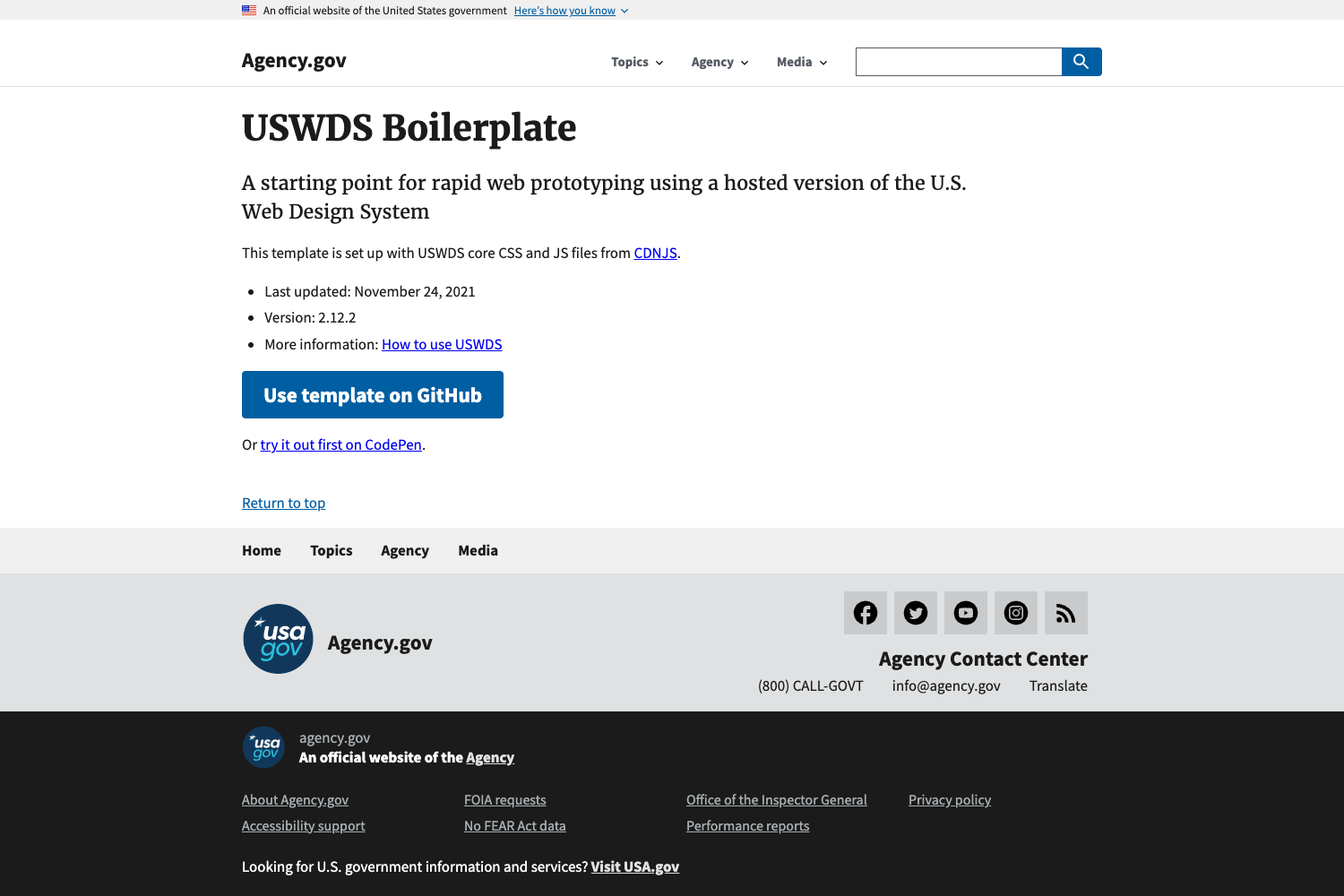
Free and open-source Tailwind CSS starter template with a toggle-button responsive header.
About this template
Responsive Header Template is an open-source, single-file HTML starter template from Tailwind Toolbox that provides a toggle-button responsive header built on the Tailwind CSS framework.
What is the Responsive Header Template?
The Responsive Header Template is a free, open-source starter template that gives you a ready-to-use responsive header with a mobile toggle button, built entirely with Tailwind CSS utility classes. It takes a single HTML file as its input and outputs a working header that adapts from desktop navigation to a hamburger menu on smaller screens. The template runs in any modern web browser without a build step, and is created and maintained by Tailwind Toolbox, founded by Amrit Nagi, co-owner of Astrava.Solutions.
Key Features
- Single-file HTML — The entire template is one HTML file that loads Tailwind CSS from a CDN, so there is no npm install, build process, or package configuration required.
- Responsive toggle navigation — The header collapses into a menu toggle button on mobile viewports, a standard pattern for mobile-first websites.
- MIT licensed — Code is released under the MIT license, allowing free personal and commercial use with no attribution required.
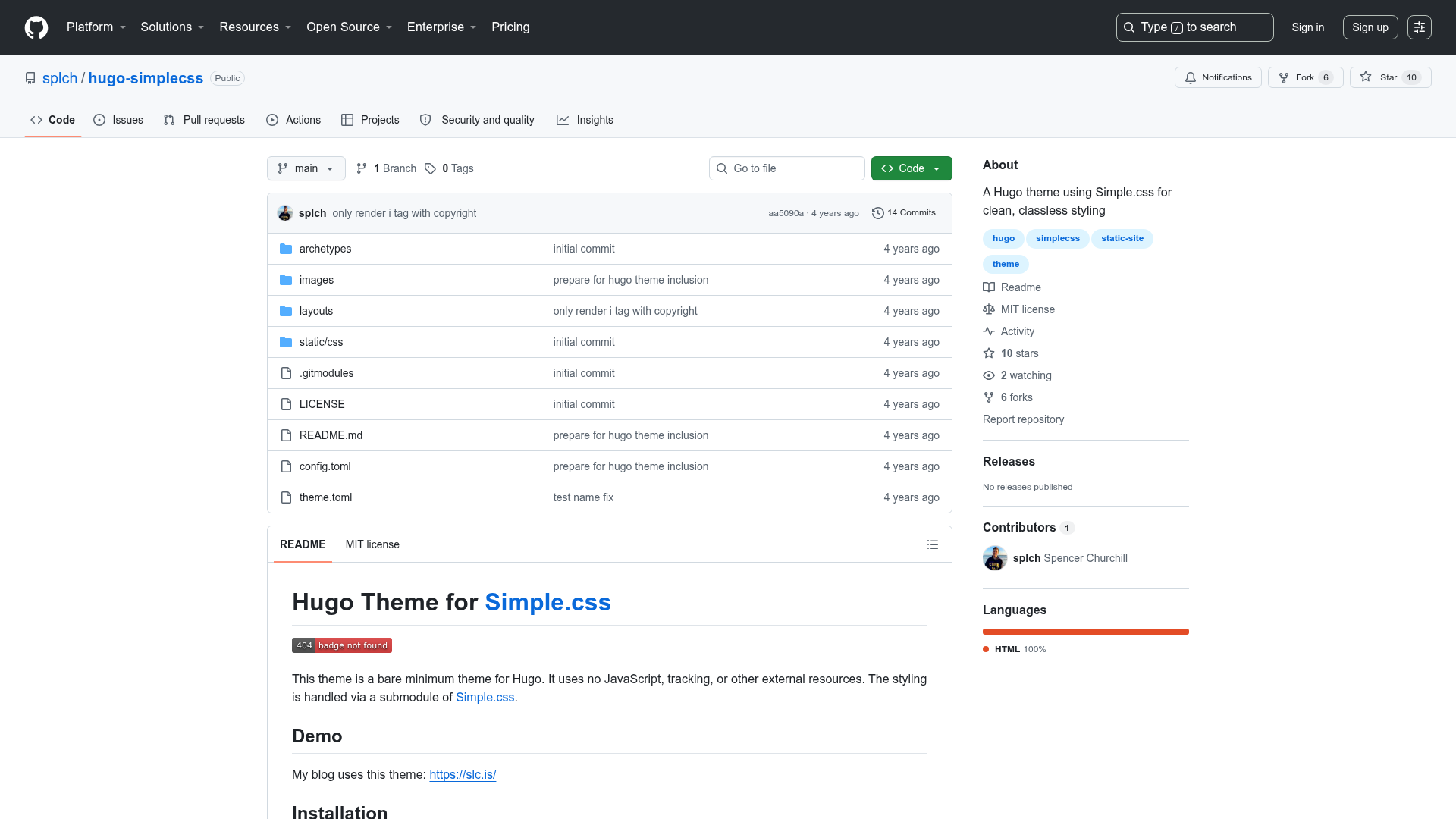
- GitHub distribution — Download the latest release as a ZIP, clone with git, or fork the repository on GitHub to start from an existing codebase.
- Creator support — Maintained by Tailwind Toolbox with an active GitHub issue tracker for reporting bugs and suggesting improvements.
- Tailwind CSS foundation — Built on the Tailwind CSS utility framework created by Adam Wathan, Jonathan Reinink, David Hemphill, and Steve Schoger, so all styling uses utility classes.
- Starter template focus — Designed as a starting point; Tailwind Toolbox provides a setup guide for customizing Tailwind beyond the CDN defaults.
Who is it for?
- Web developers who want a quick, clean responsive header to drop into a project without writing custom CSS from scratch.
- Tailwind CSS learners who want a minimal, readable example of responsive navigation classes to study and modify.
- Prototypers who need to stand up a mobile-friendly site header in minutes and iterate on content rather than styling.
- Open-source contributors who can fork the repository and adapt it under the permissive MIT license for their own projects.
What can you do with it?
- Rapid prototyping: Download the ZIP, open the HTML file in a browser, and edit the markup directly to see header changes instantly.
- Learning responsive design: Inspect how Tailwind's responsive prefixes and the toggle button script work together to show and hide the mobile menu.
- Project bootstrapping: Fork the GitHub repo and build an entire site around the provided header, adding your own pages and components while keeping the navigation behavior.
- Customizing with a setup guide: Follow Tailwind Toolbox's setup guide to move from the CDN version to a fully configured local Tailwind environment.
How does it work?
The template works as a plain HTML file: download the release, clone the repo, or fork it on GitHub, then open the file in a browser. Tailwind CSS is loaded entirely from a CDN, so no compilation is needed. To go beyond the default styling, Tailwind Toolbox's setup guide explains how to set up a local Tailwind build for full configuration.
Pricing
The template is free to download and use, released under the MIT license. There are no paid tiers—you can use it in commercial and personal projects without restriction.
FAQ
Is the Responsive Header Template free?
Yes, the template is open source and released under the MIT license, which means it is free for personal and commercial use with no licensing fees.
Do I need Node.js or a build tool to use it?
No. The template is a single HTML file that loads Tailwind CSS from a CDN, so you can run it by just opening the file in a browser. No build tools or package managers are required for the basic template.
How do I customize the header's design?
The header uses Tailwind utility classes directly for all styling. To change colors, spacing, or breakpoints, edit the class attributes in the HTML. For deeper customization, follow the setup guide on Tailwind Toolbox to install Tailwind locally and adjust its configuration file.
Can I use this template in a commercial project?
Yes, the MIT license permits commercial use without royalties, attribution, or additional permissions. You can use it in paid products and client work.
Who created the template?
The template was created by Tailwind Toolbox and is maintained by Amrit Nagi, co-owner of Astrava.Solutions. The underlying Tailwind CSS framework was created by Adam Wathan, Jonathan Reinink, David Hemphill, and Steve Schoger.