Template details
Next.js Portfolio
A modern, animated portfolio website built with Next.js 15, TypeScript, Tailwind CSS, and Framer Motion.
About this template
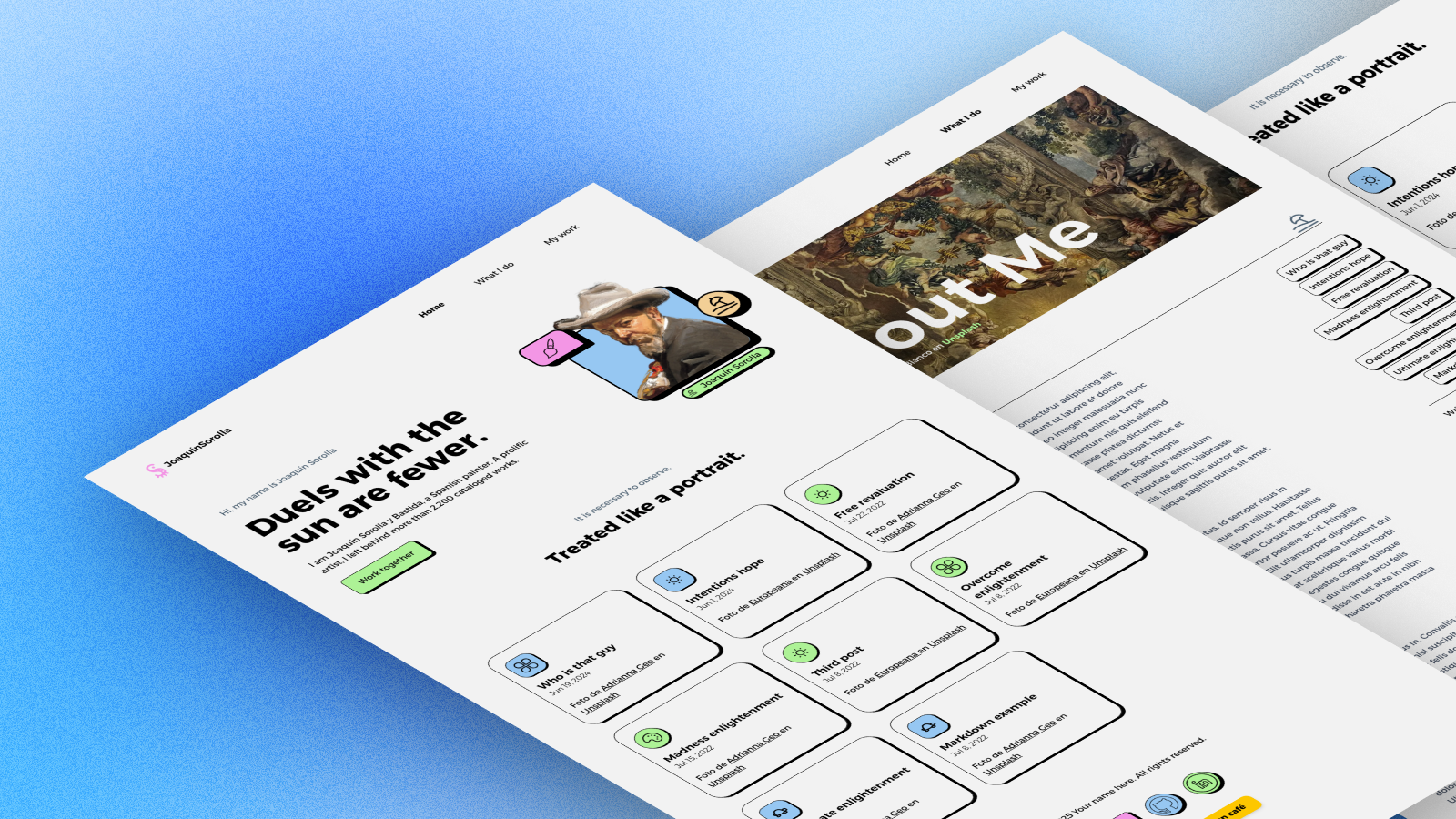
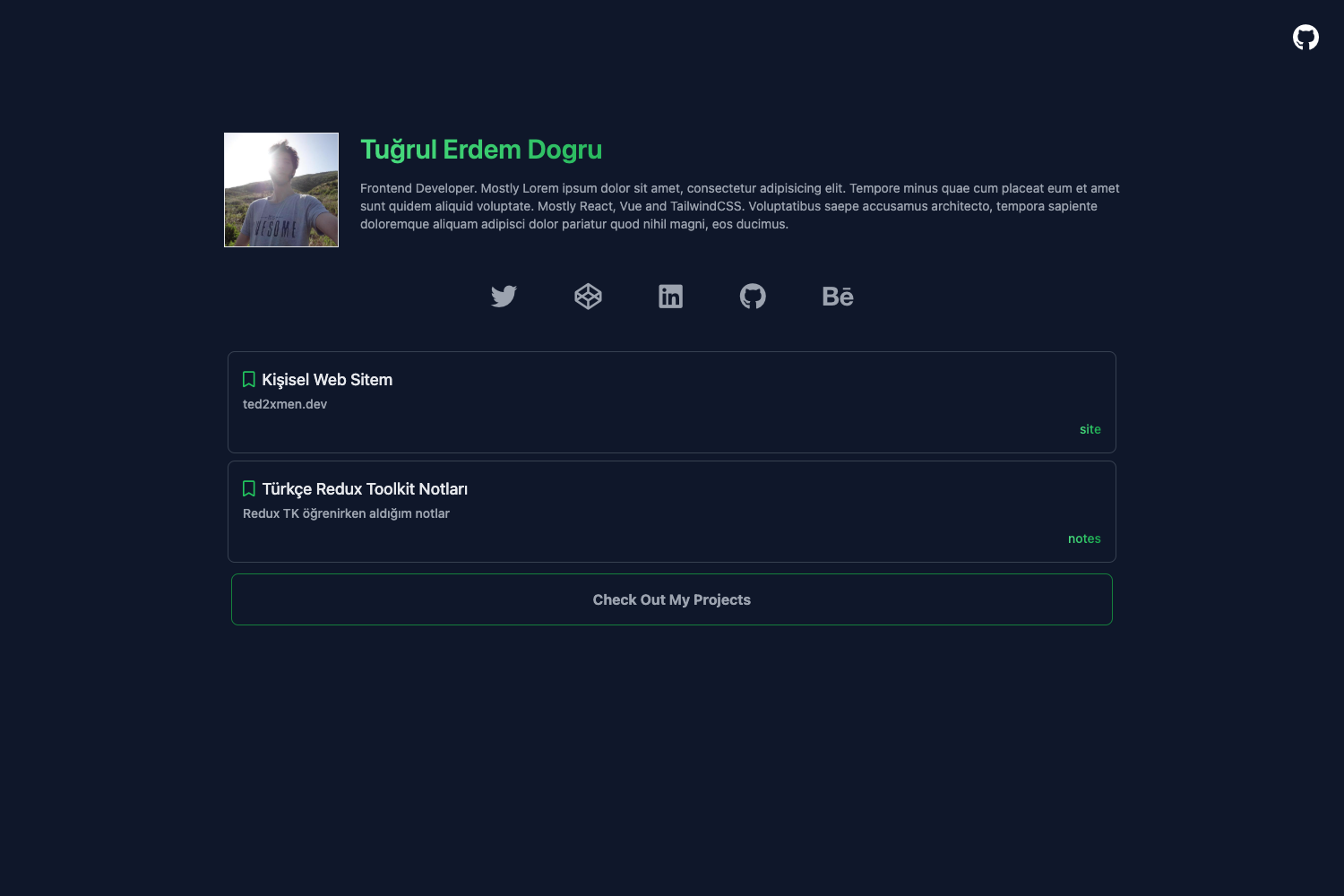
This open-source portfolio template, built with Next.js 15.3 and TypeScript, delivers a single-page personal website with animated hero, projects, skills, experience, and contact sections, styled with Tailwind CSS and Framer Motion.
What is this portfolio template?
This is a complete personal portfolio website template created by Muhammad Ramazan, distributed as an open-source project under the MIT license. It takes text content—name, about, projects, skills, experience, testimonials, and contact details—as inputs and renders a responsive, animated single-page site. The template runs on the Next.js App Router and includes PostHog analytics configuration out of the box, plus a public CV and certificate assets.
What makes this portfolio template stand out?
- Modern tech stack — Next.js 15.3 with App Router, React 18, TypeScript 5, Tailwind CSS for utility-first styling, and Framer Motion 11 for scroll-triggered and hover animations.
- Dark and light themes — A ThemeToggle component switches between themes using CSS custom properties, and the design includes glassmorphism, gradient text, and a custom gradient scrollbar.
- Animated background — Floating particles and gradient effects in an AnimatedBackground component create a dynamic hero section, alongside a TypewriterRole typing animation.
- Ten content sections — Hero, About, Projects, Skills (TechStack), Experience, Certifications, Testimonials, and Contact, plus Navigation and Footer components, give a full portfolio structure without a blog.
- PostHog analytics — A PostHogProvider and lib/posthog.ts wire up product analytics; you add your PostHog keys through environment variables.
- Responsive and SEO-ready — Mobile-first layout, touch-friendly interactions, and metadata in layout.tsx ensure the site looks good on all devices and is discoverable.
- Easy customization — Personal info is edited in src/app/page.tsx, projects in a projects array in ProjectsSection.tsx, skills in TechStackSection.tsx, and experience in ExperienceSection.tsx; colors are set in tailwind.config.js.
Who should use this portfolio template?
- Developers — set up a polished personal portfolio in minutes by cloning the repo, editing content arrays, and deploying to Vercel or any Node.js host.
- Freelancers and designers — showcase projects, certifications, and client testimonials with animated visual effects, without writing design code.
- Job seekers — present an experience timeline, skills, and a downloadable CV (public/CV.pdf is included) in a single-page layout that highlights achievements.
What can you do with this portfolio template?
- Launch a personal site: Clone the repository, run npm install, customize your name, projects, and contact info, then run npm run build and deploy.
- Build client credibility: Populate the Certifications and Testimonials sections with your credentials and client feedback to strengthen your professional profile.
- Study modern Next.js patterns: Explore a real codebase using the App Router, TypeScript, Tailwind configuration, and Framer Motion integration for animated UIs.
How does this portfolio template work?
The setup workflow is straightforward: clone the repository from GitHub, install dependencies with npm install or yarn install, and run npm run dev to start the development server at localhost:3000. For production, use npm run build followed by npm start. The README also provides npm run lint to run ESLint checks.
Pricing
This portfolio template is free to use. It is released under the MIT License, so you can use, modify, and distribute it for personal or commercial projects without paying a license fee.
FAQ
Is this portfolio template free?
Yes, the template is open source under the MIT License. You can download it from GitHub, customize it, and use it in as many projects as you like without cost.
What Node.js version do I need?
You need Node.js 18.0 or later. The project uses the Next.js App Router and modern JavaScript features that require a recent Node version, and you can install dependencies with either npm or yarn.
How do I add my own projects?
Open src/components/portfolio/ProjectsSection.tsx and edit the projects array. Each entry expects a title, description, image (emoji or URL), tech stack list, GitHub link, live link, and a gradient color class.
Does the template include analytics?
Yes, PostHog analytics is integrated via a PostHogProvider component and lib/posthog.ts. To activate it, add your PostHog project API key and host URL to the .env file, and the provider will capture events automatically.