Template details
SorollaPortfolio
Open-source Astro portfolio template with a Markdown blog, Tailwind CSS styling, and Cloudflare Pages deployment.
About this template
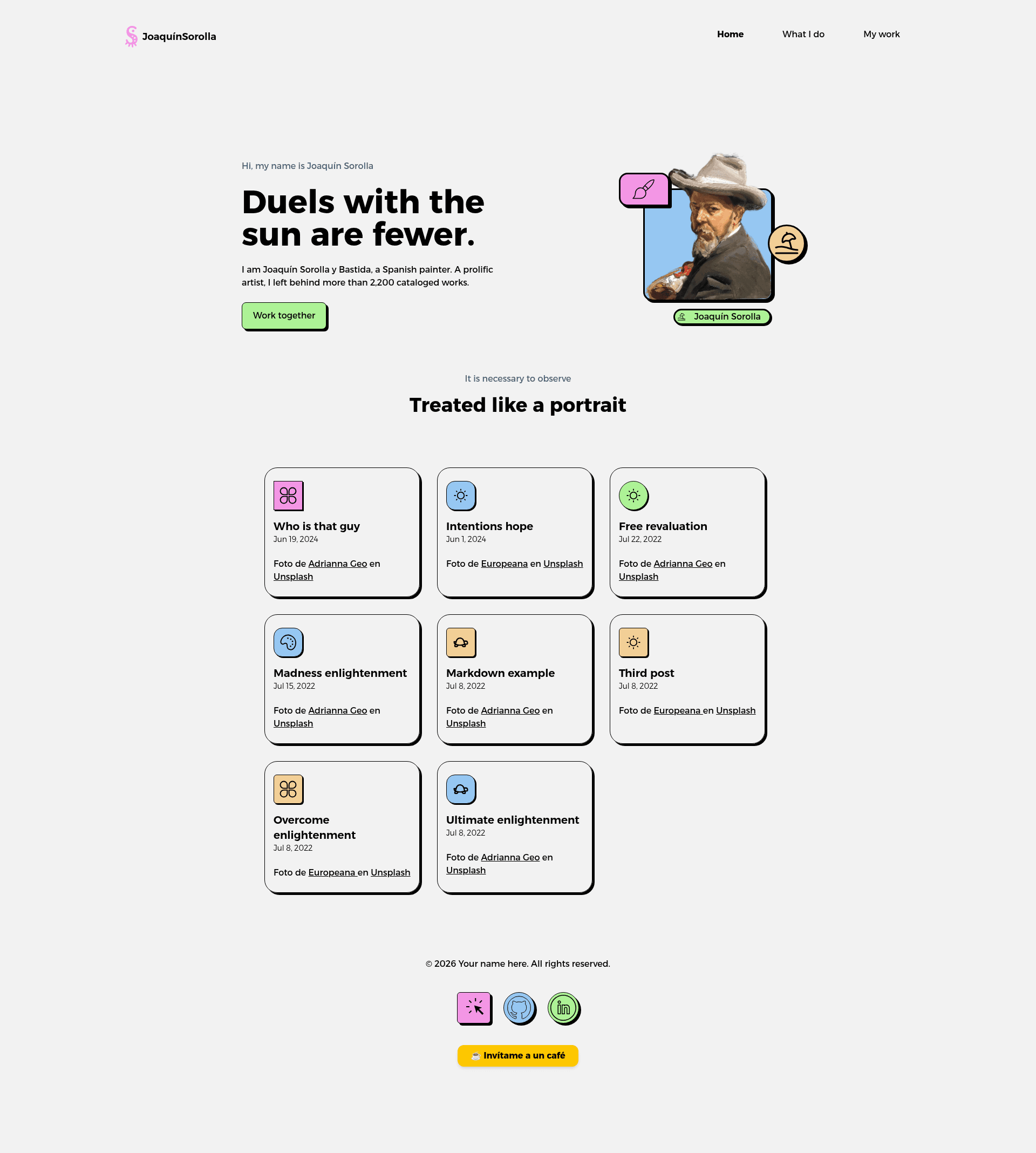
SorollaPortfolio is an open-source personal portfolio template for Astro that pairs a block-based homepage with a Markdown-driven blog, styled with Tailwind CSS and written in TypeScript.
What is SorollaPortfolio?
SorollaPortfolio is an Astro static-site template for personal portfolios that takes Markdown blog posts and project content as input and produces a multi-page site with a home page, about page, blog index, individual post pages, and an RSS feed as output. It runs on Astro's build pipeline, is published by jramma under an MIT license, and has a live demo deployed at sorolla.casset.cat as well as a listing on the official Astro themes directory.
Key Features
SorollaPortfolio's feature set maps directly onto the repository structure, which the README documents folder by folder.
- Astro framework — Static site generation from .astro component files in src/pages, configured through astro.config.mjs.
- Tailwind CSS styling — Utility-first CSS configured in tailwind.config.mjs, with global styles in src/styles/global.css and a separate hamburgers.css for the mobile menu.
- Markdown blog — Blog posts live in src/content/blog as Markdown files and are managed through Astro content collections configured in content.config.ts.
- Dynamic post routing — Individual posts render through a dynamic route at blog/[...slug].astro, which maps URL slugs to Markdown entries.
- RSS feed — An rss.xml.js page emits a machine-readable feed that mirrors the blog content.
- Reusable components — Seven Astro components ship in src/components: BaseHead, Footer, FormattedDate, Header, HeaderLink, Hero, and WhatIDo.
- SVG icon set — src/icons includes GitHub, LinkedIn, beach, paint, and web SVG glyphs for social links and section graphics.
- TypeScript configuration — Typed setup through tsconfig.json and a typed content.config.ts schema.
Who is it for?
Independent developers — launch a personal portfolio that displays work, skills, and projects without building site infrastructure from scratch.
Designers who blog — publish Markdown posts alongside portfolio content; the FormattedDate component renders publication dates automatically.
Astro learners — study a compact, real-world Astro project covering content collections, dynamic routes, layouts, and RSS generation.
What can you do with SorollaPortfolio?
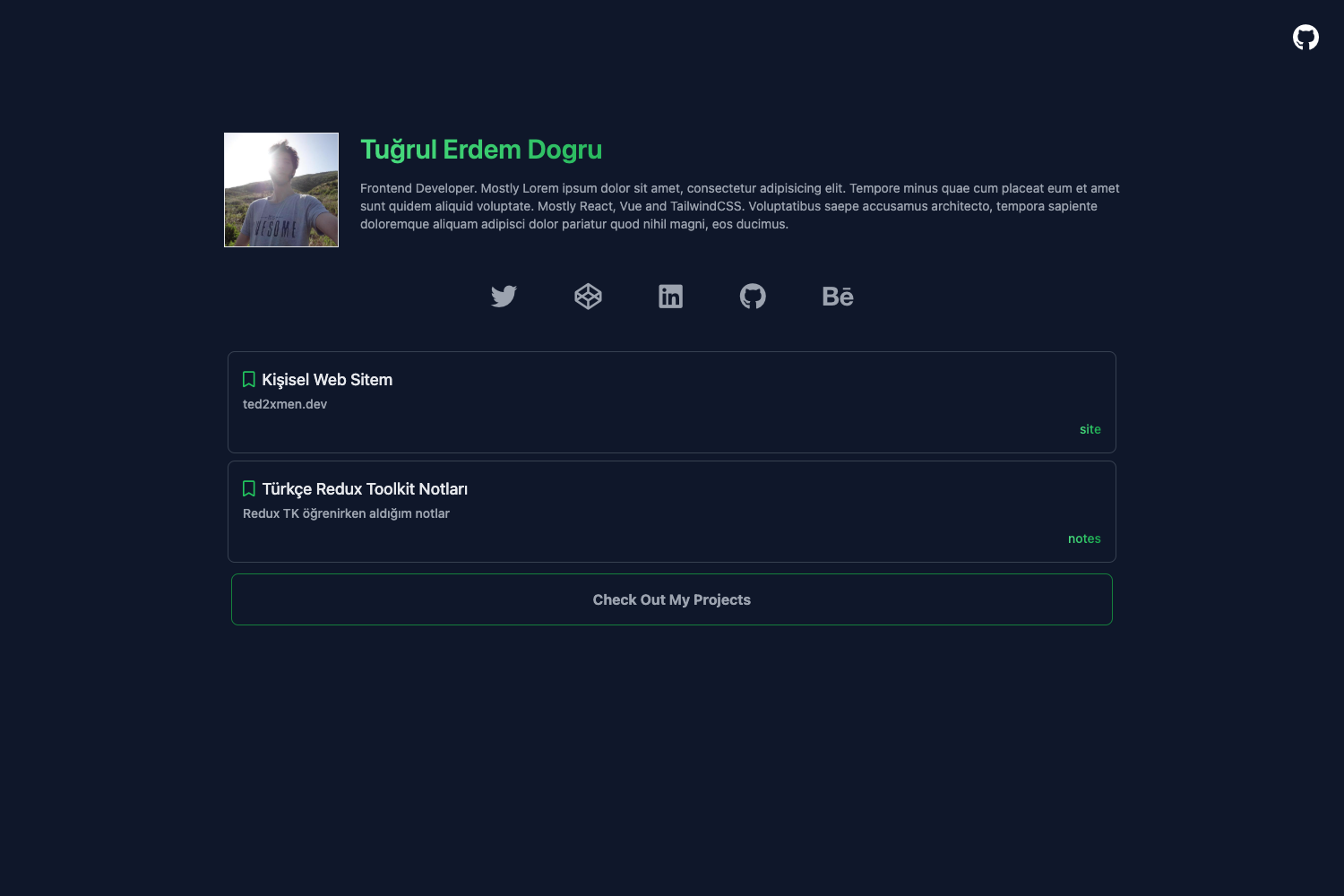
Portfolio owners: deploy the site and share the home page, which presents a Hero block and a WhatIDo section that summarize the author's work at a glance.
Bloggers: drop new Markdown files into src/content/blog, and the blog index, dynamic post route, and RSS feed all pick them up on the next build.
Cloudflare Pages users: deploy with two commands — pnpm run build, then npx wrangler pages deploy dist with a chosen project name.
How does SorollaPortfolio work?
The template runs locally with pnpm: clone the GitHub repository, run pnpm install, then pnpm run dev to serve the site at localhost:4321. A production build with pnpm run build outputs a static dist folder that can be deployed to Cloudflare Pages or any static host.
FAQ
Is SorollaPortfolio free?
Yes. The project is released under the MIT License, so it is free to use, modify, and redistribute, including for commercial personal sites.
What technologies does SorollaPortfolio use?
It uses Astro as the static site builder, Tailwind CSS for utility-first styling, and TypeScript for typed configuration and content-collection schemas. Package management is handled with pnpm.
Does SorollaPortfolio include a blog?
Yes. Blog posts are stored as Markdown files in src/content/blog, rendered through a dynamic slug route, listed on a blog index page, and exposed through an automatically generated RSS feed.
How do I deploy SorollaPortfolio?
Run pnpm install and pnpm run build locally, then upload the dist directory to any static host. The README documents deploying to Cloudflare Pages with npx wrangler pages deploy dist --project-name=sorolla.
Where can I see a live version of SorollaPortfolio?
A live deployment is available at sorolla.casset.cat, and the template is listed on the official Astro themes directory at astro.build/themes/details/sorollaportfolio.