Template details
Next.js Portfolio Template
A starter portfolio website built with Next.js, featuring the App Router, Geist font optimization, and Vercel deployment.
About this template
Next.js Portfolio Template is a portfolio website starter built on Next.js, bootstrapped with create-next-app, and designed to serve as a personal portfolio site. It provides a minimal App Router structure with a single editable page at app/page.tsx, automatic font optimization via next/font, and one-click deployment through the Vercel Platform.
What is the Next.js Portfolio Template?
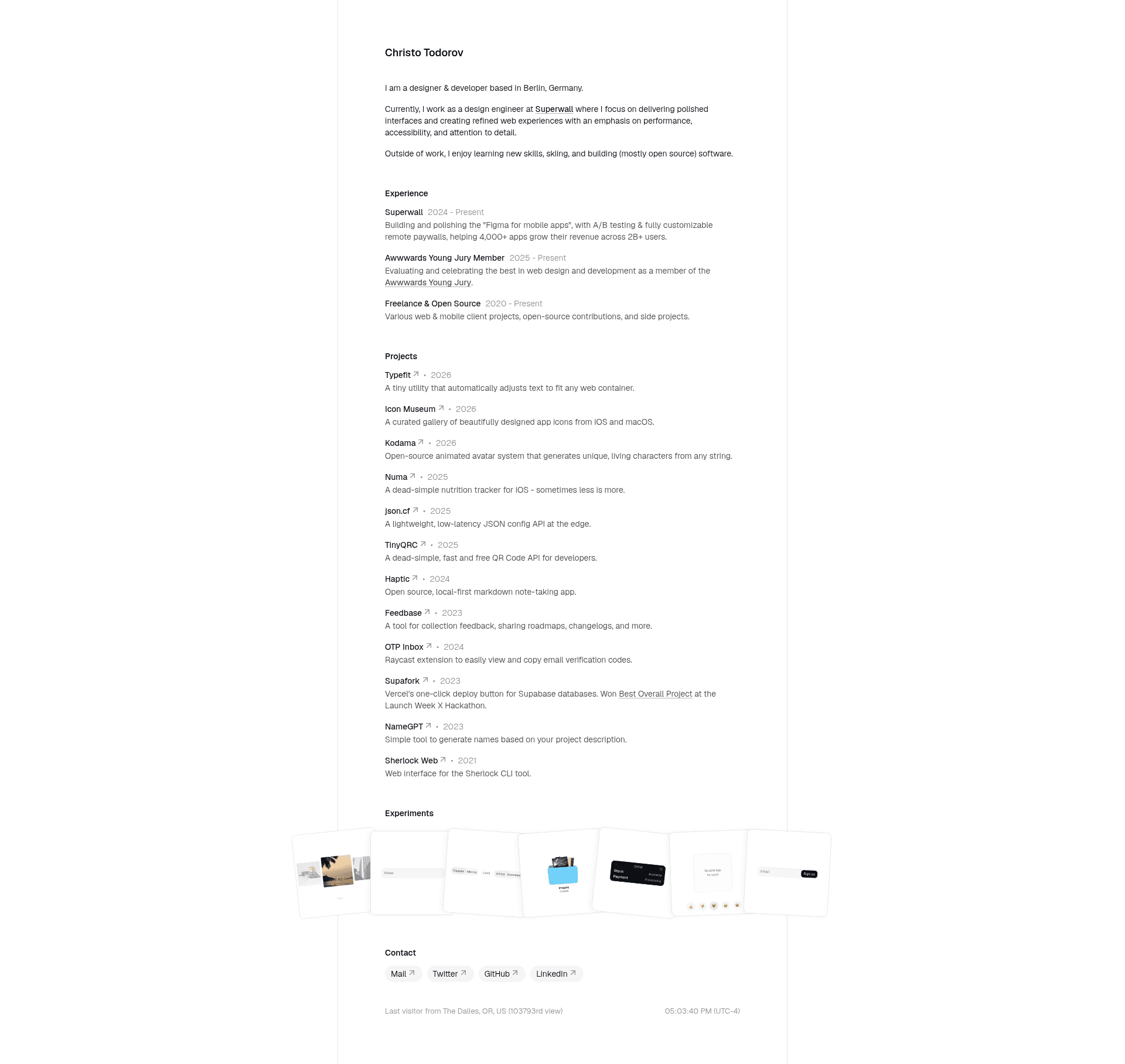
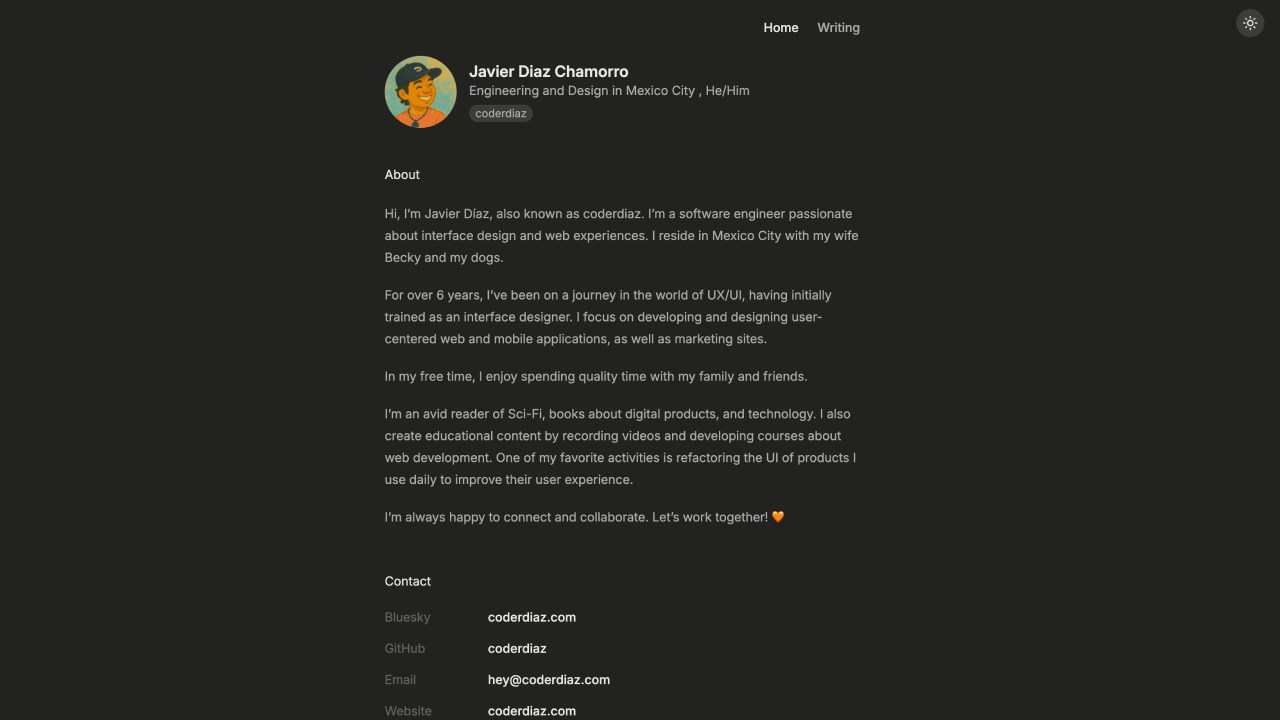
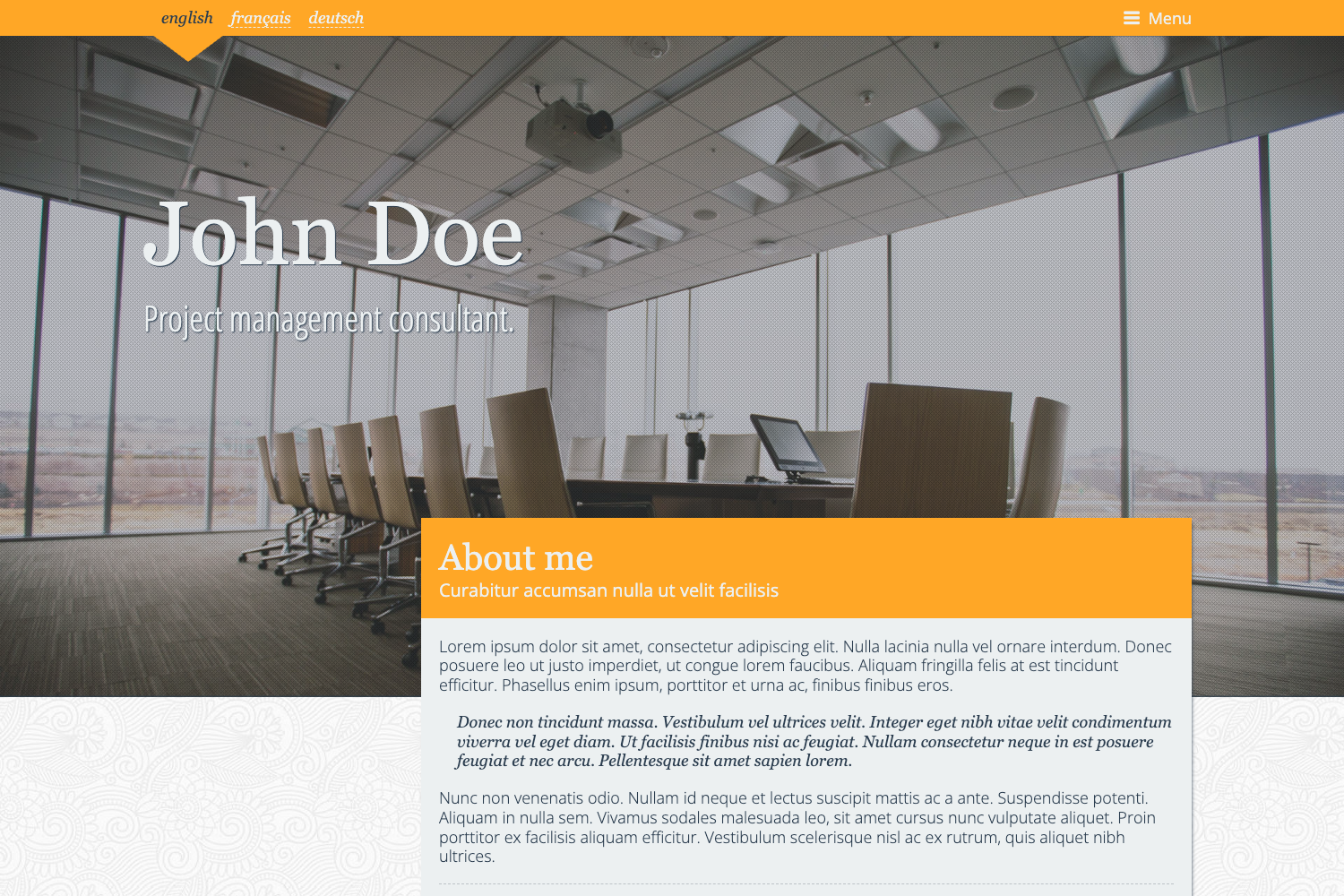
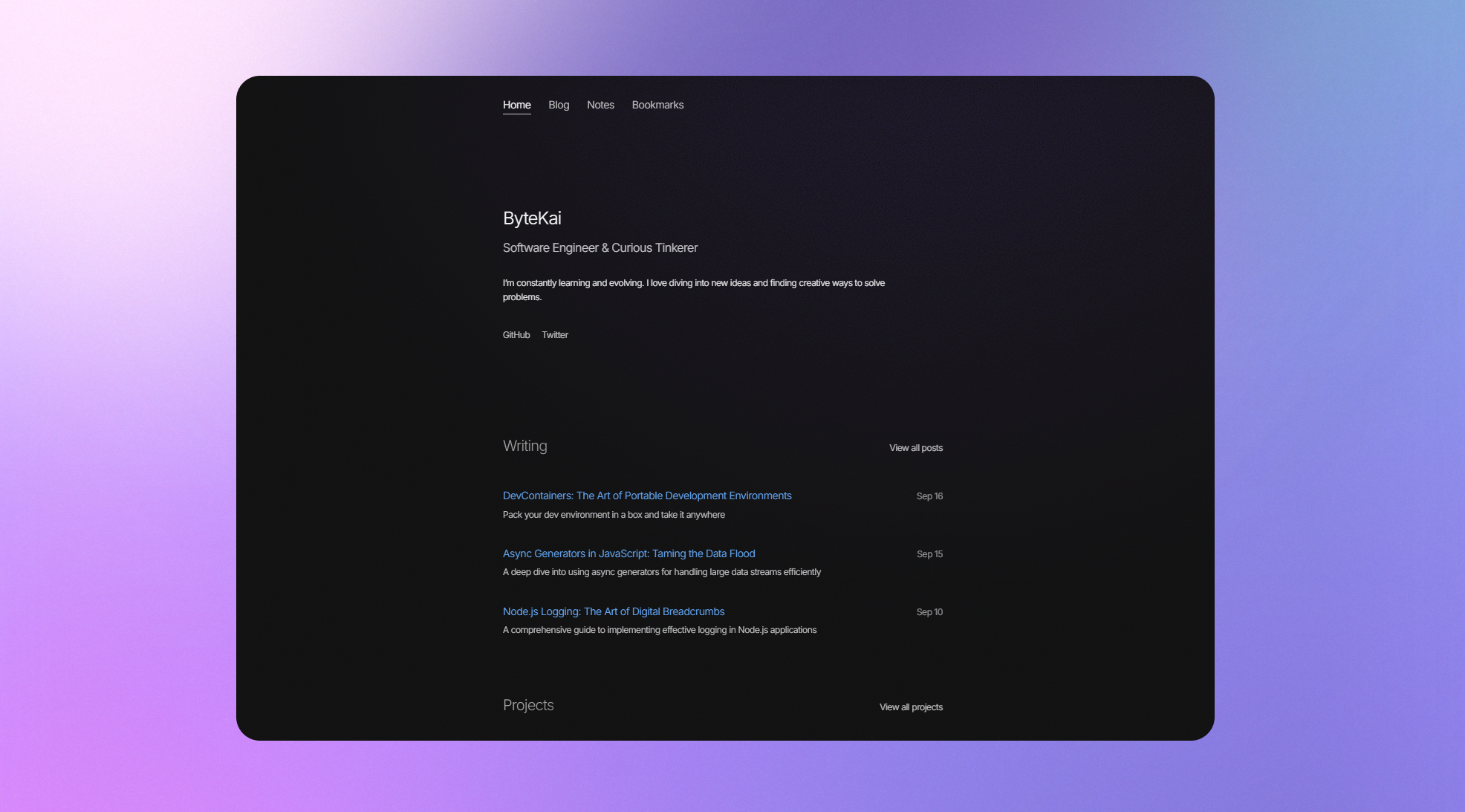
This is a portfolio website template created from the official create-next-app boilerplate. It takes a Next.js project scaffold as its base and produces a deployable personal website with a default welcome page. The template runs on any Node.js environment that supports Next.js and is optimized for deployment on Vercel, the platform from the creators of Next.js. The repository metadata describes it as a personal portfolio website, so the intended end result is a simple portfolio page that you customize with your own content.
Key Features
- Next.js App Router — The site uses the App Router convention, with app/page.tsx as the main entry point for editing page content.
- next/font integration — The project loads the Geist font family from Vercel automatically, with optimization handled by next/font.
- Hot reload — When you edit app/page.tsx, the browser page updates automatically, allowing immediate feedback during development.
- Four package managers — The development server can be started with npm, yarn, pnpm, or bun, giving you flexibility in your toolchain.
- Vercel deployment — The README links directly to the Vercel Platform for the easiest deployment path, plus official Next.js deployment documentation.
- Portfolio-oriented scaffold — The repository is tagged as a portfolio website template, making it a starting point for a personal site without extra UI libraries or CMS integrations.
Who is it for?
It is for developers and designers who want to create a personal portfolio website with minimal dependencies. Web developers can use it to quickly scaffold a Next.js site and then build out custom sections. Freelancers and job seekers can deploy it to Vercel to have a live portfolio within minutes. It also suits learners who want to understand the Next.js App Router structure by modifying a small, readable codebase.
What can you do with it?
- Establish a personal site — Replace the default content in app/page.tsx with your name, bio, and project links to create a live portfolio.
- Deploy instantly — Push the project to Vercel using the provided deploy link to get a public URL without configuring servers.
- Experiment with Next.js features — Because the base is the official create-next-app template, you can confidently add routes, components, and API handlers as you learn.
How does the template work?
Running npm run dev (or yarn, pnpm, bun) starts the development server at http://localhost:3000. The main file app/page.tsx controls what renders on the home page, and edits appear instantly. Once ready, deploying to Vercel connects the Git repository and produces a production build.
FAQ
How do I start the development server?
Run npm run dev, yarn dev, pnpm dev, or bun dev in the project directory. Then open http://localhost:3000 to view the site. The server will reload automatically when you edit source files.
How do I deploy this portfolio to Vercel?
The README includes a link to the Vercel Platform with a pre-filled create-next-app setup. Clicking it imports the project, and Vercel builds and deploys it to a live URL. The official Next.js deployment documentation is also linked for more control.
Can I change the font?
Yes, next/font is used to load Geist. You can modify the font configuration in the project to load other fonts, since next/font supports Google Fonts and local fonts as well.