Template details
Next.js Redis Session Store
Next.js template using Redis as a session store with NextAuth.js, supporting GitHub and Discord authentication.
About this template
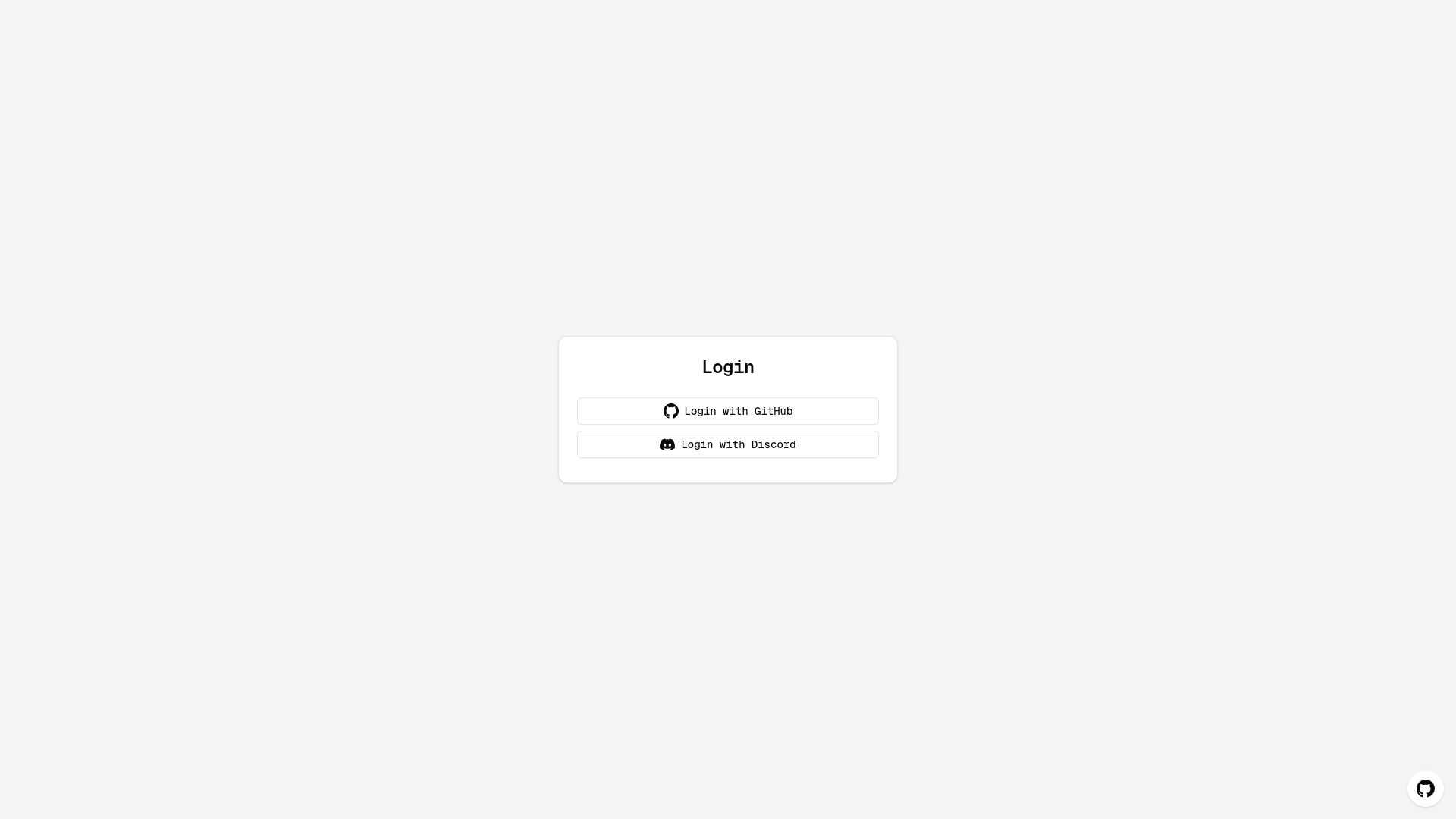
Next.js Redis Session Store is an open-source Next.js starter template that demonstrates using Redis as a session store for NextAuth.js authentication, with GitHub and Discord providers pre-configured.
What is the Next.js Redis Session Store?
This template is a Next.js application built on the App Router that implements user authentication with NextAuth.js and stores session data in Redis instead of a traditional database. It takes environment variables for the Redis connection URL and OAuth client credentials as input and produces a working login flow with protected routes. The project is maintained by the redis-developer team and is designed for one-click deployment on Vercel with Redis Cloud.
Key Features
- Redis session store — Uses a custom Redis adapter for NextAuth.js to keep session data in Redis, enabling fast in-memory reads and writes.
- Multiple authentication providers — Ships with GitHub and Discord OAuth providers, configurable via environment variables.
- Dynamic provider configuration — Set both the client ID and client secret to enable a provider; remove them to disable it without code changes.
- Vercel deployment integration — Includes a Deploy button that creates a Vercel project with a Redis Cloud store and automatically sets the
REDIS_URLenvironment variable. - Next.js App Router structure — Code organized into app, components, lib, hooks, and styles directories.
- Package manager flexibility — Setup instructions cover npm, yarn, and pnpm.
Who is it for?
- Next.js developers — Build a production-ready authentication flow with Redis as the session store instead of a traditional database.
- Applications requiring scalable sessions — Share session data across multiple app instances, useful for horizontally scaled Node.js deployments.
- Developers deploying to Vercel — Use the one-click Redis Cloud integration to avoid managing a separate Redis server.
- Hackathon or prototype builders — Get GitHub and Discord login working quickly with a few environment variables.
What can you do with it?
- Add GitHub login to a Next.js app — Set
GITHUB_CLIENT_IDandGITHUB_CLIENT_SECRET, then users can sign in via GitHub OAuth. - Add Discord login — Configure Discord OAuth credentials in the same way.
- Extend with additional providers — Follow the documented steps to add Google or any other NextAuth.js provider.
- Deploy a full app in minutes — Use the Vercel deploy button to provision Redis Cloud and the app together.
How does it work?
The template uses NextAuth.js with a custom Redis adapter. When a user signs in, NextAuth writes session data to Redis and reads it on subsequent requests. Deployment on Vercel involves clicking the deploy button, creating a repository, adding Redis as a store (which sets REDIS_URL), and then configuring OAuth credentials in the Vercel dashboard.
Pricing
Free and open source under the MIT License.
FAQ
Do I need to run my own Redis server?
No, if you deploy with Vercel's Redis integration, the REDIS_URL environment variable is set for you. For local development, you set REDIS_URL=redis://localhost:6379 in your .env file.
How do I enable or disable an authentication provider?
To enable a provider, set both its client ID and client secret environment variables. To disable, remove or comment them out. The template reads these variables to build the NextAuth providers array.
Can I add more providers like Google?
Yes. Install the provider package if needed, update the NextAuth configuration in app/api/auth/[...nextauth]/route.js, and add the required environment variables. The README shows a Google provider example.
Is this template free?
The project is open source under the MIT License, so it is free to use and modify.
What scripts are available?
The template provides npm run dev, npm run build, npm run start, and npm run lint for development, production build, production start, and code linting respectively.