Template details
Exemplar
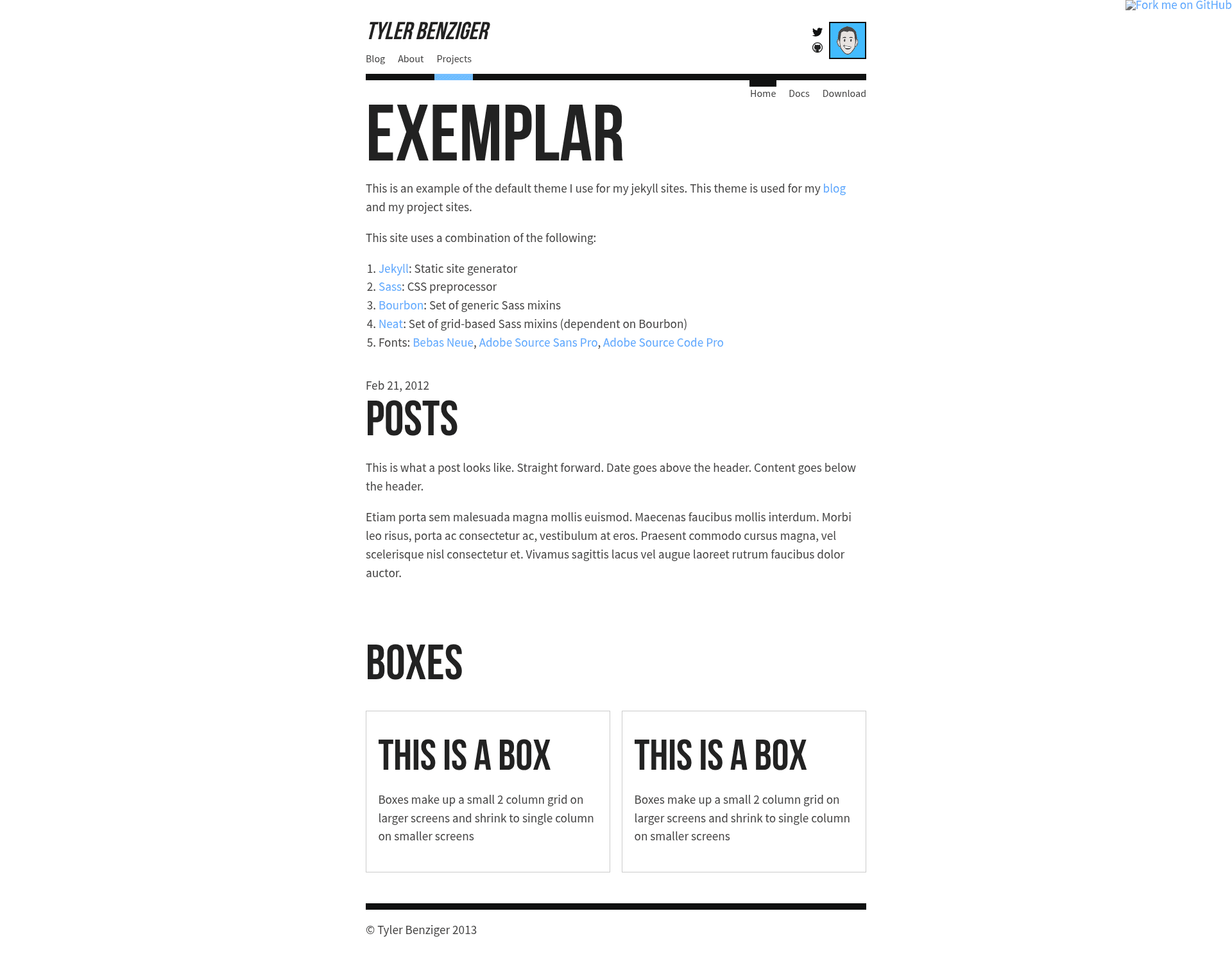
A Jekyll site template for blog and project pages with Sass support and rake-based build workflow.
About this template
Exemplar is a Jekyll site template for creating blog and project pages, built to run on the Jekyll static site generator with the Sass CSS preprocessor.
What is Exemplar?
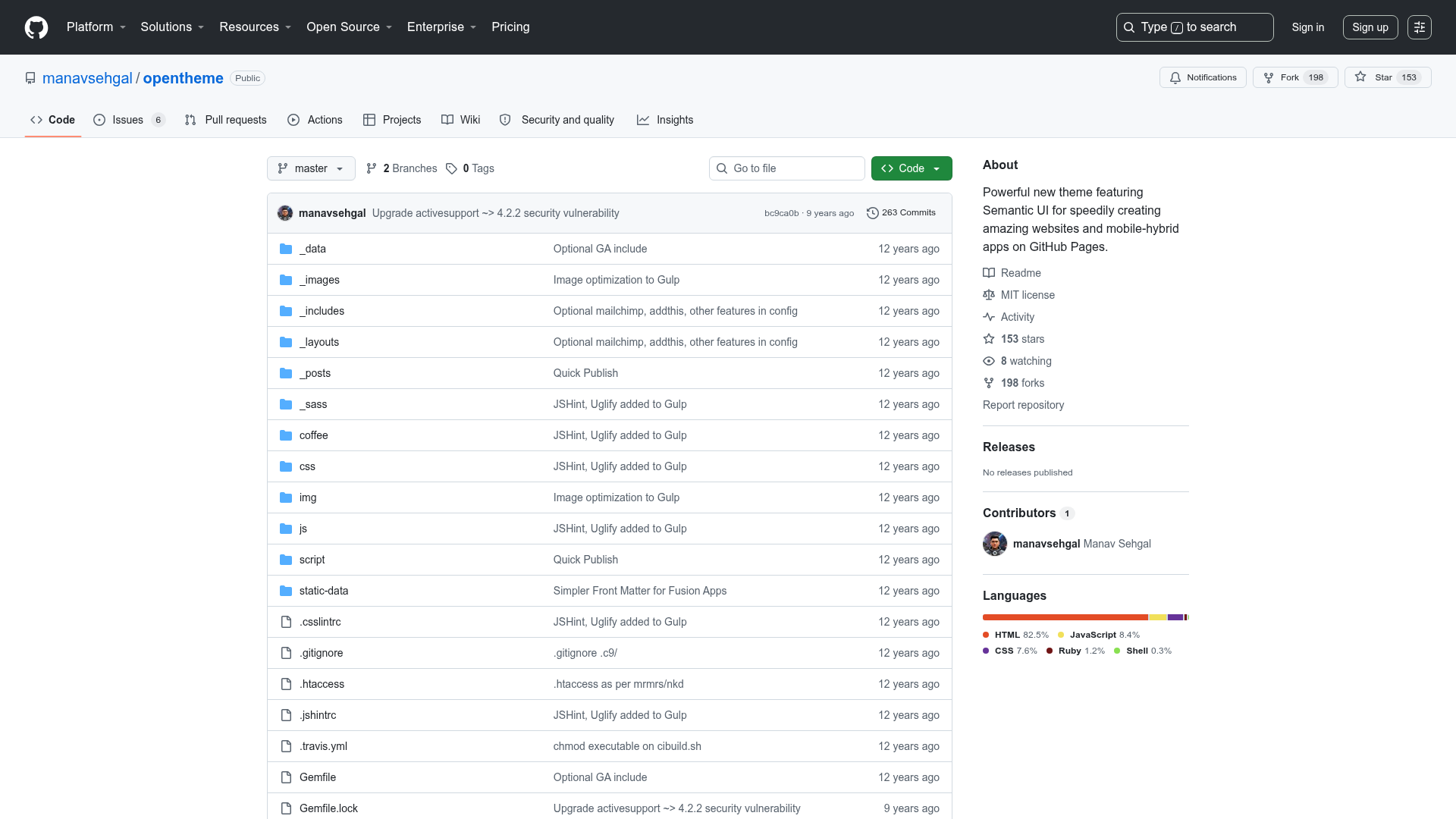
Exemplar is a minimal Jekyll site template whose core function is to provide a starting point for a personal blog and project showcase. It takes content written for Jekyll and renders a static HTML site, with styles compiled from Sass. The template requires the jekyll and sass gems to be installed on your machine, and it optionally supports the Bourbon Sass mixin library. The project is hosted in a public GitHub repository and has received 72 stars.
Key Features
- Jekyll-based structure — The template follows Jekyll's standard layout and is intended for blog and project pages, so it accepts the usual Jekyll content files and outputs a static site.
- Sass compilation — Styling is written in Sass; the template includes a
_sassfolder and uses Sass to generate CSS. Thesassgem is a required dependency. - Rake watch workflow — Running
rakeorrake watchstarts Jekyll on port 4000 and watches Sass files for changes, giving a live development server. - Production build command — Running
rake generateproduces a production-ready site that strips Sass comments from the output. - Optional Bourbon integration — You can install the Bourbon gem with
gem install bourbonand then runcd _sass && bourbon install(orbourbon updatelater) to include Bourbon mixins.
Who is it for?
- Developers new to Jekyll — Get a preconfigured blog-and-project structure without hand-wiring the build workflow, since the rake tasks handle Jekyll and Sass automatically.
- Technical bloggers — Publish posts using Jekyll's standard content workflow while the template manages the Sass build steps for you.
- Developers with project portfolios — Use the template to present a blog along with project pages in a single site, with a simple command-line workflow.
What can you do with Exemplar?
- Start a Jekyll blog quickly — Set up the required gems, run
rake watch, and you have a live site on port 4000 to write and preview posts. - Build a project showcase — Structure the site around blog and project pages, then run
rake generateto output a deployable static site. - Customize styles with Sass — Edit the Sass files in the
_sassfolder, and the guard process will recompile them during development.
How does Exemplar work?
After installing the required gems, run rake (or rake watch) to start a local Jekyll server on port 4000 while watching Sass. For deployment, stop the watcher and run rake generate to build a production site without Sass comments. If you use Bourbon, install it into _sass and later refresh it with bourbon update.
FAQ
What are the prerequisites for Exemplar?
You need Ruby and the jekyll and sass gems installed. The README instructs running gem install jekyll and gem install sass before starting. Bourbon is optional but recommended if you want to use its mixins.
How do I run the development server?
Run rake or rake watch in the project root. This starts Jekyll on port 4000 and watches your Sass files, so changes are recompiled automatically while the server is running.
How do I build a production-ready site?
Stop the rake watch process and run rake generate. This produces a production-ready site without the Sass comments that appear in development, making the output cleaner for deployment.
Can I update Bourbon after the initial install?
Yes, navigate to the _sass folder and run bourbon update. This refreshes the Bourbon files inside your Sass directory, as described in the repo's setup instructions.