Template details
nextjs-saas-template
A simple and user-friendly, SEO-friendly Next.js template designed for quick setup of landing pages, SaaS websites, and more, without complex configurations.
About this template
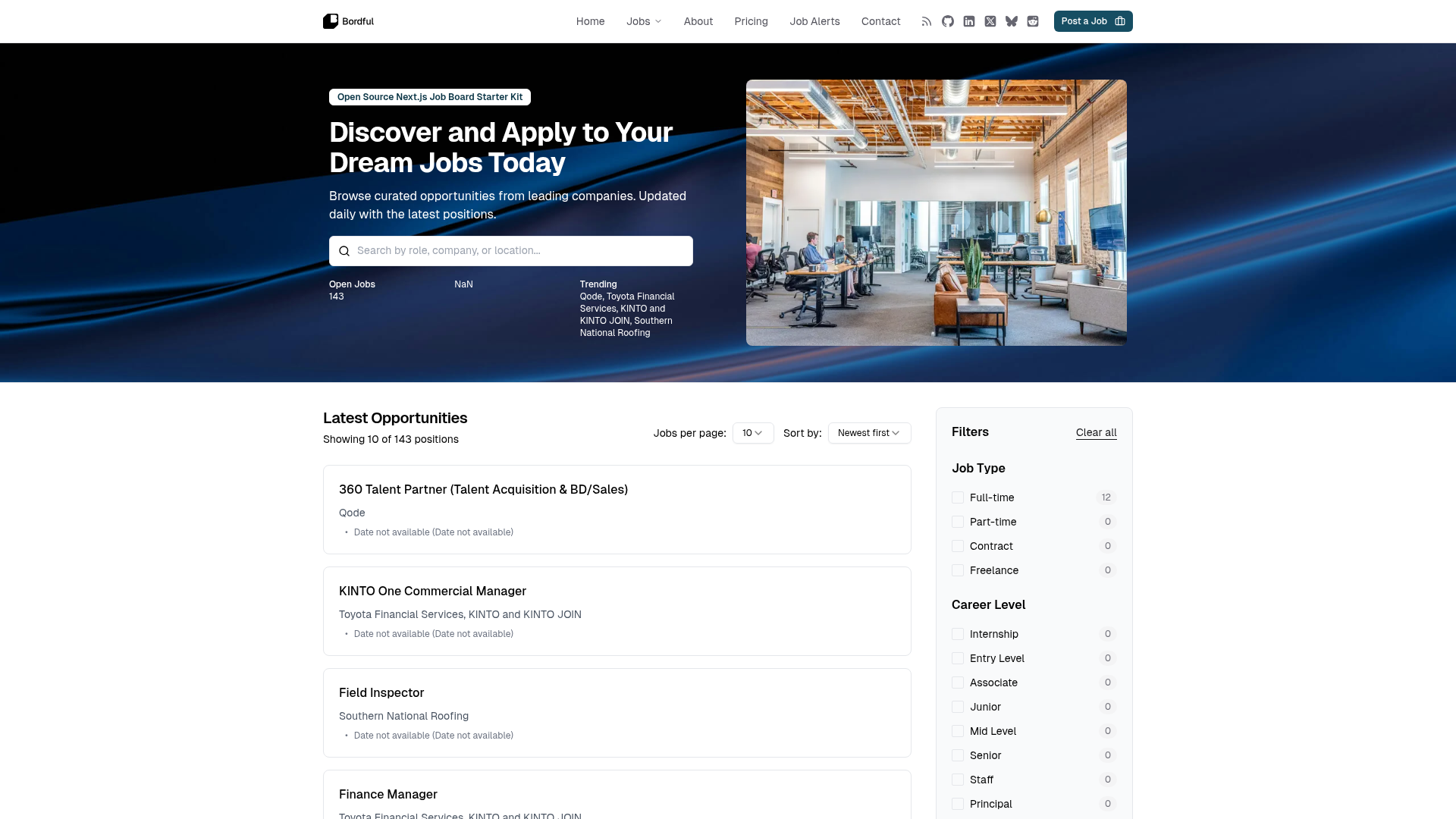
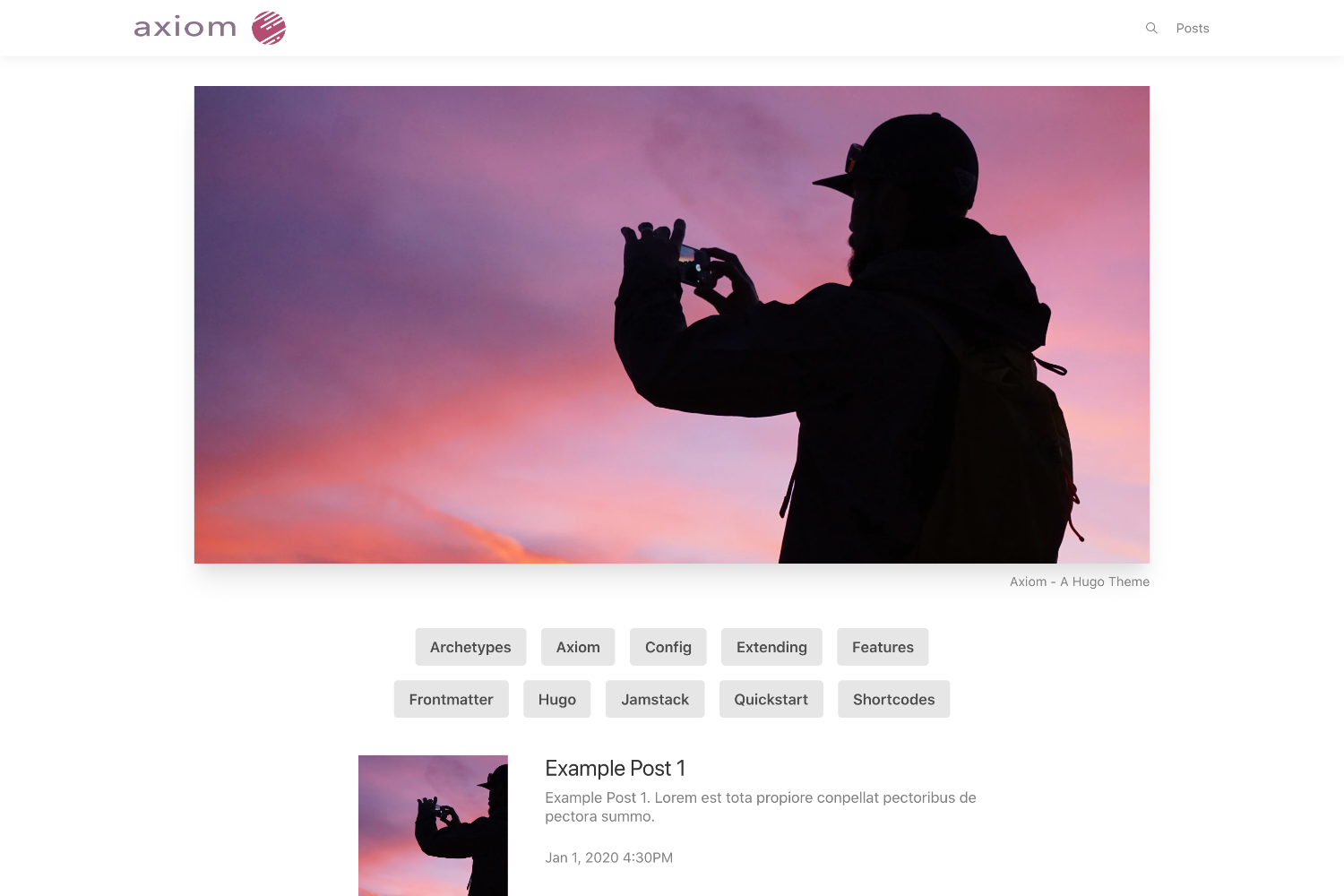
nextjs-saas-template is an open-source Next.js 14 boilerplate for building SEO-friendly landing pages and SaaS websites with built-in authentication, a blog, pricing, and a user dashboard. It ships as two ready-to-run theme variants, template-custom (black-and-white minimalist) and template-gradient (colorful gradient), so developers can pick a starting look and configure only environment variables to go live.
What is nextjs-saas-template?
nextjs-saas-template is a Next.js 14 project that produces a deployable SaaS website with landing, blog, pricing, and dashboard pages. It takes environment variables for Supabase and OAuth providers as input and outputs a fully functional web app with email, GitHub, and Google login. The project is maintained by jiweiyeah on GitHub and is continuously updated.
Key Features
- Dark mode — Built-in light/dark theme switching across all pages.
- SEO-friendly — Includes meta tags and semantic structure to help search engines rank pages.
- Multi-language support — Uses i18next for internationalization, allowing easy translation into multiple languages.
- Blog — A ready-to-use blog section for publishing articles.
- Pricing — A pricing page suitable for SaaS subscription models.
- Login/Registration — Supports email, GitHub OAuth, and Google OAuth for authentication.
- User dashboard — A protected dashboard area for logged-in users.
- Two theme variants —
template-customoffers a black-and-white minimalist look, whiletemplate-gradientprovides a colorful gradient design.
The tech stack includes Next.js 14, Tailwind CSS for styling, shadcn/ui and Radix UI for components, Lucide icons, i18next for translations, and Supabase for backend authentication and database.
Who is it for?
- Indie hackers and founders — Quickly spin up a SaaS landing page with auth and a dashboard to validate a product idea.
- Developers — Use as a starting point to avoid configuring Next.js, Tailwind, i18n, and Supabase from scratch.
- Agencies — Ship client sites faster by customizing the provided themes and components.
What can you do with nextjs-saas-template?
- Launch a marketing site: Publish a landing page, pricing page, and blog in one repository.
- Add user accounts: Let visitors register with email, GitHub, or Google and access a personal dashboard.
- Localize your site: Use i18next to add translations for global audiences.
- Create a starter for your own SaaS product: Replace the sample content and connect your Supabase backend.
How does nextjs-saas-template work?
- Clone the repository and navigate into either
template-customortemplate-gradient. - Install dependencies with
npm install. - Configure environment variables for
NEXT_PUBLIC_SUPABASE_URL,NEXT_PUBLIC_SUPABASE_ANON_KEY,NEXT_PUBLIC_APP_URL, and GitHub/Google OAuth credentials. - Run
npm run devto start the development server, then deploy to Vercel or Netlify.
FAQ
Is nextjs-saas-template free?
Yes, the template is open-source on GitHub and free to use. You can clone, modify, and deploy it for personal or commercial projects.
What do I need to configure before running it?
You need a Supabase project for authentication and database, plus OAuth app credentials from GitHub and Google if you want those login options. Set these in the environment variables shown in the README.
Does it work with Netlify?
Yes, the README lists Netlify as a deployment option in addition to Vercel, with a link to Netlify's Next.js documentation.
Can I use only one theme?
Each theme is a separate directory, so you can choose to work with only template-custom or template-gradient and ignore the other.
How do I add more languages?
The template uses i18next. You can add translation files for additional languages following i18next conventions.