Template details
v4.20
Minimal, fast, and designed with developers in mind, v4.20 is your go-to starting point for new projects with Nuxt and Nuxt UI
About this template
v4.20 is a minimal, opinionated Nuxt 4 starter template that scaffolds a production-ready app with Nuxt UI, Nuxt Image, and Pinia preconfigured, delivered through a single CLI command.
What is v4.20?
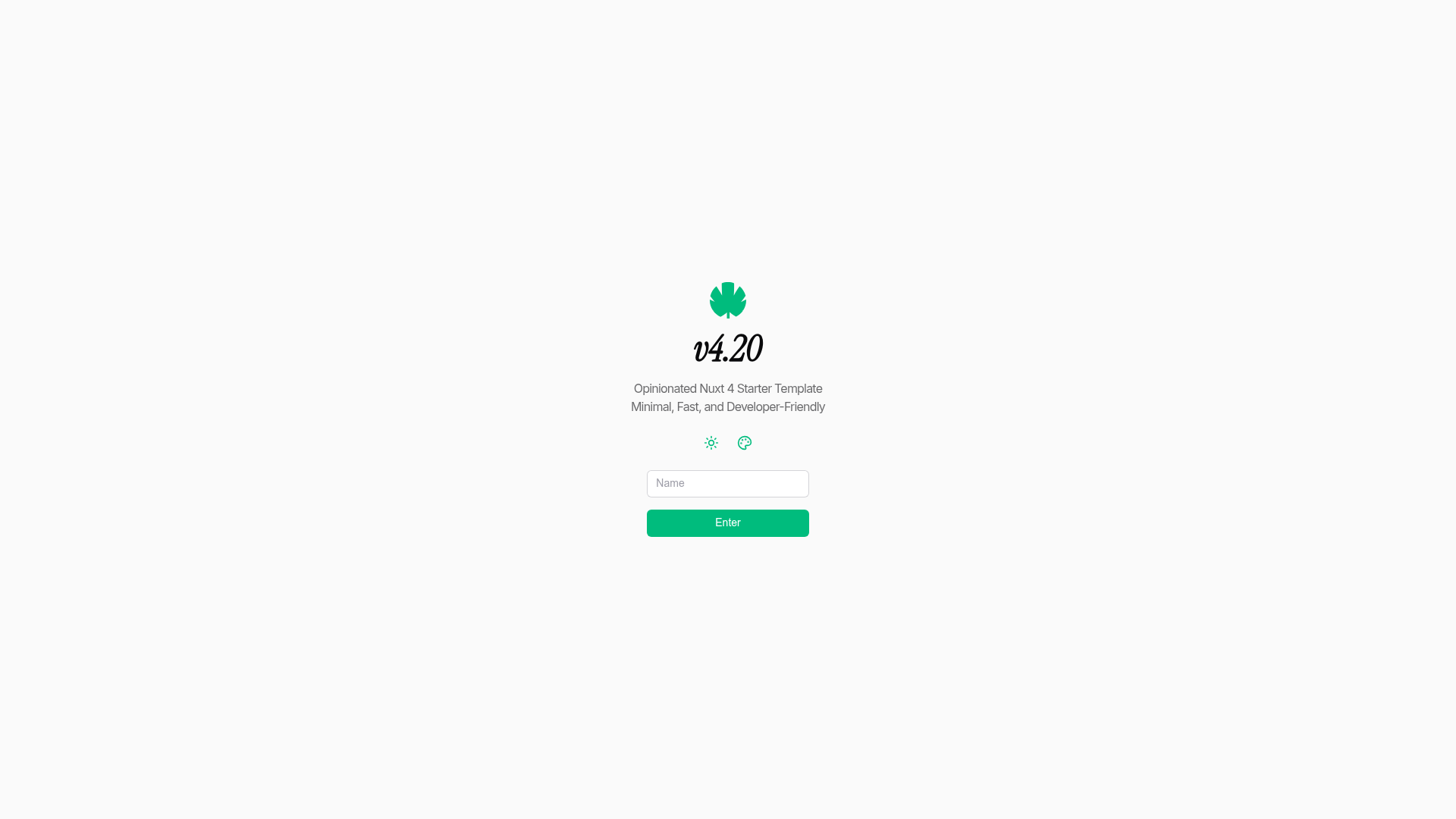
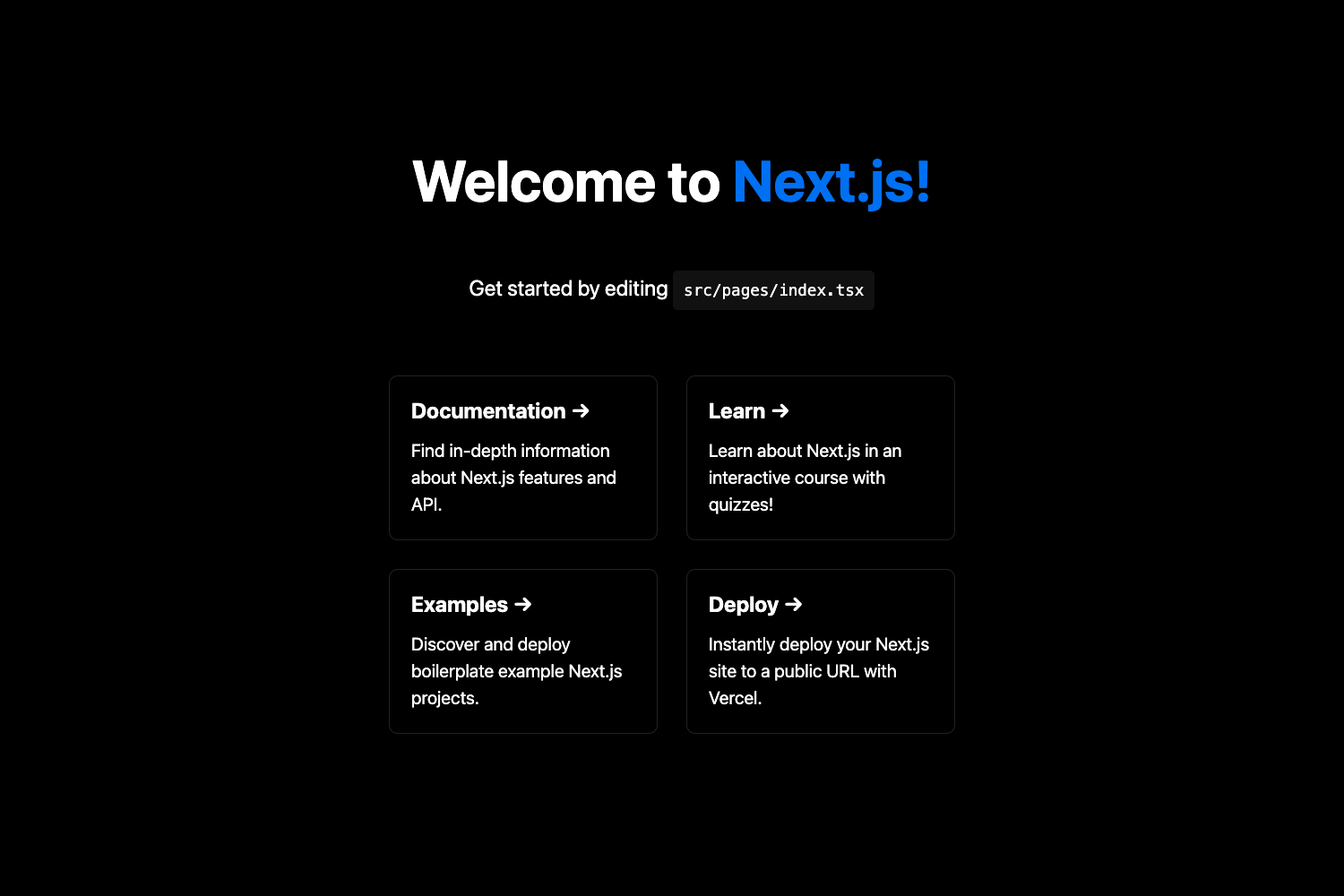
v4.20 is a starter template for building Nuxt 4 applications. It takes a project name and primary/neutral color choices as input through the v4.20 CLI, and produces a fully configured Nuxt project with file-based routing, layouts, two example pages, a Pinia store with SSR hydration, and dark mode theming. The template runs on Nuxt 4 and requires Node.js 18 or newer, with Bun recommended as the package manager. It ships with Nuxt UI v4, Nuxt Image, and Tailwind CSS, and includes a default layout with navigation and theme controls.
Key Features
- Nuxt 4 framework — Built on the latest Nuxt release with SSR, file-based routing, and auto-imports for components and composables.
- Nuxt UI v4 — Includes an accessible Vue component library with more than 125 components, integrated with Tailwind CSS theming.
- Nuxt Image — Image optimization with automatic resizing and modern format support across multiple providers.
- Pinia store with SSR — Ships a minimal store configured for SSR hydration, with persistence via
useLocalStoragefrom VueUse and HMR-friendly setup. - Dark mode and color themes — Light/dark switching plus customizable primary and neutral palettes applied before the app mounts to prevent flash.
- CLI generator — Run
bunx v420ornpx v420to scaffold a new project with prompt-based selection of project name and colors. - Two example pages — Includes a default layout with navigation and a theme toggle, plus a Color Picker component to see theming in action.
- SEO ready — Includes
useHeadand SEO meta tag patterns in the template.
Who is it for?
- Nuxt developers starting a new project — Use v4.20 to skip initial configuration and get a baseline with Nuxt UI, Pinia, and image optimization already wired up.
- Developers who want an opinionated structure — The template includes layouts, folder-based component organization, and composables following Nuxt conventions, so teams can start building features immediately.
- Teams building dashboards, SaaS, or sites — The included layout with navigation, theme controls, and responsive design serves as a foundation for multi-page applications.
What can you do with v4.20?
- Build a themed SaaS dashboard: Use the included layout, Pinia store, and color picker to create a multi-view dashboard with dark mode support.
- Prototype a landing page with SEO: The starter includes two pages,
useHeadmetadata patterns, and responsiveness to quickly spin up a marketing site. - Learn Nuxt 4 conventions: The template demonstrates layouts, plugins, composables, and stores in a small codebase, making it a practical learning resource.
How does v4.20 work?
Run bunx v420 or npx v420, provide a project name and choose primary/neutral colors, then the CLI generates a project and installs dependencies with bun i. After that, bun dev starts the dev server at http://localhost:3000 with HMR, and bun build produces a production output in .output.
Alternatives
The official Nuxt CLI (npm create nuxt@latest) is the main alternative; v4.20 positions itself as a more opinionated baseline that adds color prompts, layouts, and preconfigured modules.
FAQ
Is v4.20 free to use?
Yes, the template is released under the MIT license.
What Node.js version is required?
Node.js 18 or newer is required, and the template recommends Bun as the package manager, though npm and yarn also work.
Does v4.20 include state management?
Yes, it ships with a Pinia store configured for SSR hydration, with persistence via VueUse's useLocalStorage.
How do I start a new project with v4.20?
Run bunx v420 or npx v420 in your terminal, answer the prompts for project name and colors, then install dependencies and run bun dev.