Template details
Next.js Starter Template
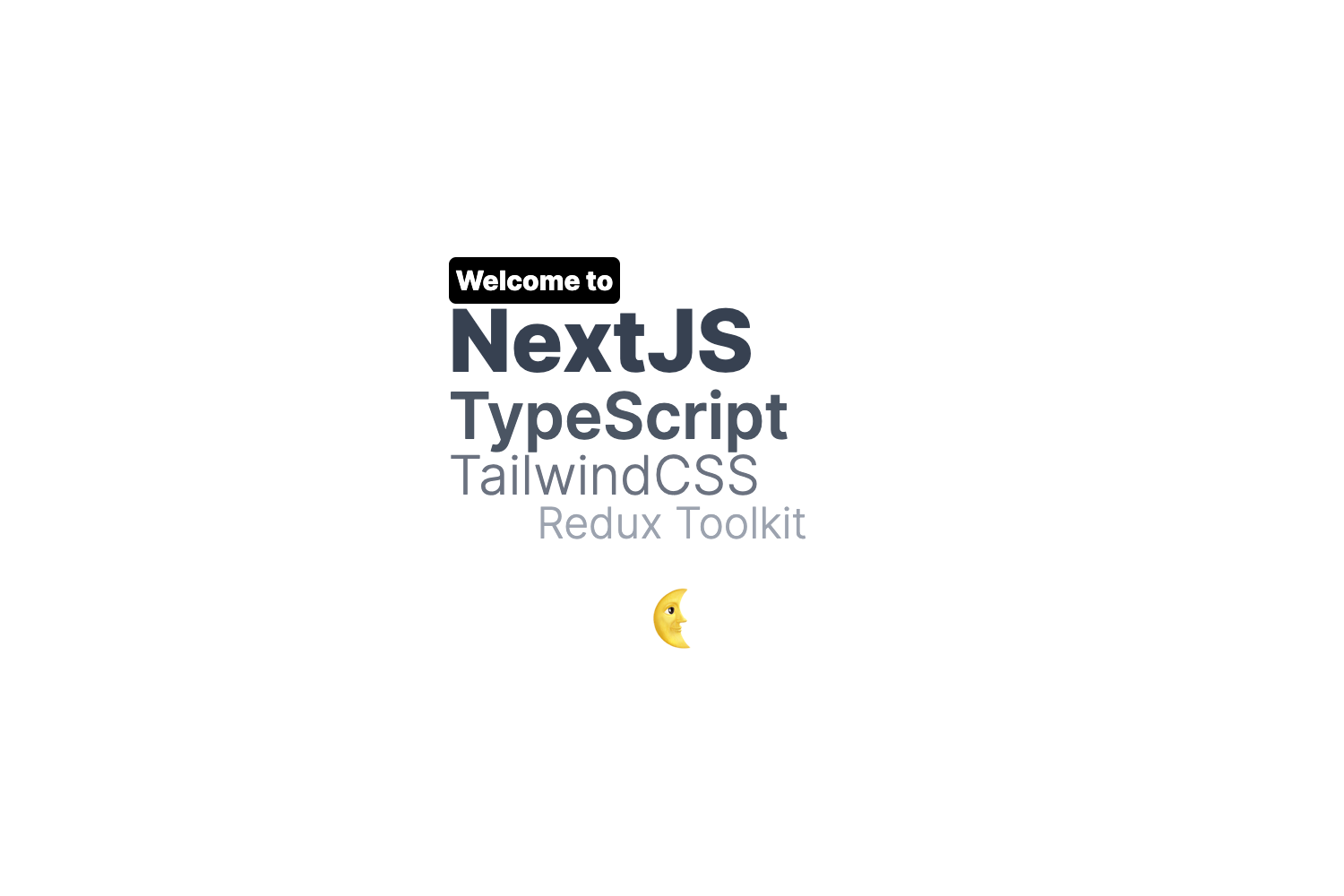
A Minimal Next.js Starter Template with TypeScript, Tailwind CSS, and pre-configured with ESLint, Prettier, and Husky.
About this template
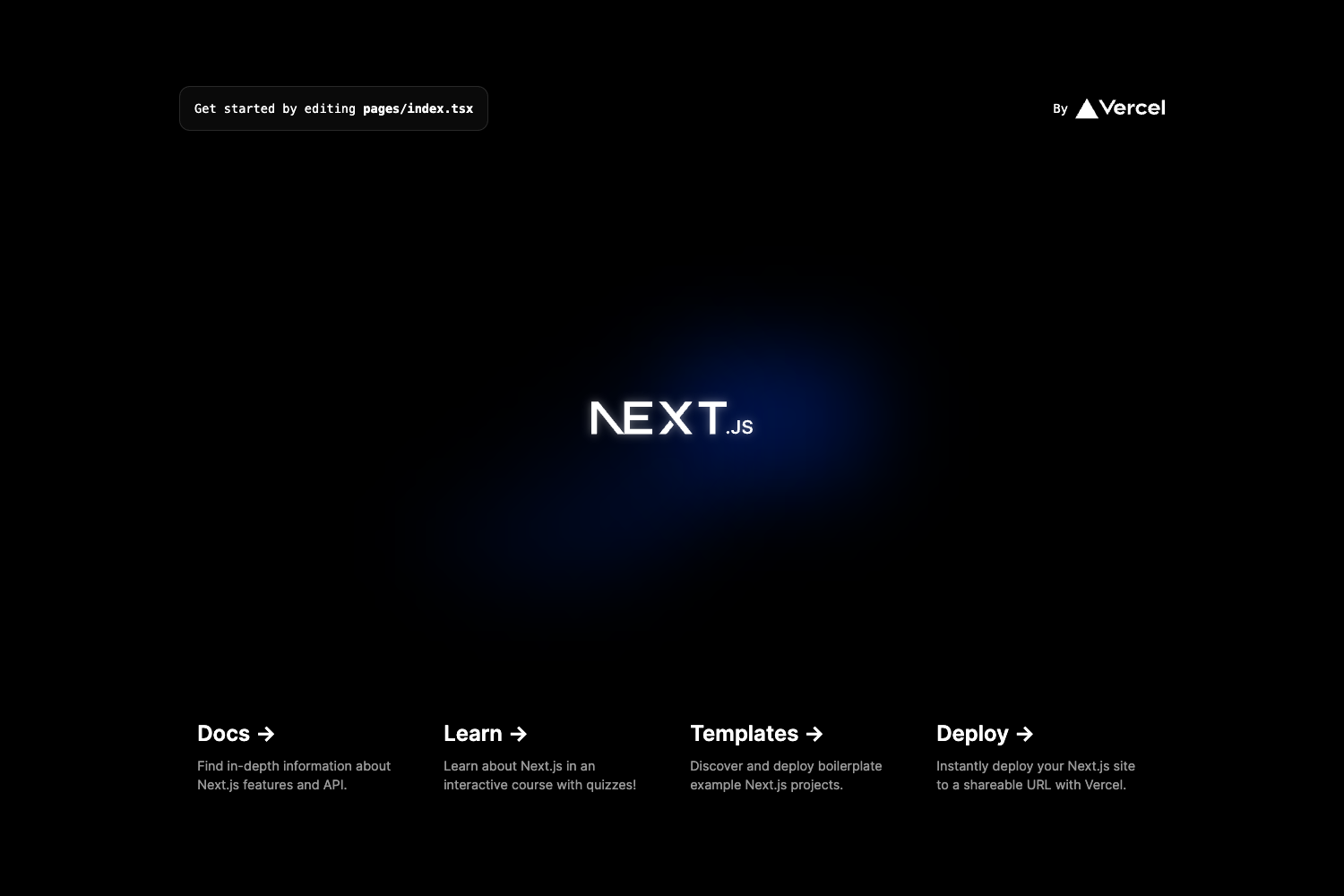
Next.js Starter Template is a GitHub-hosted boilerplate that scaffolds a production-ready Next.js project pre-configured with TypeScript, Tailwind CSS, ESLint, Prettier, Husky, lint-staged, and commitlint. It runs on the Next.js App Router, uses bun as the default package manager, and offers multiple ways to generate a new project, including create-next-app and degit.
What is Next.js Starter Template?
Next.js Starter Template is a minimal Next.js starter created by rajput-hemant and published on GitHub under the MIT License. It serves as a ready-made foundation for a web application, taking a project name as input and outputting a complete repository with Next.js App Router, TypeScript configuration, Tailwind CSS utility classes, and a preconfigured tooling chain for linting, formatting, and Git hooks. The template targets developers who want to skip repetitive setup and start building immediately.
Key Features
- App Router — Built on the Next.js App Router, the template leverages React Server Components and nested layouts for modern React app structure.
- Tailwind CSS — Utility-first styling is pre-wired into the project so you can write styles directly in your components.
- TypeScript — A typed superset of JavaScript is configured out of the box with a ready-to-use tsconfig.
- ESLint and Prettier — ESLint handles code quality rules while Prettier enforces consistent formatting; both are included as dependencies and npm scripts.
- Husky and lint-staged — Git hooks are set up to run linters against staged files before commits, catching issues early.
- commitlint — Conventional commit message validation is configured to keep Git history consistent.
- Bun as package manager — The template uses bun for fast installs and scripts, but documents how to switch to pnpm, npm, or yarn by removing bun.lockb.
- Multiple scaffold commands — You can generate a project with bun create next-app, npx create-next-app, or degit; degit also supports a src-dir branch and a tRPC branch.
- Kirimase integration — Running kirimase init after scaffolding adds options for ORMs (Prisma or Drizzle), authentication (Auth.js, Clerk, Lucia, Kinde), UI (Shadcn-UI), payments (Stripe), and email (Resend).
- One-click deployment — Direct deploy buttons link to Vercel and Netlify with the repository URL pre-filled.
Who should use Next.js Starter Template?
Developers who want a modern Next.js project without manually configuring TypeScript, Tailwind, and ESLint will find this template saves them the setup time. Freelancers and agencies can use it as a consistent starting point for client projects, while teams moving to the App Router can standardize on one baseline. Developers experimenting with bun as a package manager get a preconfigured bun workflow, and full-stack developers can extend the base with Kirimase instead of wiring up ORMs and auth manually.
What can you do with Next.js Starter Template?
- Frontend developers: Scaffold a new App Router application with TypeScript and Tailwind, then run bun dev to start a development server with hot reload.
- Full-stack developers: After scaffolding, run kirimase init to add Prisma or Drizzle, Auth.js, Clerk, Stripe, and Resend to the project following best practices.
- Open-source contributors: Use the degit command with the src-dir branch to create a project with a src/ directory structure, or the trpc branch to include tRPC setup.
- Teams and agencies: Clone the template as a shared baseline, update package.json and the license, and deploy to Vercel or Netlify with the provided one-click buttons.
How does Next.js Starter Template work?
To create a project, run bun create next-app -e "https://github.com/rajput-hemant/nextjs-template" your-project-name, or use npx create-next-app with the same repository URL. Alternatively, install degit globally and run degit rajput-hemant/nextjs-template your-project-name, with optional branch suffixes like #src-dir or #trpc. After scaffolding, install dependencies with bun i, pnpm i, yarn, or npm i, then use the included scripts for development, building, linting, type-checking, and formatting.
FAQ
Is Next.js Starter Template free?
Yes, the template is open source and released under the MIT License, which means you can use it for personal and commercial projects. You can freely modify and redistribute it as long as you include the original license notice.
How do I switch from bun to pnpm, npm, or yarn?
Remove the bun.lockb file from the project root, then run pnpm i, npm i, or yarn to generate the corresponding lockfile. The template's package.json scripts work across all package managers, so development, building, and linting commands remain the same.
What is the difference between the src-dir and tRPC branches?
The default branch is a plain Next.js starter; the src-dir branch places application files under a src/ directory, and the tRPC branch adds tRPC for end-to-end typesafe APIs. You access them with degit by appending a branch name to the repository URL.
Does the template include a database or authentication?
No, the base template does not include these. It is intentionally minimal, but you can add them by running kirimase init, which supports Prisma, Drizzle, Auth.js, Clerk, Lucia, Kinde, Shadcn-UI, Stripe, and Resend.
Can I use this template with the official create-next-app?
Yes, the repository works as a create-next-app template. Run npx create-next-app -e "https://github.com/rajput-hemant/nextjs-template" your-project-name to scaffold a project with the exact same configuration.