Template details
Next.js TypeScript Tailwind Redux Toolkit Template
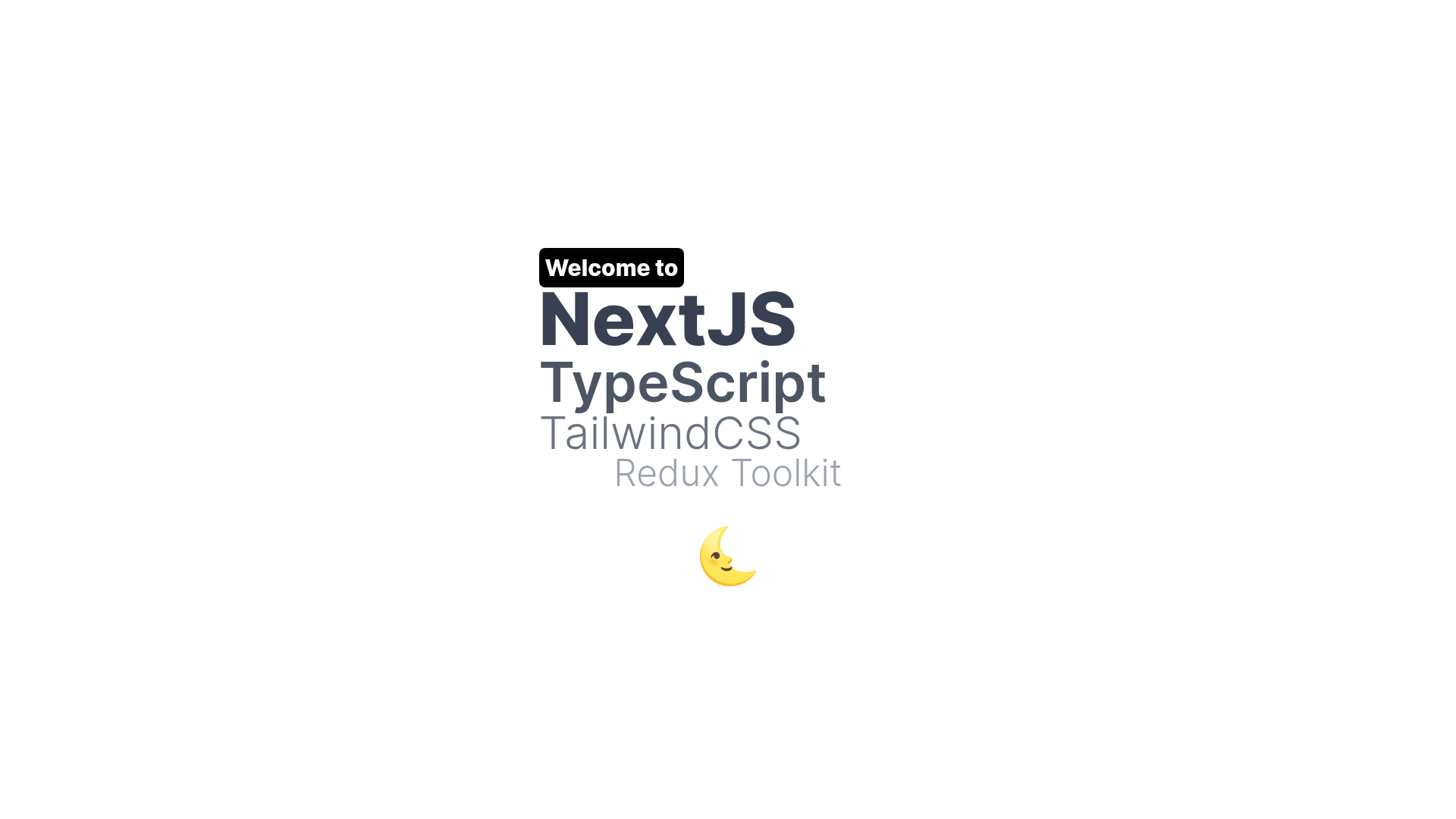
A Next.js starter with TypeScript, Tailwind CSS, Redux Toolkit, and Framer Motion preconfigured.
About this template
The Next.js TypeScript Tailwind Redux Toolkit Template is a boilerplate React starter that bundles Next.js, TypeScript, Tailwind CSS, Redux Toolkit, and Framer Motion into a ready-to-run project for building web apps and API routes.
What is the Next.js TypeScript Tailwind Redux Toolkit Template?
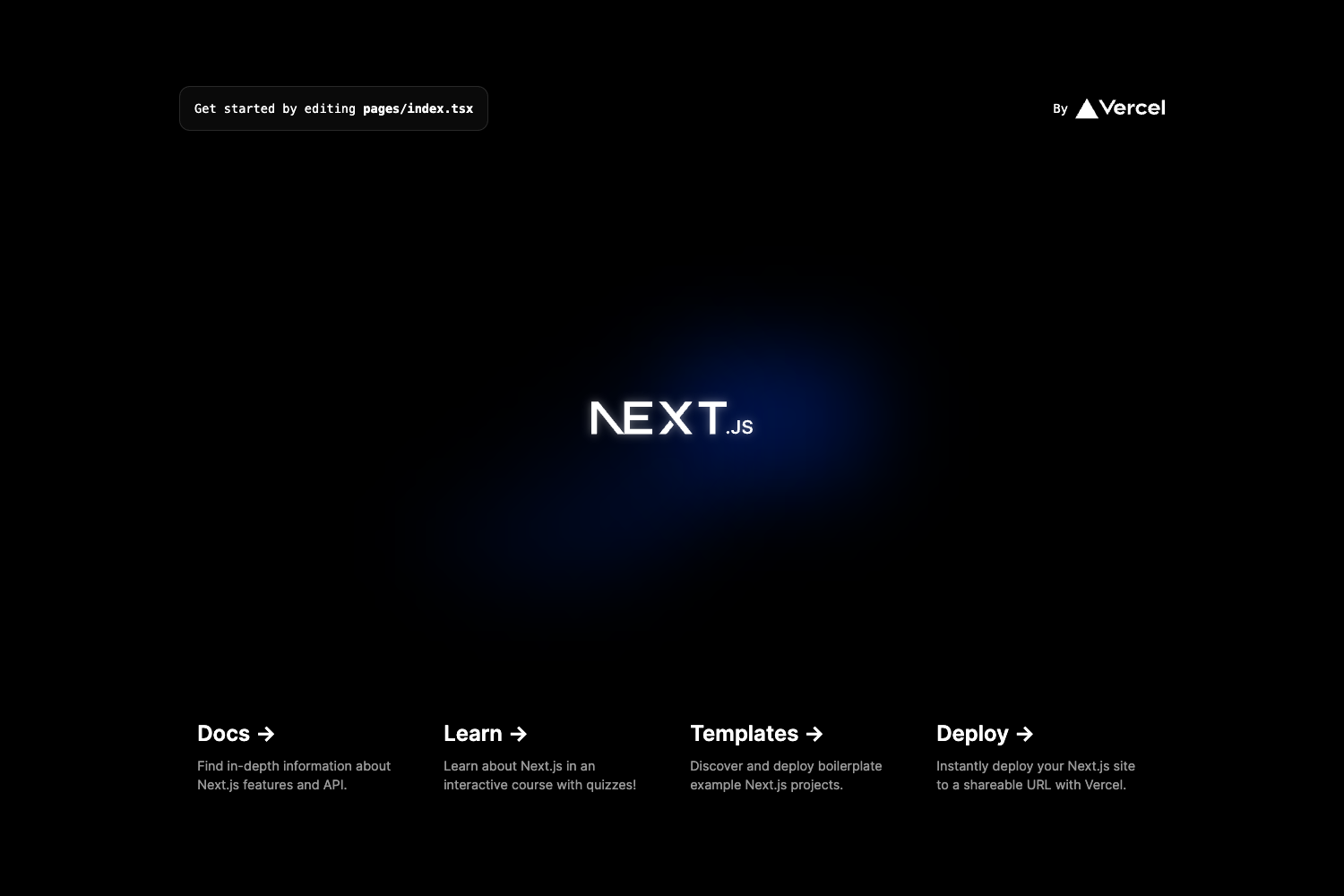
This is a starter project bootstrapped with create-next-app, designed as a base for React applications. It takes the standard Next.js scaffold and adds TypeScript for static typing, Tailwind CSS for utility styling, Redux Toolkit for state management, and Framer Motion for animations. The output is a runnable Next.js application with a pages directory, API routes, and hot reloading, deployable on Vercel.
Key Features
- Next.js framework — Uses the Pages Router with
pages/index.tsxas the entry point; editing that file updates the page in the browser automatically. - TypeScript — The repository is configured for TypeScript, enabling type checking across components and pages.
- Tailwind CSS — Utility-first CSS framework set up with PostCSS, so styling happens through classes directly in JSX.
- Redux Toolkit — Global state management is prewired, letting you write slices and actions for centralized app data.
- Framer Motion — Animation library included for adding motion and transitions to React components.
- API routes — Files inside
pages/apiare treated as serverless endpoints; for example,pages/api/hello.tsexposes/api/hello. - Vercel deployment — The README links to the Vercel platform for one-click deployment from the Next.js creators.
Who is it for?
- React developers — Start a new project with a modern stack already installed, avoiding manual configuration of TypeScript, Tailwind, and Redux.
- Frontend teams — Use a consistent starting point for multiple products that need the same tooling.
- Indie hackers and startups — Launch a marketing site or web app quickly by cloning the template and deploying to Vercel.
What can you do with it?
- Rapid prototyping — Spin up the dev server with
npm run devand immediately begin building UI components with hot reload. - Building API routes — Add new endpoints by placing files in
pages/api; each exported function becomes an endpoint under the/api/path. - Creating animated interfaces — Use Framer Motion to add page transitions and micro-interactions without additional setup.
How does it work?
Run npm run dev (or yarn dev) from the project root to start the development server on http://localhost:3000. As you edit pages/index.tsx, the page auto-updates. For backend logic, create files in pages/api; they are mapped to the /api/* route path. When ready, deploy the project to the Vercel platform using the provided deployment guide.
FAQ
Is this template free?
Yes, it is built from create-next-app, an open-source scaffolding tool from Vercel, and the repository metadata shows no commercial licensing. You can use it for personal or commercial projects.
How do I start the development server?
Run npm run dev or yarn dev in the project root, then open http://localhost:3000 to see the app in your browser.
How do I add a new API route?
Create a new file in the pages/api directory, such as pages/api/hello.ts. The file's default export becomes a serverless function accessible at /api/ plus the filename.
Can I deploy to Vercel?
The README includes a deployment section that links to the Vercel Platform, which supports direct deployment of Next.js projects with zero configuration.
What is the difference between this and the default create-next-app?
The standard create-next-app output is plain JavaScript with no CSS framework configured; this template adds TypeScript, Tailwind CSS, Redux Toolkit, and Framer Motion to that base, as indicated by its repository topics.