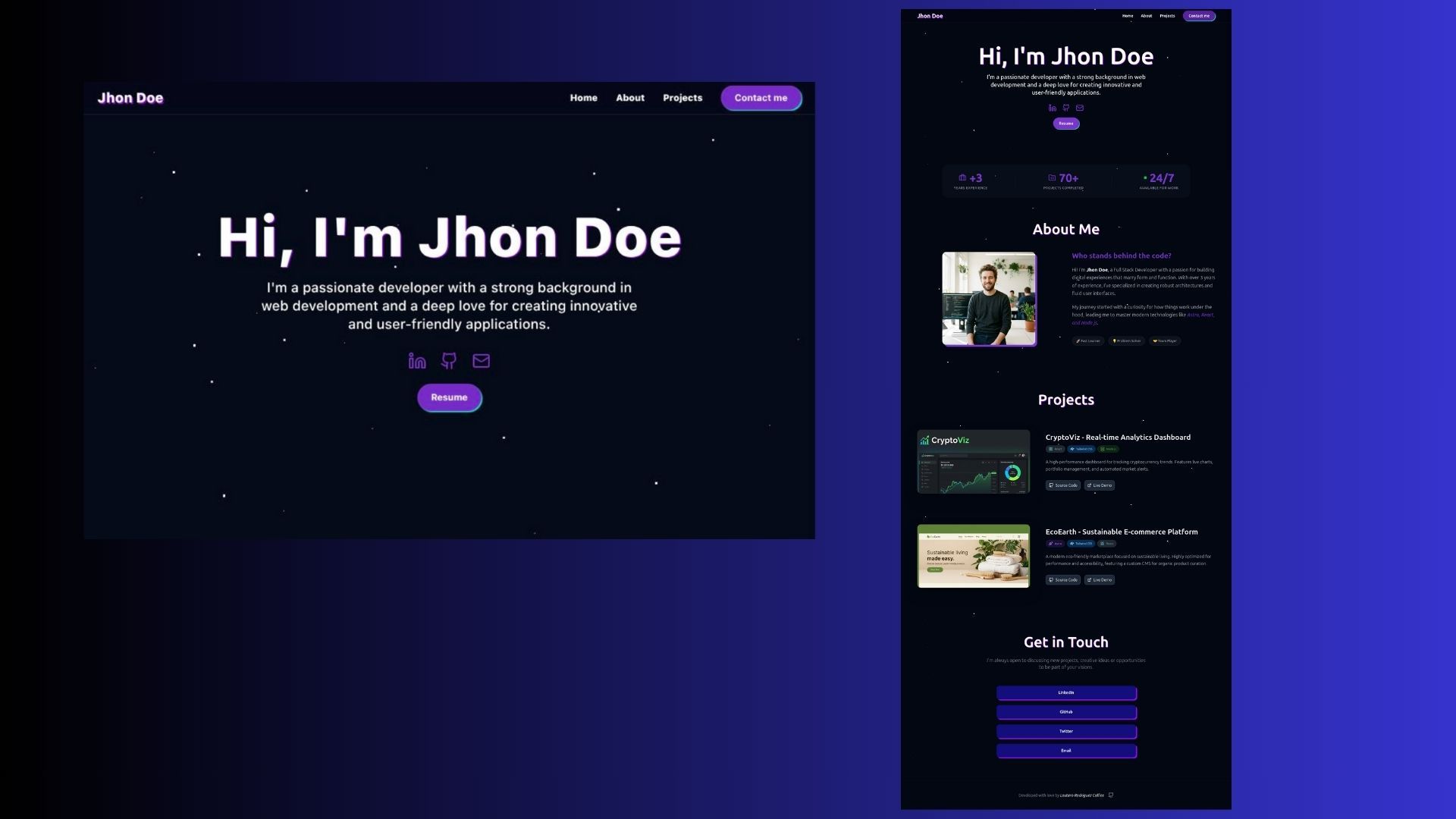
Template details
Next.js, Strapi Portfolio Starter
Production-ready portfolio starter with Next.js, Strapi CMS, and Tailwind CSS, featuring SSG, SEO, and a secure contact form.
About this template
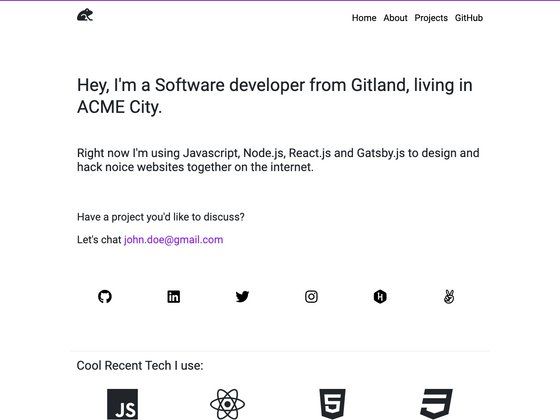
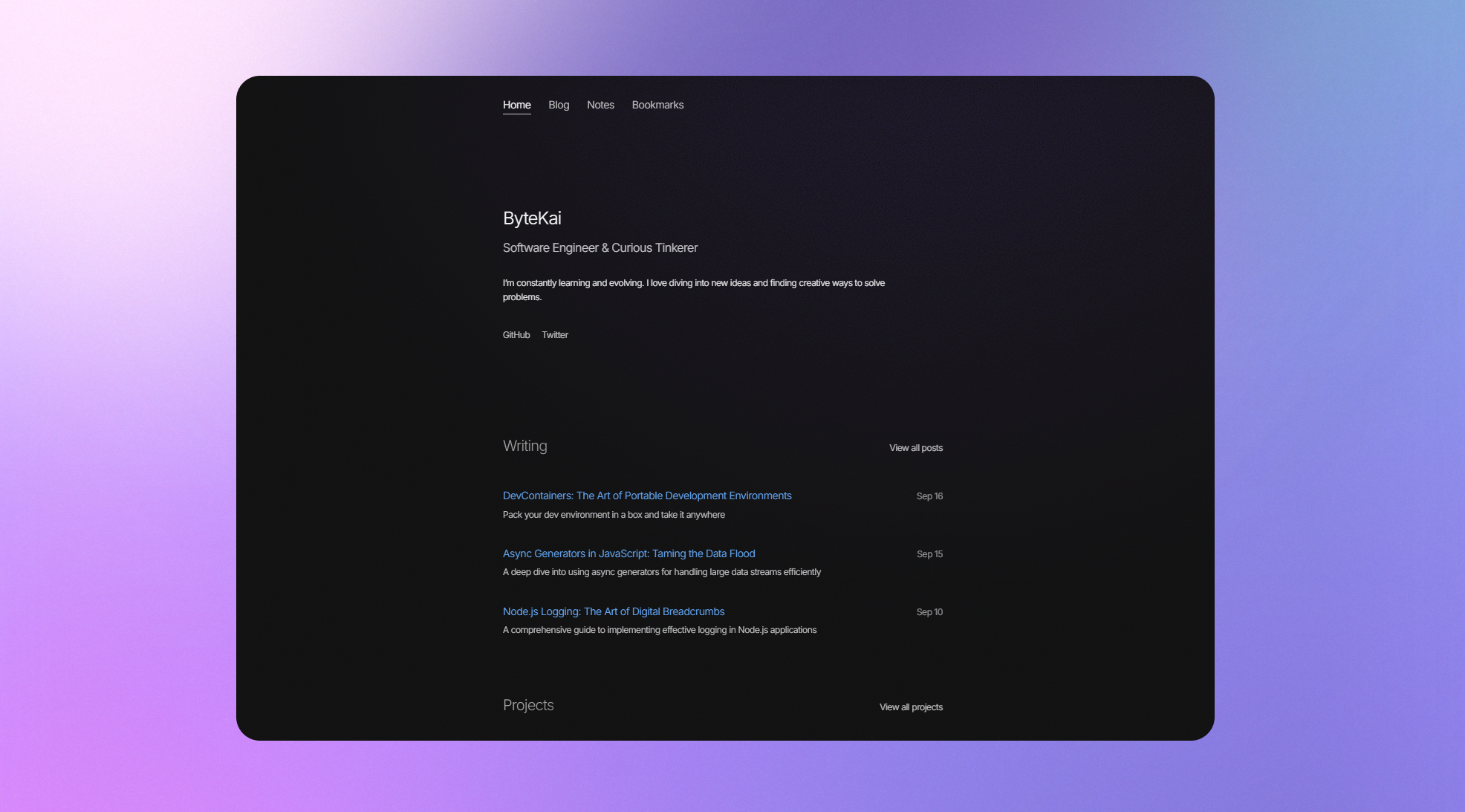
Next.js, Strapi Portfolio Starter is an open-source monorepo template that combines a Next.js frontend with a Strapi CMS backend to produce a statically generated portfolio website with projects, blog, and a validated contact form.
What is the Next.js, Strapi Portfolio Starter?
The starter is a monorepo with two applications: a Next.js site in the next directory and a Strapi CMS in the strapi directory. It takes content managed through Strapi (homepage sections, projects, blog posts, contact info) and outputs pre-rendered HTML pages at build time. The project is created by Marios Sofokleous, released under the MIT license, and its demo reports PageSpeed scores of 98–100 across mobile and desktop.
Key Features
- Dynamic content management — All homepage sections, projects, and blog posts are stored in Strapi; demo content is imported from
backup/data.tar.gzwith a single command. - Static site generation (SSG) — Pages are pre-rendered at build time, which improves performance and SEO; the demo scores 100 on desktop Performance.
- SEO tooling — Automated XML sitemap, canonical tags, OpenGraph metadata, and JSON-LD schemas (Organization, Person, BlogPosting, ItemPage, ContactPage, CollectionPage, WebPage).
- Secure contact form — Client- and server-side validation with Zod, honeypot spam protection, and a rate-limiting Strapi middleware for API abuse prevention.
- Contact information obfuscation — Email and phone are Base64-encoded in environment variables and rendered client-side to deter scrapers.
- Tailwind CSS styling — Utility-first styling with a customizable color palette; the secondary color is used for accessible focus rings on interactive elements.
- Homepage dynamic zones — Choose between an Experience timeline (for developers) or a Services section (for freelancers and agencies) without code changes.
- Optimized images — Explicit dimensions, priority loading, lazy loading, and
sizesattributes reduce layout shift and bandwidth.
Who is it for?
- Software developers — showcase coding projects, write blog posts, and present a career timeline using the Experience dynamic zone.
- Freelance developers — highlight services and convert visitors through the contact form, which includes honeypot and rate-limit protection.
- Agencies — manage multiple client sites through Strapi and deploy production via Coolify on a Hetzner VPS, as documented in the setup guide.
What can you do with the Next.js, Strapi Portfolio Starter?
- Developers — customize the homepage dynamic zone to switch between an experience timeline and a services grid depending on the target audience.
- Content editors — update projects, posts, SEO metadata, and homepage sections through the Strapi admin panel without touching code.
- Designers — rebuild the color palette by editing
tailwind.config.jsand generate a primary scale from 50 to 950 with tools like UI Colors.
How does the starter work?
The setup runs through npm scripts: clone the repo, run npm run setup to install both workspaces, restore the Strapi configuration dump, optionally import demo data, start Strapi on port 1337, generate two API tokens (read-only and form-creation), then start Next.js on port 3000. For production, the docs walk through deploying Strapi and Next.js with Coolify on a Hetzner Cloud VPS, including rsync of backup directories and transfer-token migration.
Pros and cons
Pros — High PageSpeed scores (98+ mobile, 100 desktop), built-in SEO schemas and sitemap, security features like honeypot and rate limiting, and a documented production path using Coolify.
Cons — The roadmap lists missing features: no RSS feed, no CAPTCHA on the contact form, no pagination for blog/projects pages, and no file-type restrictions on media uploads.
FAQ
Is the Next.js Strapi Portfolio Starter free?
Yes, the repo is released under the MIT license, so you can use and modify it freely, including for commercial projects.
What do I need to run it locally?
You need Node.js and npm. The npm run setup command installs dependencies for both the Next.js and Strapi workspaces. Strapi runs at localhost:1337 and Next.js at localhost:3000 in development.
Does it include demo content?
Yes. A Strapi configuration dump and a demo data archive are included in the backup directory. You can restore the config with npm run strapi config:restore and import content with npm run strapi import.
How is the contact form protected from spam?
The contact form uses a honeypot field to catch bots, Zod validation on both client and server, and a rate-limiting Strapi middleware to block abusive API traffic.
Can I deploy it without Coolify?
Yes. The production guide uses Coolify on a Hetzner VPS, but because the project is a standard Next.js and Strapi app, it can also be deployed on managed services like Vercel or Netlify for the frontend and any Node.js host for Strapi.