Template details
Awesome Jekyll Theme
A clean, versatile Jekyll theme with minimalist design and robust features.
About this template
Awesome Jekyll Theme is a minimalist Jekyll theme for GitHub Pages that provides a home page, a blog listing, and a grid-style projects page out of the box. It is distributed as a Ruby gem and is designed for portfolios, blogs, and project showcases.
What is Awesome Jekyll Theme?
Awesome Jekyll Theme is a clean, versatile Jekyll theme created by a-chacon and released under the MIT License. It runs on Jekyll, the Ruby-based static site generator, and outputs a static HTML site that can be hosted on GitHub Pages. As input, it takes Markdown files with YAML front matter; as output, it produces a full site with five layouts: home, blog, post, projects, and project. The theme includes preinstalled plugins: jekyll-seo-tag for meta tags, jekyll-archives for category pages, and jekyll-polyglot for multi-language support.
What makes Awesome Jekyll Theme stand out?
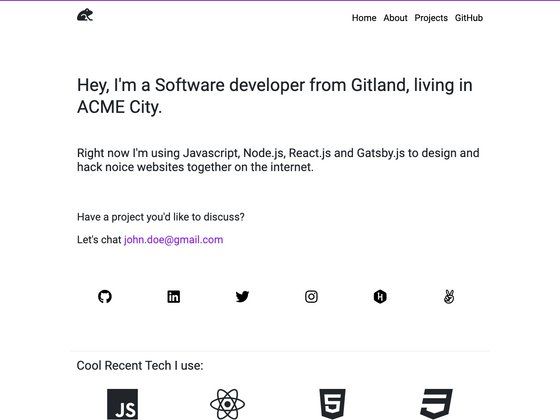
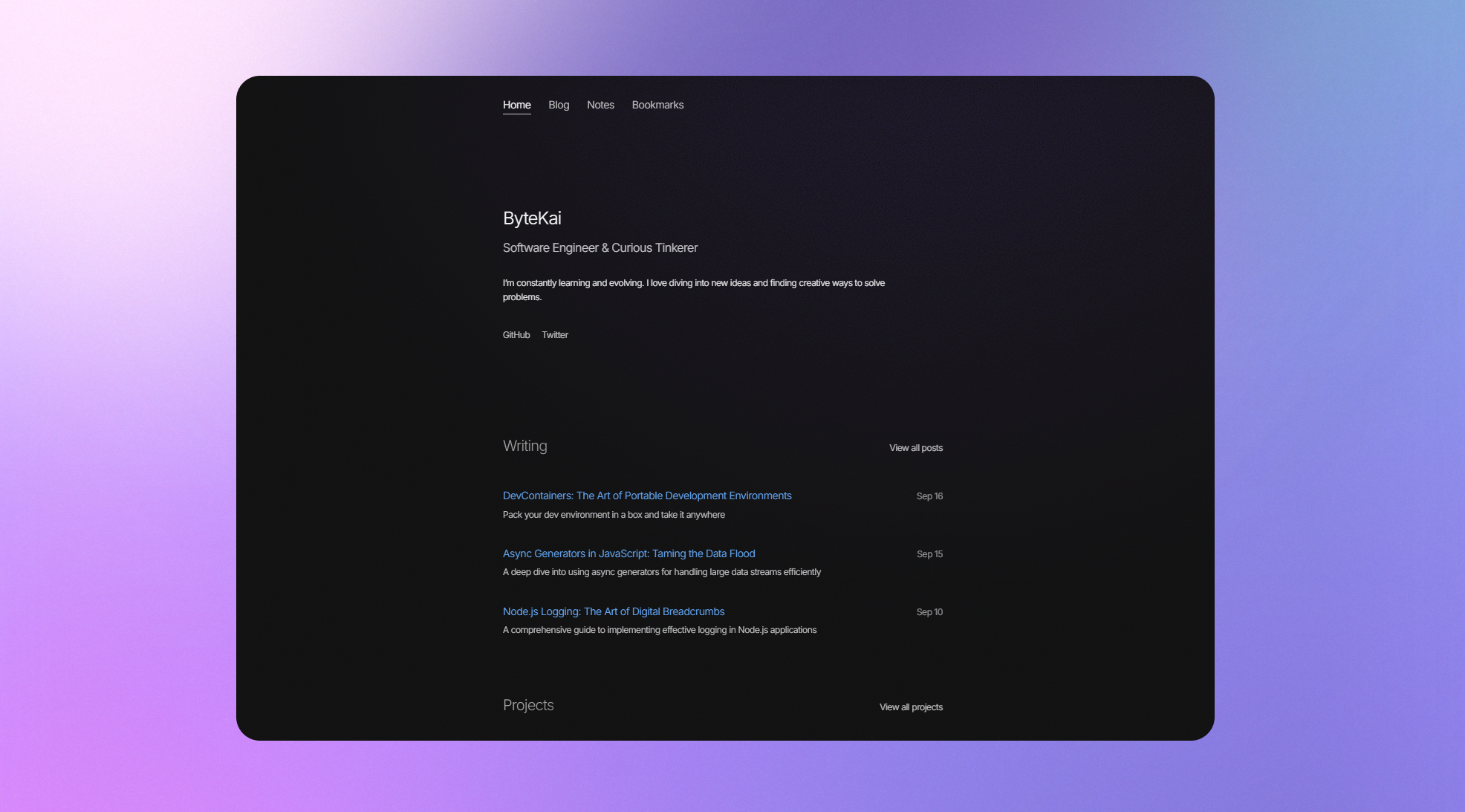
- Minimalist design — Clean layout with large white space, a circular profile image on the home page, and strong focus on content readability.
- Multiple layouts — Five ready-made layouts: home, blog, post, projects, and project, each with specific front matter variables for customization.
- Category-based organization — Blog posts can be grouped by category, and jekyll-archives automatically generates category web pages.
- Responsive design — Layouts adapt to different screen sizes, so the site is usable on mobile, tablet, and desktop.
- Navigation and footer control — Pages appear in the navbar when front matter includes
nav: true; footer pages are controlled withfooter: true. - Contact channels — Configure email, GitHub, Telegram, LinkedIn, and more in
_config.yml; these appear on the home page and footer. - Multi-language support — Built on jekyll-polyglot; set
default_lang: esto switch the entire site to Spanish, or add translation files for other languages. - Custom head injection — Drop a
custom_head.htmlinto_includesto add a favicon or any custom element to the head of every page.
Who should use Awesome Jekyll Theme?
- Developers who want a fast, free personal site on GitHub Pages without configuring a separate CMS or styling framework.
- Portfolio owners who need a dedicated projects grid and individual project pages with image, description, and tags.
- Bloggers who want category-filtered blog posts and a clean reading experience without building a theme from scratch.
- Job seekers who want a resume-style site with a profile image and multiple contact channels visible in the home layout.
What can you do with Awesome Jekyll Theme?
- Create a personal site in minutes: Click "Use this template" on GitHub, enable Pages with GitHub Actions as the source, and the site is live in one to two minutes.
- Showcase a portfolio: Add projects as a collection; the Projects layout lists them in a grid, and the Project layout displays each one with its own image, description, and tags.
- Publish a category-organized blog: Write posts with
categoryin front matter; the Blog layout lists them by date and category pages are generated automatically. - Run a bilingual site: Set
default_lang: esto serve the site in Spanish; for other languages, copy an existing strings file in_dataand translate it.
How does Awesome Jekyll Theme work?
The recommended workflow is to clone the repository via the "Use this template" button on GitHub, then enable GitHub Pages with the GitHub Actions source. After that, edit _config.yml to set your site-wide options; the file includes comments explaining each setting. Every change triggers a rebuild that updates the site in roughly a minute. For advanced users, the theme can be installed as a Ruby gem by adding gem "awesome-jekyll-theme" to your Gemfile and setting theme: awesome-jekyll-theme in _config.yml.
Pros and cons
- Pros: Free under MIT License; no external build service needed beyond GitHub Pages; preinstalled SEO, archives, and multilingual plugins; supports custom favicon and head elements.
- Cons: The README notes that detailed documentation for each layout is still being written; only English and Spanish are supported natively — other languages require manually creating a translation file.
FAQ
Is Awesome Jekyll Theme free?
Yes, it is open source and released under the MIT License, so you can use, modify, and redistribute it freely.
How do I deploy Awesome Jekyll Theme to GitHub Pages?
Use the "Use this template" button to create a repository from the theme, then go to Settings -> Pages -> Source and select GitHub Actions. Your site will be live at https://YOURUSERNAME.github.io or a repository subpath.
Can I use Awesome Jekyll Theme without GitHub Pages?
Yes. You can install it as a Ruby gem, add it to your Gemfile, and run bundle exec jekyll serve to preview the site locally on your own machine.
Does Awesome Jekyll Theme support multiple languages?
It includes jekyll-polyglot, so it is multilingual. The default language is English; setting default_lang: es switches the site to Spanish. For other languages, you must create a translation file in _data using an existing strings file as a template.
How do I add a favicon to my site?
Create a file named custom_head.html inside the _includes directory and place an HTML link tag for your favicon there. The theme will include that file in the head of every page.