Template details
Next.js + Tailwind CSS Example
Official Next.js boilerplate that wires Tailwind CSS v2.2 with Just-in-Time mode into a ready-to-deploy app.
About this template
The Next.js + Tailwind CSS Example is an official boilerplate from the Next.js repository that wires Tailwind CSS v2.2 into a Next.js app for utility-first styling out of the box.
What is the Next.js + Tailwind CSS Example?
The Next.js + Tailwind CSS Example is a starter template maintained in the vercel/next.js GitHub repository that scaffolds a Next.js application with Tailwind CSS preconfigured. It takes a project name as the only input and produces a working Next.js app with tailwind.config.js, PostCSS setup, and a default index page using Tailwind utility classes. The template runs on Node.js via the Next.js framework and is published as part of the official create-next-app examples directory.
Key Features
- Official Next.js example — Lives inside the vercel/next.js repository under examples/with-tailwindcss and is updated with the Next.js canary branch.
- Tailwind CSS v2.2 — Uses Tailwind CSS version 2.2 rather than the current latest, following the integration steps in the official Tailwind Next.js guide.
- Just-in-Time mode — Enables Tailwind's JIT compiler so utilities are generated on demand, which reduces CSS bundle size and speeds up build times for large projects.
- One-command bootstrap — Run
npx create-next-app --example with-tailwindcss with-tailwindcss-appor the Yarn equivalent to get a local copy in seconds. - One-click Vercel deployment — The README includes a "Deploy with Vercel" button that provisions a new project directly from the example.
- StackBlitz live preview — A "Open in StackBlitz" button lets you edit and run the template in the browser without installing anything locally.
Who is it for?
- Next.js beginners who want a minimal, working setup of Tailwind CSS without writing configuration from scratch. They can study the tailwind.config.js and postcss.config.js files included in the scaffold.
- Frontend developers building marketing sites, landing pages, or dashboards who prefer utility-first styling and want a clean foundation to extend.
- Prototypers who need a fast way to spin up a deployable app: the StackBlitz preview and Vercel deploy button remove the need to set up a local environment.
What can you do with the template?
- Scaffold a new project: Run the create-next-app command with the example flag to generate a folder containing a ready-to-run Next.js app with Tailwind wired up.
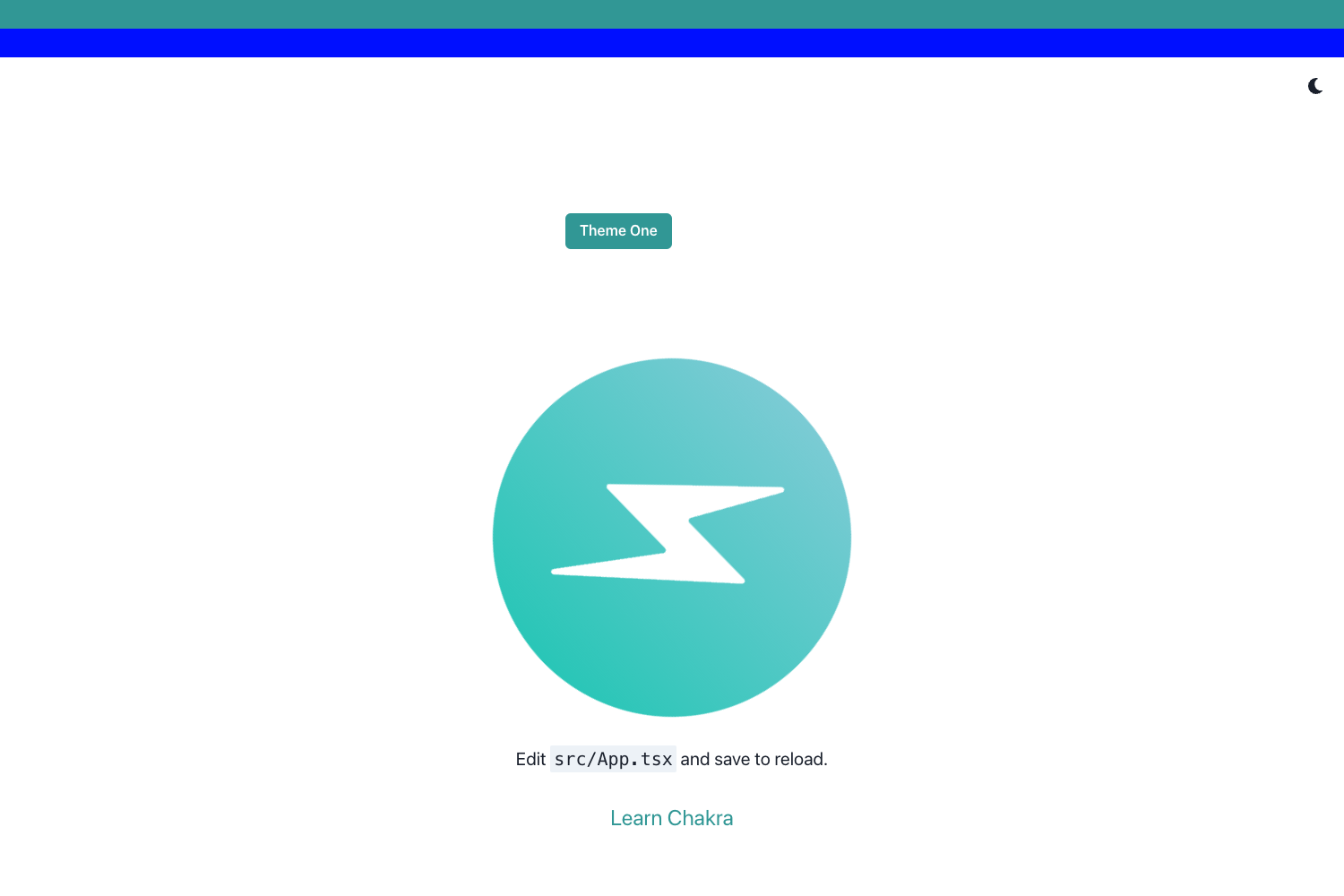
- Preview and iterate in the cloud: Open the StackBlitz preview to edit the default index page in the browser and see Tailwind JIT compile utilities live.
- Deploy to production: Click the Vercel deploy button or push the repo to Vercel to get a live HTTPS URL; the example deploys without further configuration.
How does it work?
The scaffold configures Tailwind CSS through PostCSS: the postcss.config.js file loads tailwindcss, and tailwind.config.js defaults to content scanning from pages and components. When you run npm run dev, Next.js starts a development server and Tailwind JIT generates only the utility classes used in your JSX. For production, npm run build and npm run start produce a statically exportable or server-rendered app that can be hosted anywhere, including Vercel.
FAQ
Is the Next.js + Tailwind CSS Example free?
Yes. The template is part of the open-source Next.js repository on GitHub, and you can use it commercially or personally without payment. The only indirect cost is the hosting platform if you deploy.
How do I start a project from this template?
Run npx create-next-app --example with-tailwindcss with-tailwindcss-app in your terminal, replacing the last argument with your chosen folder name. Alternatively, use yarn create next-app --example with-tailwindcss with-tailwindcss-app.
Which Tailwind CSS version does it use?
The example specifies Tailwind CSS v2.2 and activates the new Just-in-Time mode, so it does not use Tailwind v3 classes. If you need v3, you'd update the dependency yourself.
Can I deploy this to Vercel?
Yes. The README includes a dedicated "Deploy with Vercel" button that creates a Vercel project from a GitHub repository containing this example, and the Next.js deployment documentation covers further options.