Template details
Next.js Tailwind Storybook with CI/CD
This repository is built to provide a ready-to-go template for the projects that are using NextJS, Tailwind, Storybook, eslint, jest, prettier in them.
About this template
Next.js Tailwind Storybook with CI/CD is a GitHub template that scaffolds a Next.js 13 app pre-configured with Tailwind CSS, Storybook, Jest, React Testing Library, ESLint, and Prettier, including a GitHub Actions workflow for linting and unit tests.
What is Next.js Tailwind Storybook with CI/CD?
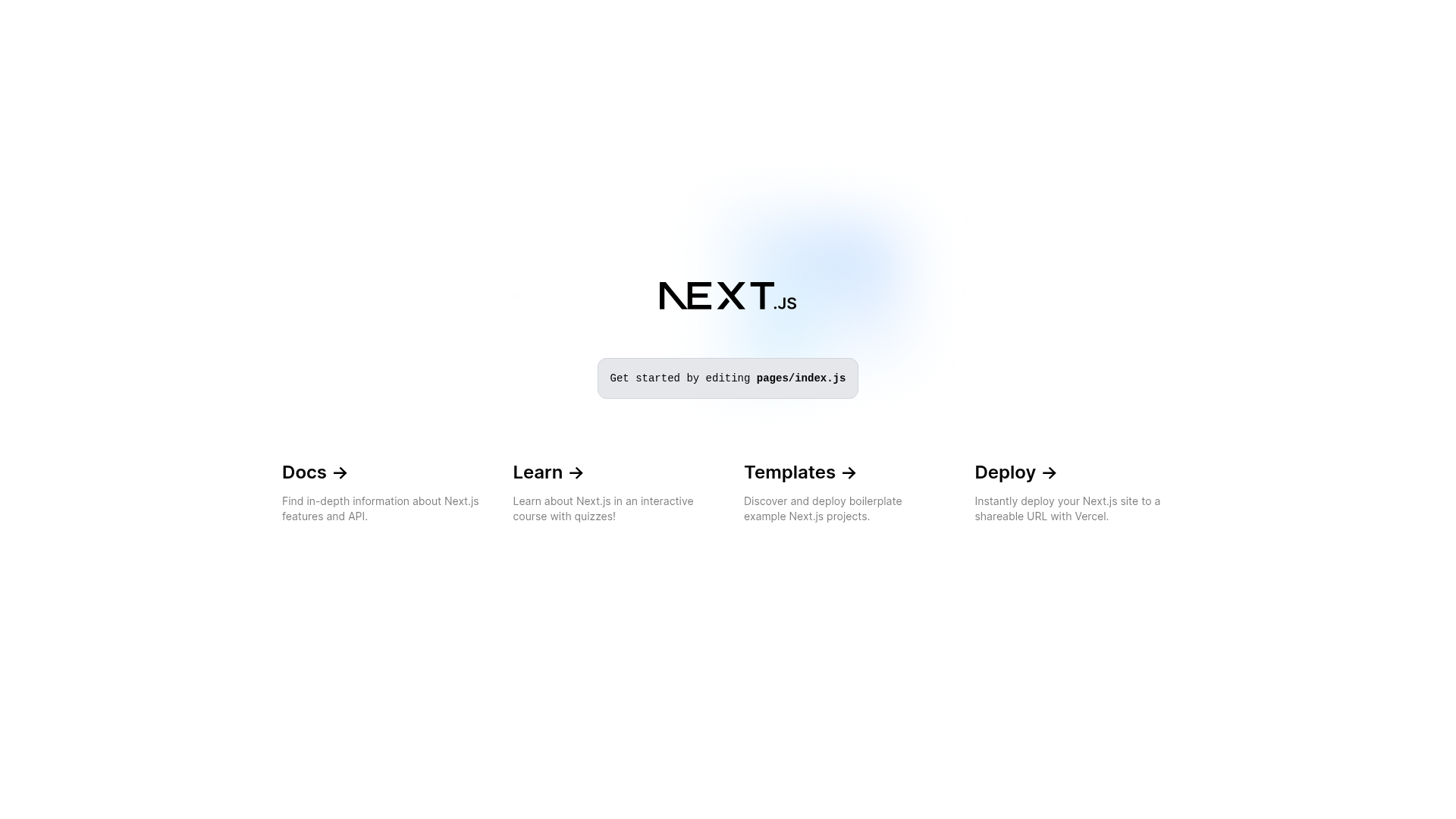
This template provides a ready-to-go starter repository for web projects built on Next.js 13, Tailwind CSS, Storybook, Jest, React Testing Library, ESLint, and Prettier. It outputs a functioning Next.js application with all tooling wired together, so developers can generate a new repo from the template and immediately run yarn dev to start at localhost:3000 or yarn storybook for the component library at localhost:6006. The template was authored by Showrin and is distributed under the MIT License.
Key Features
- Pre-configured tech stack — Next.js 13.3.0, React 18.2.0, Tailwind CSS 3.3.1, Storybook 7.0.5, Jest 29.5.0, and React Testing Library 14.0.0 are pre-installed with matching configuration files.
- GitHub Actions CI/CD — A
tests.ymlworkflow runs ESLint and unit tests on every push to the origin, with room to add more actions in.github/workflows. - Component conventions — Each component lives in its own folder with an
index.js, optionalsubComponents, a.stories.jsxStorybook file, and a.test.jsxfile, keeping both Storybook and Jest consistent. - Path alias —
jsconfig.jsondefines@/as an alias for the root directory, enabling absolute imports throughout the app. - Storybook theming and SEO — The
.storybookfolder includesmain.js,preview.js,appTheme.js,manager.js, andmanager-head.htmlfor customizing the component preview, theme, and meta tags. - Production builds —
yarn buildcreates a production build,yarn startserves it on port 3000, andyarn build-storybookexports a static Storybook site for deployment. - Vercel deployment guideline — The README includes step-by-step instructions for importing the repository into Vercel and deploying the Next.js app to a
[DOMAIN-NAME].vercel.appURL.
Who is it for?
- React/Next.js developers who want a project scaffold with all common tooling already configured, eliminating hours of setup.
- Teams building component libraries — the enforced component + Storybook + test structure gives a consistent pattern for documenting and testing UI components.
- Open-source maintainers who need a MIT-licensed template they can fork and adapt to their own workflow, including extending the GitHub Actions CI pipeline.
What can you do with the template?
- Start a new app quickly — use the create repo from template link to generate a repository, clone it, run
yarnto install dependencies, thenyarn devfor a working site at localhost:3000. - Develop components in isolation — run
yarn storybookto view and interact with all stories at localhost:6006, using the provided Storybook theming and JS doc support to document components. - Run testing continuously — use
yarn testto execute all*.test.jsxand*.test.tsfiles, oryarn test:watchfor real-time feedback; the included CI action runs the same checks on every push. - Deploy to production — follow the Vercel deployment guideline to import the repo, add environment variables, and deploy without extra configuration.
How does the template work?
After generating a new repository from the template, the workflow is: clone the repo, run yarn to install dependencies, and use the pre-added package scripts to develop, test, lint, and build. The repository already contains a GitHub Actions workflow that triggers on every push, and config files for Next.js, Tailwind, Jest, ESLint, Prettier, and Storybook are all present so you can modify behavior by editing the respective configuration files.
Pros and cons
- Pros: Full stack pre-configured; consistent component structure; ready CI pipeline; MIT license; documented commands and folder structure.
- Cons: Storybook 7.0.5 does not support some Next.js 13 features like TurboPack, Server Components, and SWC, so those features won't be usable in the component preview environment.
FAQ
Is the template free to use?
Yes, the repository is open source under an MIT License. Note that when you create a repository from this template, you should replace the license with your own project's license.
How do I create a new repository using this template?
Click the generate a new repo using this template link in the README, give the repository a name and description, then click Create repository from template. You can leave the Include all branches option unchecked.
What versions of the main packages are included?
The template was built with NodeJS 16.10.0, Next.js 13.3.0, React 18.2.0, Tailwind CSS 3.3.1, Storybook 7.0.5, Jest 29.5.0, and React Testing Library 14.0.0, among others.
Does the template include a CI/CD workflow?
Yes, a GitHub Action in tests.yml runs JavaScript linting and unit tests on every commit pushed to origin. You can add more workflow files in the .github/workflows folder.
Can I deploy the app to Vercel?
Yes, the README includes a detailed guideline: go to Vercel's dashboard, import the GitHub repository, add environment variables from your .env file, and click Deploy. You'll get a URL in the form of [DOMAIN-NAME].vercel.app.