Template details
NextJS Tailwindcss Template
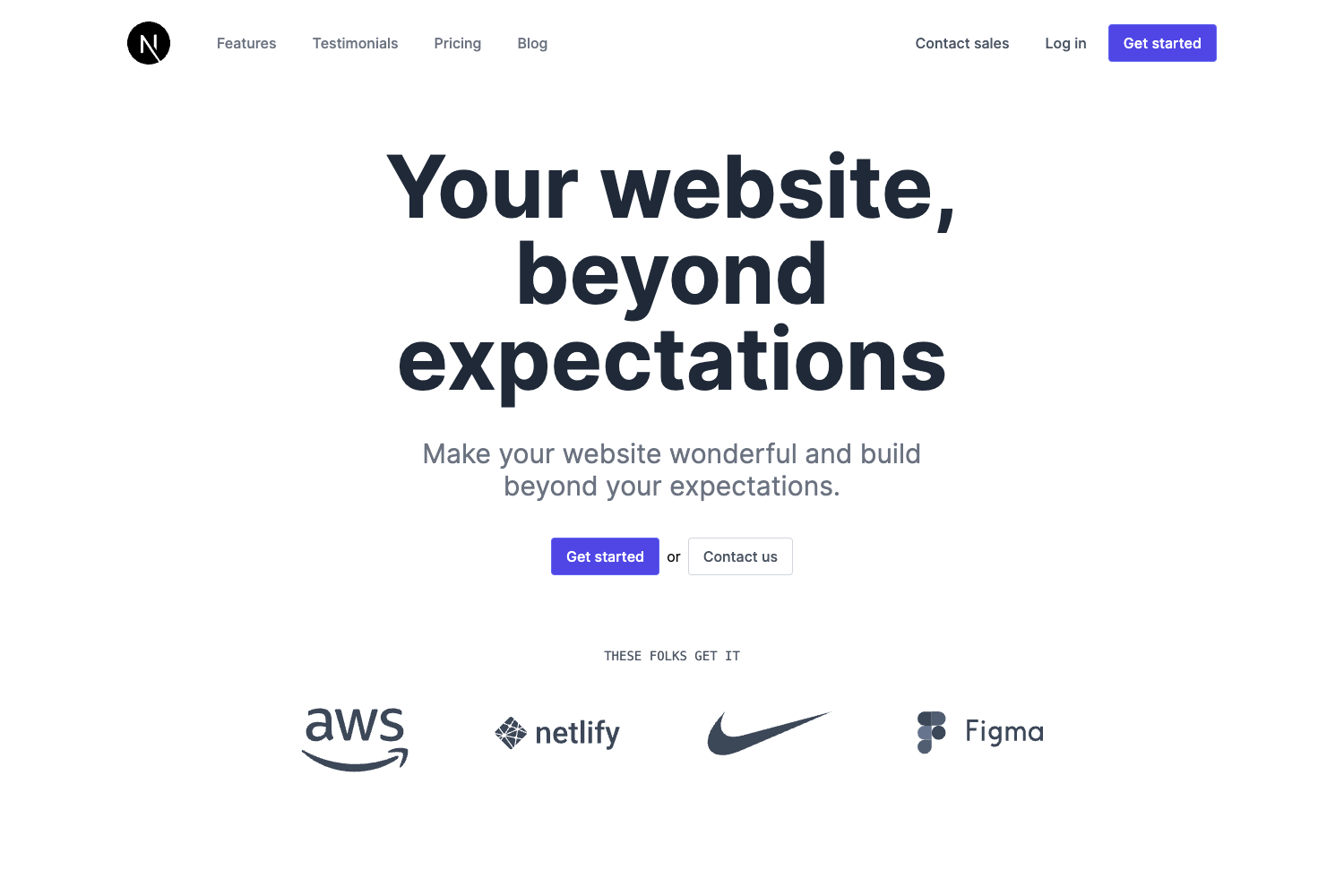
A minimal Next.js starter with Tailwind CSS pre-configured for building React web apps.
About this template
NextJS Tailwindcss Template is a minimal boilerplate that combines the Next.js React framework with Tailwind CSS, providing a pre-configured starting point for web application development.
What is NextJS Tailwindcss Template?
It is a starter project bootstrapped with create-next-app and extended with Tailwind CSS for styling. The template takes a developer's React component code in pages/index.js as input and produces a running web application on a local development server at http://localhost:3000. The project runs on Next.js, utilizes PostCSS for CSS processing (per the source tags), and the repository's readme links to both Vercel and Netlify deployment options.
Key Features
- Next.js framework — Uses the React-based Next.js framework with file-based routing; the page auto-updates on edits to
pages/index.jsduring development. - Tailwind CSS integration — Includes Tailwind CSS, a utility-first CSS framework, configured to work with the project.
- Multiple package managers — Supports starting the development server with either
npm run devoryarn dev. - Local development workflow — Provides a development server accessible at http://localhost:3000 with hot reloading.
- Deployment documentation — The README includes links for deploying to Vercel and references Netlify deployment via a status badge.
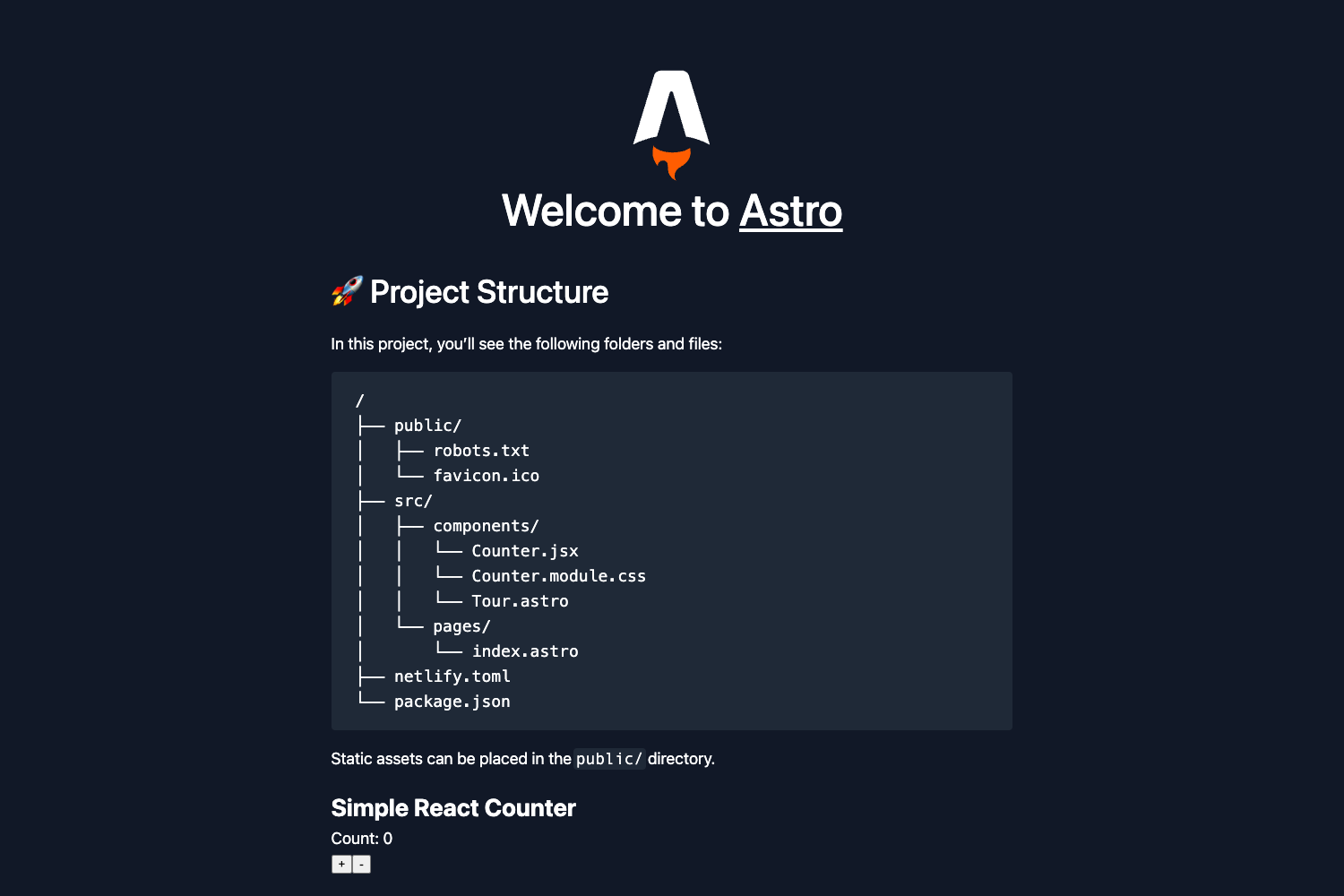
- Standard project structure — Created with create-next-app, so it follows the conventional Next.js layout with a
pagesdirectory.
Who is it for?
- Frontend developers who want a practical starter for building a Next.js app with Tailwind CSS already set up.
- Developers new to Next.js who can use the template to explore the framework's features like pages and auto-updating during development.
- Hobbyists building small web projects who want a fast local setup without manually wiring Tailwind CSS.
What can you do with it?
- Create a new app — Scaffold a Next.js application with Tailwind CSS styling out of the box, then edit
pages/index.jsto build custom UI. - Preview changes live — Run
npm run devand make edits; the browser updates automatically as files change.
FAQ
How do I start the development server?
Run npm run dev or yarn dev from the project root, then open http://localhost:3000 to view the application.
Does this template include Tailwind CSS?
Yes, Tailwind CSS is included, and the source tags indicate PostCSS is part of the styling pipeline. The README does not specify a Tailwind config file, but the template is labeled as a "NextJS with Tailwindcss Template."
Where do I edit the main page?
The default page is located at pages/index.js. Editing this file will cause the page to auto-update in the browser while the development server is running.
What deployment options are mentioned?
The README's "Deploy on Vercel" section provides a link to the Vercel platform, and the repository shows a Netlify deploy-status badge, suggesting Netlify deployment is also supported.