Template details
Next.js TailwindCSS Typescript Starter
Next.js 12, TailwindCSS 3, and TypeScript 4 starter template with create-next-app support and Vercel deployment.
About this template
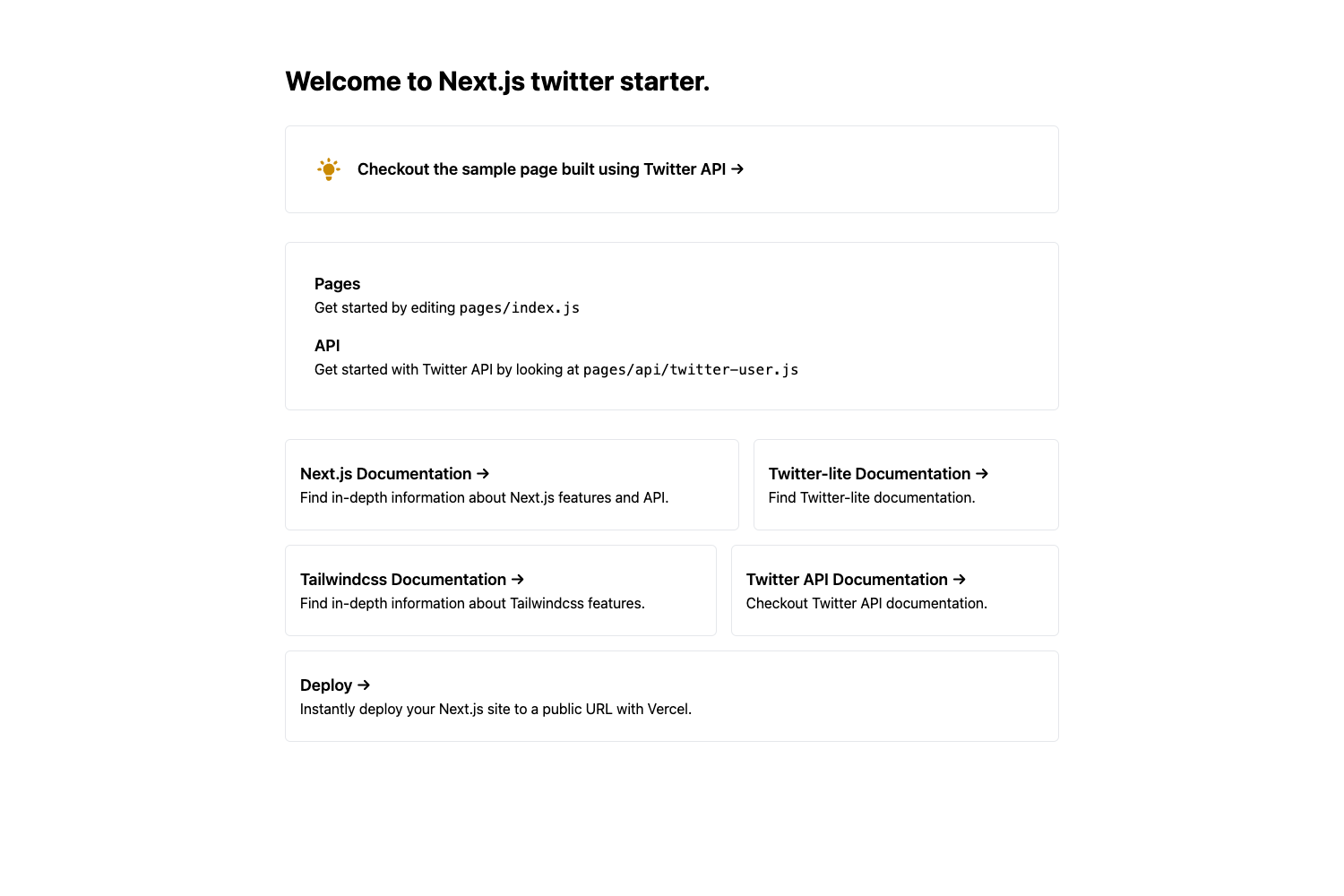
Next.js TailwindCSS TypeScript Starter is a GitHub boilerplate that combines Next.js 12, TailwindCSS 3, and TypeScript 4 to quickly scaffold a new React web application.
What is Next.js TailwindCSS TypeScript Starter?
Next.js TailwindCSS TypeScript Starter is a starter template created by developer vuongddang for building web apps with the Next.js framework, TailwindCSS utility styling, and TypeScript type safety. It provides a preconfigured project structure so you can create a new app with these three technologies without manually setting up tooling. The template runs on any platform that supports Node.js and is designed for deployment to Vercel.
Key Features
- Preconfigured stack — Includes Next.js 12.x, TailwindCSS 3.x, and TypeScript 4.x, so the integration between the framework, styling, and language is already set up.
- create-next-app integration — You can start a new project by running
npx create-next-app --example "https://github.com/vuongddang/nextjs-tailwindcss-typescript-starter/tree/main"or the equivalent yarn command. - GitHub template support — Click the "Use this template" button on the repository page to generate a new repository with the same directory structure and files.
- Fast local development — After
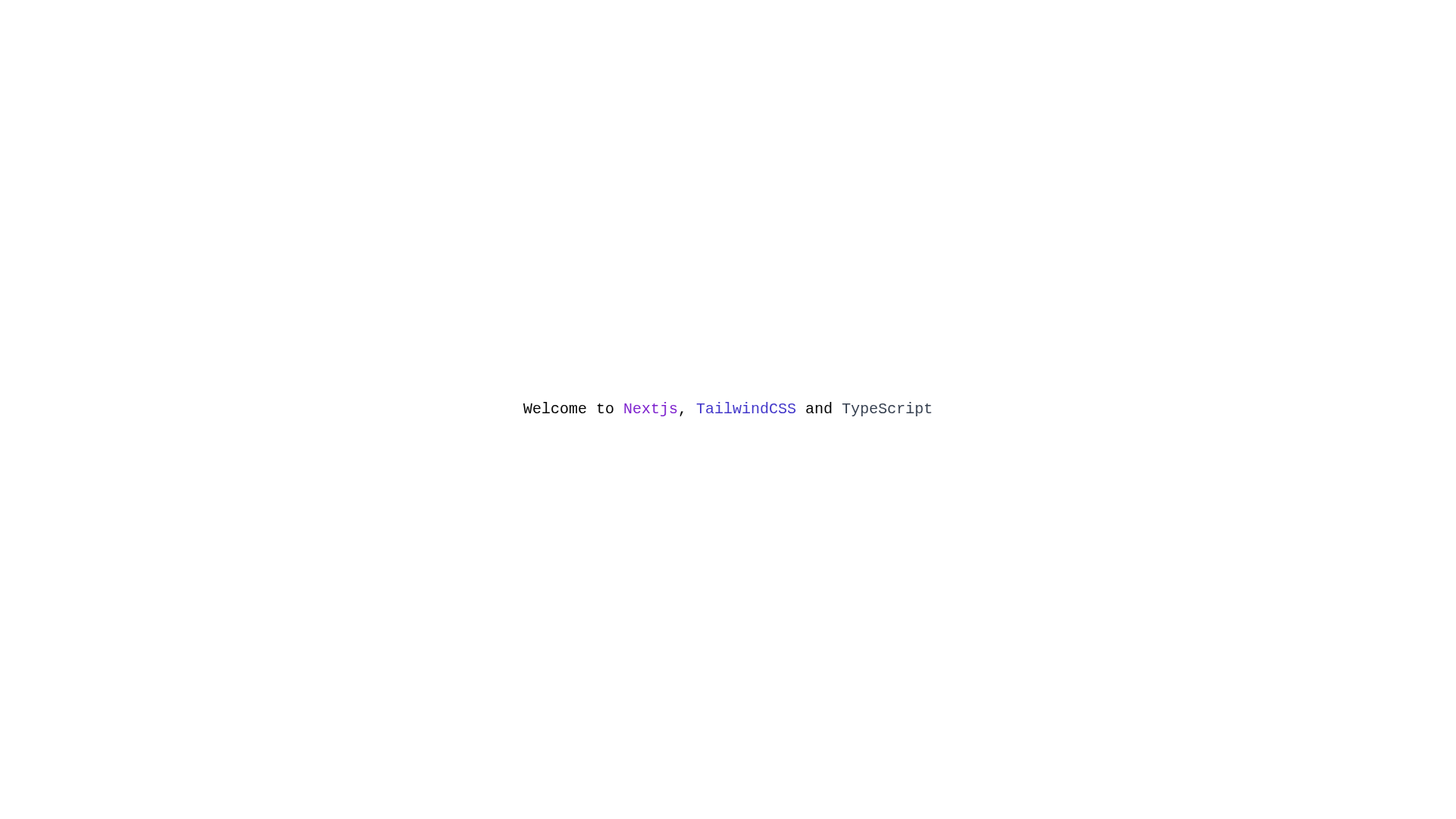
npm installoryarn install, runnpm run devoryarn devto start the development server at http://localhost:3000, with automatic reloads when you editsrc/pages/index.js. - One-click Vercel deployment — The README includes a "Deploy to Vercel" button that imports this template directly to Vercel, and you can also import your repository through the Vercel dashboard.
Who is it for?
- Developers starting a new Next.js project who want TypeScript and TailwindCSS configured from the first commit instead of adding them later.
- Front-end developers who prefer a minimal boilerplate to quickly prototype a site or app with a React-based framework and utility-first CSS.
- Learners working through Next.js 12, TailwindCSS 3, or TypeScript 4 who want a clean reference project to study and modify.
What can you do with it?
- Build a marketing or landing page: Style components with TailwindCSS utility classes while keeping page logic type-safe in TypeScript.
- Prototype a product UI: Use the file-system routing in
src/pagesto add routes quickly and iterate on the dev server. - Deploy a production site: Push the generated repository to GitHub, link it to Vercel, or use the built-in deploy button to get a live URL.
How does it work?
To create a project, you either run the create-next-app example command pointing to the template URL or click "Use this template" on GitHub to copy the repository. Then install dependencies and start the dev server with the commands in the README. When you're ready to ship, import the repository into Vercel or use the deploy button.
FAQ
What versions of Next.js, TailwindCSS, and TypeScript does this template use?
The README states it is a Next.js 12.x, TailwindCSS 3.x, and TypeScript 4.x starter template.
Can I use this template without the command line?
Yes, you can click the "Use this template" button on the GitHub repository page to create a new repository with the same files, then clone or edit it directly on GitHub.
How do I run the development server?
Install dependencies with npm install or yarn install, then run npm run dev or yarn dev. Open http://localhost:3000 to see your app.
Does the template include deployment instructions?
Yes, the README shows how to import your project to Vercel via the Vercel dashboard or the deploy button, and links to the Next.js deployment documentation.