Template details
Hugo Theme Echo
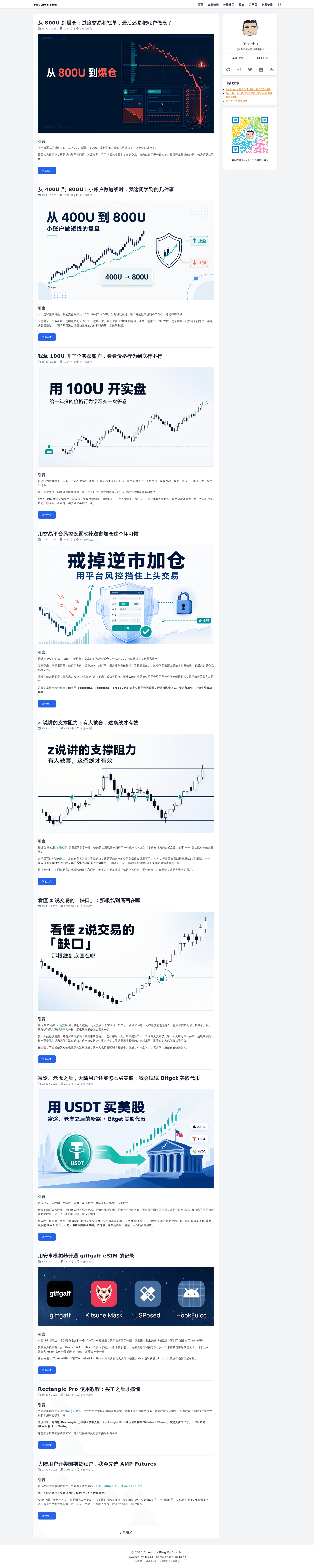
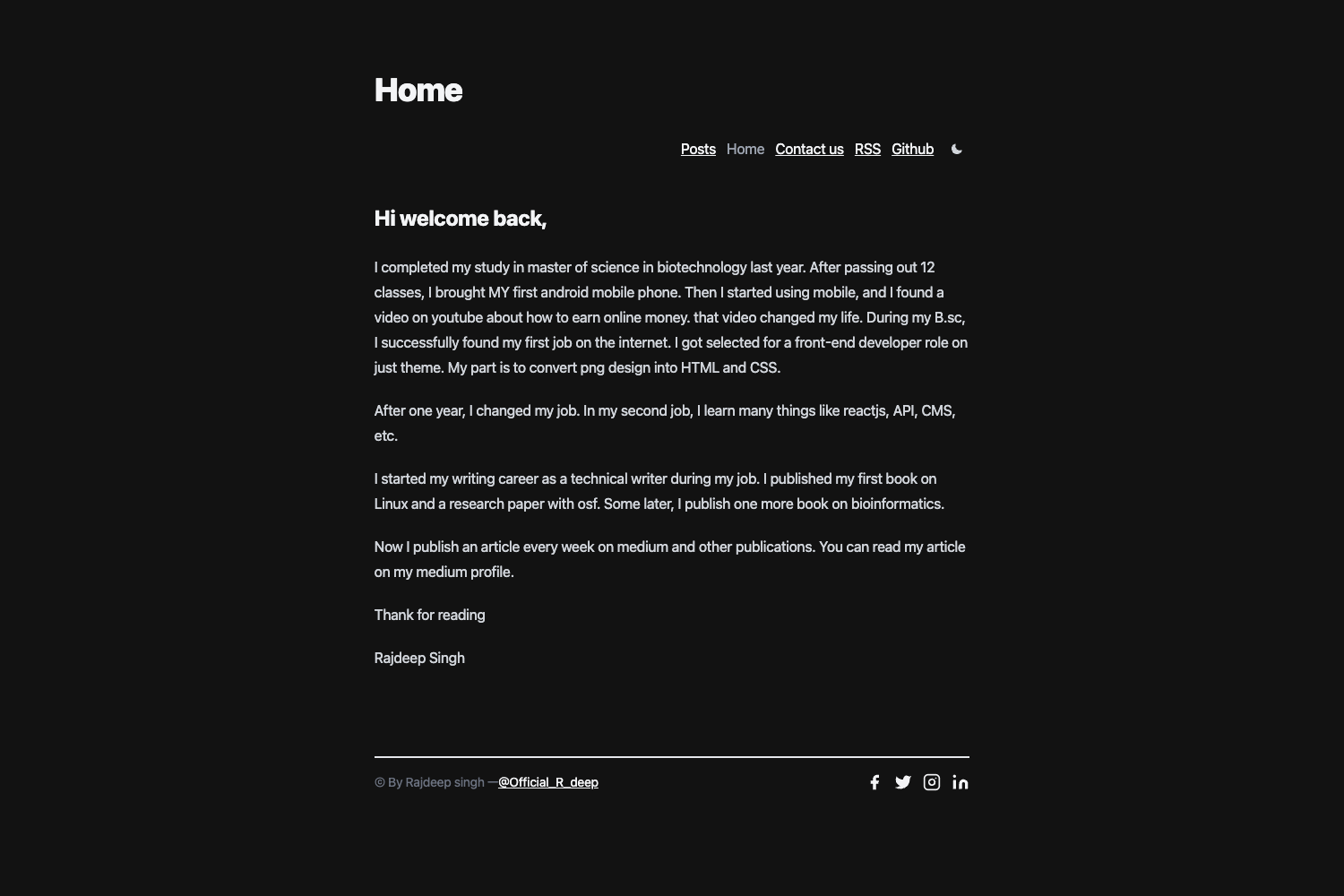
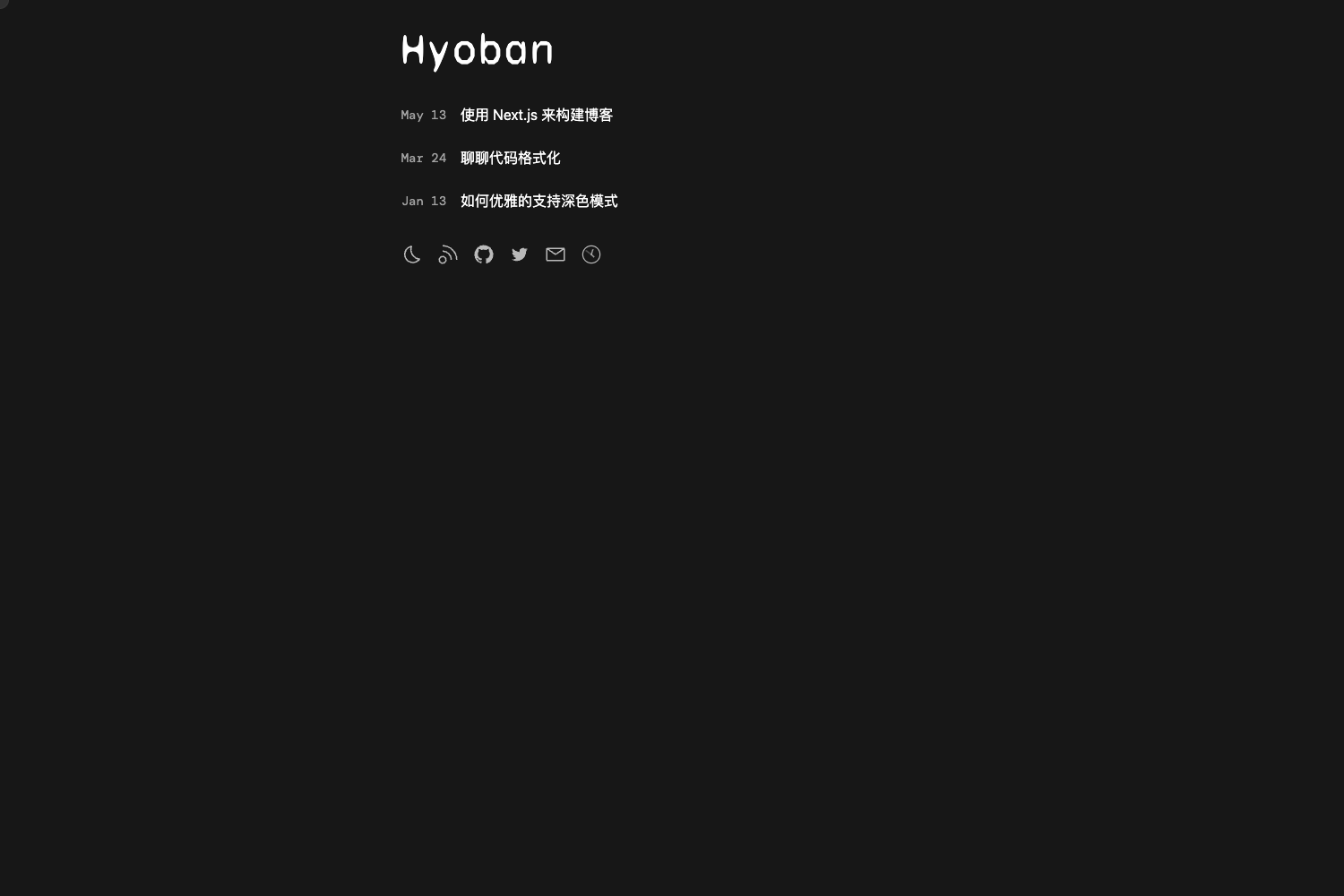
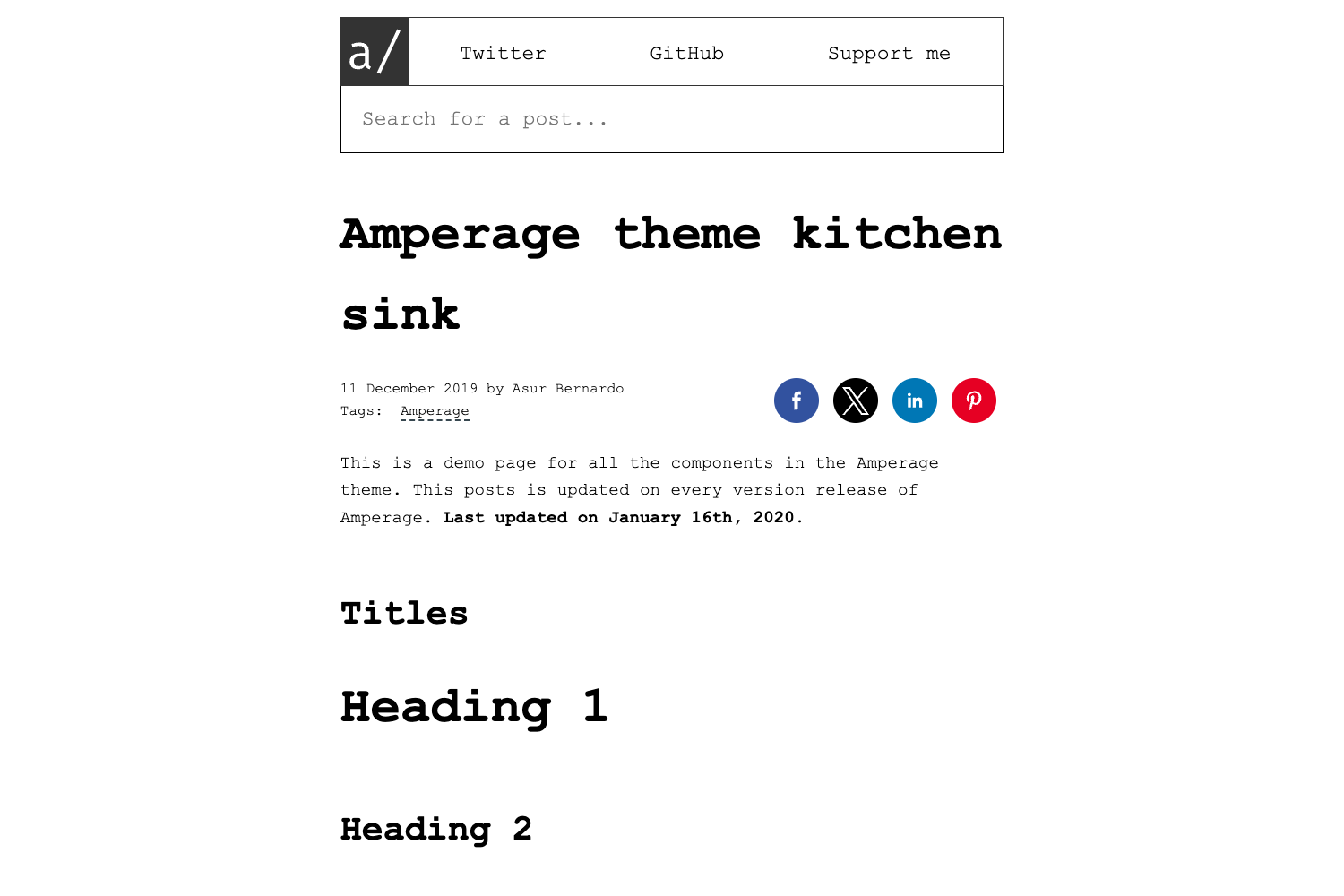
A super concise Hugo blog theme styled with Tailwind CSS, featuring dark mode, table of contents, and eight comment systems.
About this template
Echo is a Hugo theme for personal blogs that compiles Markdown content into a Tailwind CSS–styled static site with dark mode, an automatic table of contents, and built-in support for eight comment systems.
What is Hugo Theme Echo?
Echo is a Hugo theme created by the developer forecho for personal blogs and published on GitHub under the MIT license. It takes Hugo content files written in Markdown with YAML, TOML, or JSON front matter and produces a static website styled with Tailwind CSS, highlighted with Hugo's Chroma engine, and configurable per post for comments, tables of contents, and reward buttons. The theme is installed as a git submodule in a Hugo site's themes directory, and Node.js dependencies are required only for local development.
Key Features
- Tailwind CSS styling — The theme's look is built on Tailwind CSS version 2.x, with PostCSS and autoprefixer declared as dev dependencies in the site's root package.json.
- Chroma code highlighting — Code blocks use Hugo's Chroma engine with configurable style (the example config sets manni), line numbers, and guessSyntax support for unlabeled code blocks.
- Dark mode toggle — Set htmlClass to dark or light in the params block of config.toml to switch the site theme manually.
- Table of contents — Enable the TOC per post with the toc front matter field, or set the toc param globally in config.toml.
- Related reading — The theme supports showing related posts to keep readers on the site.
- On This Day — A widget that lists posts published on the same date in previous years; the author recommends pairing it with a scheduled GitHub Actions build.
- Eight comment systems — Config blocks for Changyan, Disqus, LiveRe, Gitment, Utterances, Gitalk, Valine, and Giscus can all live in one config.toml.
- Popular articles — Articles tagged popular automatically appear in a sidebar and 404-page widget capped at five items.
Who is it for?
- Individual bloggers — Writers who want a static blog and are comfortable editing a TOML config and running Hugo commands such as hugo new site, hugo server -D, and hugo.
- Chinese-language bloggers — Setting hasCJKLanguage to true improves Chinese, Japanese, and Korean summary and word-count behavior, and Chinese services like Changyan and Livere are supported out of the box.
- Developers who customize themes — The theme exposes custom CSS, custom JavaScript, and a custom head block through config, plus ad slots for the post, profile, and 404 pages.
What can you do with Hugo Theme Echo?
- Launch a blog quickly — Clone the theme as a git submodule, copy the sample package.json and config.toml, add posts under content/posts, and run hugo to generate the public directory.
- Automate deployment with GitHub Actions — A provided workflow installs Hugo 0.82.0 extended and Node 12, caches npm dependencies, runs hugo --minify, and publishes public to GitHub Pages with peaceiris/actions-gh-pages.
- Accept reader support — Enable per-post reward buttons with WeChat and Alipay QR code images, and insert custom ad HTML through postAds, profileAds, and notFoundAds fields.
How does Hugo Theme Echo work?
Setup follows four steps: create a site layout with hugo new site myBlog, add the theme as a git submodule inside themes/echo, write a root package.json that pins tailwindcss 2.0.4, postcss 8.2.9, postcss-cli 8.3.1, and autoprefixer 10.2.5, then run npm ci before hugo server -D. Each post can override site behavior with front matter fields such as draft, tags, comment, toc, and reward.
FAQ
Is Hugo Theme Echo free?
Yes. The theme is open source under the MIT license, and its GitHub repository ships with example configuration, front matter samples, and a GitHub Actions deployment workflow.
What comment systems does Hugo Theme Echo support?
Eight: Changyan, Disqus, LiveRe, Gitment, Utterances, Gitalk, Valine, and Giscus. Each has its own configuration block in config.toml, and individual posts can turn comments off with comment: false.
Does Hugo Theme Echo need Node.js?
Only for local development. The installation notes say npm ci is required for local development, and the site can then be built for production with plain hugo or hugo --minify commands.
Can I deploy Hugo Theme Echo automatically?
The repository includes a GitHub Actions workflow example that builds with Hugo 0.82.0 extended, caches npm dependencies, runs hugo --minify, and deploys the public folder to GitHub Pages using peaceiris/actions-gh-pages.
Which themes did Echo reference?
The author credits hugo-theme-even and hugo-theme-jane as sources for parts of Echo's code.