Template details
Astatine
A minimalist Hugo blog theme for academics with dark mode, LaTeX, and Tailwind CSS.
About this template
Astatine is a minimalist, responsive blog theme for Hugo built with Tailwind CSS, designed for academics who want a privacy-friendly site with publication listings and LaTeX math rendering.
What is Astatine?
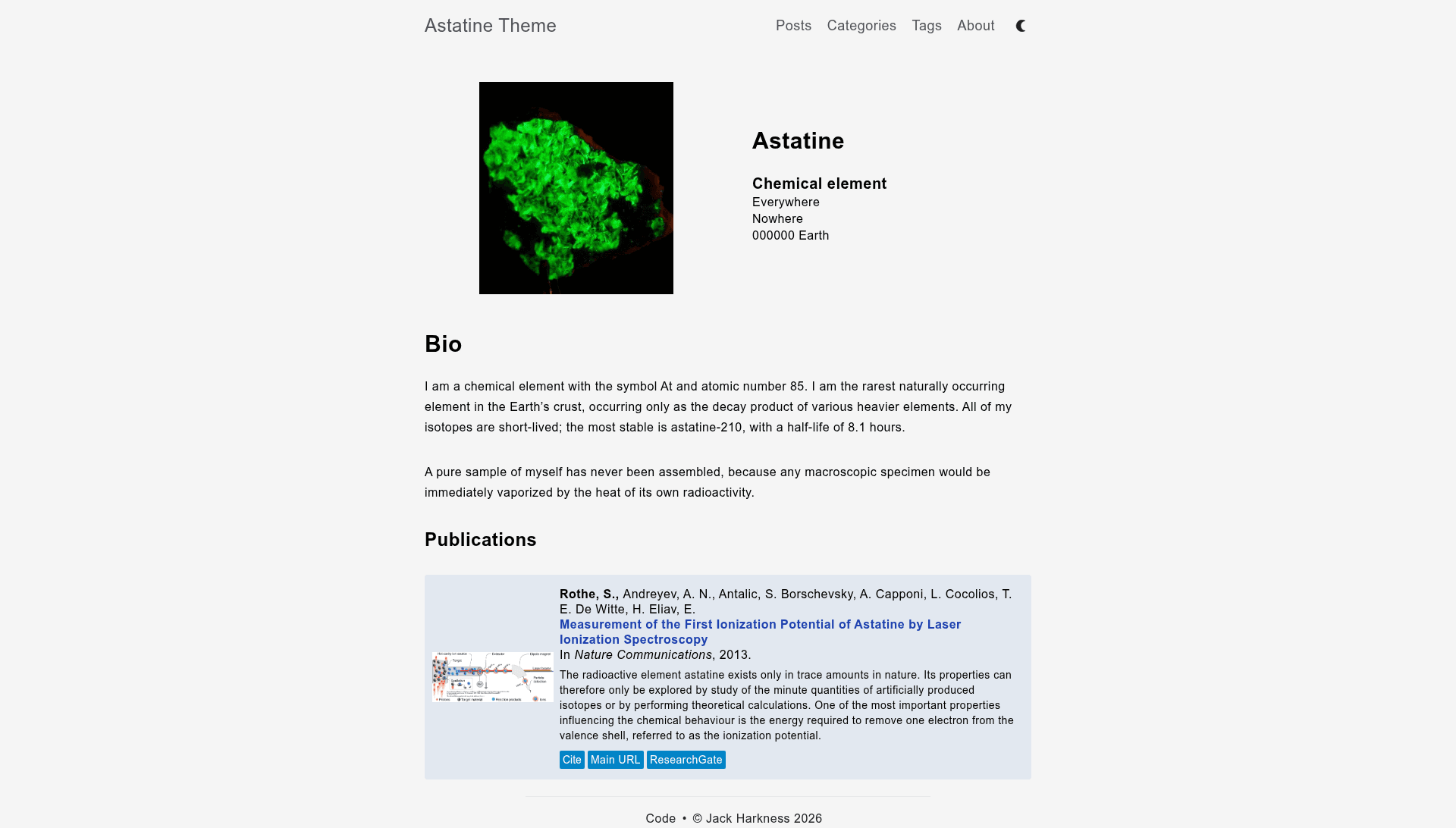
Astatine is a Hugo theme for building a personal academic website and blog. It takes standard Hugo content (markdown files with front matter) and produces a responsive site with a profile info box, a publications list, blog posts, and tag and category archive pages. The theme is created by HugCIS and is available on GitHub under the MIT License, built on the earlier Natrium theme.
Key Features
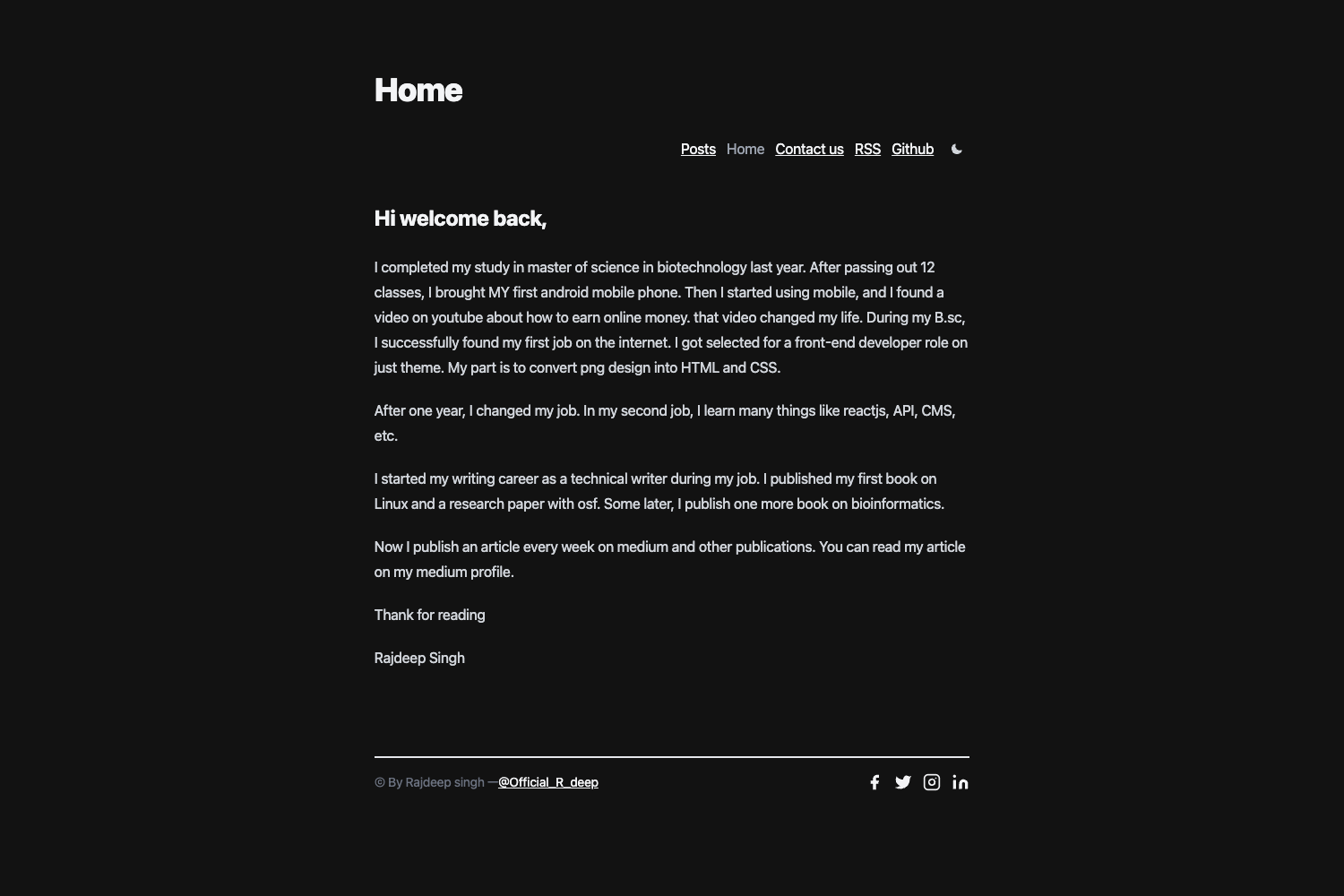
- Dark mode — A built-in light/dark color scheme; the README shows screenshots of both modes.
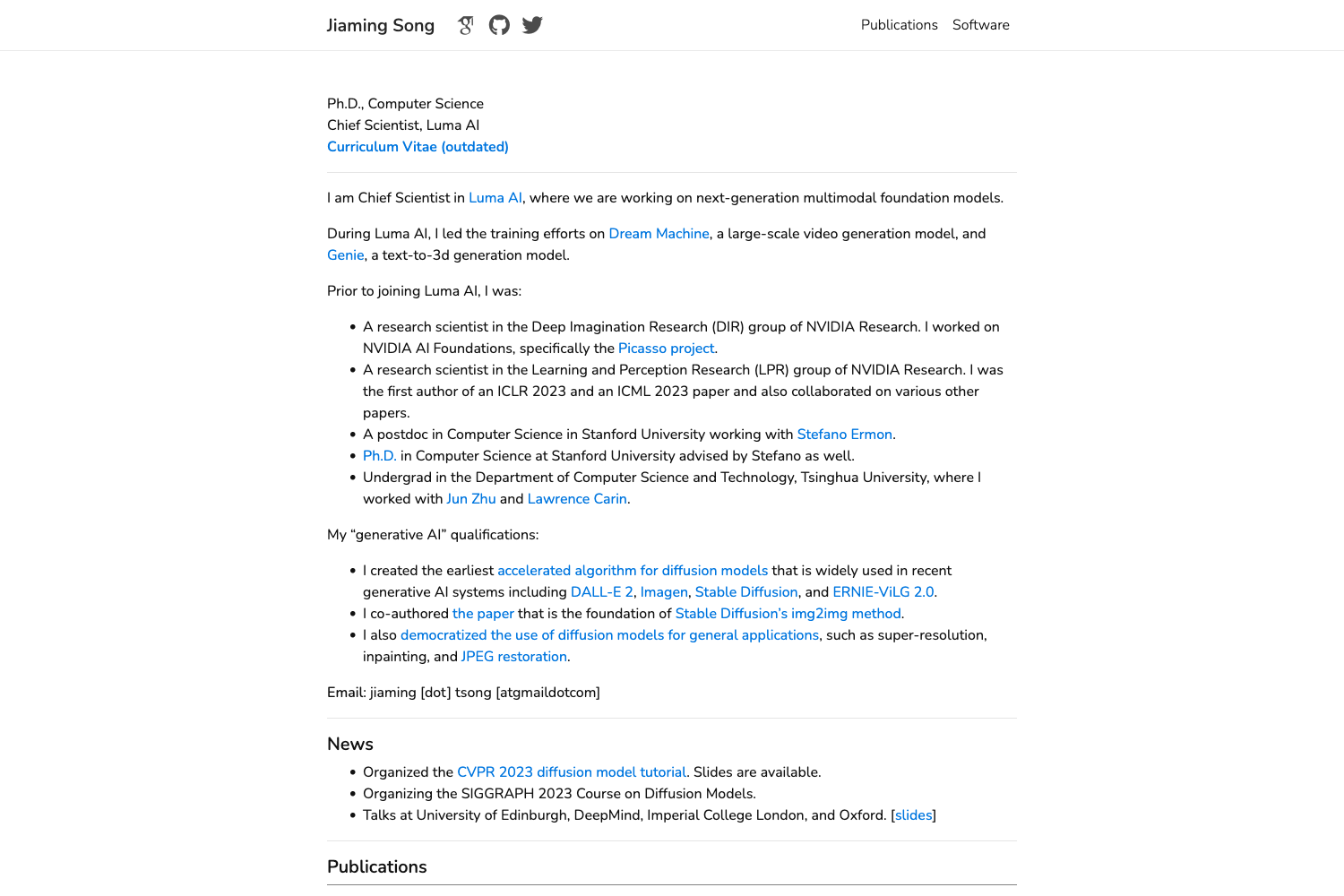
- Academics-focused layout — The main page includes a profile picture info box, a markdown content area, and a publications list populated from the front matter of the homepage file.
- Privacy-friendly — No Google services are used by the theme; analytics and trackers are not included.
- Taxonomies — Posts can be organized with tags and categories, with automatic archive pages at /categories/ and /tags/ URLs.
- Syntax highlighting — Uses Hugo's built-in Chroma highlighter with the native Pygments style.
- Microdata — Structured data markup is included for better search engine understanding.
- Tailwind CSS — The theme is styled with Tailwind CSS, and users can customize the Tailwind config by copying it into their site root.
- KaTeX math rendering — LaTeX math is rendered client-side with KaTeX; the JavaScript is only loaded on pages that set the KaTeX page parameter to true.
Who is it for?
Astatine is aimed at academics and researchers who want a clean, minimal blog with a publications section. It is also a good fit for developers who are comfortable with Hugo and want a theme that is easy to customize with Tailwind CSS. Bloggers who care about privacy will appreciate that the theme ships without Google trackers.
What can you do with Astatine?
- Academics: Publish a homepage with your profile picture, a short bio, and a list of publications generated from front matter, alongside regular blog posts.
- Math-heavy writers: Write posts with LaTeX math that is rendered instantly in the browser via KaTeX, without needing to host your own MathJax.
- Privacy-conscious bloggers: Run a blog with no embedded Google fonts or analytics, so visitors are not tracked by default.
- Customizers: Change the Tailwind config to restyle the entire theme and watch the stylesheet rebuild automatically with npx tailwindcss.
How does Astatine work?
Installation is done by cloning the repository into your Hugo site's themes folder. After cloning, you can build your site with the hugo command. To enable LaTeX, set the KaTeX page parameter to true in your content's front matter. For Tailwind customization, copy the theme's tailwind.config.js to your site root, update the paths, and run the tailwindcss build command with the watch flag.
Pricing
Astatine is free and open source under the MIT License, meaning you can use it for personal or commercial projects and modify the code without paying a license fee.
FAQ
Is Astatine free to use?
Yes, the theme is released under the MIT License, so you can use, modify, and redistribute it freely, even in commercial projects.
How do I install Astatine?
Inside your Hugo site folder, run mkdir themes, then cd themes, then git clone https://github.com/hugcis/hugo-astatine-theme. After that, build your site with the hugo command.
How do I enable LaTeX math rendering?
Astatine uses KaTeX. To render math on a page, set the KaTeX page parameter to true in that page's front matter. If you want to self-host KaTeX, set the site parameter hostedKaTex to true and place the katex folder in your static/js directory.
Does Astatine support dark mode?
Yes, dark mode is a built-in feature. The theme's README shows screenshots of both the post list and individual posts in light and dark modes.
Can I customize the Tailwind CSS styles?
Yes. Copy the theme's tailwind.config.js into your site root, adjust the content paths to match your site structure, then run npx tailwindcss with the input and output paths for the theme's CSS and the watch flag to rebuild automatically.