Template details
no style, please!
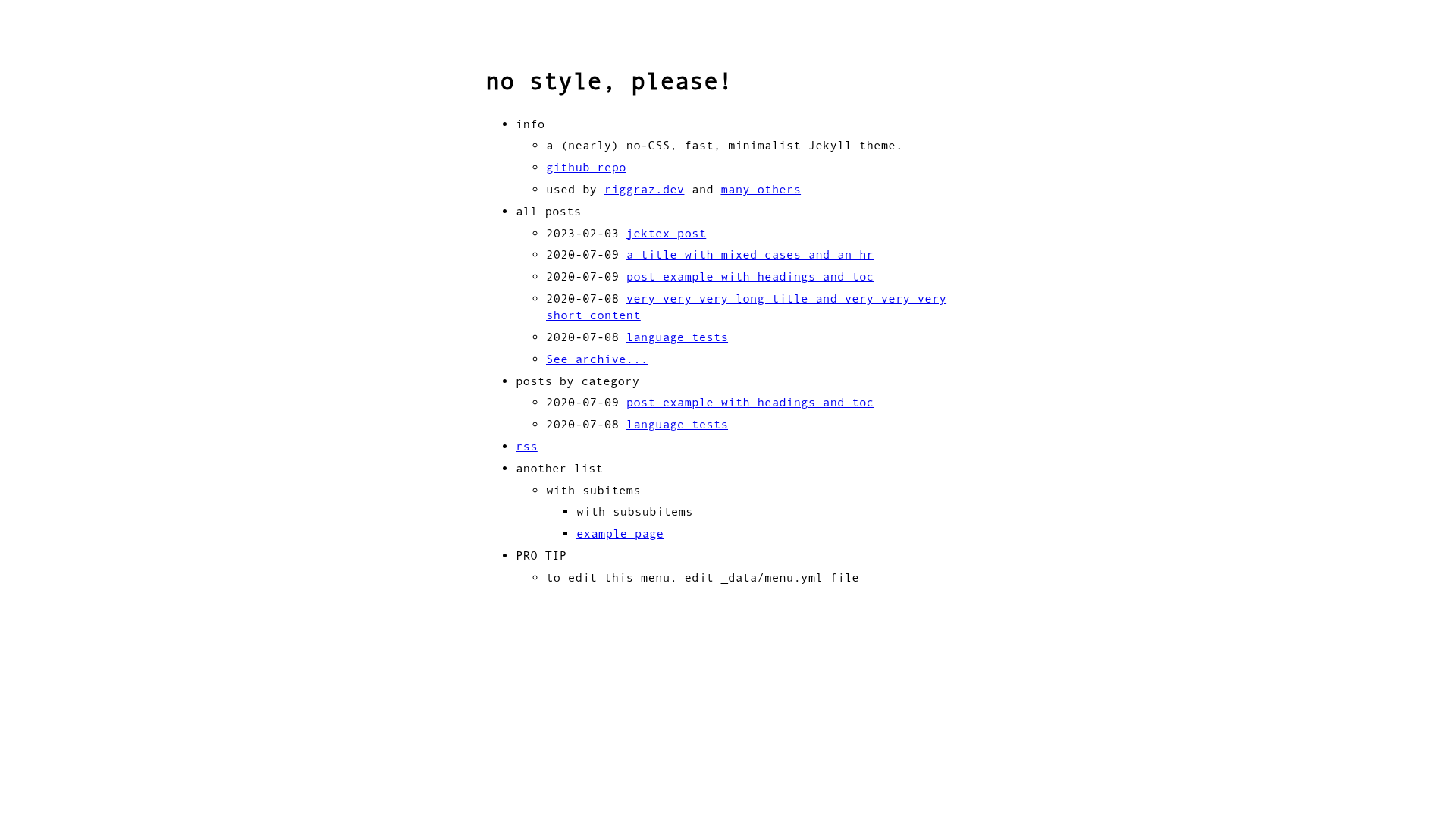
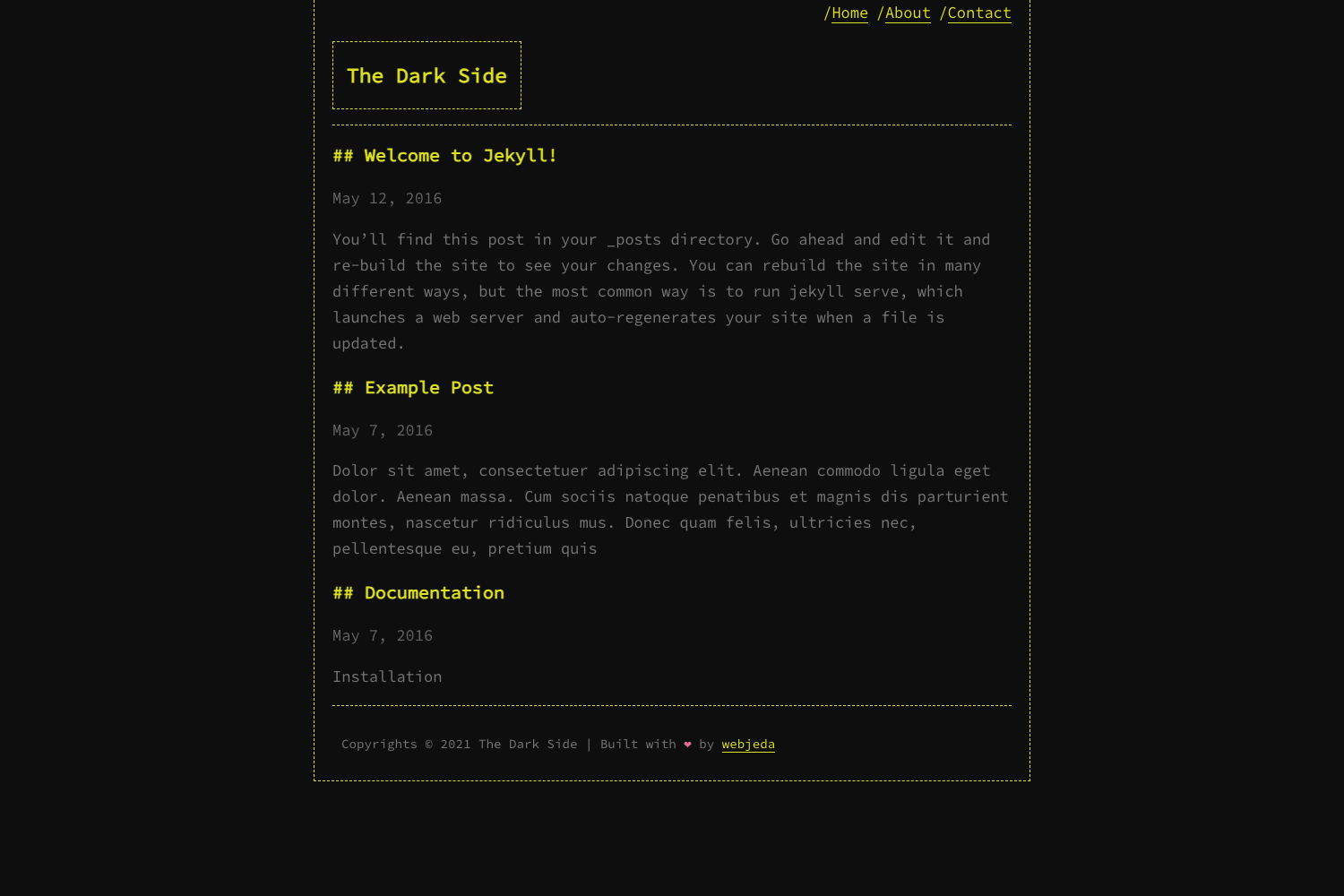
A (nearly) no-CSS, fast, minimalist Jekyll theme with light/dark modes and GitHub Pages support.
About this template
no style, please! is a Jekyll theme that reduces CSS to roughly 1 KB to keep blogs exceptionally fast and visually bare. It was created by riggraz for his personal blog and is distributed as the Ruby gem no-style-please, with a live demo hosted at riggraz.dev/no-style-please.
What is no style, please!?
no style, please! is a gem-based Jekyll theme that converts a standard Jekyll site into a content-first blog. It takes a Jekyll project with a _config.yml and an optional _data/menu.yml and outputs a static site with a menu-driven homepage, post listings, archive pages, and light/dark appearance. The theme relies on the Jekyll SEO Tag and Jekyll Feed plugins for metadata and RSS, and its installation is documented for both regular Jekyll and GitHub Pages.
Key Features
- Near-zero CSS footprint — The theme contains about 1 KB of CSS, and the repository links official Page Speed Insights and Lighthouse reports.
- Light, dark, and auto modes — Appearance is set in
_config.yml; dark mode is implemented by inverting colors with CSSinvert(). - Responsive design — The layout adapts to different screen sizes.
- Content-first typography — Text and readability are prioritized over decoration.
- SEO integration — Uses the Jekyll SEO Tag plugin.
- RSS integration — Uses the Jekyll Feed plugin.
- GitHub Pages compatible — A dedicated installation section explains how to add the theme via GitHub Pages.
- Menu-driven homepage — The homepage is driven by
menu.yml, which supports nested entries, category-filtered post lists, limits, and "show more" links. - Archive pages — Pages with layout
archiveand optionalwhich_categoryfront matter render a categorized or full post list.
Who is it for?
- Minimalist bloggers who want a fast personal blog with almost no client-side styling.
- Jekyll users who prefer a small, readable codebase they can override with their own layouts, includes, and Sass.
- GitHub Pages publishers who need a theme that works directly with the platform’s gem-based theme system.
What can you do with no style, please!?
- Personal bloggers: set up a homepage that lists posts via
menu.yml, limit how many appear, and link to an archive page that shows everything. - Jekyll developers: customize every level of the theme —
_config.ymlfields, the menu data file, layouts, and assets — following Jekyll’s gem-based theme override docs. - Dark-mode users: switch themes between light, dark, and auto, and force images to invert in dark mode by adding
class="ioda".
How does the theme work?
Add gem "no-style-please" to your Jekyll site’s Gemfile, set theme: no-style-please in _config.yml, then run bundle install. For GitHub Pages, follow the platform’s theme instructions. The menu is edited in _data/menu.yml, and archive pages are created with front matter specifying layout: archive and an optional which_category.
FAQ
Is no style, please! free?
Yes. The theme is open source under the MIT License, so it is free to use, copy, and modify.
Does no style, please! work with GitHub Pages?
Yes. The README includes a dedicated GitHub Pages installation section that links to GitHub’s own theme-addition documentation.
How do I customize the menu?
Edit the _data/menu.yml file. Each entry supports title, url, post_list with category, limit, and show_more options, and nested entries for submenus.
How do I handle dark mode for images?
By default images are not inverted. To invert an image only when dark mode is active, add class="ioda" to the image’s HTML.
How do I create an archive of all posts?
Create a new page with layout: archive in its front matter. To restrict to a single category, add which_category with the category name.