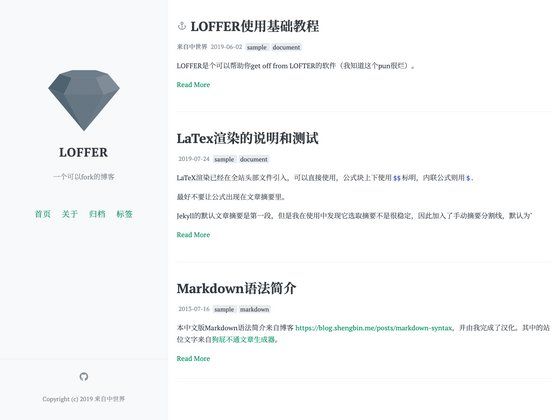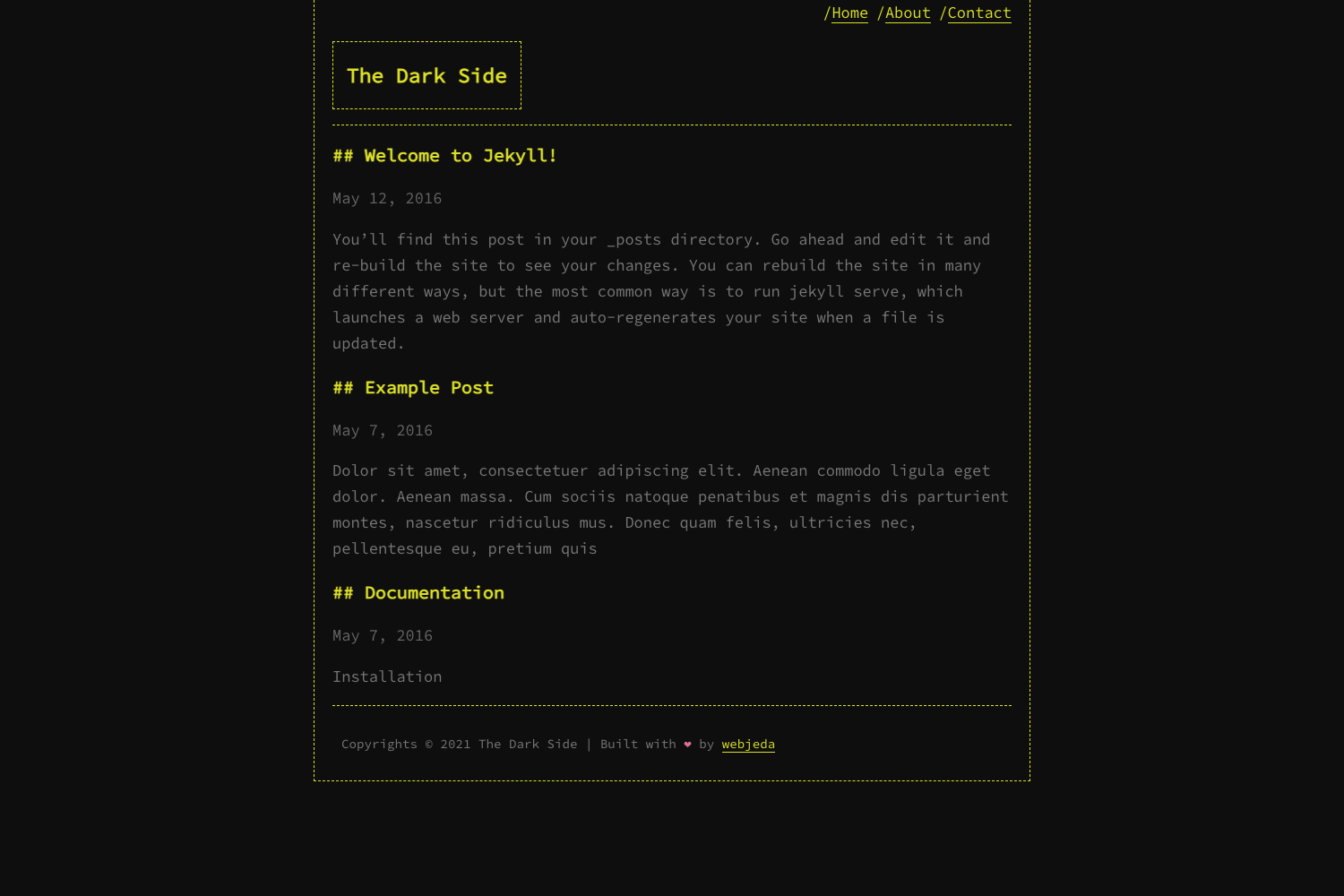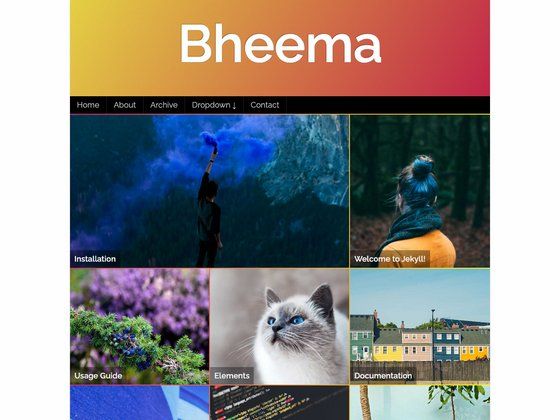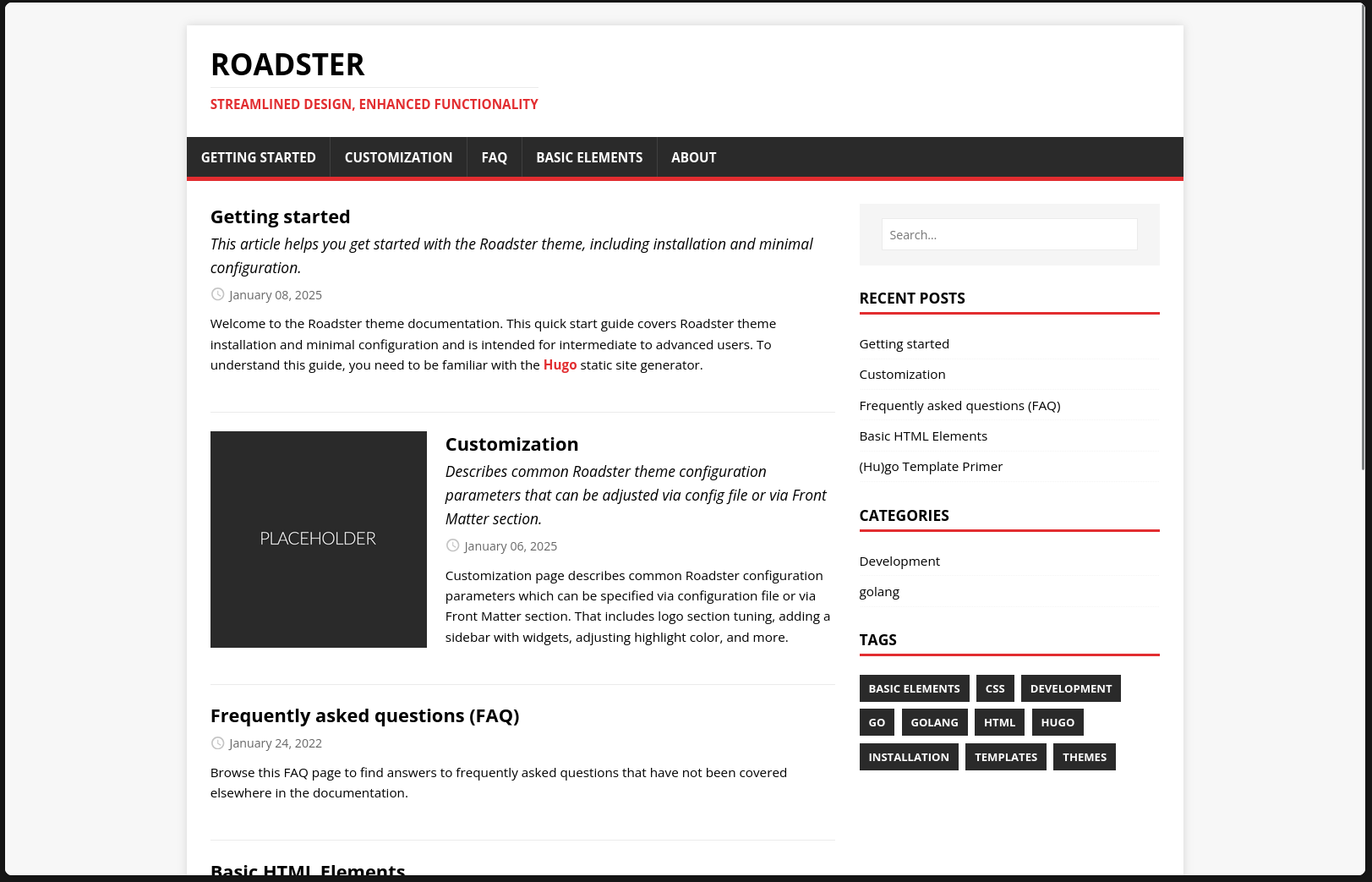
Template details
beNice17
A light, simple, responsive Jekyll theme for personal websites and blogs, with code highlighting, search, and GitHub Pages support.
About this template
beNice17 is a lightweight, responsive Jekyll theme designed for personal websites and blogs, distributed as an open-source GitHub repository.
What is beNice17?
beNice17 is a Jekyll theme built for personal websites and blogs. It takes a standard Jekyll site structure and turns it into a polished front-end with a homepage, post list, menu, big header image, code highlighting, and a search page. The theme is distributed as a GitHub repository and can be deployed to GitHub Pages by forking and renaming the repo. It is created by vietanhdev, as indicated by the demo site and contact email.
Key Features
- Very light and simple — The theme prioritizes minimalism and fast loading, with a clean layout suited for text-focused content.
- Responsive design — The layout adapts to different screen sizes, making it usable on mobile, tablet, and desktop.
- Homepage and post list — Includes a dedicated homepage layout and a post listing page for blog content.
- Big header image — Supports a large header image on pages, adding visual impact.
- Code highlighting — Built-in syntax highlighting for code blocks, useful for technical blogs.
- Search page — Includes a search page that allows visitors to find posts.
- Configurable via
_config.yml— Site URL, title, and other Jekyll settings are edited in the standard_config.ymlfile. - Customizable menu — The navigation menu is controlled by editing
/html_includes/head/topbar-menu.htmldirectly.
Who is it for?
- Personal website owners — Individuals who want a simple, clean online presence without a heavy site builder.
- Bloggers — Writers who publish posts regularly and need a lightweight theme with code highlighting and search.
- Jekyll beginners — Developers new to Jekyll who want a ready-made theme that can be forked and customized with minimal configuration.
- GitHub Pages users — Anyone hosting a site on GitHub Pages can use this theme by renaming the repository to match their username.
What can you do with beNice17?
- Launch a personal site on GitHub Pages — Fork the repository, rename it to your-username.github.io, edit
_config.yml, and push to get a live site at your-username.github.io. - Publish a blog with code snippets — Use the theme's code highlighting and post list to share technical tutorials or programming notes.
- Customize the navigation — Edit the topbar menu file to add or remove links, matching your site structure.
- Add a search page — Use the built-in search page to let readers find content by keyword.
How does beNice17 work?
Setting up beNice17 follows the standard Jekyll GitHub Pages workflow. First, fork the theme repository on GitHub. Second, rename the forked repository to match your GitHub username (e.g., your-username.github.io). Third, edit _config.yml to set your site URL and other settings. Fourth, modify /html_includes/head/topbar-menu.html to change the navigation menu. Once pushed, GitHub Pages serves the site automatically.
FAQ
Is beNice17 free to use?
Yes. beNice17 is an open-source Jekyll theme available on GitHub. The repository is public, and you can fork, modify, and use it for personal or commercial projects without payment.
What do I need to run beNice17?
You need a GitHub account to fork the repository and use GitHub Pages for hosting. To customize locally, you should have Jekyll installed; the README links to jekyllrb.com for full configuration instructions.
Can I customize the menu in beNice17?
Yes. The navigation menu is stored in /html_includes/head/topbar-menu.html. You can edit this HTML file to add, remove, or reorder menu items.
Does beNice17 support search?
Yes. The theme includes a search page, as shown in the screenshot. Search functionality is built in, so you don't need to integrate a third-party service.
How do I contact the developer for support?
The README provides a contact email: benice17@vietanhdev.com. The developer also maintains the demo site at https://vietanhdev.com/beNice17/ where you can see the theme in action.