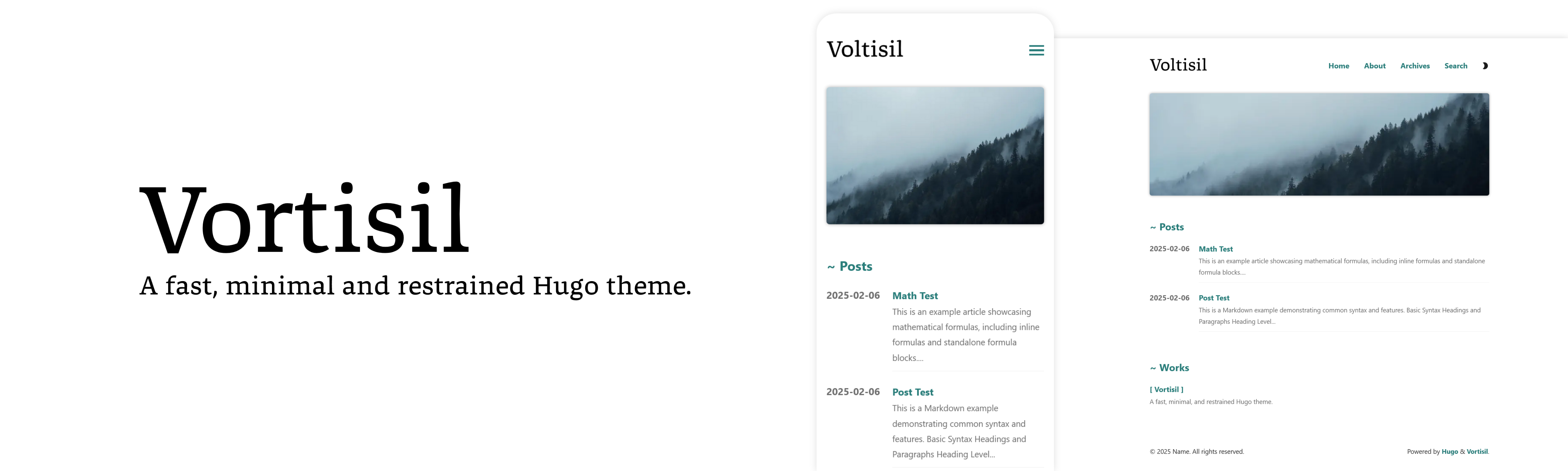
Template details
YinYang
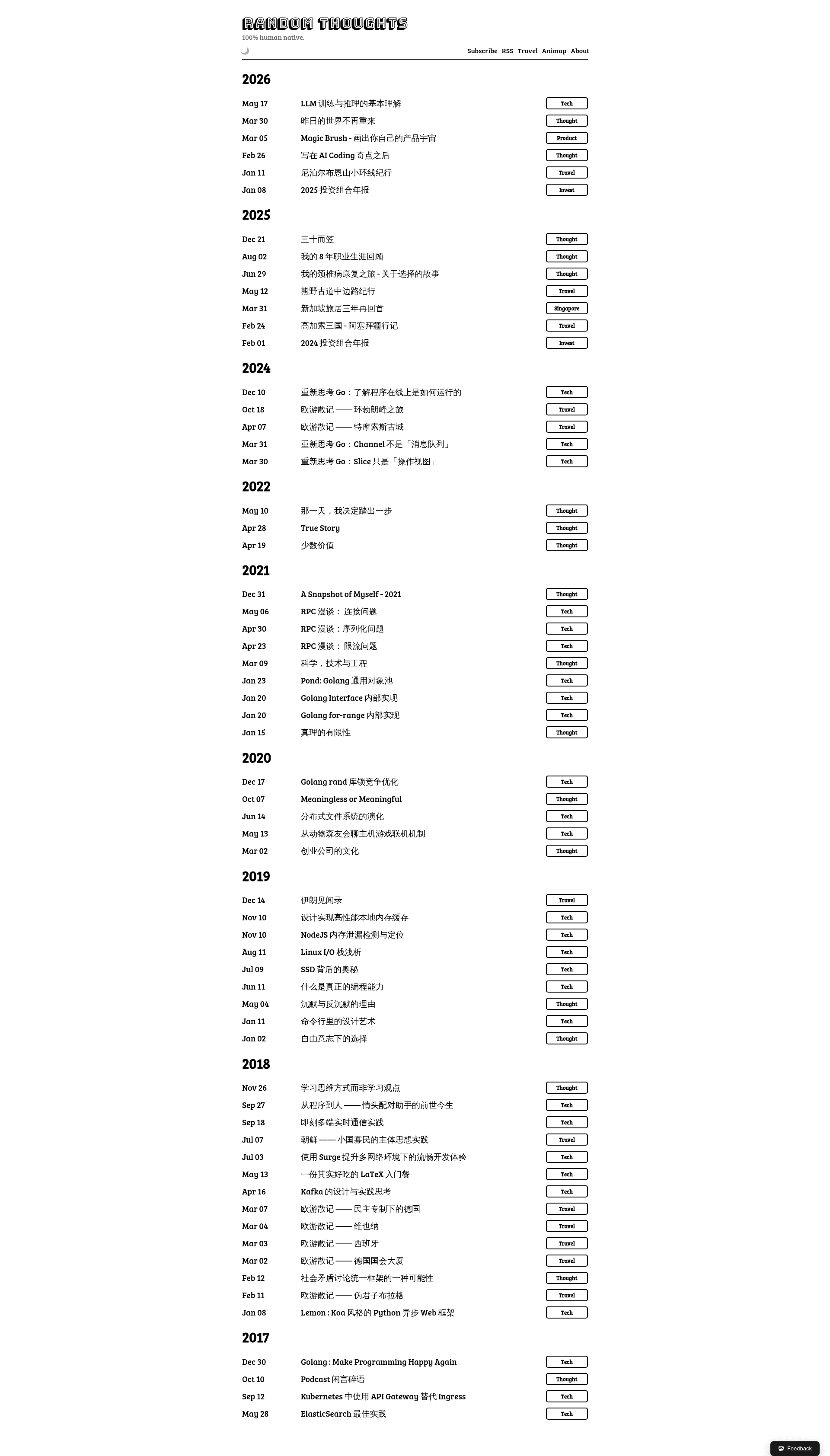
Minimal black-white Hugo theme with multi-language support, Disqus comments, and SEO tools for personal blogs.
About this template
YinYang is a minimalist black-white theme for the Hugo static site generator that turns Markdown content into a clean, fast personal blog.
What is YinYang?
YinYang is a black-white theme for Hugo, created by Joway Wang and demonstrated at blog.joway.io. It takes site content written in Markdown and renders it into a high-contrast monochrome blog layout. The theme bundles multi-language support, Disqus comments, SEO optimization, and analytics via config.toml parameters.
Key Features
- Minimalist black-white design — A monochrome layout with no color accents, prioritizing readability and fast rendering.
- Multi-language support — Built-in Hugo multilingual configuration with example content directories for English and Chinese.
- Disqus integration — Enable comments by setting the
disqusparameter to your account name. - SEO optimization — Includes a dedicated SEO partial template for meta tags and social markup.
- Twitter Cards — Turn on
twitterCards = trueand add animageslist in front matter to control share previews. - Custom head and footer content — Inject HTML into the head via
extraHead, or before/after each post viapostHeaderContentandpostFooterContent. - Extra CSS files — Load additional stylesheets with the
extraCSSFilesparameter. - Lazy image loading — Optional
lazyImage = truesetting defers images for performance. - Related posts — Optional
relatedconfig surfaces related content by date or keywords.
Who is it for?
- Personal bloggers who want a distraction-free black-and-white writing space with minimal setup.
- Bilingual writers who publish in multiple languages and need native Hugo multilingual support.
- Hugo developers who want a small, hackable theme with clear parameters and easy submodule installation.
- Privacy-conscious authors who prefer a static site with no CMS and comments handled by Disqus.
What can you do with YinYang?
- Indie bloggers: Add the theme as a git submodule, set
theme = "yinyang"in config.toml, and publish Markdown posts in the configured content directory. - Bilingual content creators: Organize posts into separate per-language directories (like content/en and content/cn) and let Hugo generate language-specific pages automatically.
- SEO-minded site owners: Enable the SEO partial and Twitter Cards, then provide image URLs in front matter to control how posts appear when shared.
- Newsletter creators: Use
postFooterContentto embed a Mailchimp subscription link at the bottom of every post, as shown in the example configuration.
How does YinYang work?
YinYang works like any Hugo theme: install it via git submodule add https://github.com/joway/hugo-theme-yinyang.git themes/yinyang, set theme = "yinyang" in your site's config.toml, and populate content directories with Markdown files. All customization happens through config.toml parameters such as mainSections, headTitle, and socials.
Pros and cons
- Pros: Lightweight and fast; built-in multilingual support; easy customization via parameters; includes SEO and social sharing features; free and open source.
- Cons: Documentation only offers example snippets rather than a full reference guide; the black-and-white aesthetic may not suit sites needing color branding; Disqus is the only comment system supported out of the box.
Pricing
YinYang is free and open source; no paid tier is mentioned in the documentation.
FAQ
Is YinYang free?
Yes, YinYang is a free open-source Hugo theme available on GitHub. You can install it via git submodule and use it for personal or commercial projects without charge.
What does YinYang do?
YinYang is a black-white minimalist theme for Hugo that converts Markdown content into a static blog. It provides multi-language support, Disqus comments, SEO-friendly markup, Twitter Cards, and configurable header/footer injections.
Does YinYang support multiple languages?
Yes, YinYang supports Hugo's multilingual mode. The example configuration shows separate content directories for English and Chinese, with per-language settings under the languages section.
How do I add comments to my YinYang site?
Set the disqus parameter in config.toml to your Disqus account name, such as joway. The theme renders the Disqus comment thread on post pages automatically.
How do I add extra JavaScript or CSS to YinYang?
Use the extraHead parameter to inject HTML into the page head, and use extraCSSFiles to list additional CSS file paths. Both are set under the params section of config.toml.