Template details
Webjeda Bheema
A simple Jekyll theme for journal, news, and photography sites, deployable to GitHub Pages via fork.
About this template
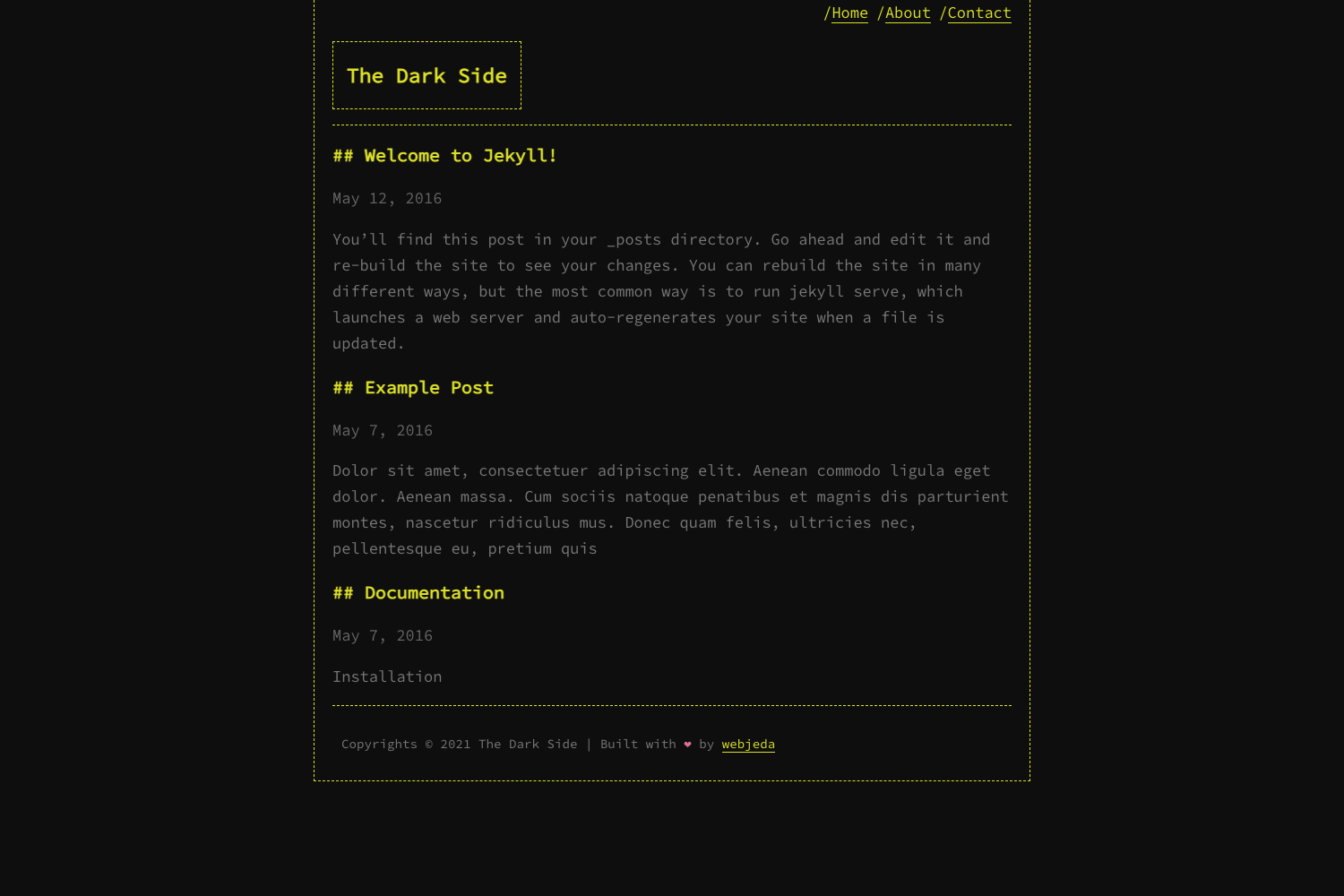
Webjeda Bheema is a simple Jekyll theme for journal, news, and photography websites that renders Markdown content into a static site ready to publish on GitHub Pages. The theme is published by Webjeda, available through jekyll-themes.com, and demonstrated at bheema.webjeda.com.
What is Webjeda Bheema?
Webjeda Bheema is a minimal Jekyll theme created for content-driven sites such as personal journals, news outlets, and photography portfolios. It takes Markdown posts and pages and outputs a complete static HTML site that can be hosted for free on GitHub Pages. The theme's repository has 19 stars and lists topics including jekyll-template, jekyll-themes, and photography-theme, indicating its intended audience and Jekyll compatibility.
Key Features
- Jekyll-powered static output — Uses the Jekyll static site generator to convert Markdown content into fast-loading HTML pages.
- GitHub Pages ready — Installation is a two-step process: fork the repository and set the GitHub Pages source to master.
- Simple design for journals and news — The layout prioritizes readability and straightforward organization typical of news and journal sites.
- Photography-friendly presentation — Tagged as a photography theme, so it accommodates image-heavy content without complex configuration.
- Free hosting via GitHub Pages — After forking, your site is live at a github.io URL with no hosting costs.
- Open-source and customizable — The entire theme code is available to fork, study, and modify for your own needs.
Who is it for?
- Journal keepers — Publish personal journal entries with a clean layout that focuses on text.
- News publishers — Launch a simple news site for articles or bulletins with minimal effort.
- Photographers — Showcase a photography portfolio using a theme explicitly tagged for photography.
- Jekyll newcomers — Learn Jekyll by exploring and customizing a small, simple theme.
What can you do with Webjeda Bheema?
- Publish a personal journal — Write posts in Markdown and see them displayed in the theme's clean layout.
- Launch a news site — Use the theme's simple structure to present headlines and articles.
- Build a photography gallery — Leverage the photography-oriented design to display images prominently.
- Host a site for free — Deploy on GitHub Pages by forking the repo and enabling the source setting, with no server costs.
How does Webjeda Bheema work?
Start by forking the repository on GitHub. Then navigate to the repository settings, set the GitHub Pages source to master, and your new site is ready at the corresponding github.io address. Content is added and managed through standard Jekyll conventions, meaning you write Markdown files and place them in the appropriate folders.
FAQ
Is Webjeda Bheema free?
Yes, it is an open-source Jekyll theme. You can fork the repository, customize it, and use it for personal or commercial projects without payment. Hosting through GitHub Pages is also free.
How do I install Webjeda Bheema?
Fork the repository, go to its Settings tab, and set the GitHub Pages source to master. Your site will be published automatically, and you can then customize the theme.
What kind of sites is it best for?
The theme's description targets journal, news, and photography sites. Its simple layout suits personal blogs, news-style publications, and photography portfolios.
Does it require a database or server?
No. As a Jekyll theme, it generates static HTML files. No database or server-side application is needed; GitHub Pages serves the static site.
Where can I see a live demo?
A live demo is available at http://bheema.webjeda.com/ so you can preview the design and layout before installing.