Template details
nobloger
Astro start template for noblog that turns a Notion database into a fully static blog on GitHub Pages.
About this template
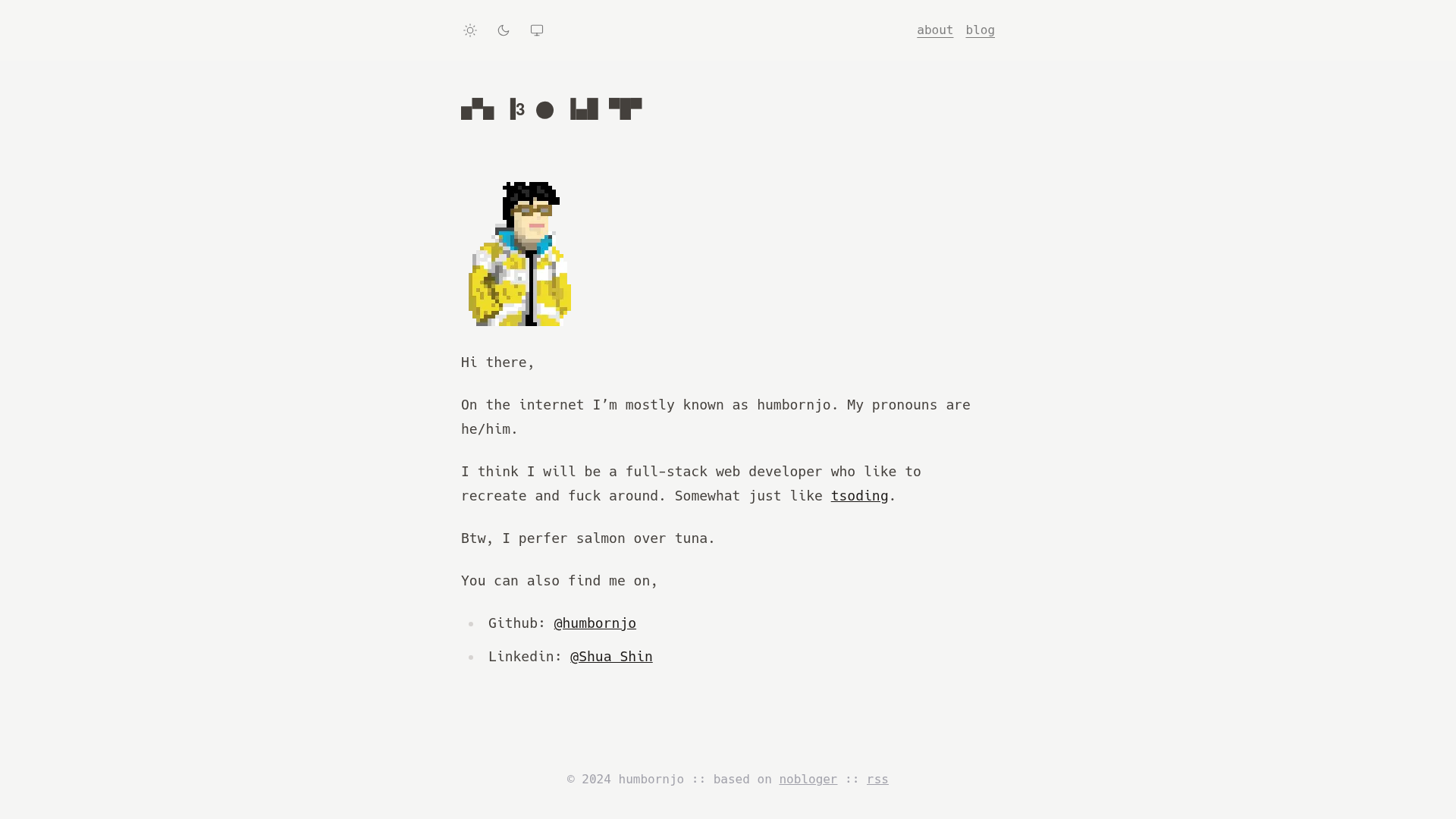
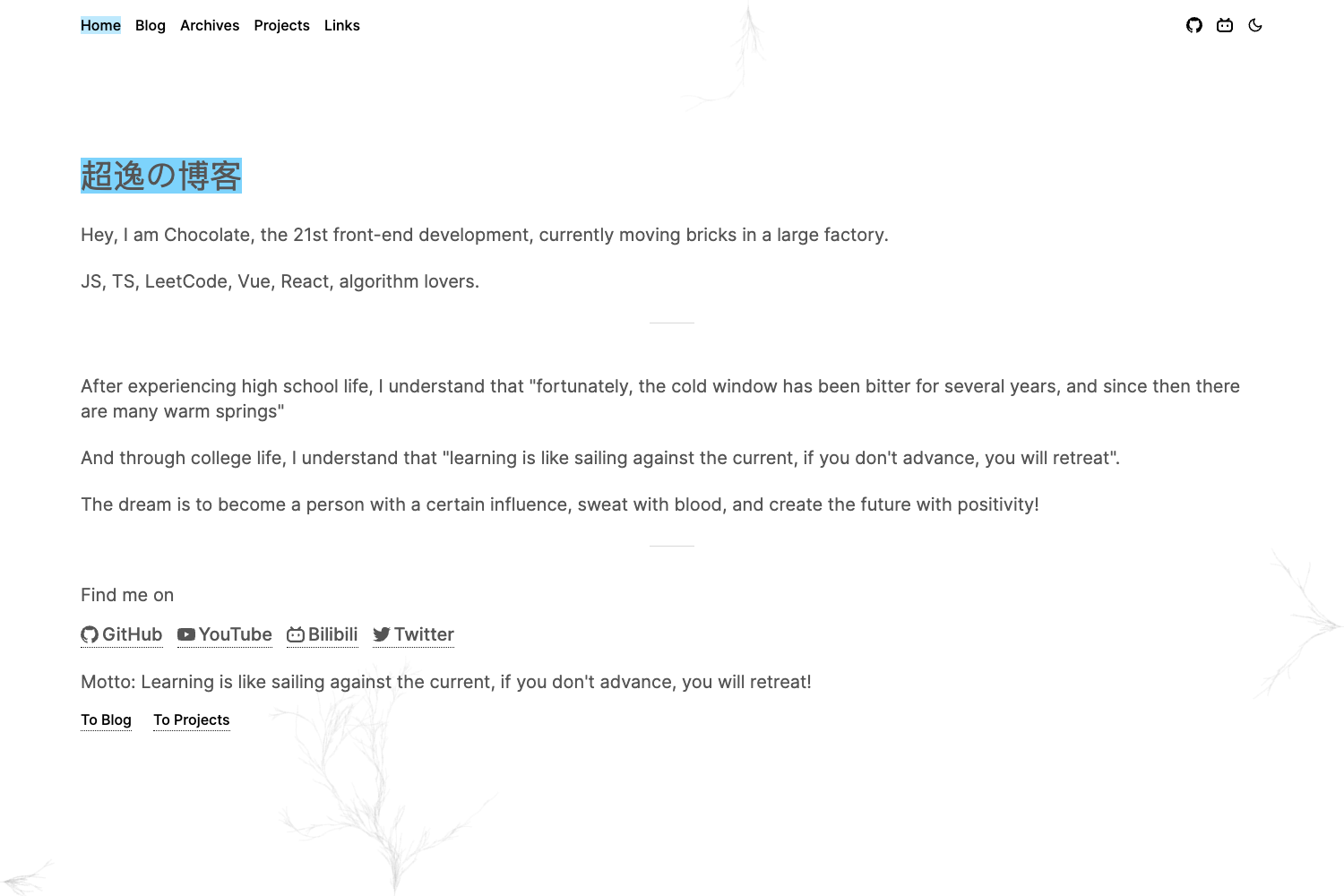
nobloger is an Astro start template for noblog that publishes a Notion database as a fully static blog to GitHub Pages. It was created by humbornjo and is demonstrated live at blog.humbornjo.com.
What is nobloger?
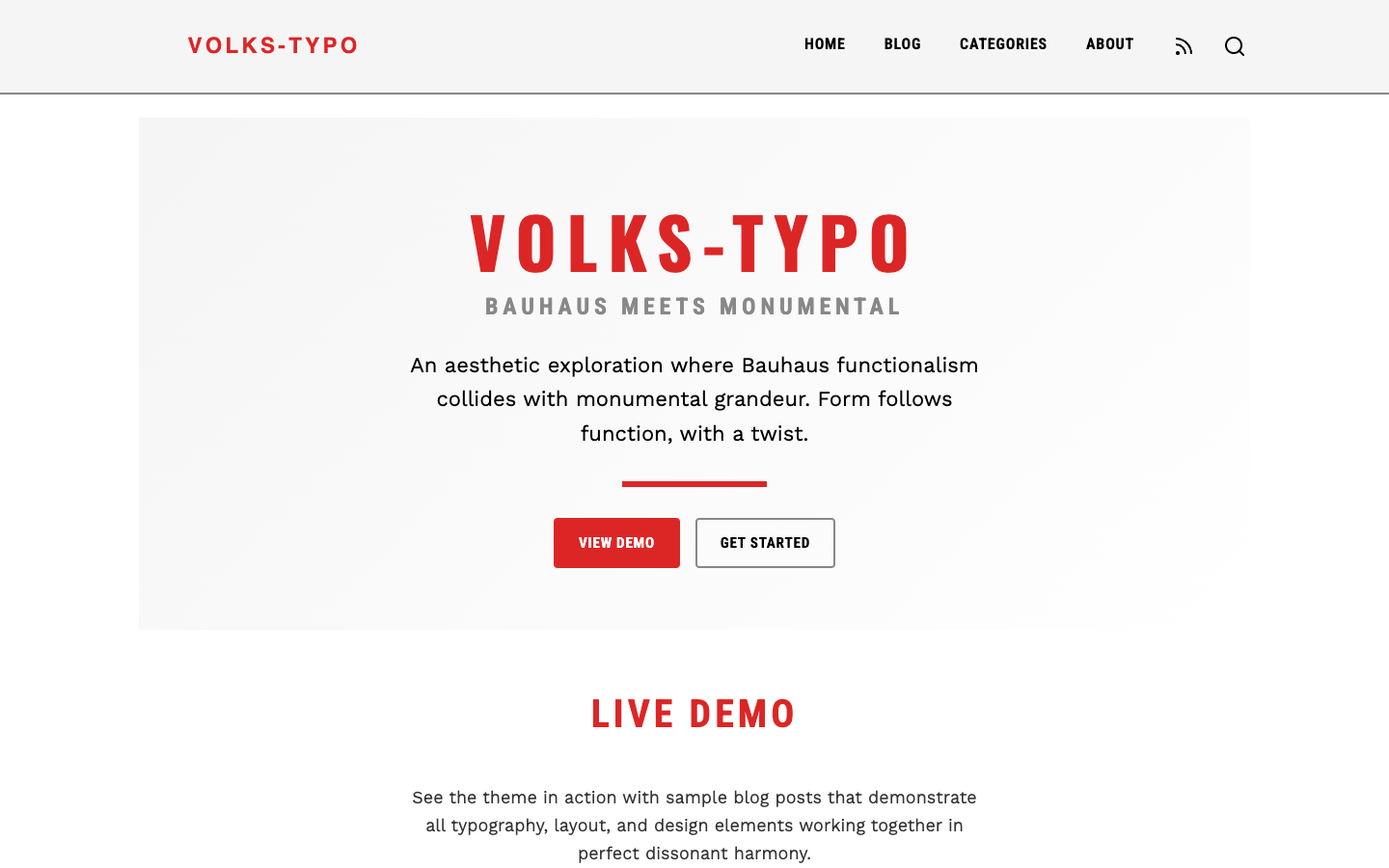
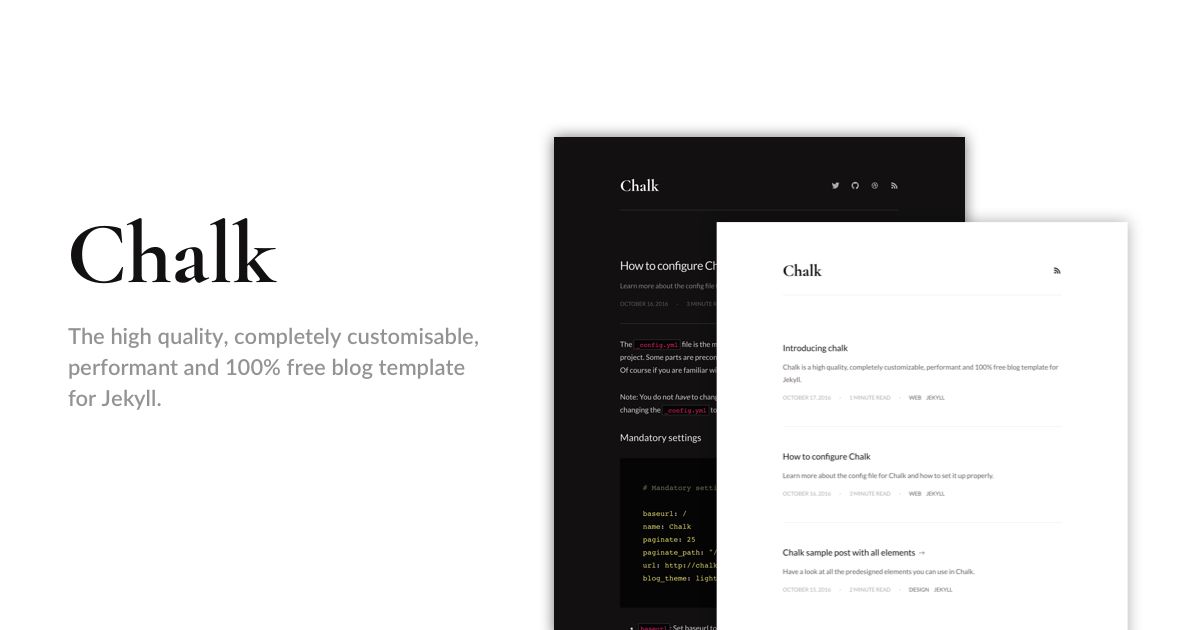
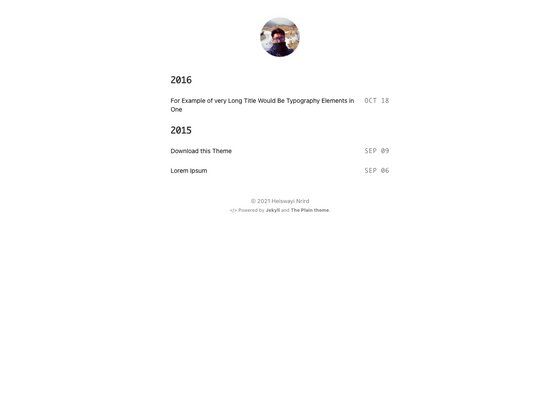
nobloger is a minimal Astro blog template that accepts content from two sources: a Notion database connected through the noblog tool, or plain Markdown files placed in ./src/pages/posts/. It produces a fully static site with no server-side rendering, handling nested Notion pages as static HTML. The template draws styling inspiration from Terminimal and astro-nano, and uses MathJax for rendering TeX math.
Key Features
- Notion as CMS — Connect a Notion database by setting
NOBLOG_DATABASE_IDandNOTION_API_SECRET; noblog pulls posts and generates static pages. - Nested page support — Unlike client-side Notion embeds, pages are built as full static HTML even when posts contain nested Notion pages.
- Markdown fallback — If you are not a Notion user, write posts in Markdown with frontmatter (layout, title, tags, pubDate, archived, description) and place them under
./src/pages/posts/. - Built-in search — The blog listing page includes a text search feature.
- Sort by time — Posts are ordered by publication date in the blog index.
- Easy GitHub Pages deployment — A ready-made GitHub Actions workflow deploys the site; add two secrets and run the workflow manually.
- MathJax rendering — TeX math delimiters
$and$$are supported, with a caveat about spacing inside math.
Who is it for?
- Notion writers who keep their articles in Notion and want a static blog without manually exporting posts each time.
- GitHub Pages users who want a free, automated deployment pipeline using GitHub Actions and repository secrets.
- Developers comfortable with Astro who need a minimal, hackable blog template and are willing to edit
astro.config.mjsand aselfie.mdintroduction file.
What can you do with nobloger?
- Bloggers: publish a blog whose content lives entirely in Notion, then deploy to GitHub Pages in a few steps without a separate CMS.
- Local writers: use the Markdown fallback to author posts with frontmatter and skip Notion entirely, while still getting the same static output.
- Math enthusiasts: render LaTeX-style formulas in posts using MathJax, and work around the image-expiry issue by scheduling the deploy workflow every two hours via cron.
How does nobloger work?
- Duplicate the sample Notion database and migrate your posts.
- Fork the repository, update
astro.config.mjswith yoursiteandbase, and customizepublic/selfie.md. - Add
NOBLOG_DATABASE_IDandNOTION_API_SECRETas repository secrets in GitHub. - Enable GitHub Pages with branch
mainand sourceGitHub Actions. - Run the "Deploy to GitHub Pages" workflow and wait a few minutes for the site to go live.
FAQ
Is nobloger free?
Yes. The template is open source, uses Astro (free), and deploys to GitHub Pages' free tier. You only need a GitHub repository and, optionally, a free Notion account.
Do I have to use Notion?
No. You can place Markdown files with YAML frontmatter under ./src/pages/posts/ and ignore the Notion setup entirely. The template supports both workflows.
Does it support pagination?
The README lists pagination as a not-implemented idea, noting that nested pages may make pagination unnecessary. There is currently no paginator.
How do I handle image expiry from Notion?
Notion hosts files and images on AWS S3 with expiration times. The suggested workaround is to modify the GitHub Actions workflow to run every 2 hours via a cron schedule, regenerating the site with fresh image URLs.
What math syntax is supported?
MathJax is integrated to render TeX math inside $ and $$ delimiters. The README advises using a backslash-space (\ ) instead of ~ for spaces inside these math delimiters.