Template details
Slate Blog
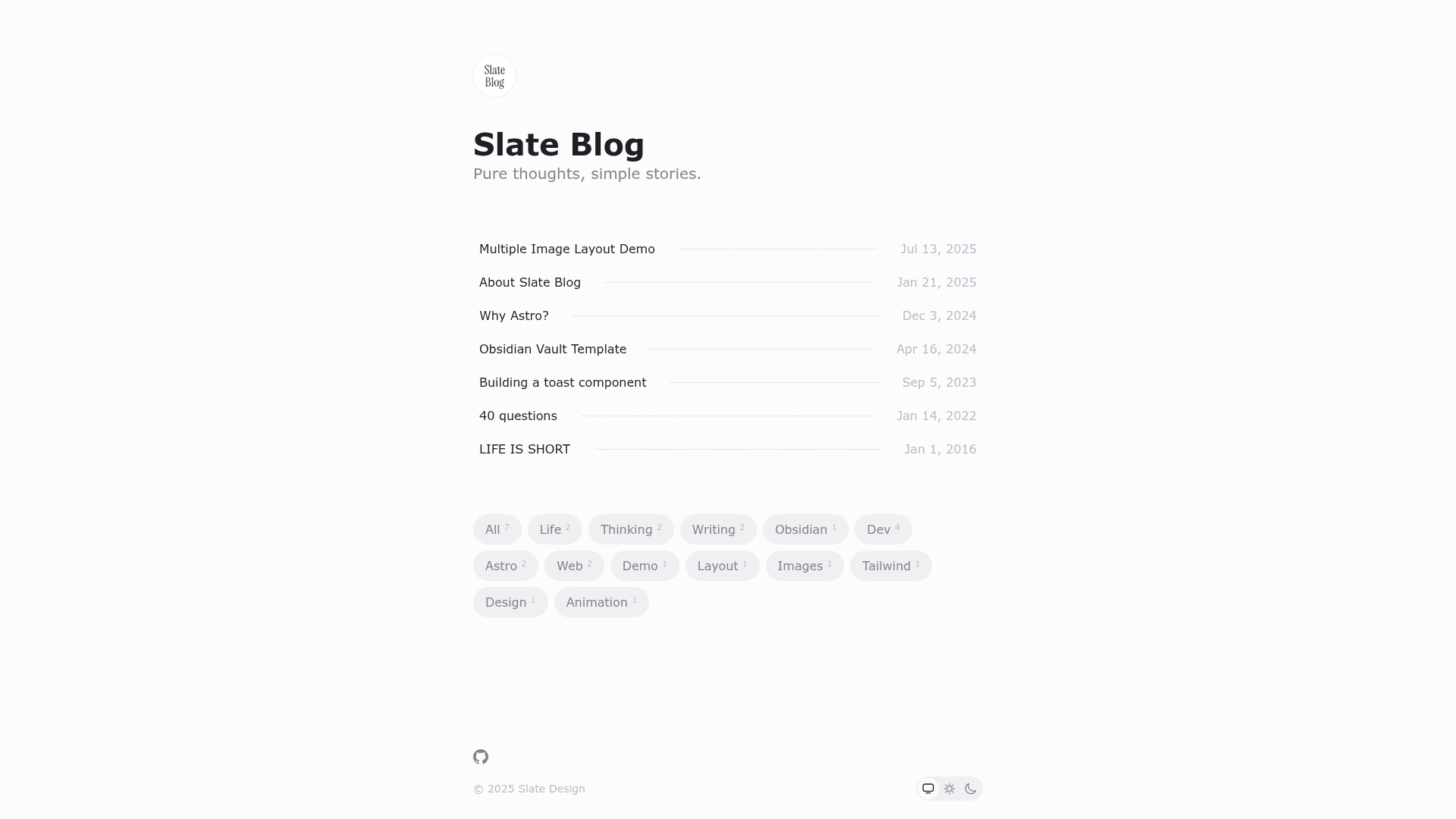
A minimal, elegant, and modern blog theme built with Astro.
About this template
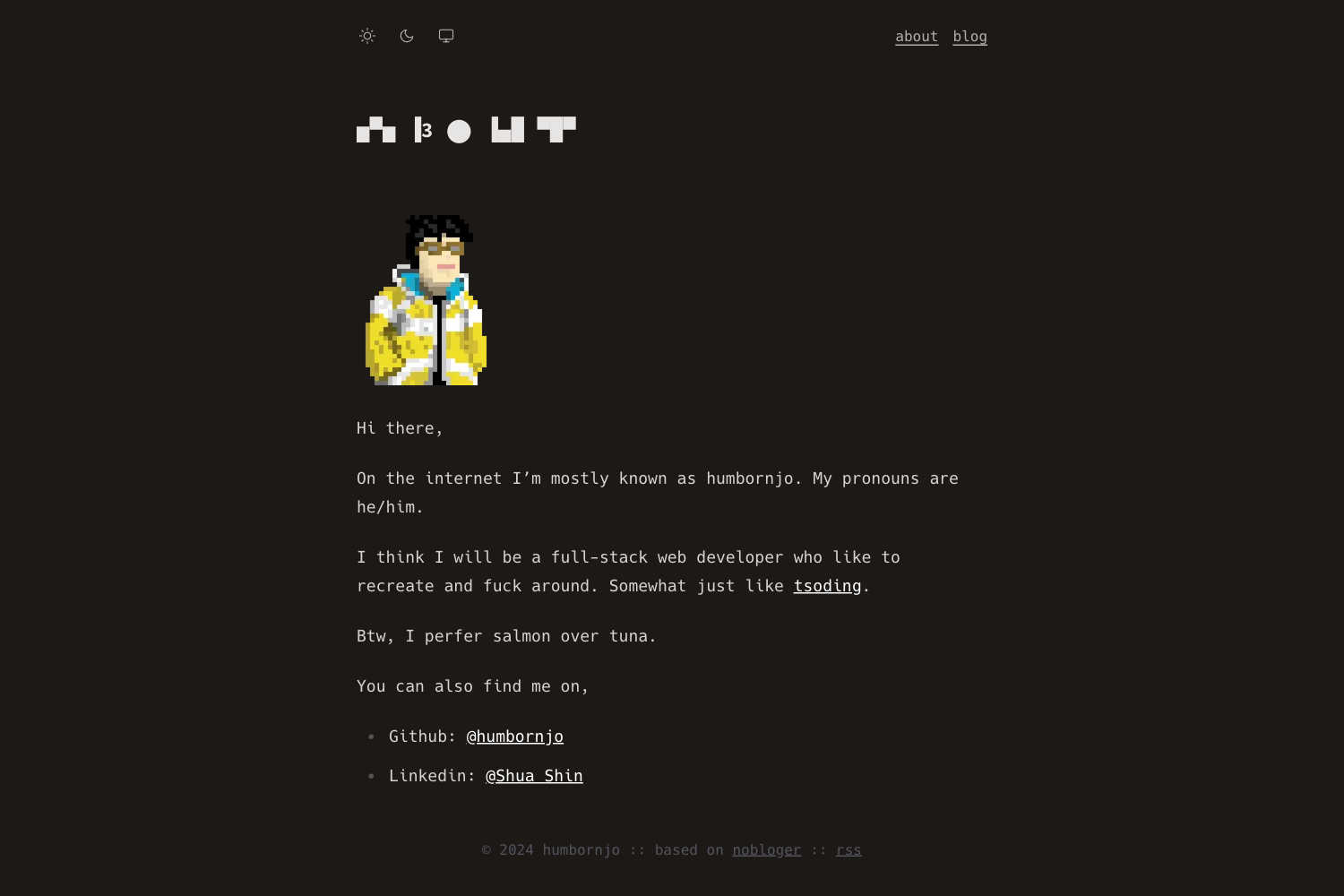
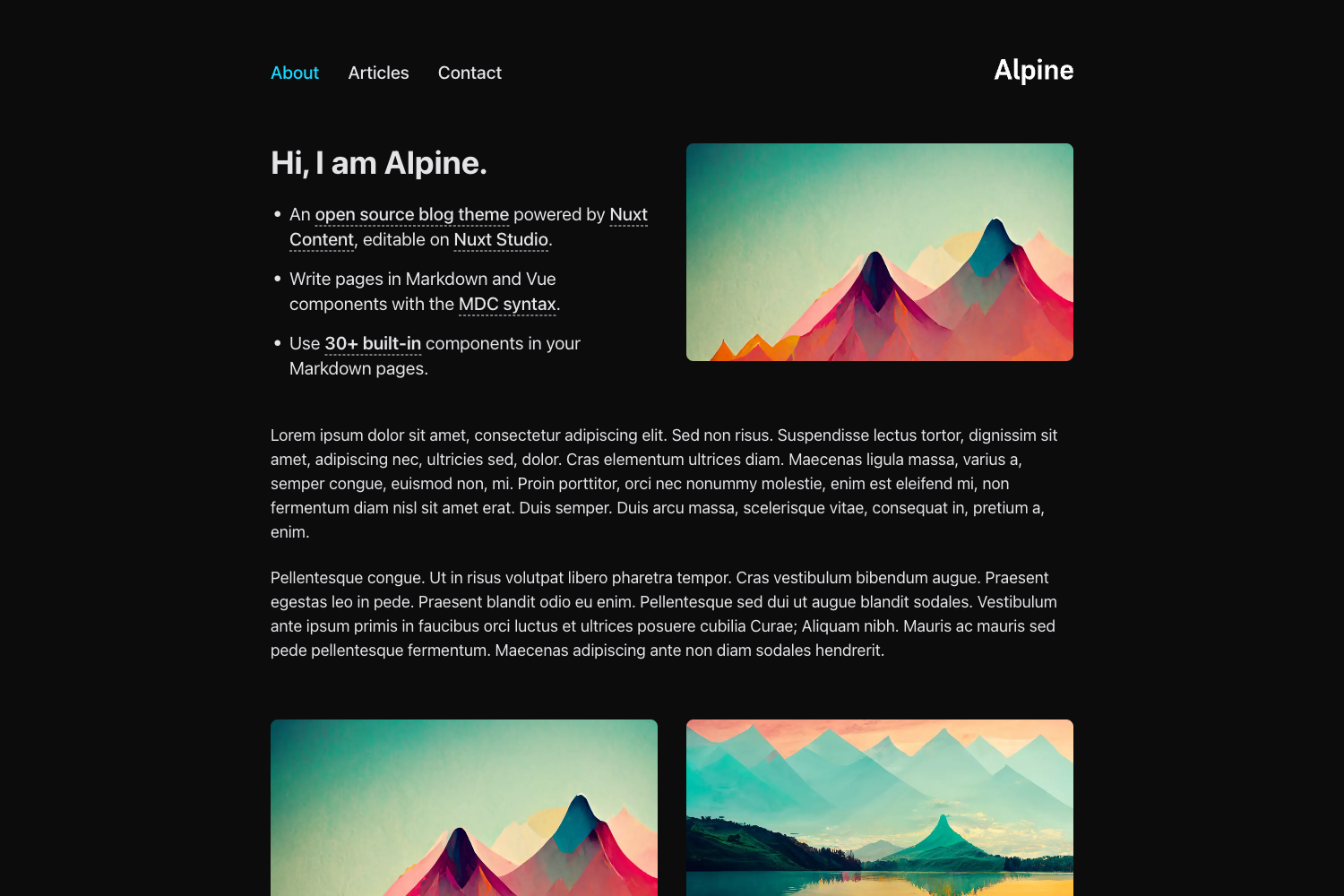
Slate Blog is a minimalist, mobile-first blog theme built on Astro that converts Markdown and MDX files into a static blog with RSS, search, and dark mode.
What is Slate Blog?
Slate Blog is an open-source blog theme developed by the SlateDesign GitHub organization. It takes Markdown and MDX files from the src/content/post directory and generates a static site, with the filename becoming the URL path. The theme runs on Astro with React and TypeScript, and publishes to any static hosting service. It also works with Obsidian, allowing notes to be published as blog posts.
Key Features
- Minimalist design — content-focused layout that supports horizontal multi-image grouping with automatic column distribution.
- Mobile-first responsive layout — the theme adapts to any screen size, from phones to desktops.
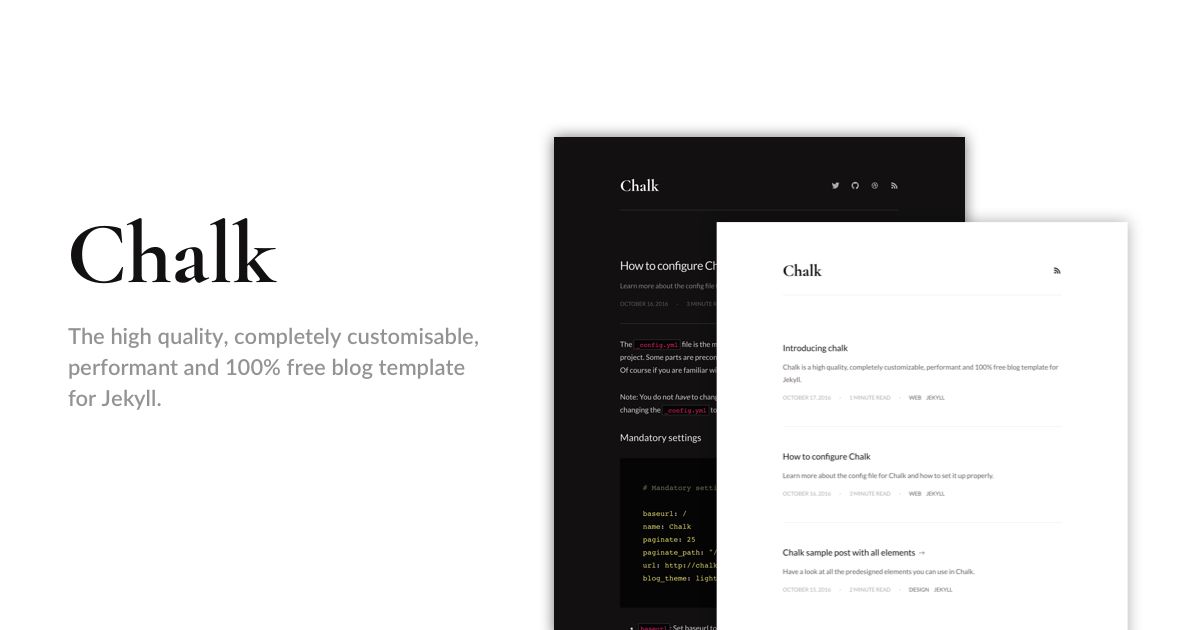
- Light and dark mode — automatic mode based on the theme config, with an optional user toggle (enableUserChange).
- Zero-config setup — a basic blog starts with just the dev command; no configuration file is required for defaults.
- Draft mode — posts marked draft in frontmatter appear in local preview and are filtered out of the production build.
- RSS feed with Follow authentication — built-in RSS generation plus optional authentication for the Follow subscription service.
- Algolia search integration — Docsearch can be connected using the algolia config with appId, apiKey, and indexName.
- Extended Markdown syntax — supports container blocks such as :::info, LaTeX math formulas (inline and block), and image captions.
- i18n support — English and Chinese are built in, selectable via the lang config option.
- Tailwind CSS v4 styling — the design system uses Tailwind CSS v4.0 and @radix-ui/colors for consistent color tokens.
Who is it for?
- Personal bloggers — write posts in Markdown or MDX, preview locally, and deploy a static blog without a CMS.
- Obsidian users — publish notes directly as blog posts thanks to the theme's Obsidian-compatible Markdown handling.
- Developers — customize the theme with React components, Tailwind CSS, and the documented config file.
- Self-hosters — build a static output that runs on any hosting service, including Vercel, Netlify, or a personal server.
What can you do with Slate Blog?
- Publish a personal blog — write posts with frontmatter for title, description, tags, and pubDate; the theme generates RSS, sitemap, and SEO optimization.
- Run a bilingual blog — set the lang option to switch between English and Chinese for the entire site.
- Add site-wide search — integrate Algolia Docsearch by applying for an apiKey and filling in the algolia config.
- Offer subscription via RSS — configure the follow option with feedId and userId to enable authenticated RSS subscriptions.
How does Slate Blog work?
- Fork or clone the repository and install dependencies using npm, yarn, or pnpm.
- Add posts to src/content/post as Markdown or MDX files with frontmatter (title is required; pubDate is required unless draft is true).
- Configure the site in slate.config.ts, which controls site URL, title, theme mode, social links, Algolia, Follow, and more.
- Run the build command to generate the static site and deploy the output.
Pros and cons
Pros
- Free and open source, with no licensing costs.
- Modern stack: Astro, React, TypeScript, Tailwind CSS v4, and @radix-ui/colors.
- Rich out-of-the-box features: draft mode, RSS, sitemap, Algolia search, dark mode, and i18n.
- The filename of each post determines the URL, making routing predictable.
Cons
- Search and subscription features require external accounts: Algolia Docsearch and Follow.
- Extensive configuration in slate.config.ts may take time to understand.
- Customization beyond the provided options requires knowledge of Astro and React.
Pricing
Slate Blog is free open-source software; there are no paid tiers.
FAQ
Is Slate Blog free?
Yes, the theme is open-source on GitHub under the SlateDesign organization, and you can use it for any project without paying.
Does Slate Blog support Obsidian?
Yes. The theme accepts Obsidian-compatible Markdown, so you can write notes in Obsidian and publish them as blog posts.
How do I enable Algolia search?
Deploy your site first, apply for an apiKey at Algolia Docsearch, then add the algolia object with appId, apiKey, and indexName to slate.config.ts and redeploy.
What frontmatter is required?
Only title is required. When draft is false or omitted, you must provide pubDate. Description and tags are optional.
Can readers switch between light and dark mode?
Yes, set enableUserChange to true in the theme config, and readers will see a toggle. Otherwise, the site uses the mode you set (auto, light, or dark).