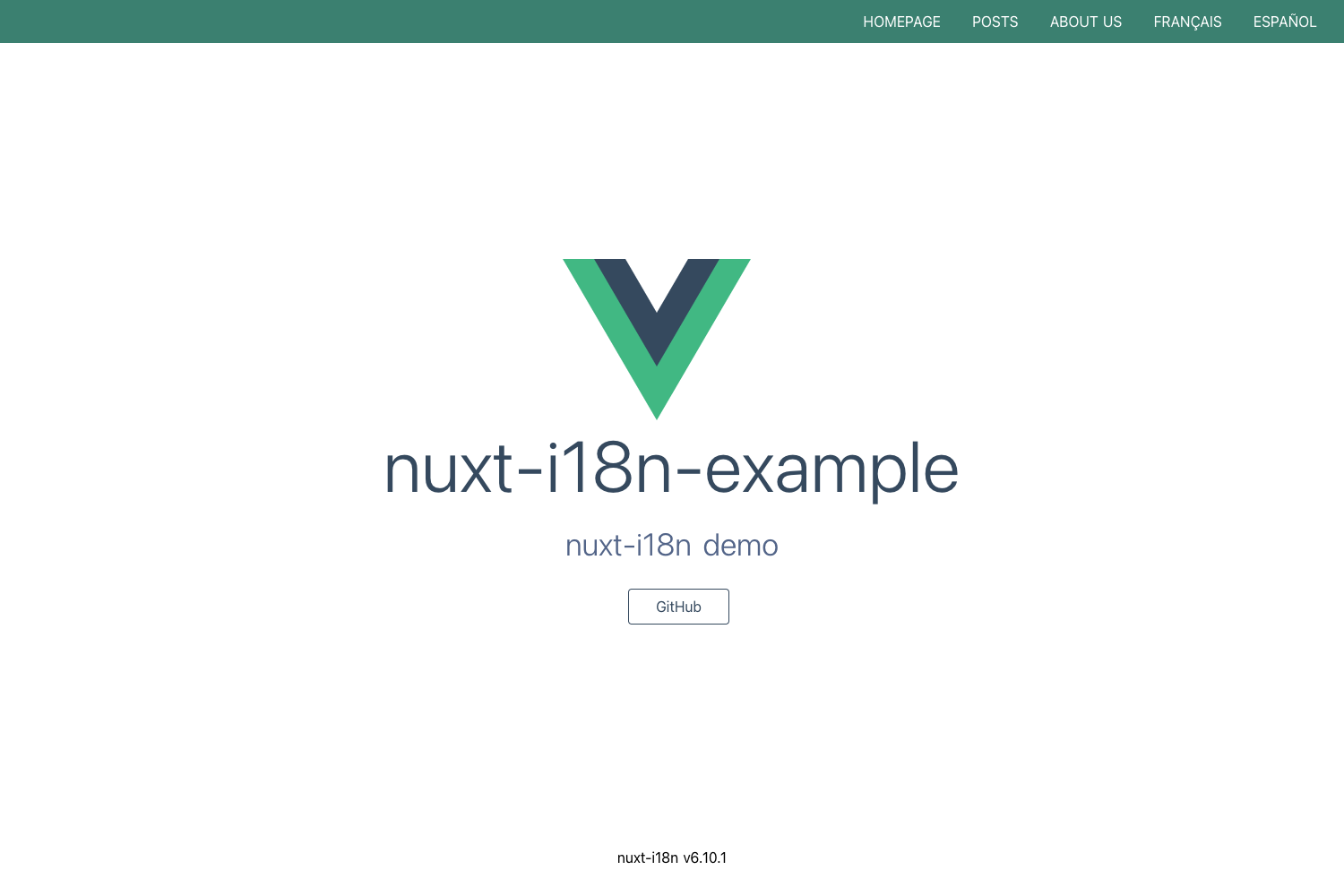
Template details
Nuxt 3 Fullstack Tutorial
Free, open-source Nuxt 3 + Nitro + TypeScript fullstack starter from Full Stack Jack with live demo.
About this template
Nuxt 3 Fullstack Tutorial is a free, open-source starter repository that demonstrates how to build a fullstack application with Nuxt 3, Nitro, and TypeScript, created by YouTube educator Full Stack Jack.
What is Nuxt 3 Fullstack Tutorial?
This repository is the companion code to a YouTube video series from Full Stack Jack that walks through setting up a Nuxt 3 application with a Nitro server layer. It takes a fresh Nuxt 3 scaffold and adds a TypeScript project structure, server API routes, and production build tooling, producing a deployable fullstack app that is live at FullStackJack.dev. The project runs on Nuxt 3, which is built on Vue 3 and uses Vite as its bundler.
Key Features
- Nuxt 3 framework — Full-stack Vue framework with file-based routing, server routes, and auto-imports, running on Vite.
- Nitro server engine — The built-in server layer for Nuxt 3, enabling API endpoints and server-side rendering within the same project.
- TypeScript setup — The scaffold is written in TypeScript, with type support across the app and server code.
- Live demo — A deployed instance of the code is available at FullStackJack.dev, so you can see the finished app in production.
- Flexible package installs — Dependencies can be installed with yarn, npm, or pnpm; the README documents all three commands.
- Production build and preview —
npm run buildgenerates a production build, andnpm run previewserves it locally for testing. - Deployment documentation — The README links to the official Nuxt 3 deployment presets guide for deploying to various platforms.
Who is it for?
- Developers new to Nuxt 3 — Learn how to set up a fullstack Nuxt 3 project from scratch and follow along with the video tutorial series.
- Full-stack JavaScript developers — See a practical example of Nitro server routes combined with a Vue frontend in a single codebase.
- YouTube tutorial viewers — Follow along with Full Stack Jack's channel, using this repository as the starting point for each video.
What can you do with Nuxt 3 Fullstack Tutorial?
- Follow the tutorial series — Clone the repo, install dependencies with
npm install, and runnpm run devto start coding alongside the videos. - Use it as a starter scaffold — Copy the repository structure to begin a new Nuxt 3 app with TypeScript and server endpoints already configured.
- Study production patterns — Inspect the built application locally with
npm run buildandnpm run previewto understand the difference between dev and production behavior.
How does Nuxt 3 Fullstack Tutorial work?
The README outlines three steps: install dependencies using yarn, npm, or pnpm; start the development server on http://localhost:3000 with npm run dev; and create a production build with npm run build, then preview it with npm run preview. The same commands cover local development and production testing, and the deployment documentation link explains how to ship the app to hosting platforms.
Pricing
Nuxt 3 Fullstack Tutorial is free and open source. The code is published on GitHub, and the accompanying video content is available on Full Stack Jack's YouTube channel.
FAQ
Is Nuxt 3 Fullstack Tutorial free?
Yes, the repository is free and open source on GitHub. You can clone it, modify it, and use it for learning or as a starting point for your own projects.
What does this repository include?
It includes a Nuxt 3 application scaffold with TypeScript, a Nitro server layer, and script commands for development, building, and previewing. The README also links to the live demo at FullStackJack.dev and the official Nuxt 3 deployment documentation.
How do I run the development server?
Install the dependencies with npm install (or yarn or pnpm), then run npm run dev. The development server starts at http://localhost:3000, where you can view the app and test server routes.
Where can I find the deployment guide?
The README links to the Nuxt 3 deployment presets documentation at v3.nuxtjs.org, which covers deploying to various hosting platforms. The link appears in the Production section of the repository's README.