Template details
Ionic Next.js Hello World
Sample Application w NextJS & Ionic Framework
About this template
Ionic Next.js Hello World
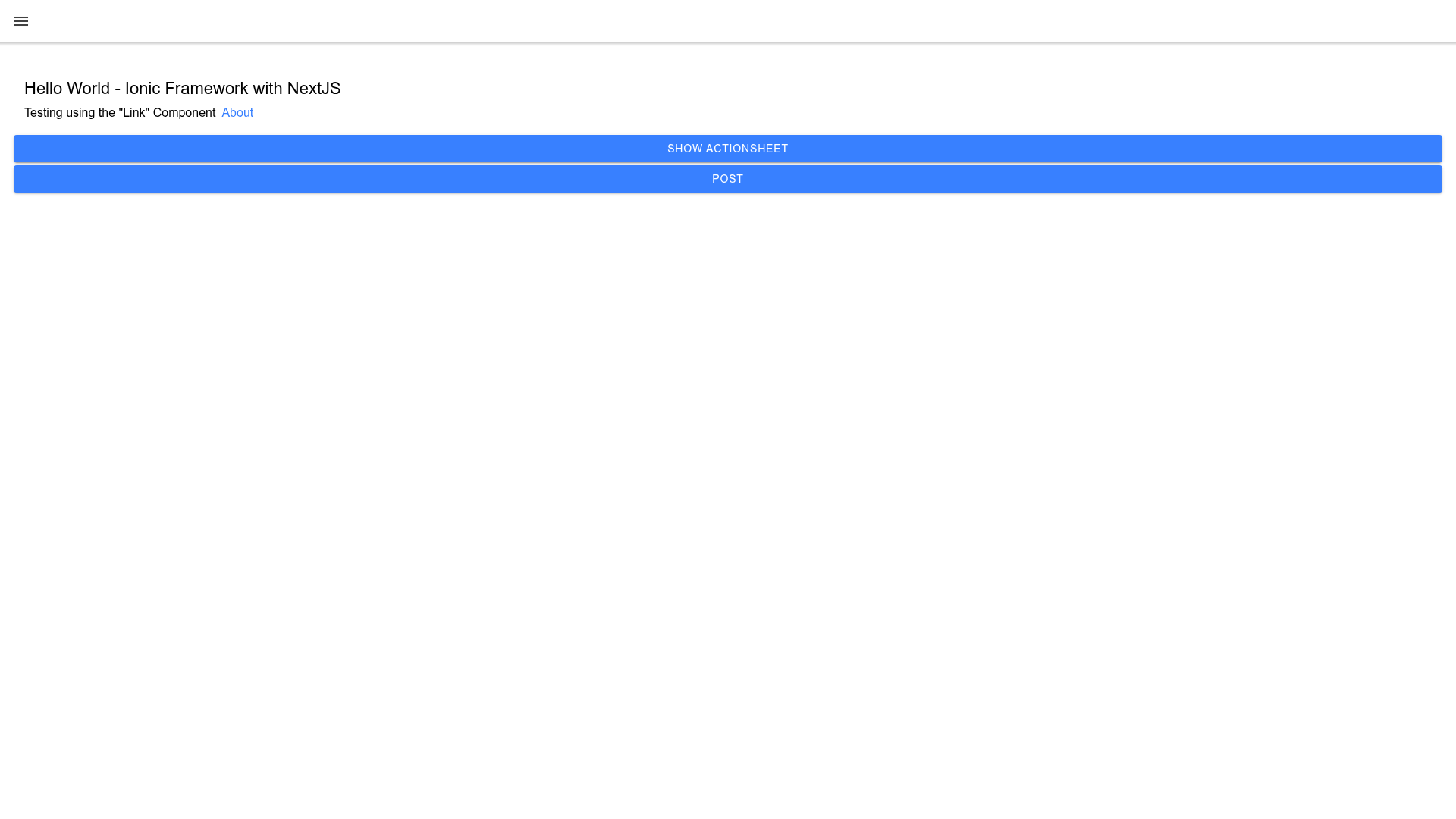
This is a minimal Next.js starter template that demonstrates how to integrate the Ionic Framework into a React application, with two pages and client-side routing via next/link. Built as a sample application, it pairs the server-rendered capabilities of Next.js with the mobile UI components from Ionic.
What is the Ionic Next.js Hello World?
It is a sample application that combines Next.js with the Ionic Framework, showing how to set up a project where Ionic components work alongside Next.js pages. The template contains two pages: pages/index.js and pages/about.js, which handle the / and /about routes respectively. It also includes a "day" directory to illustrate that you can organize routes in subdirectories.
Key Features
- Two pages — The main index page serves the / route, and an about page serves the /about route, demonstrating basic file-based routing in Next.js.
- next/link navigation — Hyperlinks are created with the next/link component for universal routing, giving a single-page-app feel without a custom router.
- Ionic Framework integration — The app imports @ionic/react components so you can use Ionic's mobile-ready UI elements inside React.
- Custom Ionic build — Because the default @ionic/react package throws an HTMLElement error during server-side rendering, this example uses a local build of Ionic React 5.4.4 (from github.com/Yonom/ionic) by pointing package.json to a local tarball.
- Subdirectory routing — The presence of a "day" directory demonstrates that Next.js can serve routes from nested folders.
- One-click Vercel deployment — The repository includes a "Deploy with Vercel" button, letting you import and deploy the project directly from GitHub.
Who is it for?
- Next.js developers who want to add Ionic's mobile UI components to their projects without wrestling with SSR issues.
- Mobile-minded web developers who want a working reference for using Ionic with React and Next.js to build hybrid apps or responsive sites.
- Learners who want a small, readable codebase that shows how Ionic and Next.js can coexist in a single project.
What can you do with it?
- Prototype a mobile-first interface using the Ionic components available through @ionic/react inside a Next.js page.
- Learn how to debug SSR integration errors by following the package.json workaround shared in the README.
- Start a new project by cloning the template, then expanding the two-page structure to add your own routes and components.
How does it work?
The example relies on Next.js's file-based routing: a file named pages/index.js becomes the / route, and pages/about.js becomes the /about route. Navigation between them is handled by the Link component from next/link. To make Ionic work, the package.json is reconfigured to load a custom-built Ionic React tarball instead of the official npm release, avoiding the "HTMLElement is not defined" error that occurs during server-side rendering.
Pros and cons
Pros
- Simple two-page structure makes it easy to understand file-based routing.
- Demonstrates a working workaround for integrating Ionic with Next.js SSR.
- Deployable to Vercel in one click.
Cons
- Requires a custom build of Ionic React rather than the official npm package.
- As a hello world example, it focuses on the basics rather than advanced patterns.
FAQ
Why does the template use a custom build of Ionic React?
The official @ionic/react package causes a ReferenceError for HTMLElement when the page is rendered on the server, as shown in the README. The workaround is to use a patched build from github.com/Yonom/ionic, packaged as a local .tgz file, and reference it in package.json with "file:lib/ionic-react-5.4.4.tgz".
What routes are included?
The template includes two routes: the root / route from pages/index.js and the /about route from pages/about.js. It also has a "day" directory that can be used to create additional nested routes.
How do I deploy this to Vercel?
Use the "Deploy with Vercel" button in the README, or connect your GitHub repository to Vercel and choose the root directory. Since it is a standard Next.js project, Vercel's automatic configuration should work out of the box.