Template details
Nuxt I18n Example
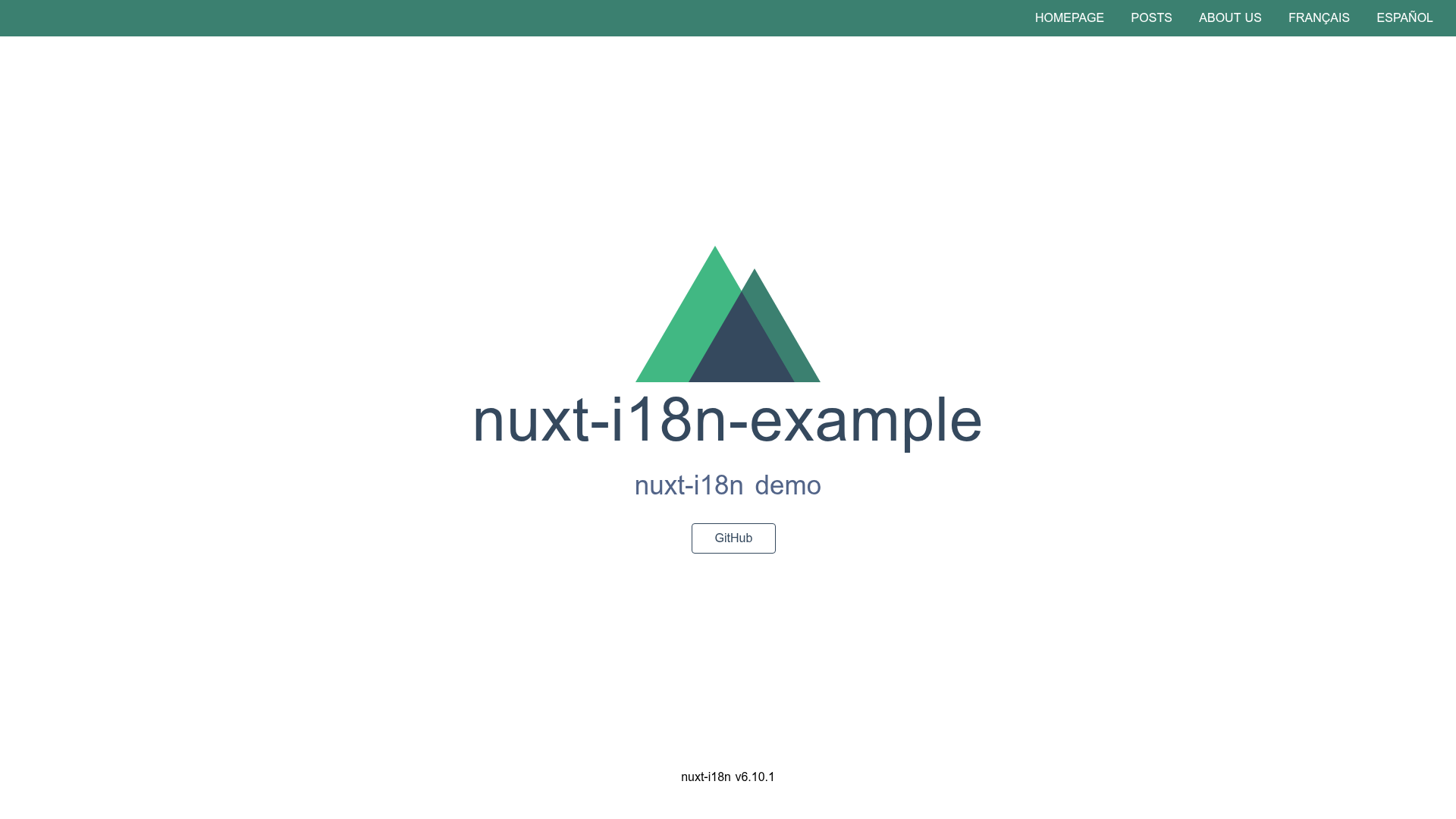
nuxt-i18n showcase project based on nuxt-starter template
About this template
Nuxt I18n Example is a Nuxt.js boilerplate project that demonstrates adding internationalization (i18n) to a Nuxt application through the nuxt-i18n module, using the nuxt-starter template as its foundation.
What is Nuxt I18n Example?
Nuxt I18n Example is an open-source example project hosted on GitHub whose core function is to demonstrate the integration of the nuxt-i18n module into a Nuxt.js application. It takes a Nuxt.js starter project as its base and adds the nuxt-i18n module configuration, producing a working example that developers can clone, run, and extend. The project runs on Nuxt.js, the Vue.js meta-framework, and includes a live demo hosted at nuxt-i18n-example.now.sh.
Key Features
- Nuxt.js framework — Built on Nuxt.js, the Vue.js meta-framework, giving developers access to server-side rendering, static site generation, and a structured project layout.
- nuxt-i18n integration — Demonstrates how to install and configure the nuxt-i18n module in a Nuxt project for internationalization.
- Nuxt starter base — Uses the nuxt-starter template as its starting point, inheriting the standard Nuxt folder structure and configuration conventions.
- Yarn and npm support — Dependencies can be installed with either
yarnornpm install, and the README documents both workflows. - Development hot reload — Running
yarn devserves the project at localhost:3000 with hot reload enabled for fast iteration during development. - Production build and start — Commands
yarn buildandyarn startproduce and launch a production-ready server. - Static site generation — The
yarn generatecommand builds the project as a fully static site, suitable for deployment on any static hosting service.
Who is it for?
Nuxt I18n Example is intended for developers who are learning how to internationalize Nuxt.js applications. It is also useful for experienced Nuxt developers who need a reference for adding multi-language support to a new project, and for anyone evaluating the nuxt-i18n module before adopting it in a larger codebase.
What can you do with Nuxt I18n Example?
Developers learning i18n: Clone the repository and inspect how the nuxt-i18n module is integrated into a Nuxt.js project to learn the setup process.
Nuxt.js developers: Use the project as a starting point for a new multilingual site, adapting the example configuration to their own application.
Technical evaluators: Run the build and generate commands locally to see the project in action before deciding whether to adopt the nuxt-i18n module.
How does Nuxt I18n Example work?
The repository follows a standard Nuxt workflow. After cloning, run yarn or npm install to install dependencies, then yarn dev to start a development server at localhost:3000. For production, yarn build compiles the app and yarn start launches the server; alternatively yarn generate creates a static output. The README links to the Nuxt.js documentation for further explanation.
FAQ
Is Nuxt I18n Example free?
Yes, it is an open-source example project; the repository is publicly available on GitHub.
How do I install dependencies?
Run yarn or npm install in the project root, as documented in the Build Setup section.
How do I start a development server?
Run yarn dev to serve the project at localhost:3000 with hot reload.
How do I build a production version?
Run yarn build followed by yarn start to launch a production server, or use yarn generate to create a static version.