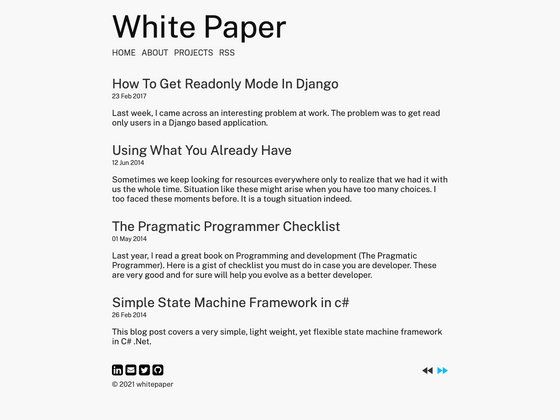
Template details
Nuxt Maupassant
A minimalist blog theme for Nuxt.js website
About this template
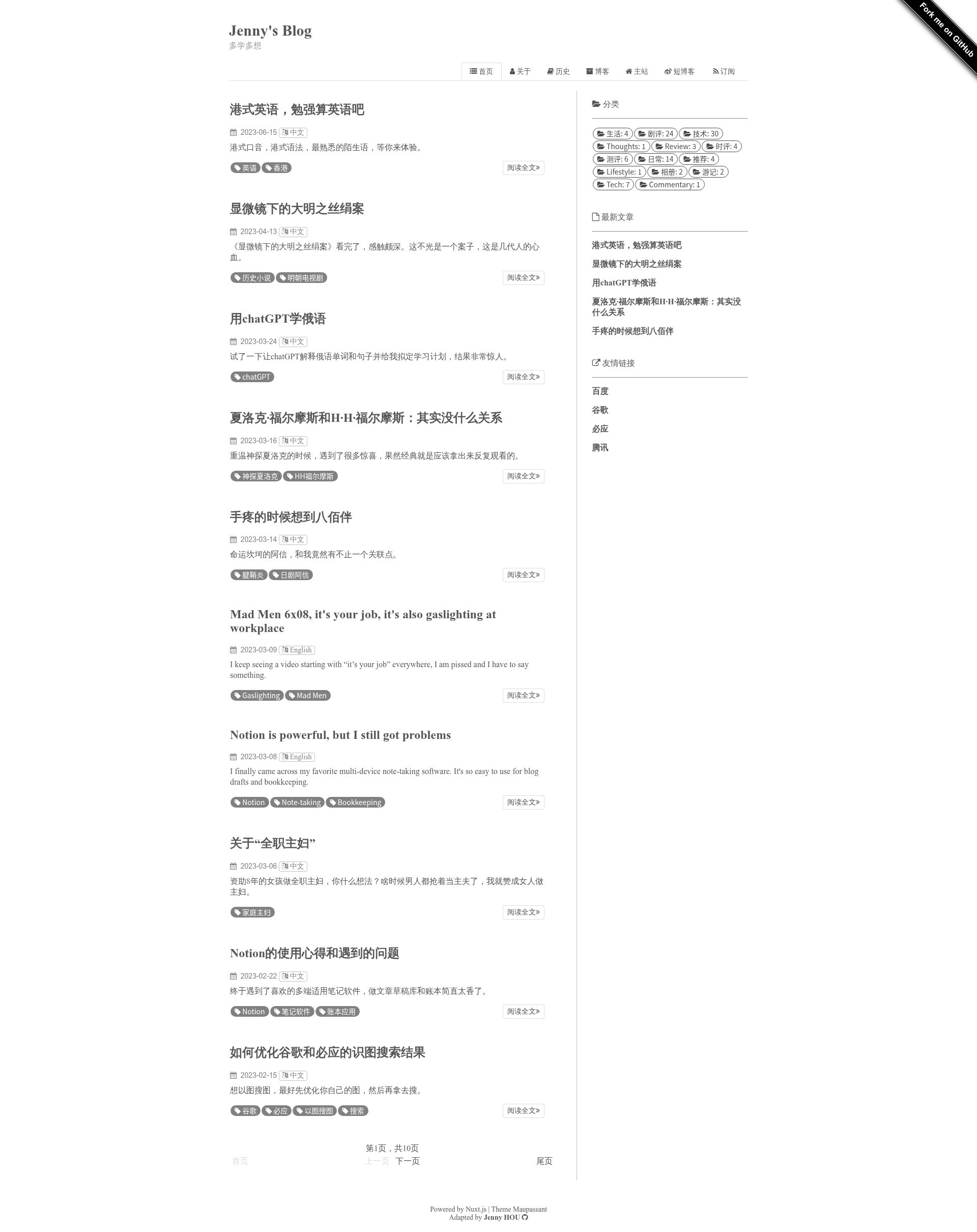
Nuxt Maupassant is a minimalist blog theme for Nuxt.js, porting the classic Maupassant design from the Hexo ecosystem into a Vue.js-powered Nuxt project.
What is Nuxt Maupassant?
Nuxt Maupassant is a blog theme built on the Nuxt.js framework, designed for Nuxt-powered websites. It is a port of the Maupassant design originally created by pagecho and adapted for Hexo by tufu9441; this project brings that same minimalist aesthetic to Nuxt.js. The theme takes blog content and outputs a static site when you run npm run generate, or serves it with hot reload during development via npm run dev.
Key Features
- Nuxt.js framework — Built as a Nuxt.js project, so it integrates with the Vue.js ecosystem and Nuxt modules.
- Static site generation —
npm run generateoutputs a static website to /dist/, which can be deployed to any static host. - Development server with hot reload —
npm run devserves the site locally at localhost:3000 and reloads on changes. - Production server —
npm run buildfollowed bynpm startlaunches a production Node.js server. - Package manager flexibility — Dependencies install with either
npm installoryarn install. - Minimalist design heritage — Adapted from the Maupassant theme known for clean, distraction-free typography.
Who is it for?
- Bloggers transitioning from Hexo — the Maupassant theme is well-known in the Hexo community, so this Nuxt port offers a familiar design for those moving to Nuxt.
- Nuxt.js developers — a ready-made blog theme to use as a starting point for content sites or to modify for custom needs.
- Personal site owners — anyone wanting a simple, fast blog without heavy UI frameworks or visual clutter.
What can you do with Nuxt Maupassant?
- Start a personal blog — set up a Nuxt.js blog with a minimal layout and build it as a static site.
- Experiment with Nuxt.js — use the theme as a learning project to see how a blog is structured in Nuxt.
- Customize a theme — since it's a Nuxt project, you can modify components and styles to your own taste.
How does Nuxt Maupassant work?
Using it follows Nuxt's standard workflow. First, install dependencies with npm install or yarn install. For development, run npm run dev to serve the site at localhost:3000 with hot reload. To deploy, run npm run generate to produce a static site in /dist/, or npm run build and npm start for a server-rendered deployment.
Alternatives
Maupassant-Hexo, the Hexo-based implementation of the same design that Nuxt Maupassant adapts, is a direct alternative for bloggers who use that platform.
FAQ
How do I install and run Nuxt Maupassant?
Run npm install or yarn install to get dependencies, then npm run dev for development. For production, use npm run build and npm start, or npm run generate for a static site.
Does Nuxt Maupassant support static output?
Yes, the npm run generate command creates a static version of the site in the /dist/ folder, suitable for hosting on any static server.
What versions of Nuxt.js does it support?
The README references Nuxt.js documentation but does not specify a version. It targets the standard Nuxt.js project setup.
Can I deploy it to a Node.js server?
Yes, npm run build followed by npm start launches a production server using Node.js.