Template details
Nuxt Portfolio Template
A portfolio template built on Nuxt UI and Nuxt Content for showcasing work, skills, and a blog with a clean modern design.
About this template
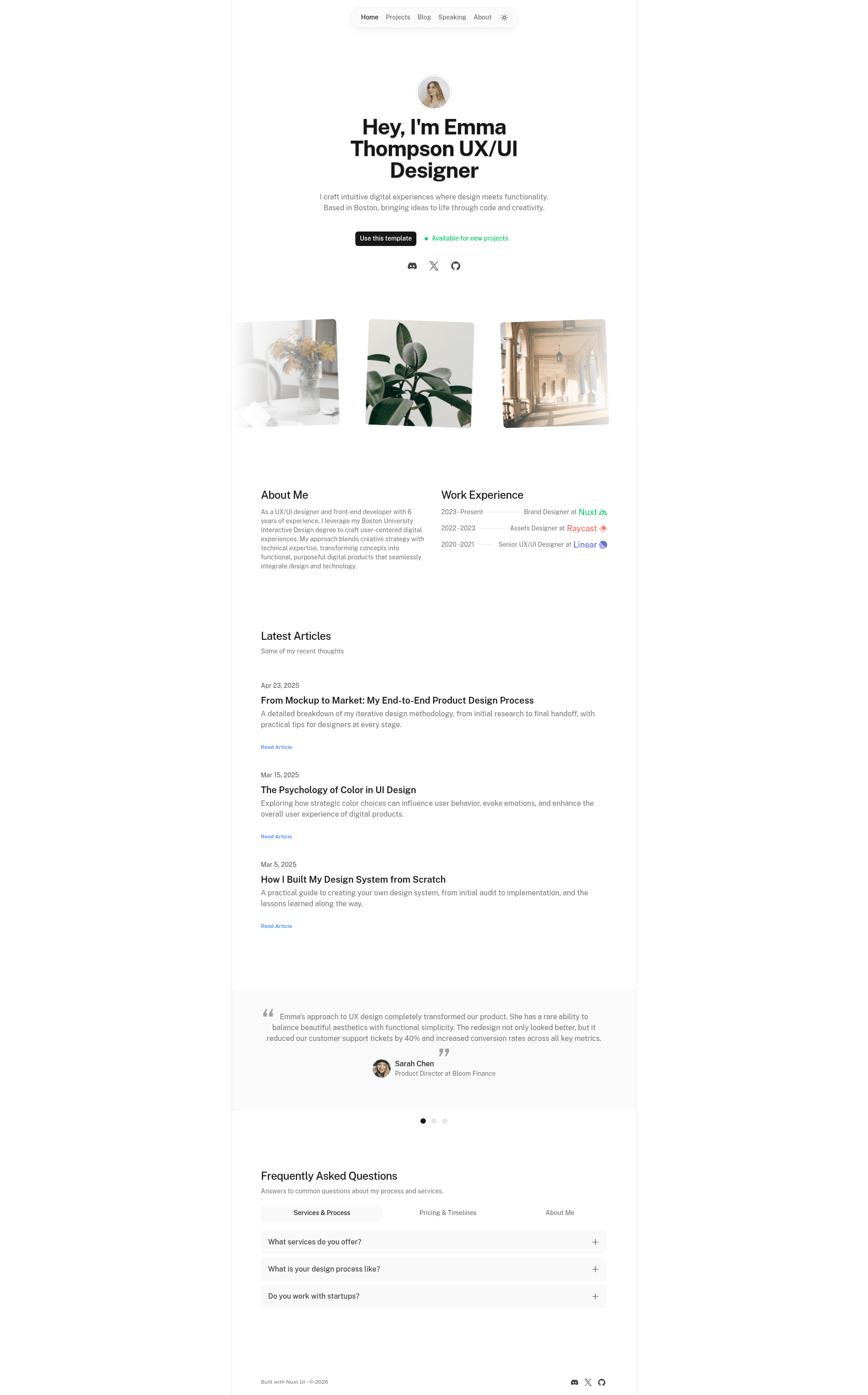
Nuxt Portfolio Template is an open-source portfolio starter built on Nuxt 3, Nuxt UI, and Nuxt Content that lets you create a personal website with work, skills, and a blog. It is the official portfolio template from the Nuxt UI team, offering a one-command scaffold, a live demo, and one-click Vercel deployment.
What is Nuxt Portfolio Template?
Nuxt Portfolio Template is a free, ready-to-use website template for developers and creatives who want a portfolio with an integrated blog. It takes Markdown files as content input and produces a fully styled static site with light and dark modes, running on the Nuxt 3 Vue framework. The template is maintained by the Nuxt UI team as part of its official template repository, and it is live at portfolio-template.nuxt.dev.
Key Features
- Nuxt UI components — The interface is built with Nuxt UI, a Vue component library that provides accessible, themeable UI elements with zero custom CSS for common patterns.
- Nuxt Content for Markdown — The blog and project content are stored as Markdown files, so you write posts in your favorite editor and the template renders them into pages.
- One-command setup — Scaffold a new project by running
npm create nuxt@latest -- -t ui/portfolio, which pulls the template and installs dependencies. - Live demo — Try the template in the browser at portfolio-template.nuxt.dev before you commit to using it.
- One-click Vercel deployment — A deploy button clones the GitHub repository and wires it up to Vercel with a preconfigured demo title, image, and repository name.
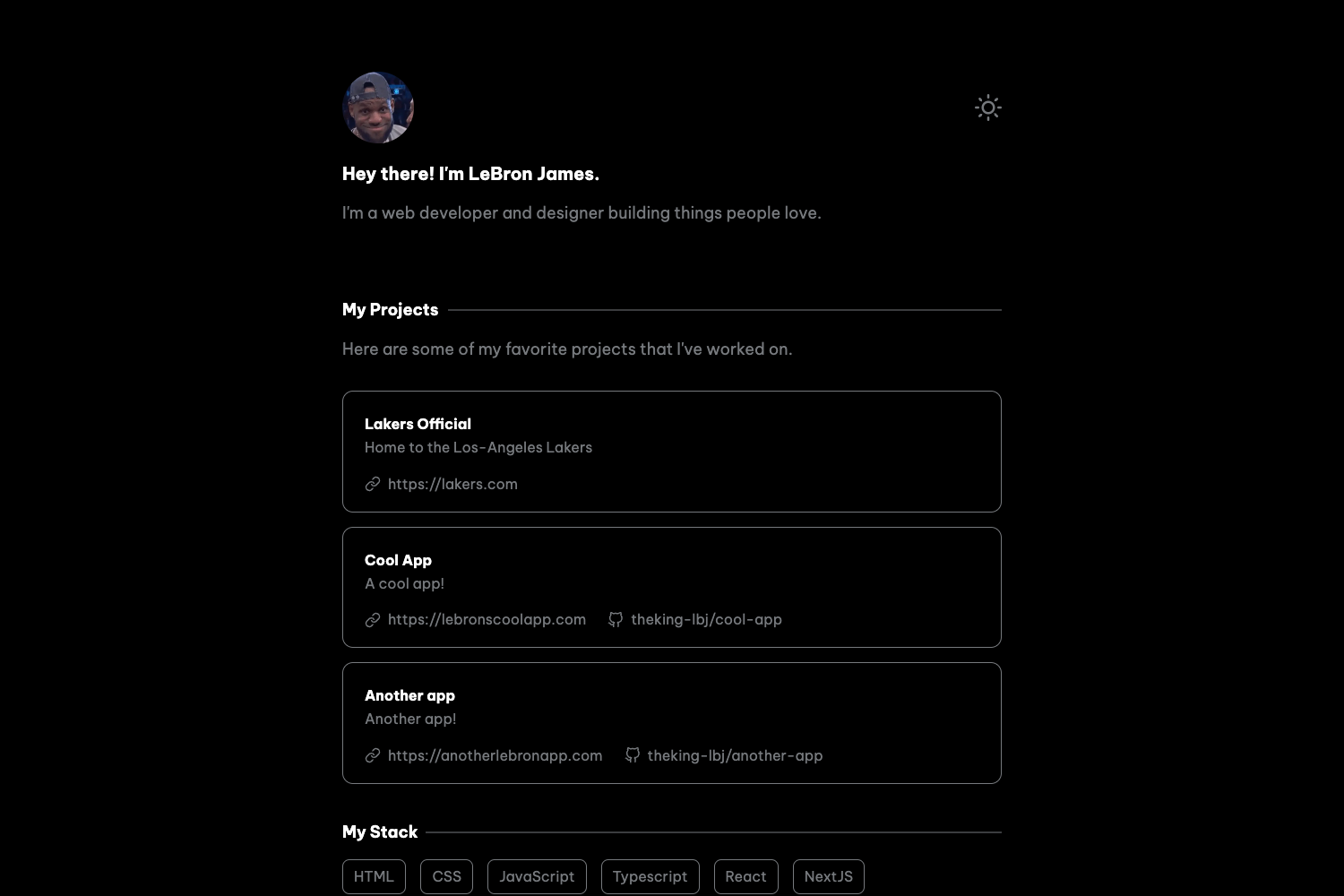
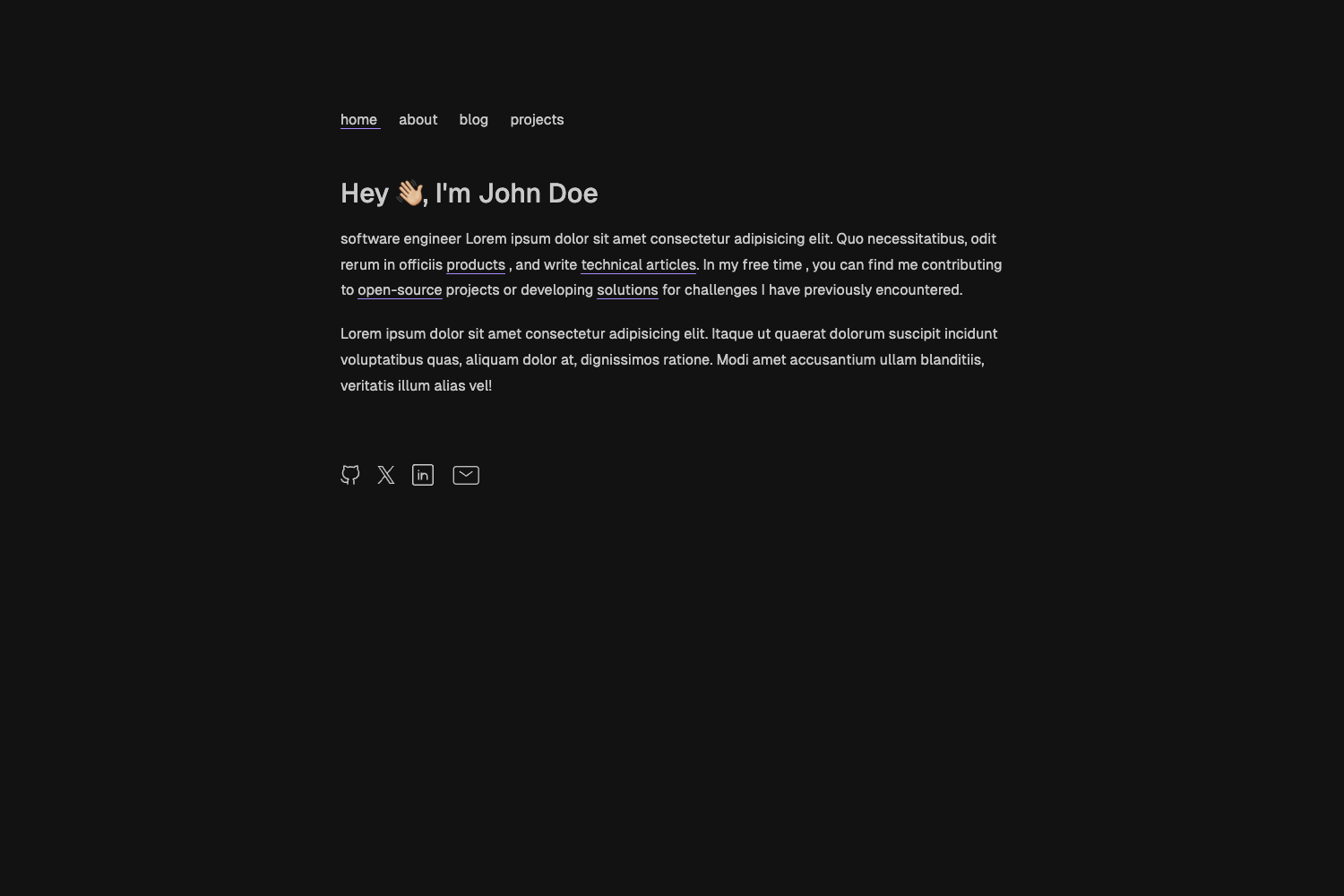
- Dark and light color modes — The template includes both dark and light visual variants, as shown in its preview images and powered by Nuxt UI's color mode API.
- Built on Nuxt 3 — It uses the latest Nuxt framework with Vue 3, offering file-based routing, server rendering, and a large ecosystem of modules.
- Renovate integration — The repository is set up to work with the Renovate GitHub app, automatically updating dependencies.
Who is it for?
- Frontend developers who want a modern portfolio without writing CSS from scratch can scaffold the template, customize Nuxt UI components, and deploy in minutes.
- Designers and creative professionals can use the template to display project galleries, skills, and a blog, while relying on the built-in light/dark theme rather than designing a layout themselves.
- Technical writers and bloggers who already work in Markdown can drop in posts as
.mdfiles and get a styled blog with no separate CMS setup.
What can you do with Nuxt Portfolio Template?
- Freelancers and agencies: build a client-facing portfolio that presents case studies and a blog to demonstrate expertise and attract new work.
- Job seekers: quickly create a professional site that lists skills, projects, and writing samples for resumes and interviews.
- Open-source developers: maintain a personal site with project documentation-style posts, using Nuxt Content to keep everything in a Git repository.
How does Nuxt Portfolio Template work?
Start by running npm create nuxt@latest -- -t ui/portfolio to generate a new project. Then install dependencies with pnpm install, edit the Markdown files under the content directory to add your projects and posts, and run pnpm dev to preview at http://localhost:3000. When ready, run pnpm build to produce a production build and deploy anywhere Nuxt is supported, including Vercel via the provided button.
Pricing
The template itself is free and open source — you can create as many projects as you like without paying a license fee. The only costs are for the domain and hosting you choose, such as Vercel's free tier.
FAQ
How do I create a portfolio with Nuxt Portfolio Template?
Run npm create nuxt@latest -- -t ui/portfolio in your terminal. The command scaffolds a new Nuxt project with the portfolio template already in place. Then follow the setup instructions with pnpm install, pnpm dev, and pnpm build to develop and ship your site.
Does Nuxt Portfolio Template include a blog?
Yes. The template is powered by Nuxt Content, so the blog and project sections read from Markdown files. You can add a new post by creating a Markdown file in the content directory, and it will appear on the site automatically.
Can I deploy Nuxt Portfolio Template to Vercel?
Yes. The page includes a "Deploy with Vercel" button that copies the GitHub repository to your account and sets up a new Vercel project with the demo title, description, and preview image automatically. The setup requires a GitHub account.
Is Nuxt Portfolio Template free?
Yes, the template is free and open source. You do not need to pay anything to use it, and the code lives in a public GitHub repository under the nuxt-ui-templates organization.