Template details
Showcase Hugo Theme
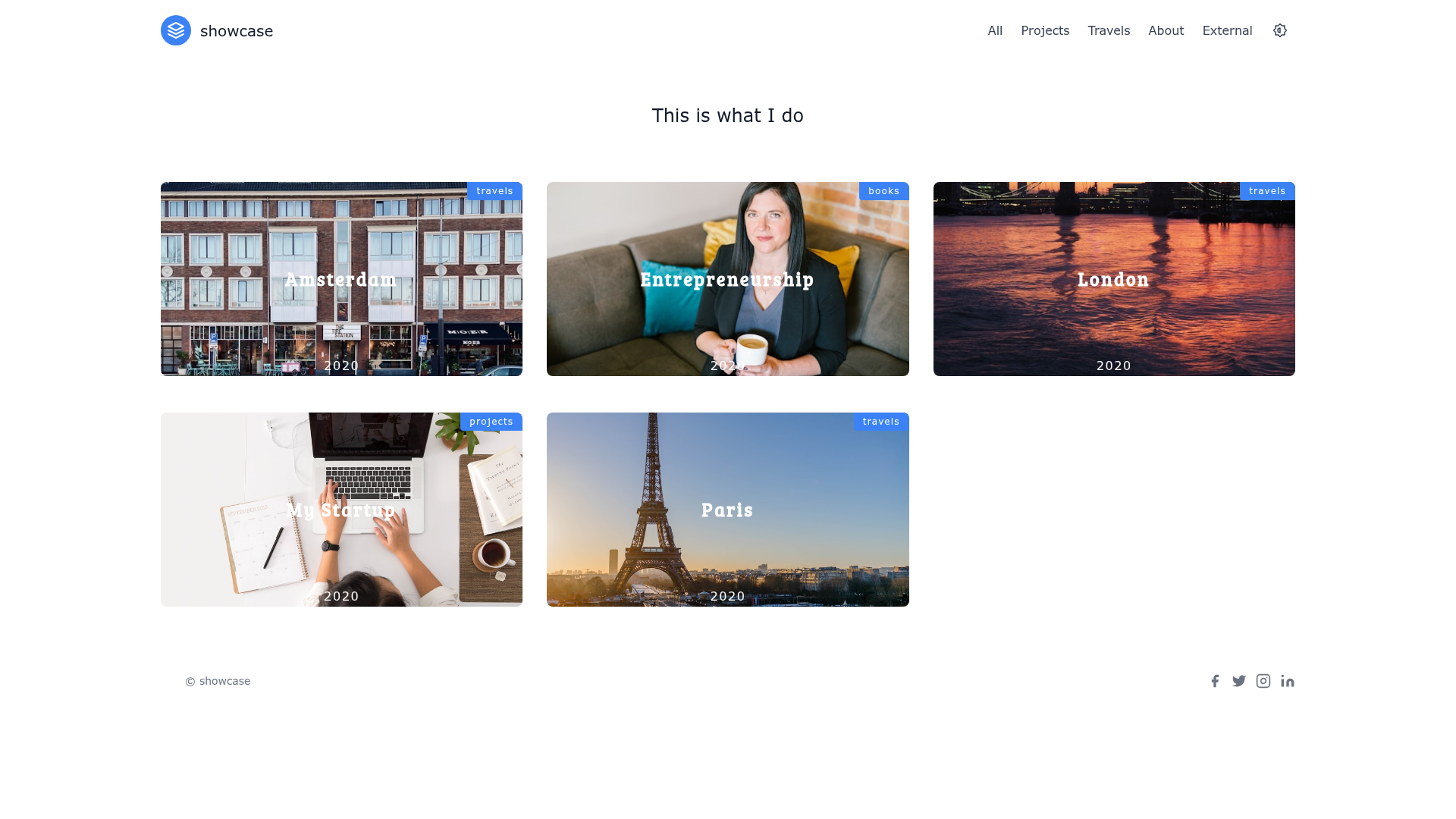
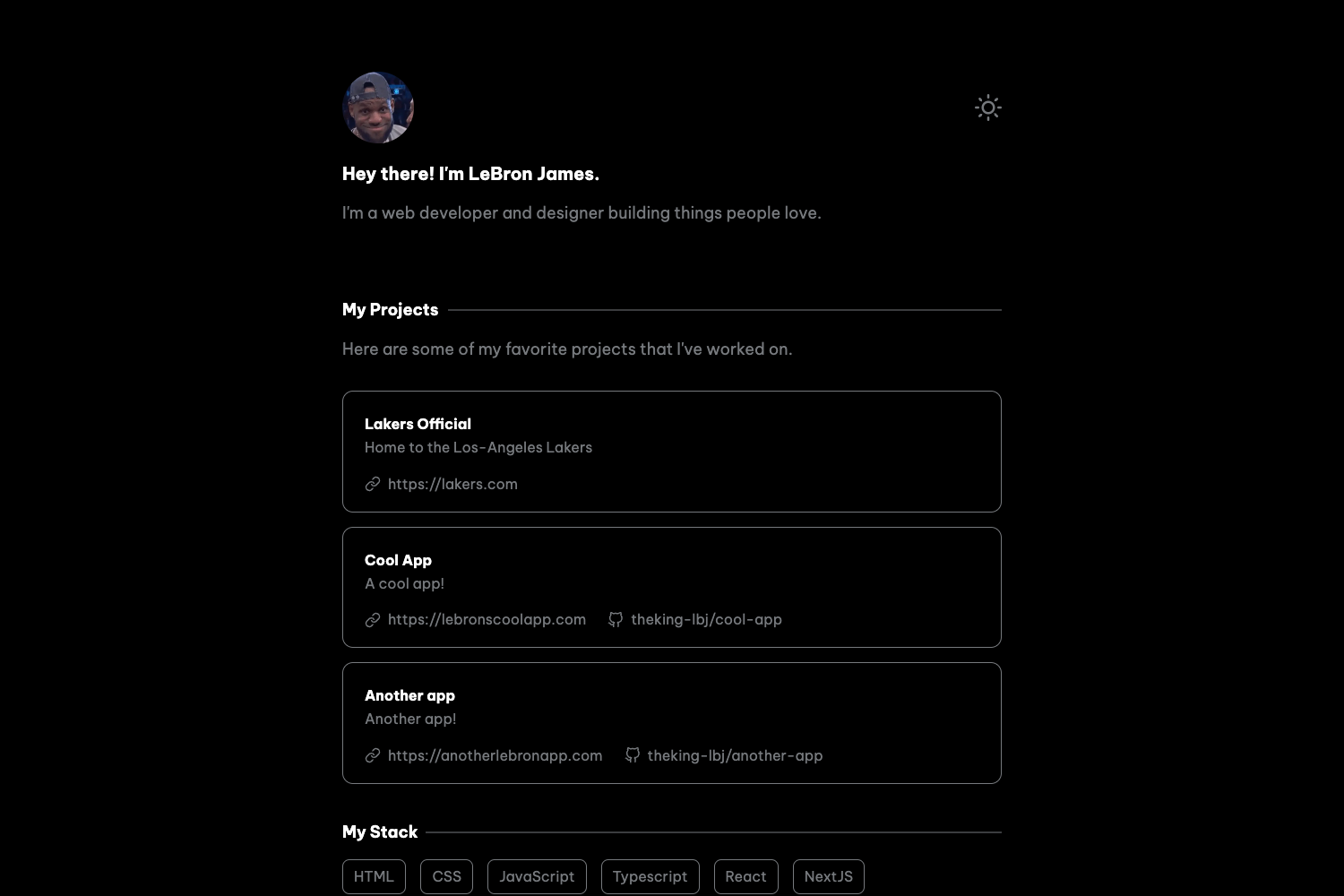
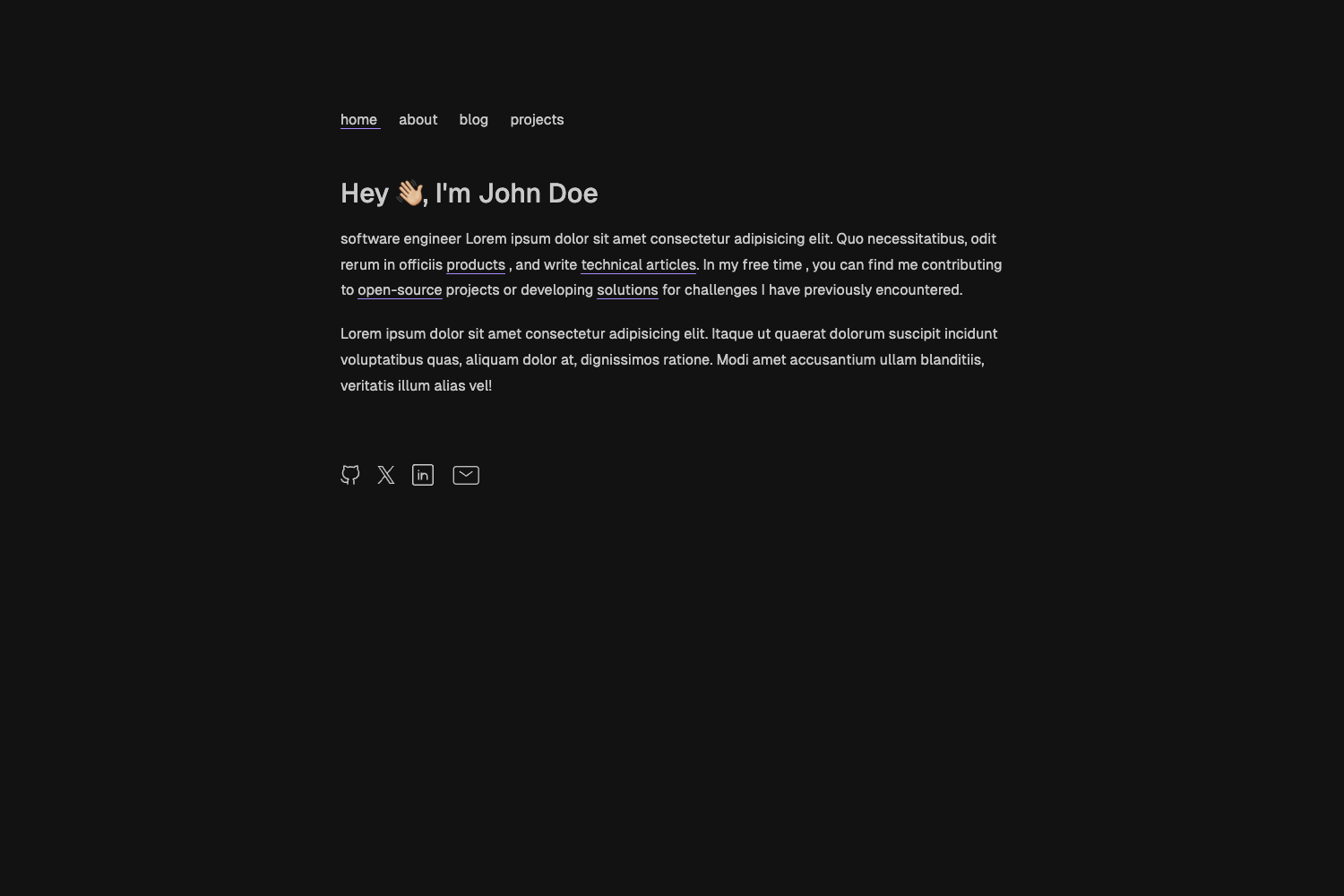
Minimal single-page Hugo theme with auto-generated menu, filtering, dark mode, and social links.
About this template
Showcase is a minimal, single-page theme for the Hugo static site generator, created by GitHub user apvarun and distributed under the MIT license. It converts your Hugo content sections into a filterable project grid, complete with an auto-generated menu, responsive layout, social links, and an optional dark mode toggle.
What is Showcase Hugo Theme?
Showcase is a single-page Hugo theme that presents content sections as a showcase grid with client-side filtering. It takes Markdown content organized into sections (e.g., projects, books) and outputs a responsive one-page site where visitors can filter items by section. The theme is built on Hugo 0.69.0 or newer, requires npm packages for PostCSS processing, and is maintained on GitHub by apvarun.
Key Features
- Auto-generated menu — The navigation menu is generated from the sections in your
content/folder; setprivate: truein an_index.mdfile to exclude a section from the menu. - Filtering content — The single-page layout includes built-in filtering so visitors can narrow down showcased items by section or category.
- Dark mode — Enable the dark mode toggle by setting
params.darkModetotrueinconfig.toml. - Responsive content — The theme adapts to mobile, tablet, and desktop screens without extra configuration.
- Social links — Add social media profile links through the site configuration.
- Custom menu — Override the auto-generated menu with your own items using
config.toml, useful if you want a fixed navigation structure. - Example site — A fully configured example site is bundled in
exampleSite/so you can preview the theme locally and copy its configuration. - PostCSS build — The theme uses PostCSS via
postcss-cli; you need to copypackage.jsonto your site root and runnpm installbefore building.
Who should use Showcase Hugo Theme?
Showcase fits individuals and teams who want a clean, minimal single-page site for displaying projects, products, or creative work. It is suitable for:
- Portfolio owners who want a filterable gallery of their projects with minimal setup.
- Open-source developers who want to showcase multiple repositories or tools in a single page.
- Technical writers who need a lightweight documentation or landing page without blog features.
- Designers who prefer a dark-mode-capable theme that presents visual work responsively.
What can you do with Showcase Hugo Theme?
- Portfolio site: Group your projects into sections and let visitors filter by category (e.g., web, mobile, design).
- Product showcase: Use custom sections and custom menu items to present product features or gallery items.
- Personal landing page: Add social links and a minimal one-page resume with dark mode preferences.
- Open-source project hub: Link to your GitHub repositories and display them with auto-generated navigation.
How to install Showcase Hugo Theme
- Clone the repository into your Hugo site's
themes/showcasefolder, or add it as a git submodule. - Copy
package.jsonandpackage-lock.jsonfrom the theme folder to your site root, then runnpm install. - Install
postcss-cliglobally withnpm i -g postcss-cli. - Set
theme = "showcase"in yourconfig.toml. - Run
npm startto start the local server, or usenpm i && hugo -D --gcwhen deploying to Netlify or Vercel.
FAQ
Is Showcase free?
Yes, Showcase is open source and licensed under the MIT license, so you can use, modify, and distribute it freely. It is also available from the Hugo Themes repository and GitHub.
How do I enable dark mode?
Open your config.toml and set params.darkMode = true. This adds a dark mode toggle to the site. The theme ships with both light and dark preview screenshots.
How do I exclude a section from the menu?
Create an _index.md file in that section's content folder and set the property private = true (for TOML) or private: true (for YAML). The section will still appear on the page but be hidden from the auto-generated menu.
How do I use a custom menu?
Edit your config.toml to define custom menu items. You can disable the auto-generated sections if you want full control over the navigation.
What is the minimum Hugo version?
Showcase requires Hugo 0.69.0 or higher. Older versions may not render the theme correctly.