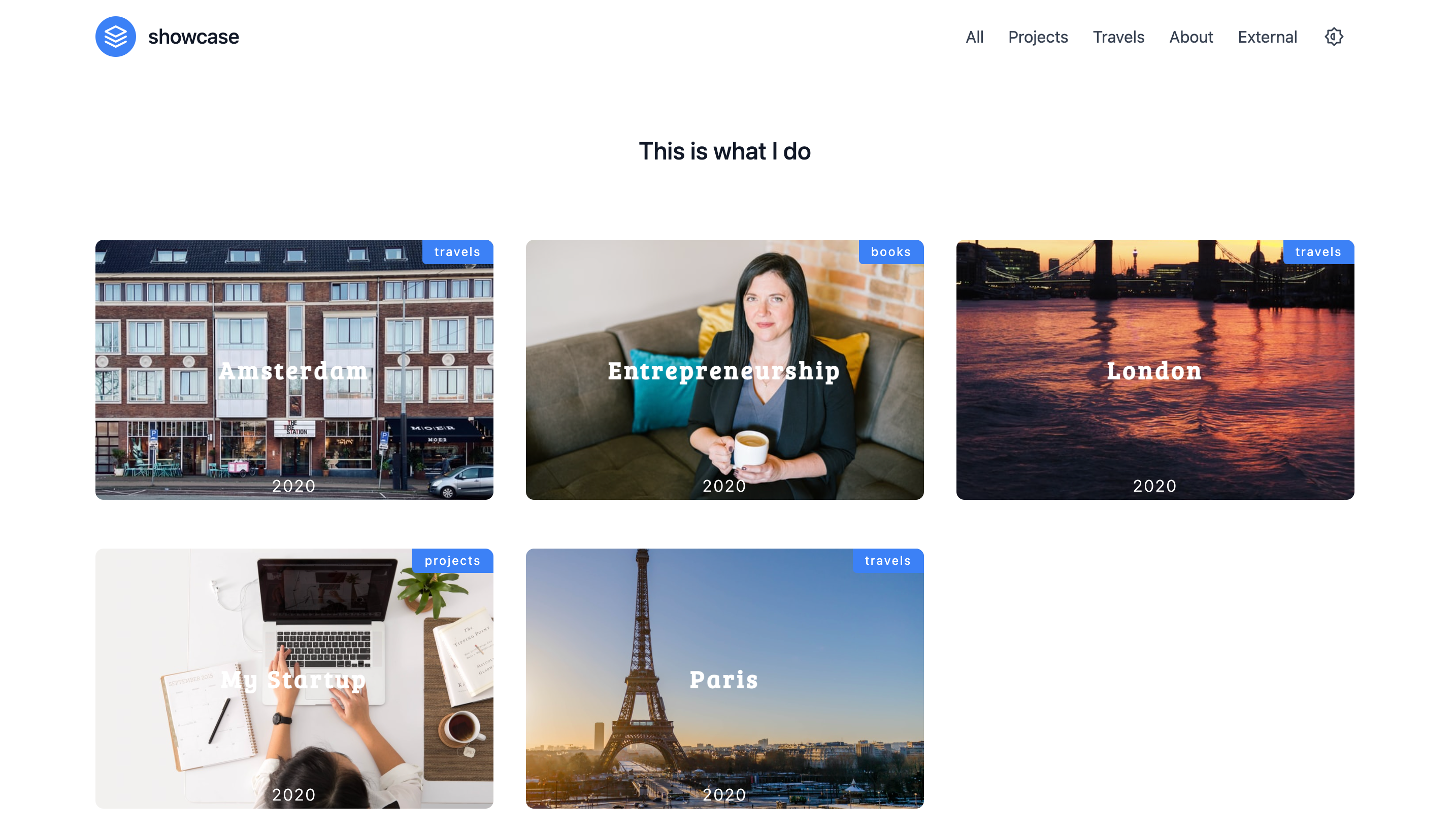
Template details
Obsidian
Elegant portfolio template built on NextJS and Tailwind.
About this template
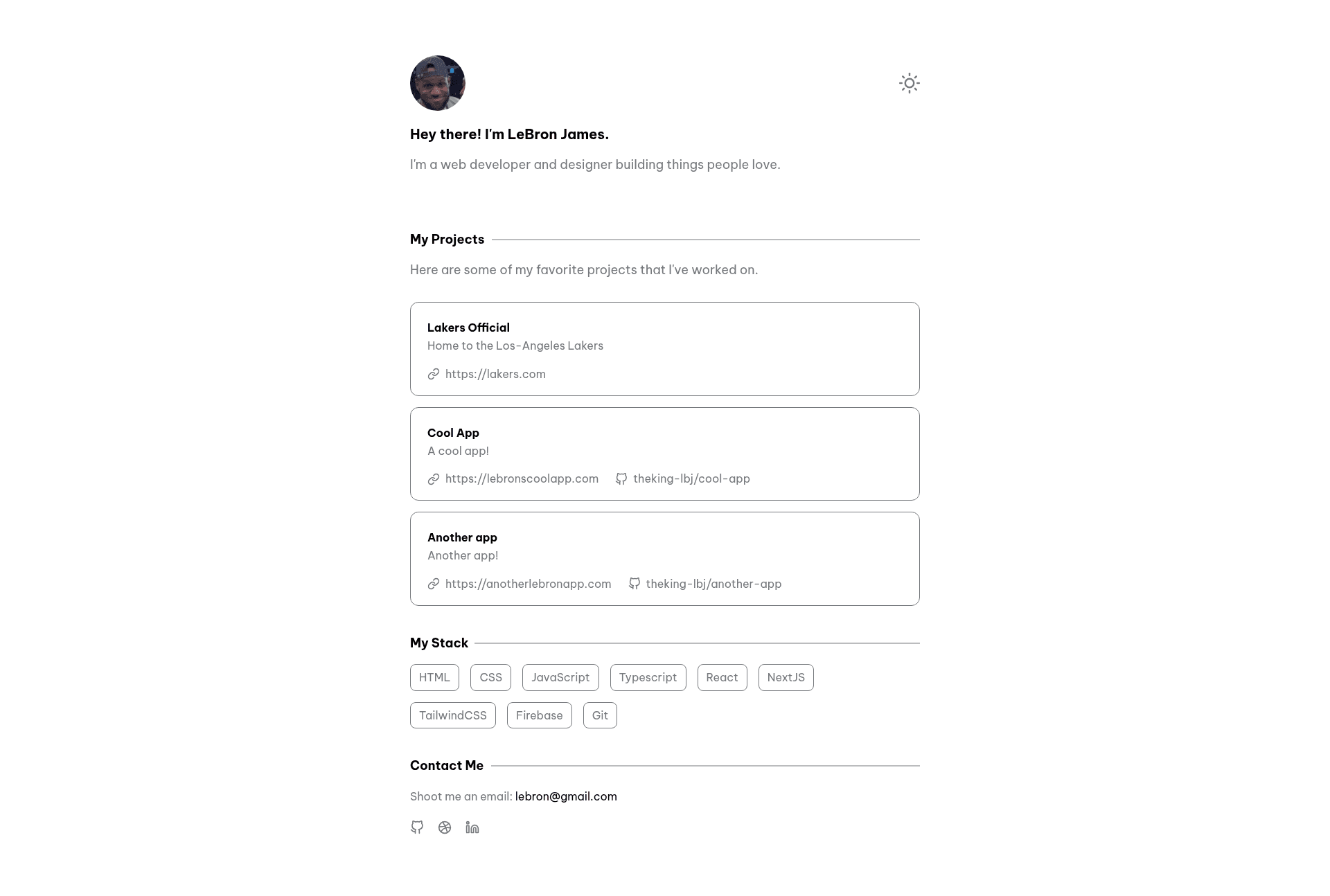
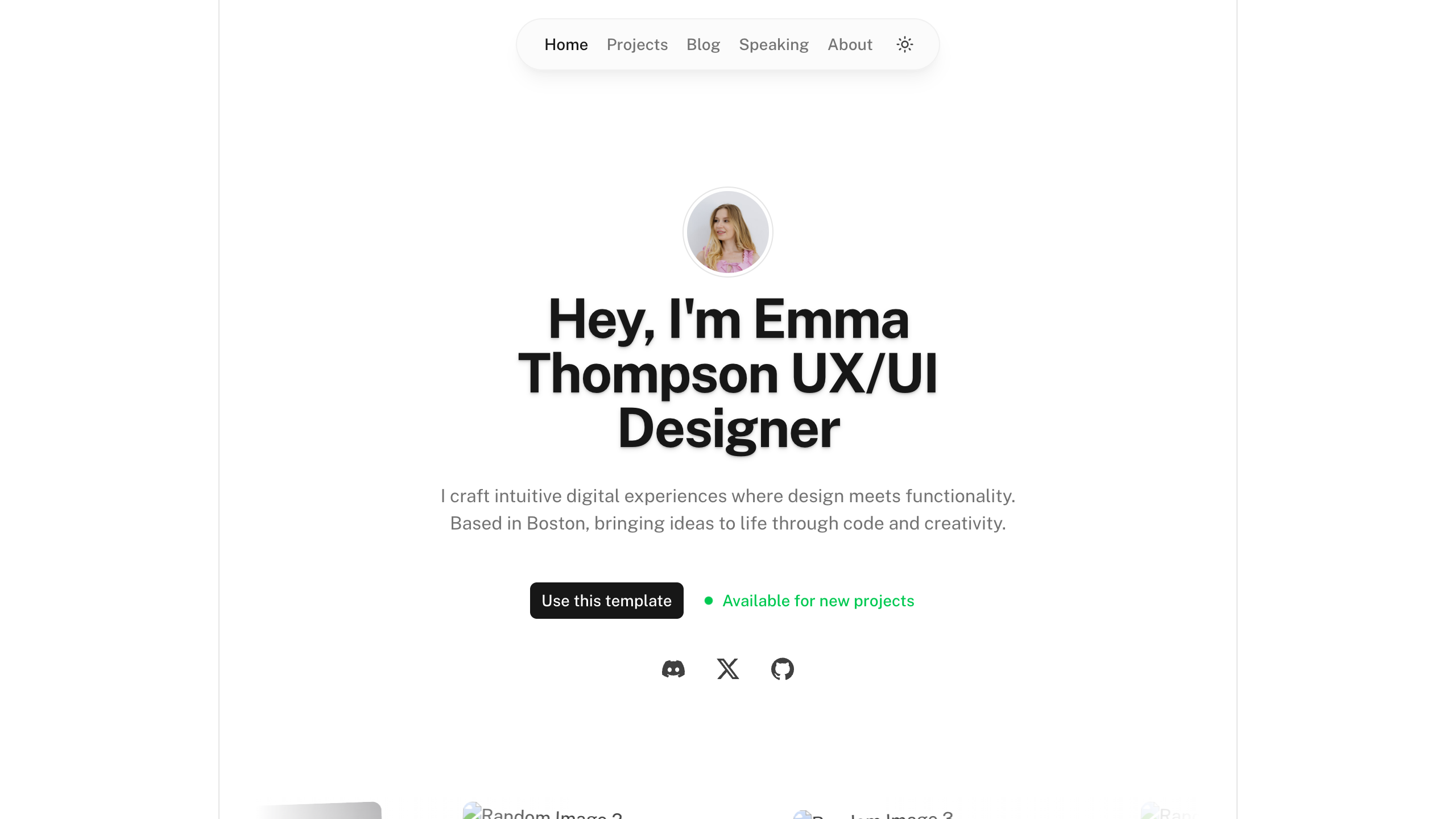
Obsidian is a minimal and lightweight portfolio template built on Next.js and Tailwind CSS that generates a personal portfolio website from a single configuration file.
What is Obsidian?
Obsidian is a portfolio template created by frontend developer and designer BraydenTW, designed to be cloned from GitHub and configured without touching component code. It takes a GitHub repository template and the data/config.js file as inputs, and produces a deployable personal portfolio website with a profile image, custom metadata, and a customizable favicon. The template runs on the Next.js framework with Tailwind CSS for styling, and its repository is tagged with dark-mode, JavaScript, React, and Vercel topics.
Key Features
- Next.js and Tailwind CSS stack — The template uses Next.js as the React framework and Tailwind CSS for utility-based styling, and dependencies can be installed with either npm or Yarn.
- Single-file configuration — All personal content is edited through the data/config.js file, so you can update your name, bio, links, and other metadata in one place.
- Profile image replacement — The placeholder at public/static/profile.png is designed to be swapped with your own photo or avatar.
- Favicon customization — The README shows how to generate favicon files with favicon.io and drop them into public/static/favicon/ to change the browser tab icon.
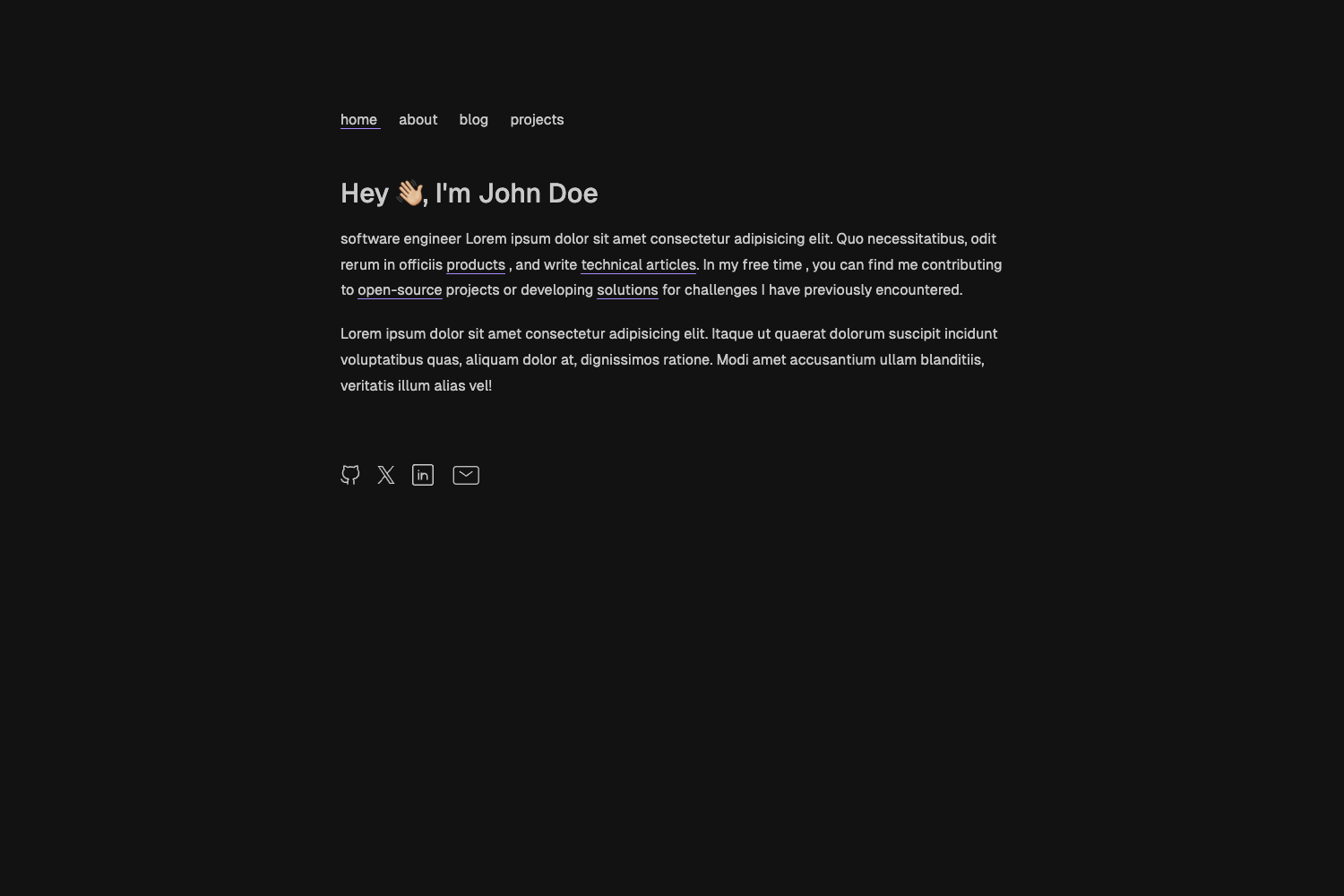
- Dark mode support — The repository topics include dark-mode, indicating the template ships with dark mode styling.
- Vercel deployment — The README recommends deploying through Vercel's free tier by importing the GitHub repository, with no server configuration required.
- Local development workflow — After cloning, run
npm ioryarnto install dependencies, thennpm run devoryarn devto preview the site locally.
Who is it for?
- Frontend developers who want a minimal personal portfolio without building a site from scratch — clone the template, edit the config file, and deploy to Vercel.
- Designers and creatives who need an elegant online presence — replace the profile image and update text in data/config.js to showcase their work.
- Job seekers who want a clean resume-style page — share the deployed Vercel URL with employers.
What can you do with Obsidian?
- Personal branding: Publish a professional portfolio site with your own name, bio, and profile picture by editing data/config.js and replacing the placeholder image.
- Learning Next.js: Use the template as a minimal example of a Next.js project with Tailwind CSS to study how a portfolio page is structured.
- Rapid prototyping: Fork the repository and modify it as a starting point for other single-page sites or experimental web projects.
How does Obsidian work?
The workflow begins by clicking the "Use this template" button on GitHub, which creates a new repository with the code. After cloning, run npm i or yarn to install React, Next.js, and Tailwind CSS dependencies. Edit the data/config.js file to personalize the content, replace the profile image, and optionally change the favicon. Run npm run dev or yarn dev to see the site locally, then deploy to Vercel by creating a new project and importing the GitHub repository.
Pricing
The template is free and open-source. The README recommends using Vercel's free tier for deployment, which requires no payment for basic usage.
FAQ
Is Obsidian free to use?
Yes, the template is available as a free GitHub template, and the README suggests deploying on Vercel's free tier.
What do I need to edit to personalize the template?
Open the data/config.js file and update the values to match your information. Also replace the placeholder at public/static/profile.png with your own photo or avatar.
How do I change the favicon?
The README instructs you to create a logo, use a favicon generator like favicon.io, and place the generated files in public/static/favicon/.
Can I use Yarn instead of npm?
Yes, the README provides commands for both npm and Yarn for installing dependencies and running the development script.
Does the template support dark mode?
The repository topics include dark-mode, which indicates the template includes dark mode styling.