Template details
Sada
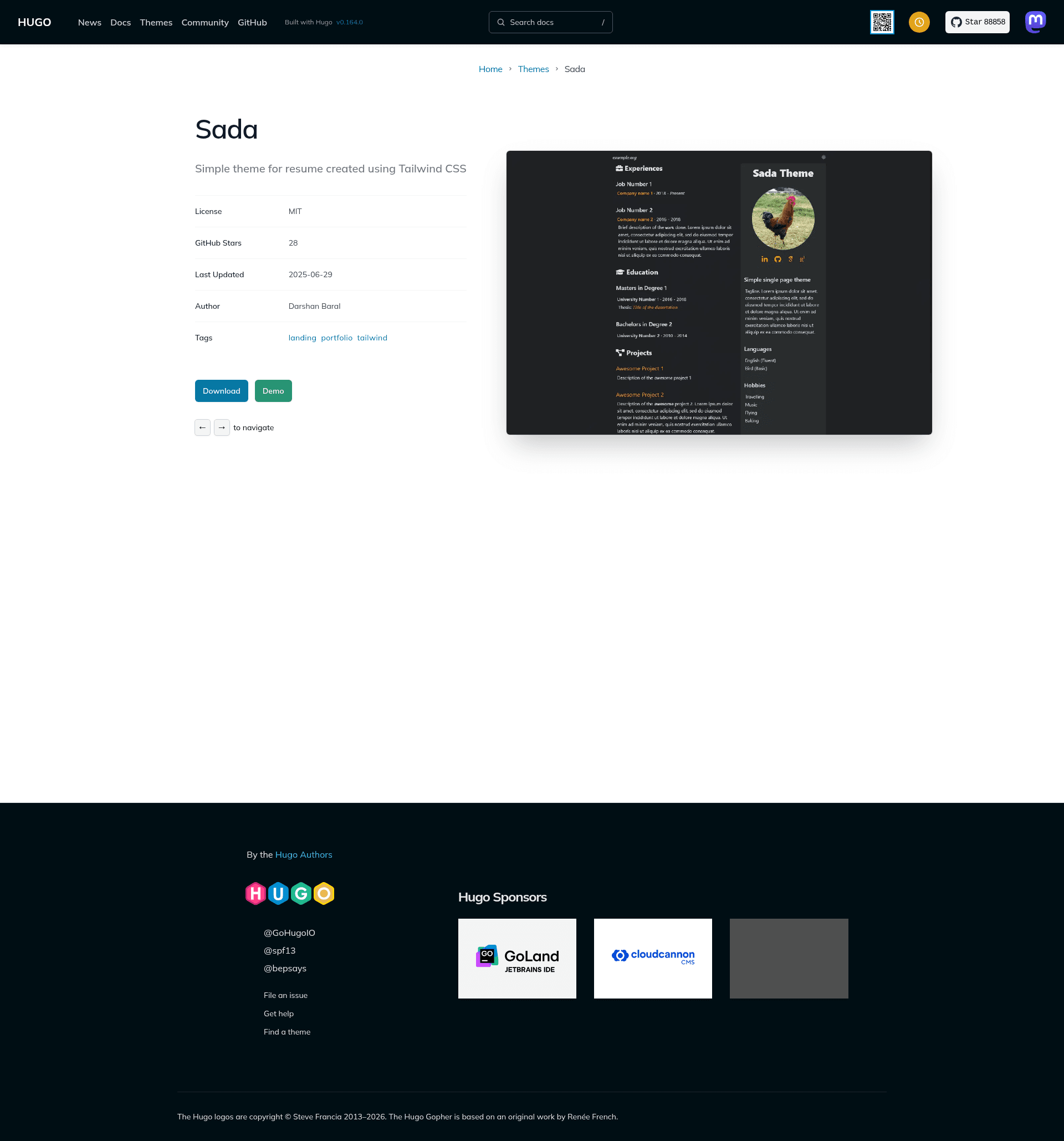
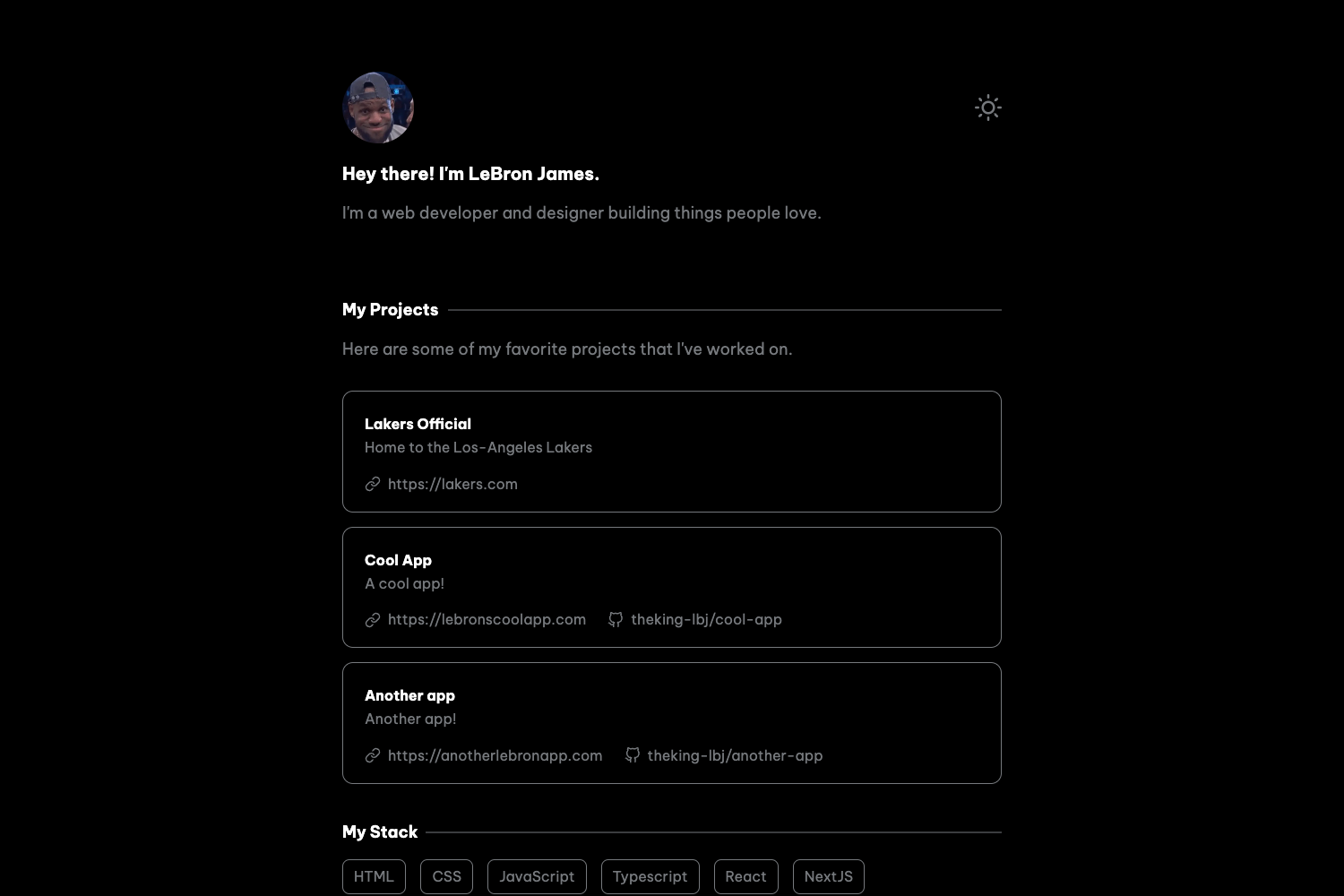
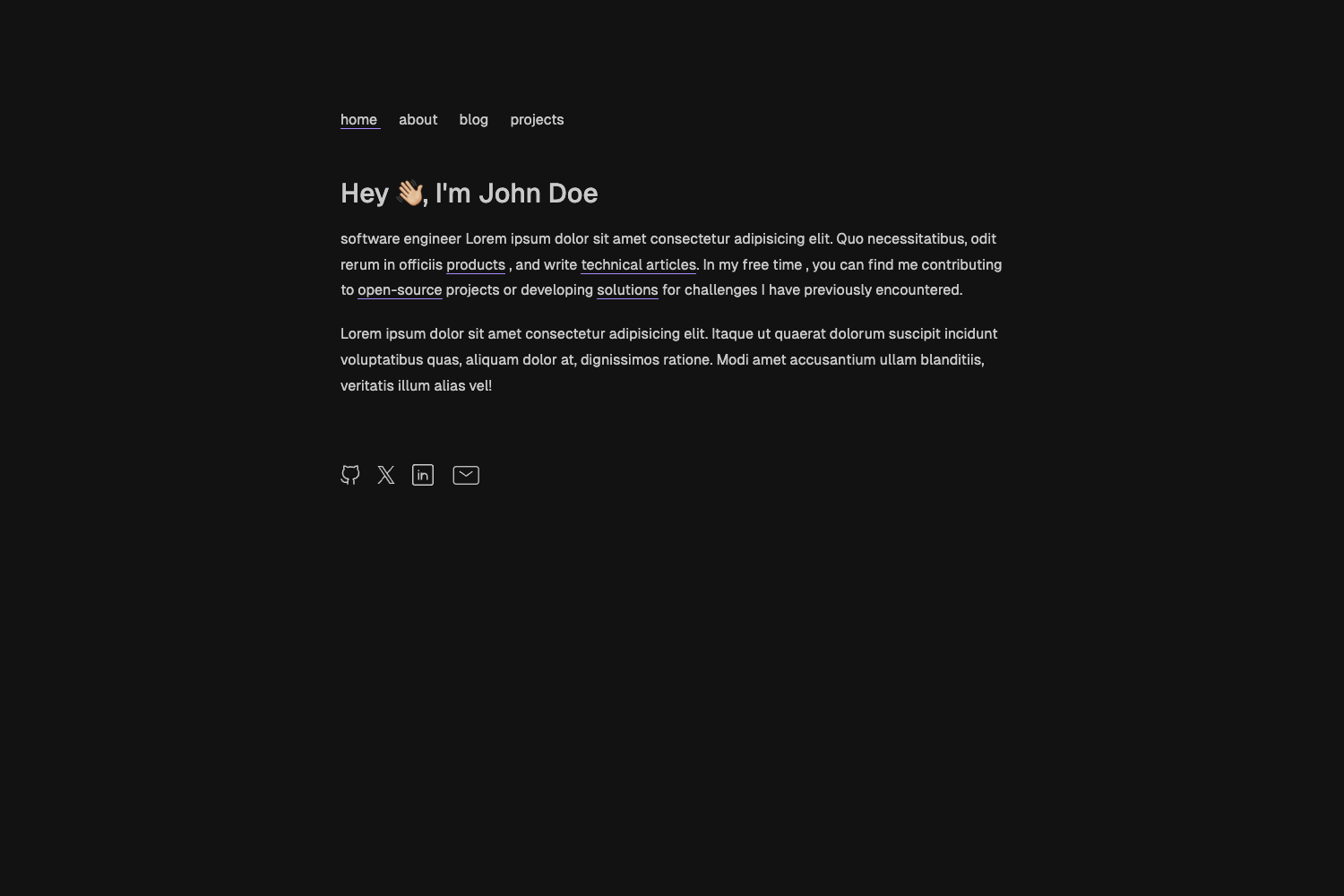
A simple one-page Hugo theme for resumes and portfolios, built with Tailwind CSS and supporting light and dark themes.
About this template
Sada is a Hugo-based, one-page responsive portfolio and resume theme styled with Tailwind CSS that ships with both light and dark color schemes.
What is Sada?
Sada is a Hugo theme for creating a one-page online resume or portfolio. It takes the settings and content you define in the config.toml file and renders a single responsive page with Tailwind CSS styling. The theme is open source and hosted on GitHub under the account darshanbaral, with a live demo available. It is designed to be simple: you clone the repository, run npm install, and serve the site with Hugo.
Key Features
- One-page layout — The theme produces a single-page website, ideal for presenting resume information without navigation complexity.
- Responsive design — The page adapts to desktop, tablet, and mobile screen sizes so your resume looks good on any device.
- Tailwind CSS — Styling is built on Tailwind CSS utility classes, giving the design a modern, utility-first foundation.
- Light and dark themes — The theme includes both light and dark color scheme options directly out of the box.
- Hugo static site generator — It runs on Hugo, meaning the site compiles into fast static HTML files with no server-side dependencies.
- Configuration-driven content — By editing config.toml you define the resume content and site settings without touching HTML.
- Simple installation — Setup uses three commands: git clone, npm install, and hugo server, then you edit config.toml.
Who should use Sada?
- Job seekers — Create a clean online resume by editing config.toml with your work history, skills, and contact information, then deploy the static site to any hosting service.
- Developers and designers — Showcase your projects and portfolio in a responsive one-page layout that you can brand with Tailwind CSS.
- Hugo users — If you already use Hugo, this theme integrates with your existing static site workflow and is built with Tailwind CSS.
- Students and recent graduates — Launch a personal resume page quickly without writing HTML, using the provided configuration file.
How do you set up Sada?
Inside the folder of your Hugo site, run git clone https://github.com/darshanbaral/sada.git, then cd sada, npm install, and hugo server. After the theme is installed, modify the config.toml file to personalize your online resume and preview it locally.
Use cases
- Online resume — Present your professional experience in a single-page layout that's easy to share via a URL.
- Portfolio — Display your projects and skills in a clean one-page layout with light and dark theme support.