Template details
Salvia Kit
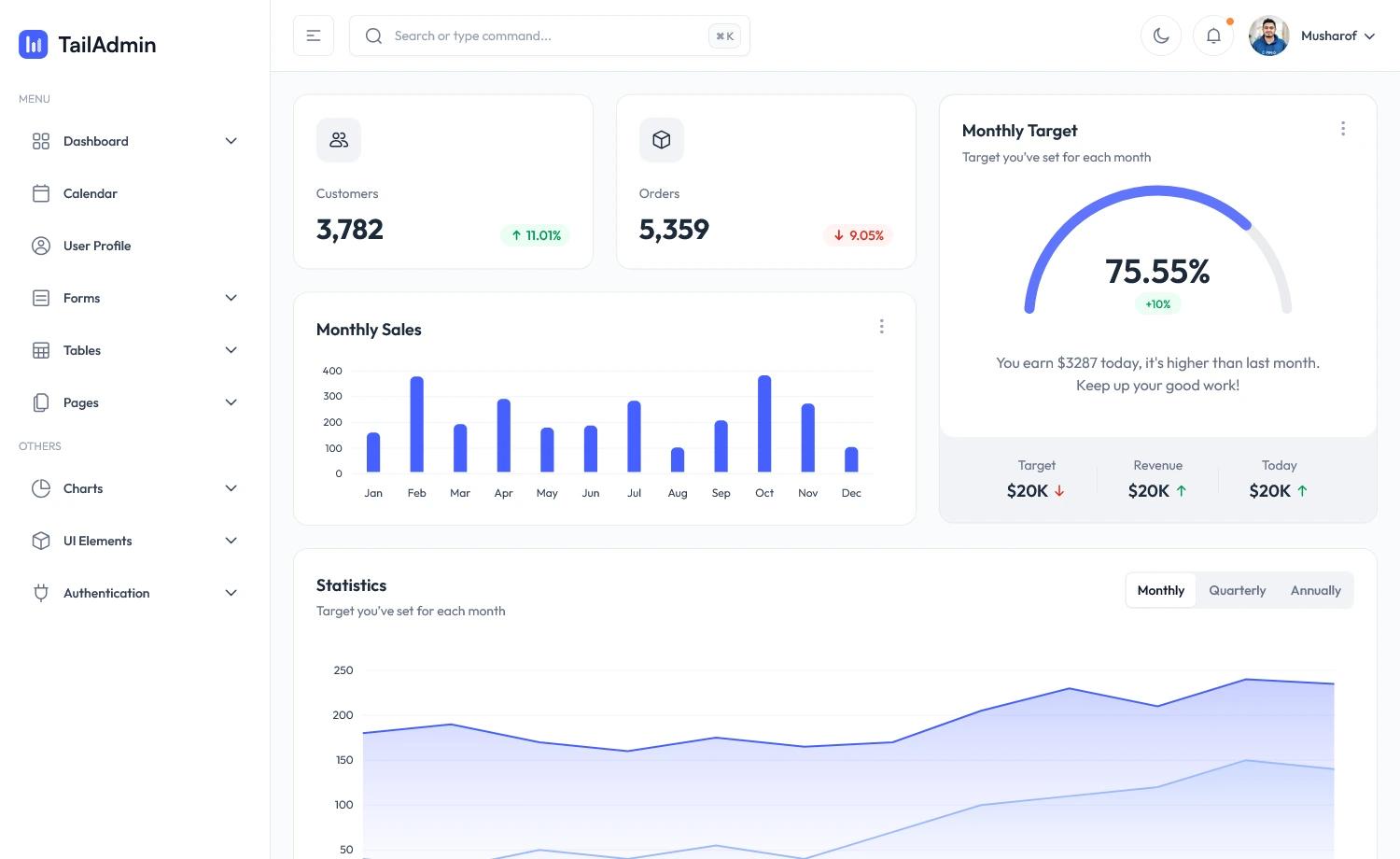
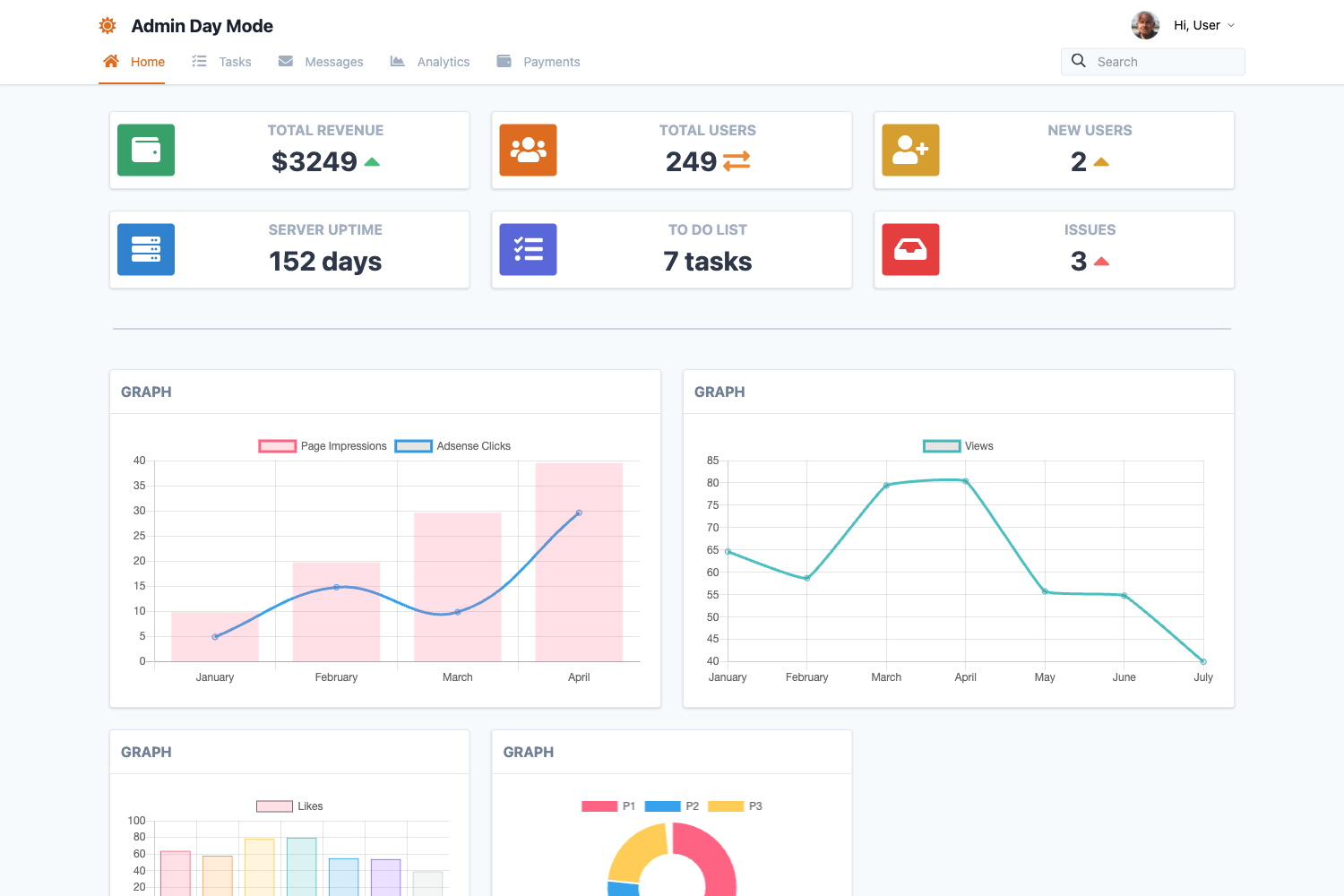
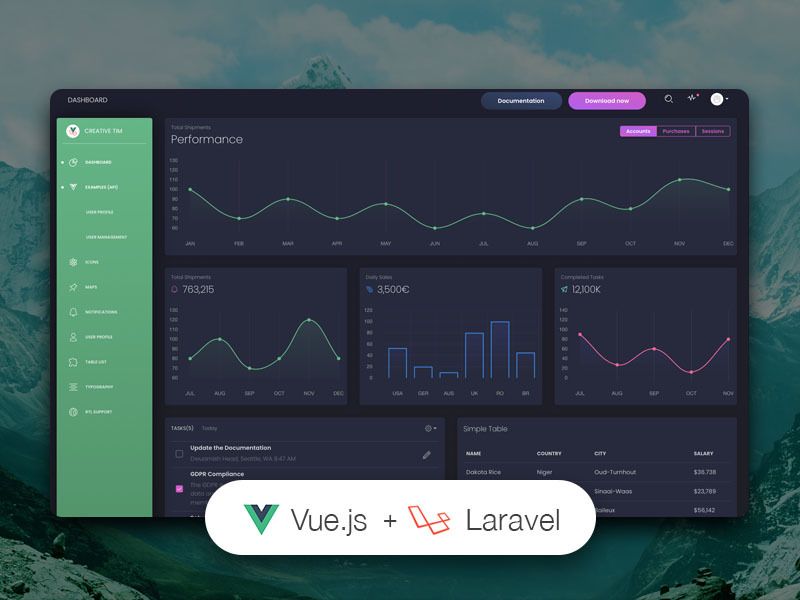
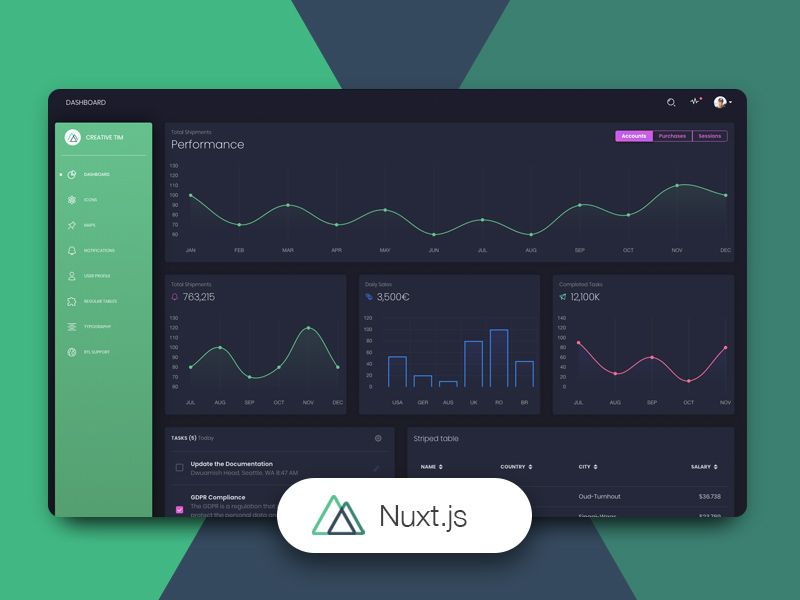
Provides 10 Free Beautiful dashboard templates built with Tailwind CSS for React, Next.js, Svelte, Solid, Angular, Vue and Nuxt.js
About this template
Salvia-kit is a free collection of 10 dashboard templates built with Tailwind CSS, released in seven JavaScript framework variants: React, Next.js, Vue, Nuxt, Solid, Svelte, and Angular. The project is open-source under the MIT license and is maintained by the Salvia-kit team, with the marketing website itself built on Next.js and Tailwind CSS.
What is Salvia-kit?
Salvia-kit is a set of free, ready-to-use dashboard templates that give developers a starting point for admin interfaces, analytics screens, and back-office tools. Each template is styled entirely with Tailwind CSS utility classes, supports active route highlighting by default, and is designed without external component libraries so it can be customized freely. The output is a static or server-rendered dashboard depending on the chosen framework, and every variant ships with its own dedicated documentation page on the Salvia-kit website.
Key Features
- Seven framework variants — The same dashboard design is available for React, Next.js, Vue, Nuxt, Solid, Svelte, and Angular, so a team can switch stacks without changing visual style.
- Active route support — Navigation links are styled automatically for the currently active route, saving manual state handling.
- No external dependencies — Templates are built only with Tailwind CSS and the framework itself, avoiding component-library lock-in.
- MIT license — All templates are free to use, modify, and integrate into commercial projects.
- Customizable sidebar — The sidebar can be aligned left or right, including on mobile layouts.
- Dedicated documentation — Each of the seven framework variants has its own guide covering setup and customization.
Who should use Salvia-kit?
Full-stack developers who need a clean, responsive admin interface without writing Tailwind markup from scratch. Frontend teams evaluating different frameworks can use the same dashboard design across React, Svelte, or Angular prototypes. Open-source maintainers can copy a Salvia-kit dashboard into their project because the MIT license permits reuse with attribution.
What can you do with Salvia-kit?
- Build an admin panel: Start from a Salvia-kit dashboard and add your own tables, forms, and charts on top of the Tailwind layout.
- Prototype a SaaS dashboard: Use the pre-styled sidebar and navigation to show stakeholders a realistic product interface in hours.
- Learn Tailwind CSS: Read the generated utility-class markup to see how layout, spacing, and responsive behavior are constructed.
How does Salvia-kit work?
From the Salvia-kit website, you choose one of the seven supported technologies and open the corresponding dashboard variant. The repository can be cloned and run locally with npm run dev or yarn dev, and because the templates have no external dependencies, the styles can be exported into an existing project.