Template details
@nuxtjs/google-analytics
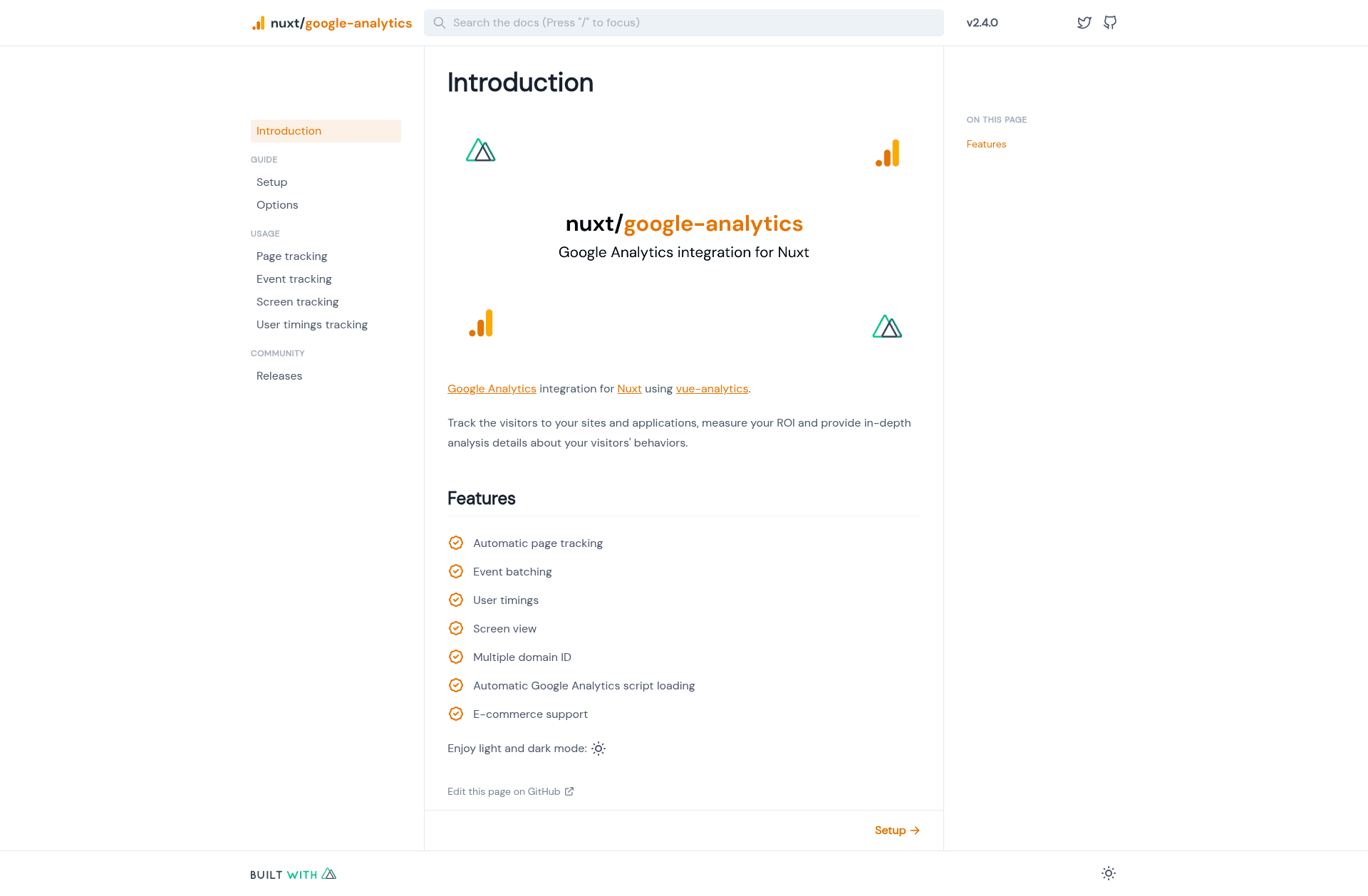
Google Analytics integration for Nuxt 2 using vue-analytics, with automatic page tracking, event batching, and e-commerce support.
About this template
@nuxtjs/google-analytics is a Nuxt 2 module that brings Google Analytics (Universal Analytics / GA3) tracking to Nuxt applications through the vue-analytics library.
What is @nuxtjs/google-analytics?
@nuxtjs/google-analytics is a community-maintained Nuxt module that integrates Google Analytics into Nuxt 2 projects by leveraging vue-analytics. It takes a Google Analytics tracking ID as configuration and produces automatic page tracking, event tracking, and e-commerce tracking across the app. The module is part of the Nuxt Community organization and is released under the MIT License.
The package does not support GA4; it only works with the legacy GA3/UA property. For Nuxt 3 support, the project documentation directs users to the nuxt-gtag module instead.
Key Features
- Automatic page tracking — Sends pageview hits on every route change in the Nuxt application without additional code.
- Event batching — Groups multiple analytics events into batches to reduce network requests.
- User timings — Tracks response times and performance metrics as user timings in Google Analytics.
- Screen view — Tracks app screen views as Google Analytics screen view hits.
- Multiple domain ID — Allows configuration of several Google Analytics tracking IDs for multi-property setups.
- Automatic Google Analytics script loading — Loads the analytics.js script automatically on the client side.
- E-commerce support — Sends ecommerce-related events such as transactions and item data to Google Analytics.
Who is it for?
Nuxt 2 developers who want to add analytics to their sites without hand-writing tracking code. Specific user roles include:
- Nuxt 2 site owners — Add pageview and event tracking to their existing Nuxt project by configuring a tracking ID.
- E-commerce store operators — Use the e-commerce support to track transactions and product impressions.
- Marketing teams — Track user timings and screen views to measure content performance and navigation behavior.
What can you do with @nuxtjs/google-analytics?
- E-commerce tracking: Send transaction and product data to Google Analytics to measure sales performance.
- Event measurement: Track clicks, form submissions, and other custom user interactions through event batching.
- Multi-property reporting: Use multiple domain IDs to report across different Google Analytics properties from a single Nuxt app.
Alternatives
- nuxt-gtag — A Nuxt module that provides Google Analytics (including GA4) support for Nuxt 3 and also supports Nuxt 2.
- vue-analytics — The underlying library used by this module, suitable for plain Vue.js applications.
Pros and cons
- Pros: Includes seven built-in tracking capabilities; MIT-licensed open source.
- Cons: Does not support GA4 (only GA3/UA); only works with Nuxt 2, not Nuxt 3.
FAQ
Does @nuxtjs/google-analytics support GA4?
No. The package explicitly warns that it does not support GA4 and only works with GA3/UA. For GA4, the project recommends the nuxt-gtag module.
Is @nuxtjs/google-analytics free?
Yes. The module is open source and released under the MIT License, so it can be used freely in commercial and personal projects.
How do I use @nuxtjs/google-analytics in my Nuxt 2 app?
It is installed as a Nuxt module and configured in nuxt.config.js with your Google Analytics tracking ID. The module then loads the analytics script and starts tracking automatically. The full setup instructions are in the official documentation at google-analytics.nuxtjs.org.
Does this module work with Nuxt 3?
No. It only targets Nuxt 2. The documentation points Nuxt 3 users to the alternative module nuxt-gtag.
What features does it include?
Automatic page tracking, event batching, user timings, screen view, multiple domain ID support, automatic script loading, and e-commerce support.