Template details
Jekyll Typogrify
A Jekyll plugin that improves the typography of your Liquid templates.
About this template
Jekyll Typogrify is a Jekyll plugin (a Ruby gem) that improves the typography of Liquid templates by providing filters such as Smartypants, Widont, Titlecase, and Ampersand handling. It builds on the typogruby and titlecase libraries to automatically produce better-looking HTML from plain text.
What is Jekyll::Typogrify?
Jekyll::Typogrify is a Ruby gem that plugs into Jekyll to transform Liquid template output. It takes standard text and applies typographic rules—like converting straight quotes to curly quotes, preventing widows, and wrapping ampersands—and outputs HTML with styled spans and entities. The plugin is developed by Myles Braithwaite and distributed via RubyGems.
Key Features
- Smartypants — Converts straight quotes to curly quotes, apostrophes to right single quotes, and three periods to ellipses (e.g.,
"Today I'm going to the... coffeeshop."becomes "Today I’m going to the… coffeeshop."). - Widont — Replaces spaces before the last word of a heading or paragraph with a non-breaking space, preventing orphaned words.
- Titlecase — Converts text to title case (e.g., "i love toronto" becomes "I Love Toronto").
- Ampersand — Wraps ampersands in a
<span class="amp">&</span>for styling. - Capitalisation — Wraps successive capital letters (including digits and periods) in
<span class="caps">, with a custom module supporting hyphens (e.g., "P-51"). - Entities — Converts special characters like © to HTML entities (
©). - Initial Quotes — Encloses opening single or double quotes in
<span class="dquo">for drop caps styling. - Letter Spacing — Adds a
<span class="fix-letter-spacing">to words like "click" to fix kerning. - Em dash — Wraps em dashes in
<span class="emdash">—</span>. - Improve — Runs all typogruby functions on a piece of text in one filter.
Who is it for?
- Jekyll site developers who want to automatically apply established typographic conventions without editing raw HTML.
- Bloggers and writers using Jekyll who want polished article pages with proper punctuation and no widows.
- Designers who need consistent styling hooks—the plugin outputs semantic spans with classes like
.amp,.caps, and.dquothat can be targeted with CSS.
What can you do with Jekyll::Typogrify?
- Clean up article typography: apply the
smartypantsfilter to post content to convert straight quotes and hyphens to typographically correct characters. - Fix headings and titles: use
widonton headings to prevent a single word from wrapping to a new line. - Style letter combinations: apply
letter_spacingto words that need custom kerning (the plugin includes a workaround for "click" looking like "dick"). - Combine filters: chain
improveto run multiple typographic transformations at once.
How does Jekyll::Typogrify work?
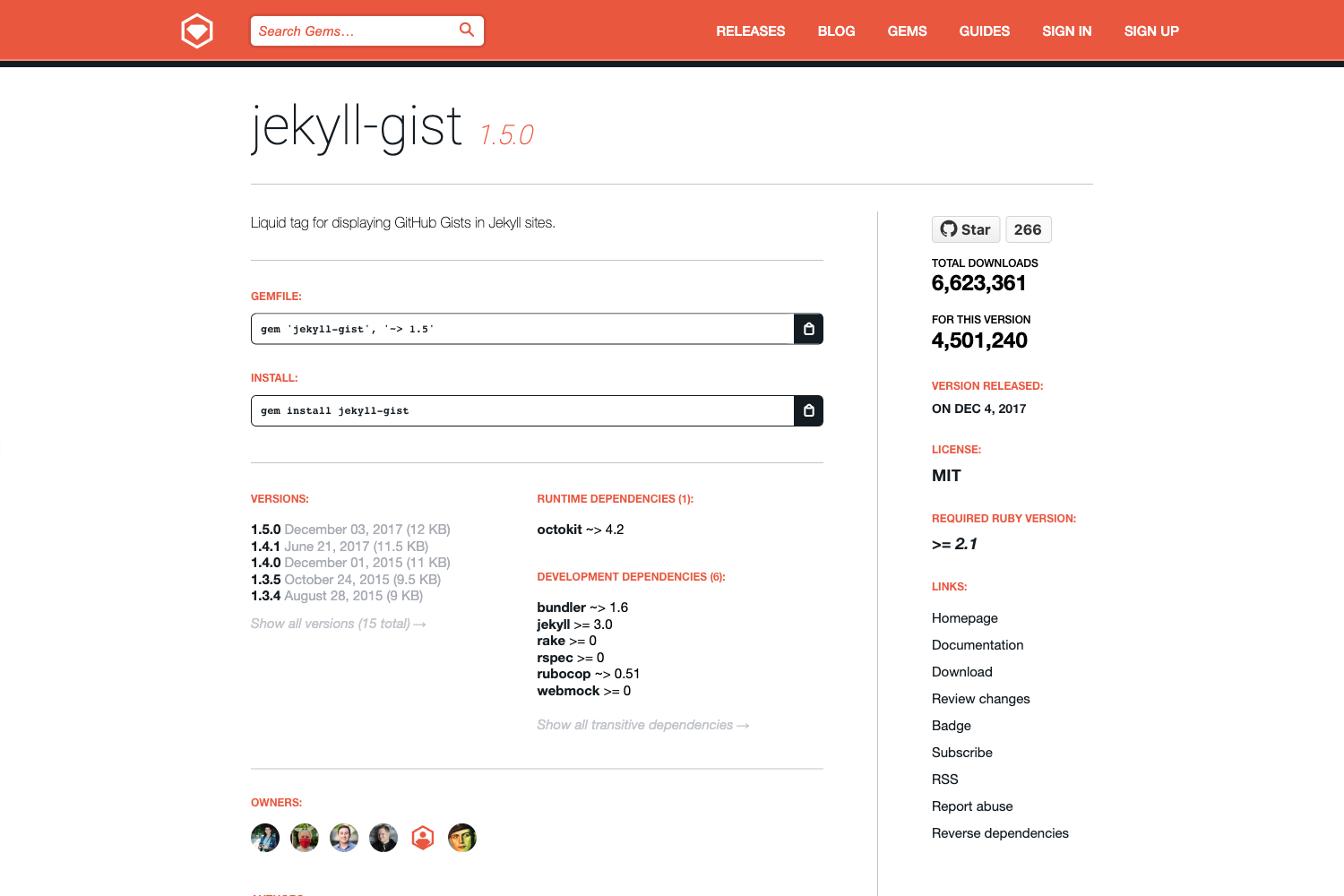
Install the gem by adding gem 'jekyll-typogrify' to your Gemfile and running bundle, or install it directly with gem install jekyll-typogrify. Then enable the plugin by appending jekyll-typogrify to the gems array in your Jekyll _config.yml. Once enabled, the provided Liquid filters become available in your templates.
FAQ
Is Jekyll::Typogrify free?
Yes, it is open source and released under a permissive license. It can be installed from RubyGems without paying a fee.
What is the difference between improve and smartypants?
The improve filter runs all typographic transformations provided by typogruby—including smartypants, widont, ampersand handling, and more—in one call. The smartypants filter only converts quotes and punctuation, leaving other improvements such as widont and caps untouched.
Does Jekyll::Typogrify work with GitHub Pages?
GitHub Pages supports a fixed set of Jekyll plugins. Jekyll::Typogrify is not officially listed on GitHub Pages' supported plugins list, so it may not run in that environment. To use it, you may need to build the site locally and push the generated output.
Can I use Jekyll::Typogrify with other static site generators?
No. The plugin is specifically built for Jekyll and relies on Jekyll's plugin system and Liquid filters. Using it elsewhere would require porting the plugin logic to a different platform.