Template details
Nyxie-taut
A straightforward and minimal Gatsby template for creating blogs, portfolio sites, and web-based CVs with Markdown content and JSON customization.
About this template
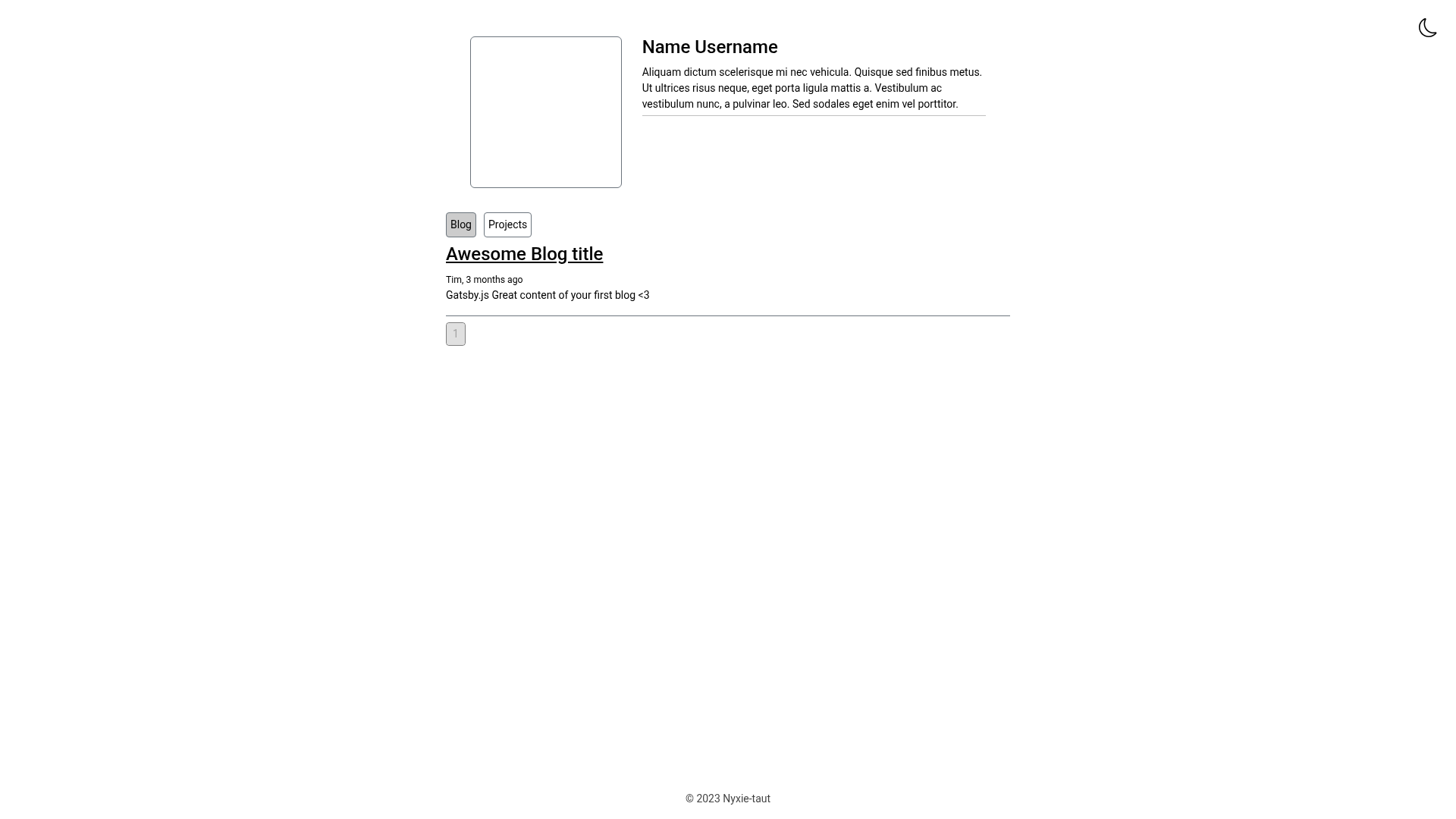
Nyxie-taut is a minimal Gatsby template for building blogs, portfolio websites, and web-based CVs, delivering a preconfigured project structure that turns Markdown content into a static site.
What is Nyxie-taut?
Nyxie-taut is a Gatsby starter template that provides a ready-made project skeleton for developers. It takes Markdown files placed in src/content/blog and src/content/projects as input, along with JSON files in src/personalization for profile and site metadata, and outputs a static website ready for deployment. The template runs on the Gatsby framework, which uses nodes and GraphQL to fetch and display content at build time. Its minimal design makes it suitable for personal sites, and it supports deployment to GitHub Pages, Vercel, Netlify, or any static hosting service.
Key Features
- Gatsby framework — Built on Gatsby, a React-based static site generator, producing fast, static HTML pages from Markdown and JSON sources.
- Profile customization — Edit
src/personalization/profile.jsonto set your name, bio, and social media usernames; place aprofile_picture.jpginsrc/imagesfor the profile image. - Site customization — Modify
src/personalization/site.jsonto change the site name, description, and select any Google Font by name (case-sensitive, e.g., "Playpen Sans", "Poppins", "Montserrat"). - Markdown content — Add blog posts and projects as Markdown files named
date+title.md(e.g.,2023-09-01-my-blog.md) insrc/content/blogorsrc/content/projects; they are automatically picked up at build time. - GitHub Pages deployment — Includes a Gatsby workflow action that can be run from the repository's Actions tab to publish the site to GitHub Pages under two minutes.
- Hosting flexibility — After forking, the site can be deployed to any static hosting platform, including Vercel and Netlify, in about a minute.
Who is it for?
- Personal bloggers — write posts in Markdown and publish a static blog without managing a database or backend.
- Portfolio owners — showcase projects by dropping project Markdown files into the projects folder, with automatic listing on the site.
- Job seekers — create a web-based CV by filling in profile details and linking social media, then host it for free on GitHub Pages.
- Gatsby beginners — use the template as a learning base to understand how Gatsby builds pages from Markdown and GraphQL.
What can you do with Nyxie-taut?
- Create a blog — author posts in Markdown, name them with date-and-title format, and they appear chronologically on the site without any admin interface.
- Build a portfolio — maintain a showcase of projects by adding Markdown files to the projects content folder; each project gets its own page.
- Launch a simple personal site — configure the site name, description, and a Google Font through
site.json, then replace the favicon instatic/favicon.icoto rebrand. - Deploy to GitHub Pages — fork the repository, name it
username.github.io, enable workflows, and run the provided Gatsby workflow to go live for free.
How does Nyxie-taut work?
- Fork the repository and rename it
username.github.ioif you plan to deploy to GitHub Pages. - Edit
src/personalization/profile.jsonandsrc/personalization/site.jsonwith your details and choose a Google Font. - Add your profile picture to
src/imagesasprofile_picture.jpgand replace the favicon instatic. - Drop blog or project Markdown files into the respective content directories using the
date+title.mdnaming convention. - Deploy to a hosting platform such as Vercel, or run the GitHub Actions workflow on GitHub Pages to publish.
FAQ
Can I change the fonts?
Yes, open src/personalization/site.json and set the font name to any Google Font, like "Playpen Sans" or "Montserrat". The name is case-sensitive, so match it exactly to Google's listing.
How do I add a new blog post?
Create a Markdown file in src/content/blog with a filename like 2023-09-01-my-blog.md. The build process automatically includes it; you don't need to edit any listing files.
Does it work with other hosting platforms besides GitHub Pages?
Yes, the template is built as a static Gatsby site, so you can deploy the forked repository to any static host such as Vercel or Netlify. Just connect the repository and it will build and deploy.
Is a profile picture required?
No, but if you want a profile image, place a profile_picture.jpg in src/images. The template looks for that exact filename.
How long does deployment take?
On GitHub Pages, the provided Gatsby workflow takes up to two minutes. On other platforms like Vercel, deployment typically completes in about a minute.