Template details
Pagen AI Landing Page Template
Next.js and Shadcn UI landing page template by Pagen AI with data-driven content and a modular section system.
About this template
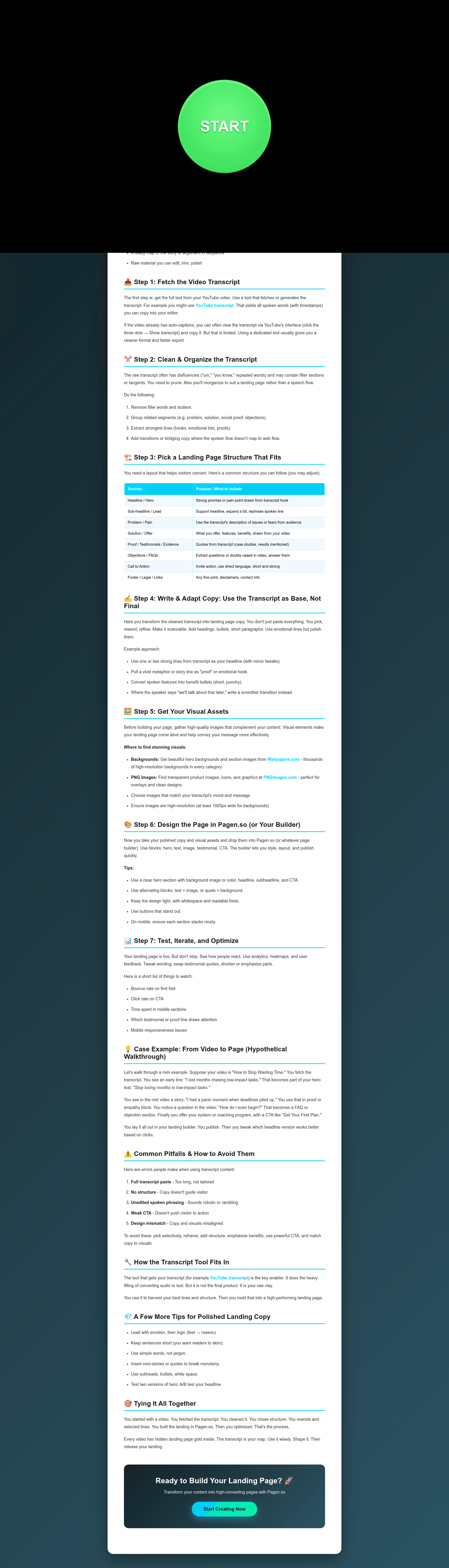
The Pagen AI Landing Page Template is a Next.js and Shadcn UI landing page boilerplate created by Pagen AI that renders a complete marketing page from a single data file.
What is the Pagen AI Landing Page Template?
The Pagen AI Landing Page Template is a Next.js and Shadcn UI landing page boilerplate created by Pagen AI that renders a complete marketing page from a single data file. It takes content defined in data/demo.ts and displays it through React components located in templates/shadcn/pages/landing.tsx. The template runs on Next.js with pnpm as the package manager and is designed to be previewed locally at http://localhost:3000. Pagen AI maintains it, and the README also links to the Pagen AI Landing Page Generator for creating landing pages in seconds.
Key Features
- Next.js foundation — Built on the Next.js framework, so pages are server-rendered and the development server is started with
pnpm dev. - Shadcn UI components — Uses Shadcn UI for a clean, accessible design system; all style overrides live in the
templates/shadcn/folder. - Centralized content editing — All landing page copy is defined in
data/demo.ts, allowing text changes without touching component structure. - Pre-built sections — Includes components for hero, feature, pricing, testimonial, FAQ, CTA, footer, header, usercase, and section wrapper.
- Simple page creation — Adding a
page.tsxfile in theappfolder that imports the landing component and passes the page data creates a new page. - Extensible template system — Developers can add a new folder under
templates/following the documented structure: assets, components, and pages. - Community submissions — Once a new template is built, it can be submitted to the Pagen Templates Center by opening a GitHub issue.
- Attribution requirement — The README asks users to credit Pagen AI when using the template and provides a link to its landing page generator.
Who is it for?
- Next.js developers — Use the template as a starting point for marketing sites that need a polished landing page quickly.
- Template creators — Build and submit new landing page templates to Pagen's community using the provided folder structure.
- Product teams — Generate multiple landing pages for campaigns or products by duplicating the page creation pattern.
- Agencies — Reuse the modular components and data-driven architecture across client landing page projects.
What can you do with the Pagen AI Landing Page Template?
- Developers: Clone the repository, run
pnpm installandpnpm dev, then editdata/demo.tsto replace the demo content with your own landing page copy. - Template designers: Create a new template by adding a folder under
templates/with the required asset, component, and page subdirectories, then submit it through GitHub issues. - Product marketers: Use the existing section components to assemble a landing page with header, hero, features, pricing, testimonials, FAQ, and footer.
- Pagen AI users: Combine the template with the linked Pagen AI Landing Page Generator to accelerate page creation.
How does the Pagen AI Landing Page Template work?
The README outlines a straightforward workflow: clone the repository, install dependencies with pnpm, and run pnpm dev to preview the landing page at http://localhost:3000. To customize content, edit data/demo.ts; to change styling, modify files in templates/shadcn/. New pages are created by adding a page.tsx file in the app folder that imports the existing landing component and passes it the page data object.
FAQ
Is the Pagen AI Landing Page Template free?
The repository is public on GitHub and the README contains no pricing information, so it can be used freely. The only condition is a request to credit Pagen AI when you use the template, which is typical for open-source boilerplates.
What tech stack does the template use?
It uses Next.js as the framework and Shadcn UI for components. The package manager is pnpm, and the dev server runs at http://localhost:3000 after executing pnpm dev.
How do I customize the landing page content?
Open data/demo.ts and replace the placeholder values with your own text. Because all content is centralized there, changes appear across every section without needing to alter the underlying components.
Can I create my own template from this?
Yes. Create a new folder under templates/ and follow the documented structure with assets, components, and pages subdirectories. The README includes an example tree showing where to place CSS, images, and component files.
How do I submit a template to Pagen?
Open an issue on the GitHub repository linked in the README and follow the submission instructions to add your template to the Pagen Templates Center.