Template details
Astro Quickstart
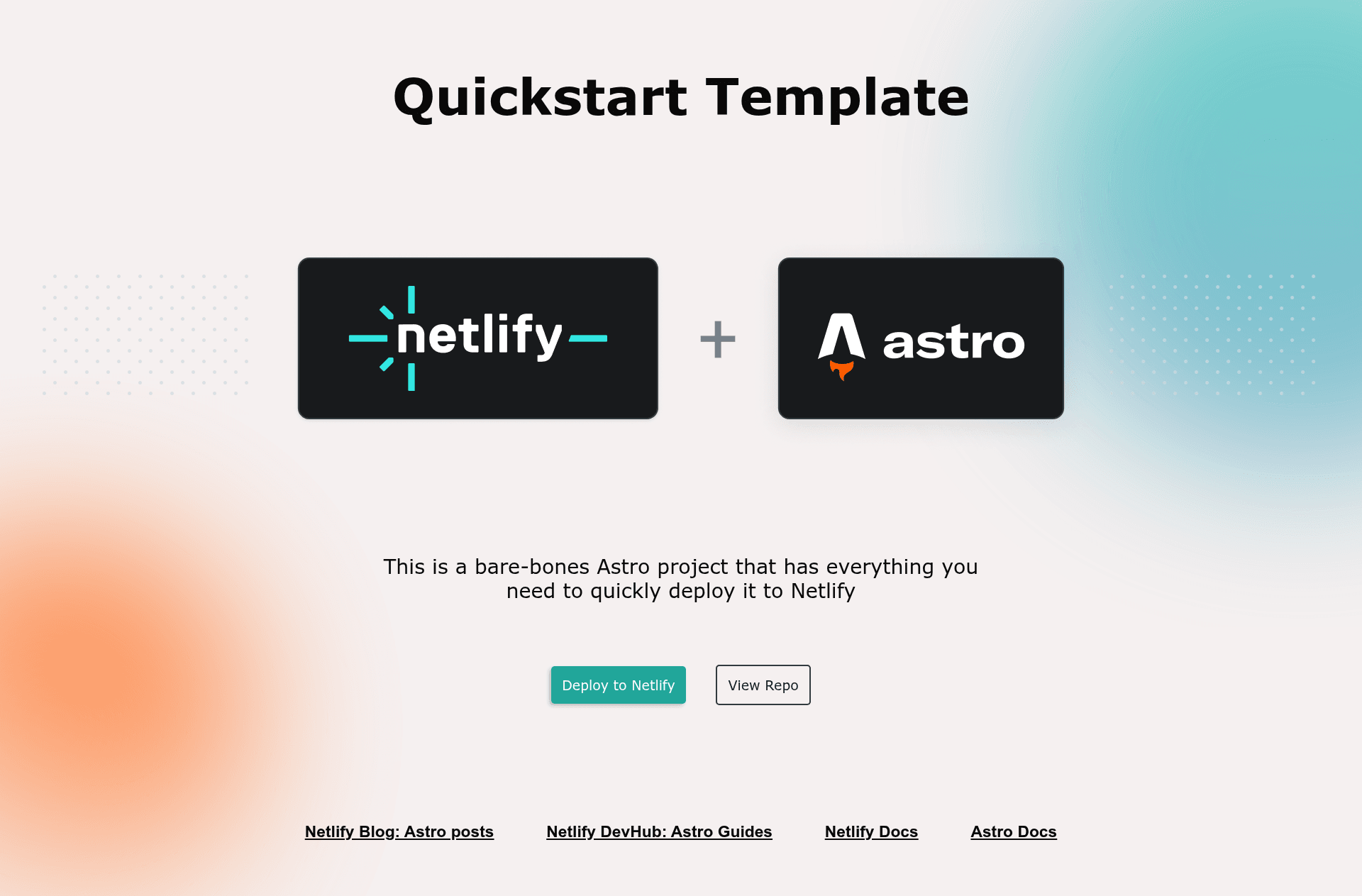
A bare-bones Astro template to get you deployed to Netlify fast!
About this template
Astro Quickstart is a minimal starter template from Netlify's official template collection, built to take an Astro project from an empty repo to a live Netlify deployment as quickly as possible. The project contains a single index page, a shared layout component, an external demo stylesheet, and preconfigured tooling for automated dependency updates and browser testing.
What is the Astro Quickstart template?
The Astro Quickstart template is a bare-bones Astro project preconfigured for deployment to Netlify. It takes a file structure with src/pages/index.astro, src/components/Layout.astro, src/style/demo-styling.css, and public/favicon.ico, and produces a static site that can be deployed through the Netlify Deploy button, the Netlify CLI, or GitHub continuous deployment. Netlify maintains it as one of its framework-specific quickstart templates.
Key Features
- One-click Deploy to Netlify — the README links a Deploy button that creates a new GitHub repository, a new Netlify project, and a deployment in a single action.
- Minimal project structure — just one page (src/pages/index.astro), a Layout component (src/components/Layout.astro), one stylesheet, and a favicon; there is no CMS, database, or UI library to remove.
- Astro routing — any .astro or .md file added to src/pages becomes a route automatically based on its filename, following Astro's file-based routing convention.
- Netlify CLI workflow — supports netlify dev with a live preview and Netlify Functions and redirects testing, plus netlify deploy and netlify deploy --prod for preview and production builds.
- Included automated testing — ships with Cypress for end-to-end browser tests, the Netlify Cypress build plugin to run tests during the build, and Renovate for unattended dependency updates.
- Removable styling — the demo design uses CSS custom properties to control gradient blob colors, and deleting src/style/demo-styling.css removes all default styling.
- Standard npm commands — npm run dev starts a local server at localhost:3000, npm run build creates the production bundle in ./dist/, and npm run preview serves the build locally.
Who should use the Astro Quickstart template?
New Astro developers who want a known-good starting point they can read in minutes; Netlify users who want to test the Deploy button, CLI deploy flow, and continuous deployment with a tiny static site; and teams prototyping single-page marketing or landing sites who need a minimal skeleton to customize.
What can you do with the Astro Quickstart template?
- Publish a single-page site: edit src/pages/index.astro and the Layout component to create a landing page, portfolio placeholder, or test page and ship it to Netlify.
- Experiment with Netlify features: run netlify dev --live to share a preview URL, add Netlify Functions, and test redirects on a tiny Astro project.
- Learn Astro fundamentals: use the small codebase to study .astro components and routing, alongside the linked intro video and Netlify blog post on building fast sites with Astro.
How does the Astro Quickstart template work?
The quick start path is to click the Deploy to Netlify button, which creates a repo and project automatically. To work locally, clone the repository, run npm install, then npm run dev for a local server. For a manual production deploy, run npm run build and then use netlify deploy or netlify deploy --prod from the CLI, or set up GitHub integration with netlify init or netlify link.
FAQ
Is the Astro Quickstart template free?
The template is open source and hosted in the netlify-templates GitHub organization, so it can be used, copied, and modified freely. The README lists no license or cost restrictions.
How do I deploy this template to Netlify?
Use the provided Deploy to Netlify button for an end-to-end setup, or install the Netlify CLI, run npm run build, and execute netlify deploy for a preview link or netlify deploy --prod for production. You can also run netlify init or netlify link to connect a GitHub repo for continuous deployment.
What files are included in the template?
The template contains public/favicon.ico, src/components/Layout.astro, src/pages/index.astro, and src/style/demo-styling.css, plus configuration files for npm, Netlify, Cypress, and Renovate.
Does the template include tests?
Yes, it includes Cypress for end-to-end browser testing, a netlify-plugin-cypress build plugin that runs those tests during Netlify builds, and Renovate to keep dependencies current. Instructions in the README explain how to remove any of them.
How do I remove the default styling?
Delete the src/style/demo-styling.css file, and the built-in gradient and blob design is removed. The README notes this is the only step needed to replace the styling with your own.