Template details
Pagoda
Rapid, easy full-stack web development starter kit and admin panel in Go
About this template
Pagoda is a Go-based full-stack web development starter kit that gives you a complete, server-rendered application foundation—authentication, a dynamic admin panel, HTMX-powered UI, and background tasks—so you can start building without assembling common web plumbing yourself.
What is Pagoda?
Pagoda is a starter kit for full-stack web development in Go, deliberately designed as a base project rather than a locked-in framework. It combines Echo for HTTP routing, Ent for ORM and code-generated entities, and Gomponents for writing type-safe HTML in pure Go. The result is a runnable web application that accepts your new entity schemas and produces login, registration, password reset, email verification, admin CRUD, and task-queue features. The project is maintained by mikestefanello and is open source on GitHub.
What makes Pagoda stand out?
- Frontend without JavaScript — HTMX and Alpine.js provide AJAX navigation, form submission, and interactive components through HTML attributes; you can write the entire UI in Go using Gomponents.
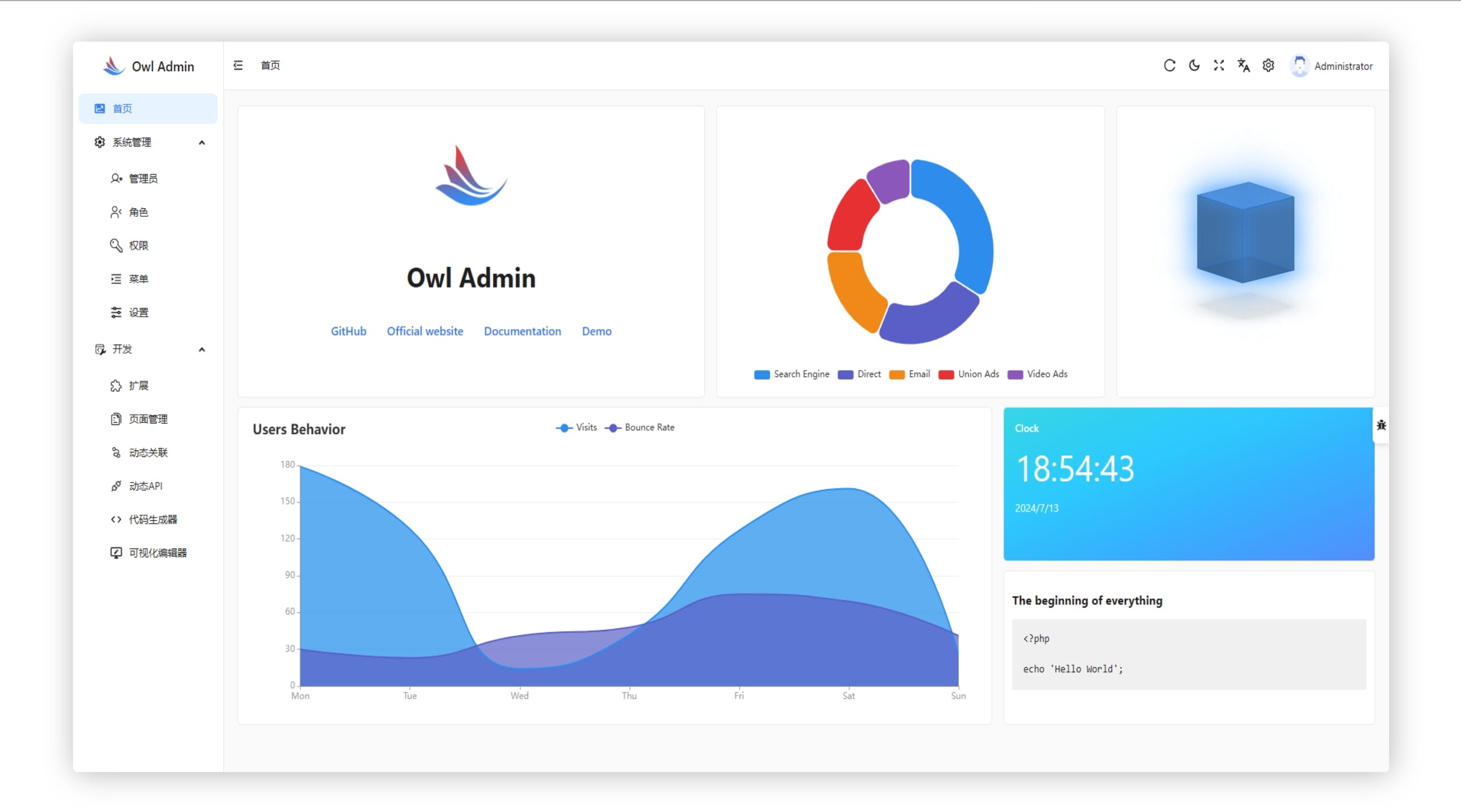
- Dynamic admin panel — An Ent extension generates handler and form code for every entity type, giving you a pageable, editable admin UI plus a queue-monitoring section.
- Complete authentication flow — Includes login, logout, registration, forgot-password with bcrypt-hashed one-time tokens, email verification with JWT, and admin middleware.
- SQLite with auto-migrations — Data and persistent task queues run on a single SQLite file; Ent migrations execute automatically when the container starts.
- Test-friendly environment — A service container with dependency injection, plus a separate in-memory test database and HTTP test helpers, makes route testing straightforward.
- Configuration with viper — YAML config is overridable by environment variables using the PAGODA prefix, and a test environment switch is built in.
- Background tasks and cron — Tasks are queued and processed with a dispatcher, monitored from the admin panel, and scheduled via cron integration.
- HTMX partial rendering — The ui.Request Render method returns only page content for non-boosted HTMX requests, so layouts are automatically skipped.
Who should use Pagoda?
- Go developers starting a new web app who want auth, admin, and UI patterns already wired; they can replace the included User and PasswordToken entities and add their own.
- Full-stack developers who prefer server-side rendering to a JavaScript SPA; they can build modern interactions with HTMX and Alpine.js without writing JS or CSS.
- Solo developers and small teams building internal tools or MVPs; the included admin panel and SQLite setup let them manage data quickly.
- Developers learning Go web architecture; the service container, handlers, and ui package provide a complete reference for Echo and Ent.
Use cases
- Rapid MVP prototyping: Clone the template, define your Ent schema, and get a working app with registration, login, and an admin dashboard in a day.
- Internal admin dashboards: Use the auto-generated admin panel to view, add, edit, and delete records for any entity, complete with pagination.
- HTMX-powered public sites: Use the included HTMX routing and partial rendering to make page navigation and form submits feel app-like without a JS framework.
- Full-stack Go learning: Study the handler registration, dependency injection, and Gomponents rendering to see how a production-oriented Go web app is structured.
How does Pagoda work?
Pagoda starts as a GitHub template you clone, not a library you import. After installing Go, run make install to set up optional tools such as the Ent code generator, Air live reload, and the Tailwind CLI. Create an admin account with make admin email=you@example.com, which prints a generated password, then start the app with make run on localhost:8000. The service container initializes all dependencies—database, ORM, cache, mail, tasks, and web—and Ent auto-migrations run at container creation.
FAQ
Is Pagoda free?
Yes, Pagoda is open-source under the MIT license, so it is free to use in personal and commercial projects.
Do I need to write JavaScript to use Pagoda?
No. The default frontend uses HTMX and Alpine.js loaded from a script tag, and all HTML is generated by Gomponents in Go. Tailwind CSS is compiled with the standalone CLI, and you can swap these out if you prefer a different stack.
What database does Pagoda use?
The default storage is SQLite, which also supports persistent background task queues. The project previously used Postgres and Redis, and a branch with that configuration exists for reference.
How do I create an admin user?
Run make admin email=you@example.com from the root of the repository. The command creates an admin account and prints a randomly generated password to the console, which you can change later from the UI.
Does Pagoda include email verification?
Yes. When a user registers, an email containing a JWT verification link is sent, and those tokens expire after 12 hours by default. The actual email-sending implementation is left incomplete, so you need to connect your own mail service.