Template details
Owl Admin
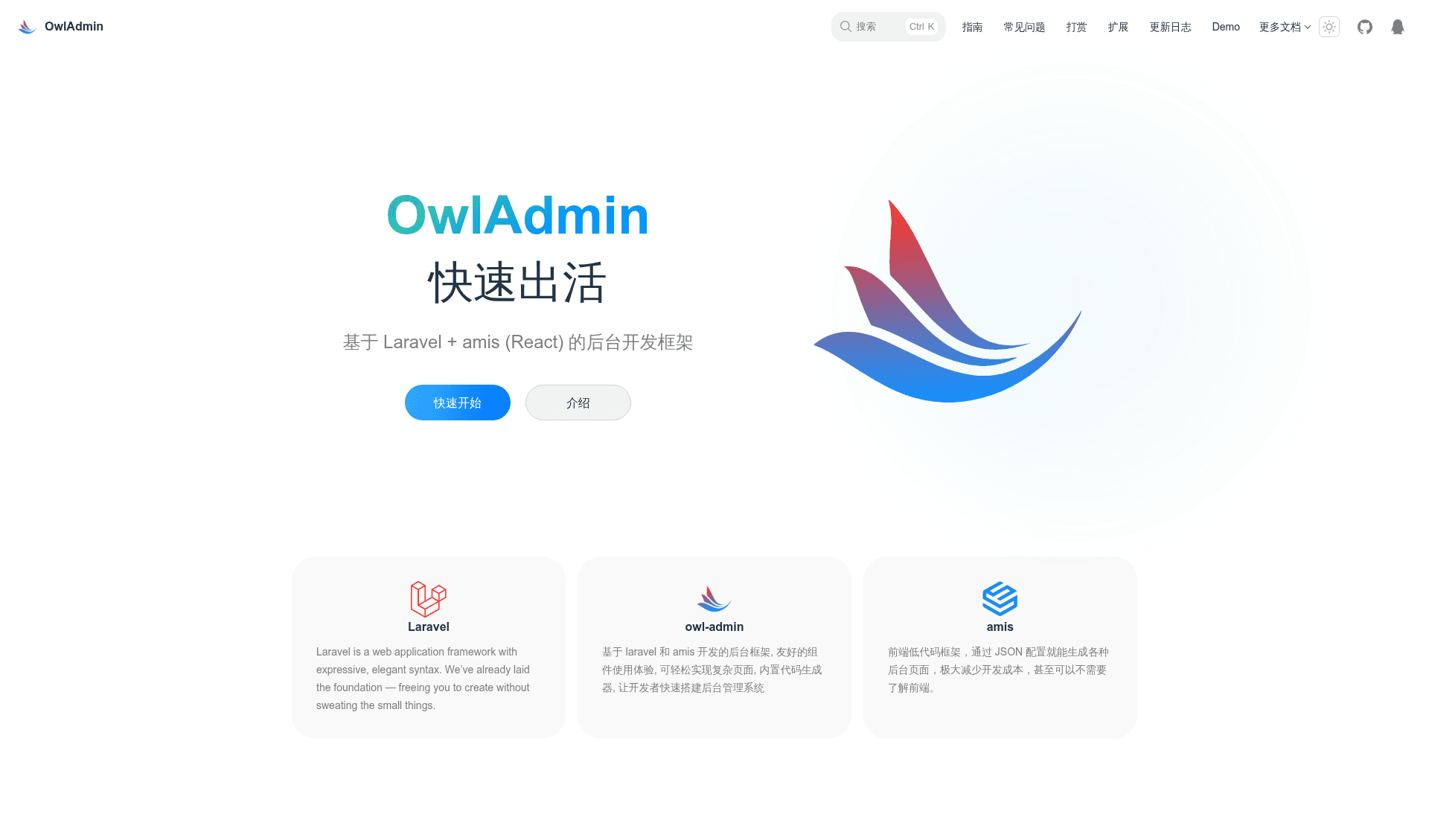
A low-code Laravel admin framework using amis JSON to build backend interfaces, with a code generator and role/permission management.
About this template
Owl Admin is a low-code admin panel framework for Laravel that builds complete backend interfaces by defining pages as amis JSON on the server side. It runs on PHP 8.2+ and supports Laravel 11.x through 13.x, distributed as the Composer package slowlyo/owl-admin under the MIT license.
What is Owl Admin?
Owl Admin is an open-source Laravel package that turns a standard Laravel application into an admin panel with minimal frontend coding. It takes your database models and Laravel routes as inputs and produces a working admin dashboard with user, role, permission, and menu management, plus generated CRUD pages for your data. The framework is built around amis 3.0+ (a frontend framework from Baidu) and renders pages from JSON configuration written in PHP controllers, keeping a clean separation between the backend and frontend.
What makes Owl Admin stand out?
- JSON-driven page building — Define pages as amis JSON arrays in PHP code; the frontend renders them without writing HTML or JavaScript.
- 150+ amis components — All amis components are encapsulated, so complex forms, tables, and charts can be assembled without frontend development.
- Code generator — Generates complete CRUD functionality from a database table without code changes; supports saving, importing, and exporting generation records, and clearing generated content via an artisan command.
- Role and permission management — Built-in admin user, role, permission, and menu management out of the box.
- Multi-module support — Organize the admin panel into multiple modules for larger projects.
- Graphical extension manager — Install and manage extensions through a user interface rather than editing files manually.
- Dynamic API templates — Predefined API patterns for CRUD, options, settings, status toggles, and aggregate statistics reduce repetitive controller code.
- AI editor integration — An artisan command generates
.agentsskills and adapter rules for Codex, Cursor, Claude Code, and Trae to assist with development.
Who should use Owl Admin?
Laravel developers who want to ship an admin panel quickly without building a separate frontend can define routes and amis JSON in controllers and get a working UI. Backend teams that prefer server-rendered configuration over a separate SPA can keep everything in PHP. Solo developers building internal tools or MVPs can install the package, run the code generator, and have a CRUD-based admin in minutes. Teams using AI coding assistants can run the optional AI install command to load project-specific skills into Codex, Cursor, Claude Code, or Trae.
What can you do with Owl Admin?
- Build a custom admin dashboard — Use the menu and page builder to create a dashboard with charts, tables, and forms by writing amis JSON in Laravel controllers.
- Generate CRUD for existing tables — Connect your MySQL database and run the code generator to produce a full management interface for any table without writing frontend code.
- Manage user permissions — Use the built-in user, role, and permission modules to control who can access menus and actions.
- Create dynamic APIs — Use the dynamic API templates to expose CRUD, options, settings, status-toggle, and statistics endpoints without manual controller boilerplate.
How do you install Owl Admin?
Installation requires an existing Laravel project (Laravel 11+). After setting up your MySQL credentials and running php artisan install:api, install the package with composer require slowlyo/owl-admin, publish assets with php artisan admin:publish, then run php artisan admin:install. Visit the /admin route; the default login is admin / admin.
Pricing
Owl Admin is free and open source under the MIT license and is distributed via Packagist with no paid tiers or premium features listed.
Alternatives
Other Laravel admin panels include Laravel Nova (commercial) and Filament (open source). Owl Admin differentiates itself with server-side amis JSON rendering and a built-in code generator.
FAQ
Is Owl Admin free?
Yes, Owl Admin is open source under the MIT license and can be used for commercial projects without charge.
What PHP and Laravel versions are supported?
Owl Admin requires PHP 8.2 or higher and supports Laravel 11.x through 13.x.
Do I need to know JavaScript to build pages?
No, pages are defined as amis JSON in PHP, so backend developers can create complex interfaces without writing frontend code.
How do I log into the demo?
A live demo is available at http://demo.owladmin.com; the initial admin account and password are both admin.
Does Owl Admin have a code generator?
Yes, it includes a code generator that creates complete CRUD functionality from database tables, with options to save, import/export, and clear generation records.