Template details
Jx
An opinionated NextJS starter kit tailored to Laravel's Sanctum API with authentication, roles, data tables, and dark mode.
About this template
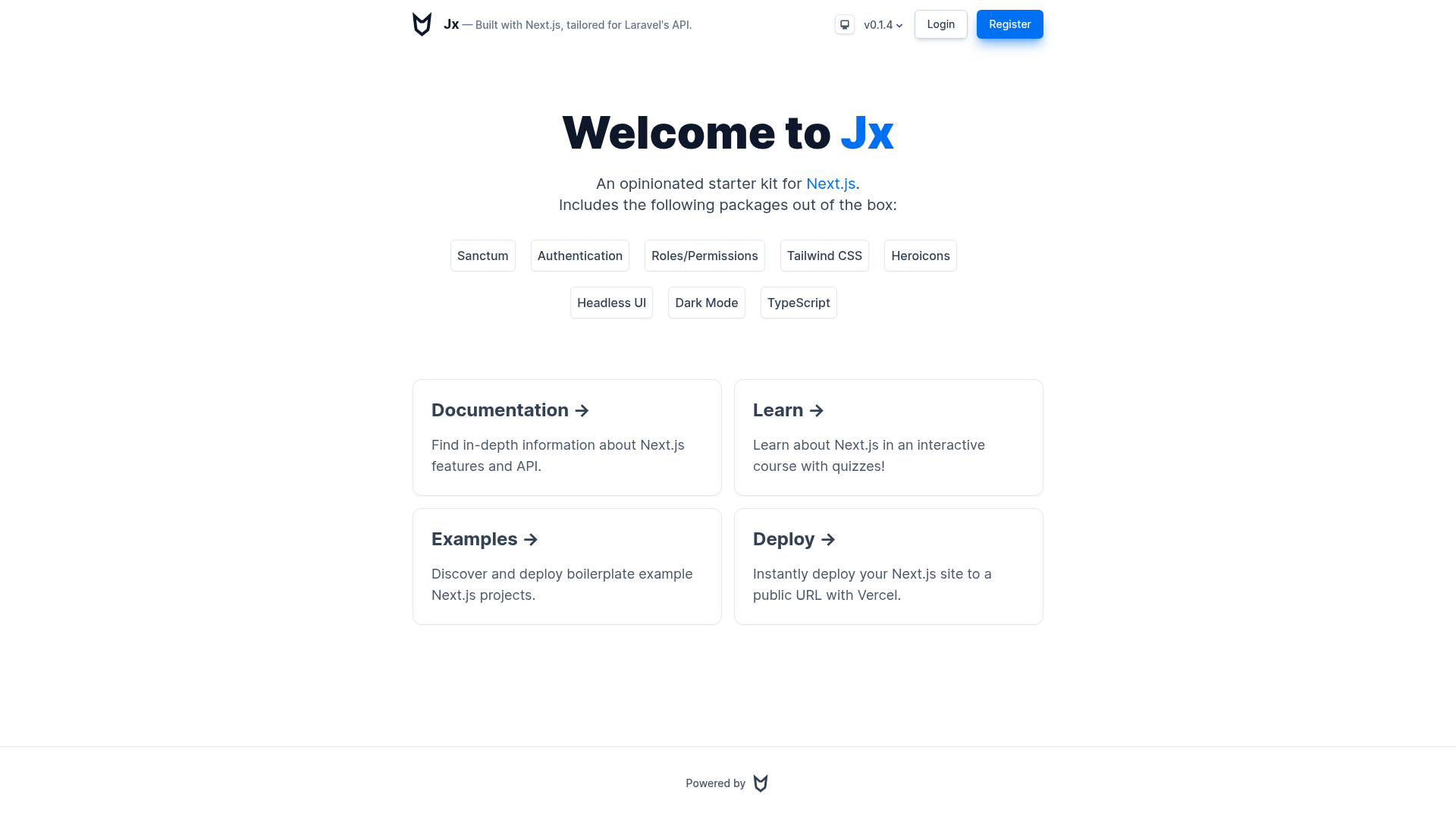
Jx is an opinionated Next.js starter kit that scaffolds a frontend for Laravel Sanctum APIs, bundling authentication, roles and permissions, data tables, and dark mode out of the box.
What is Jx?
Jx is a boilerplate repository that pairs a Next.js frontend with a Laravel Sanctum backend API. It expects your Laravel API to use CRSF token-based authentication and sessions, then gives you a runnable Next.js app with sign-in flows, role-gated routes, and a prebuilt admin dashboard. The kit is authored by jstnmthw on GitHub and is built around TypeScript strict mode.
Key Features
- Laravel Sanctum compatibility — Uses CRSF tokens and session-based auth directly against a Laravel Sanctum backend.
- Authentication — Includes ready-to-use sign-in and session handling; the docs assume a specific User model shape.
- Roles & Permissions — Checks for the
Adminrole behind the scenes to gate the/admin/dashboard route. - Data Tables — Ships with TanStack React Table v8 for building sortable, paginated tables.
- Dark Mode — Toggleable theme support via next-themes.
- SWR Requests — Data fetching hooks wired with SWR for API calls.
- TailwindCSS styling — Preconfigured with TailwindCSS, Hero Icons, and Headless UI for accessible components.
- TypeScript strict mode — Enabled by default, with
npm run type-checkandnpm run tcscripts.
Who is it for?
- Laravel backend developers who want to spin up a Next.js frontend without writing auth boilerplate by hand.
- Full-stack teams building products on Laravel Sanctum who need roles, dashboards, and data tables from day one.
- Frontend developers who want a preconfigured design system with Tailwind, dark mode, and component libraries already in place.
What can you do with Jx?
- Scaffold a new frontend for a Laravel Sanctum project — Point the
.envvariableNEXT_PUBLIC_BACKEND_URLat your API and get a working app with auth. - Build an admin dashboard — Use the pre-gated
/admin/route (requires theAdminrole) to add management screens backed by data tables. - Ship a production build — Run
npm run build && npm run startfor a production Next.js build.
How does Jx work?
Copy the repo, create a .env file with your API URL, and run npm run dev to start developing on http://localhost:3000. You can edit pages/index.tsx for the landing page. For production, run npm run build && npm run start. Type-checking is available with npm run type-check or npm run tc.
FAQ
What backend does Jx require?
Jx is tailored for Laravel Sanctum API. It relies on CRSF token validation and session-based authentication, so your backend must expose the Sanctum endpoints.
What User model does Jx expect?
Authentication works out of the box if your Laravel User model returns fields like id, name, email, avatar, enabled, email_verified, created_at, and a roles array containing role objects with a name property. The kit checks for the Admin role to allow access to /admin/.
How do I configure the backend URL?
Create a .env file at the project root and set NEXT_PUBLIC_BACKEND_URL to your Laravel API URL, for example NEXT_PUBLIC_BACKEND_URL=http://localhost:8000.
Does Jx include TypeScript?
Yes, TypeScript is preinstalled with strict mode enabled by default. You can run npm run type-check or npm run tc to check types.
What packages are preinstalled?
The kit includes TailwindCSS, Hero Icons, Headless UI, ESLint, TypeScript, React Table (TanStack Table v8), React Cookie, and Next Themes.