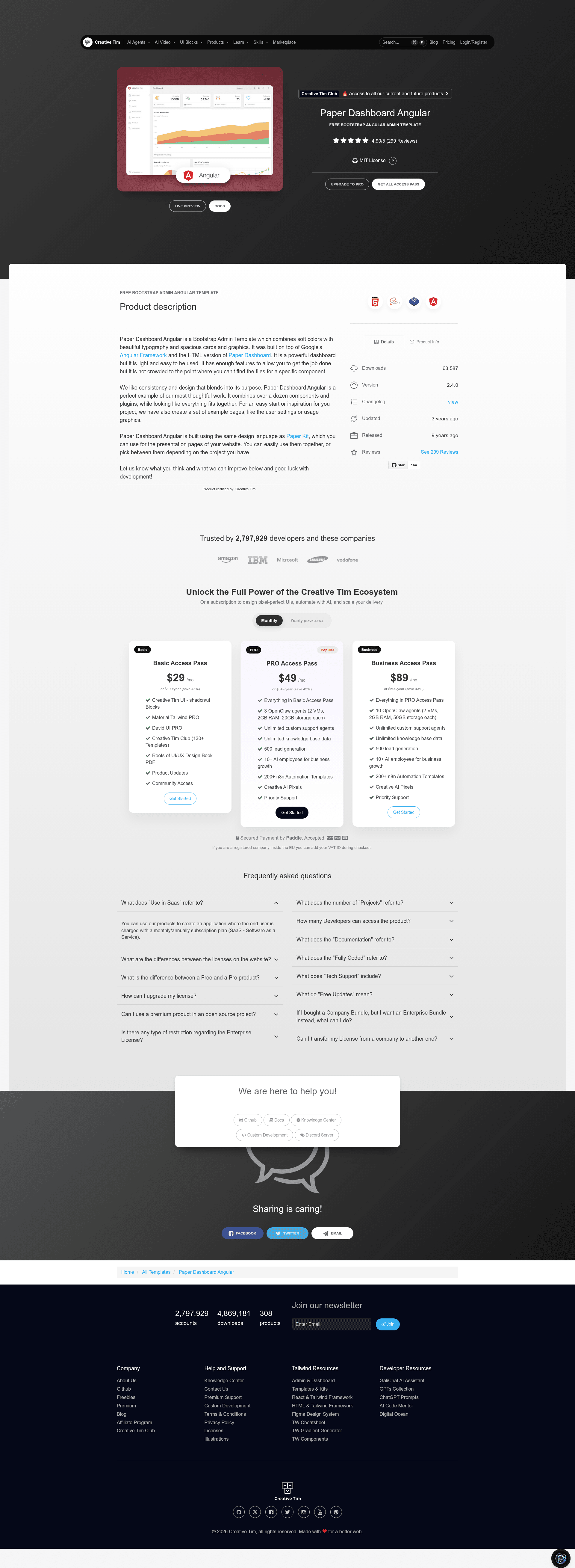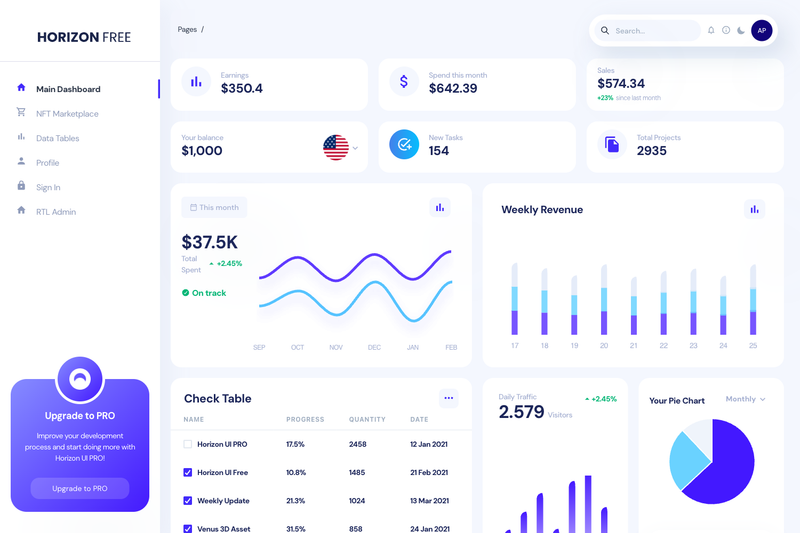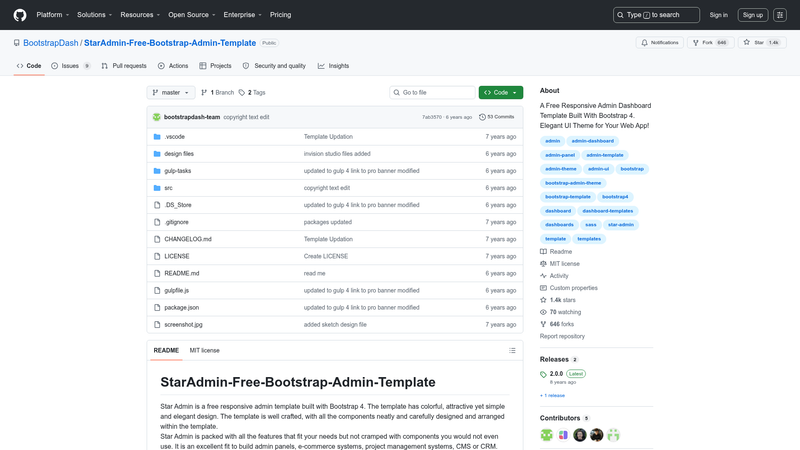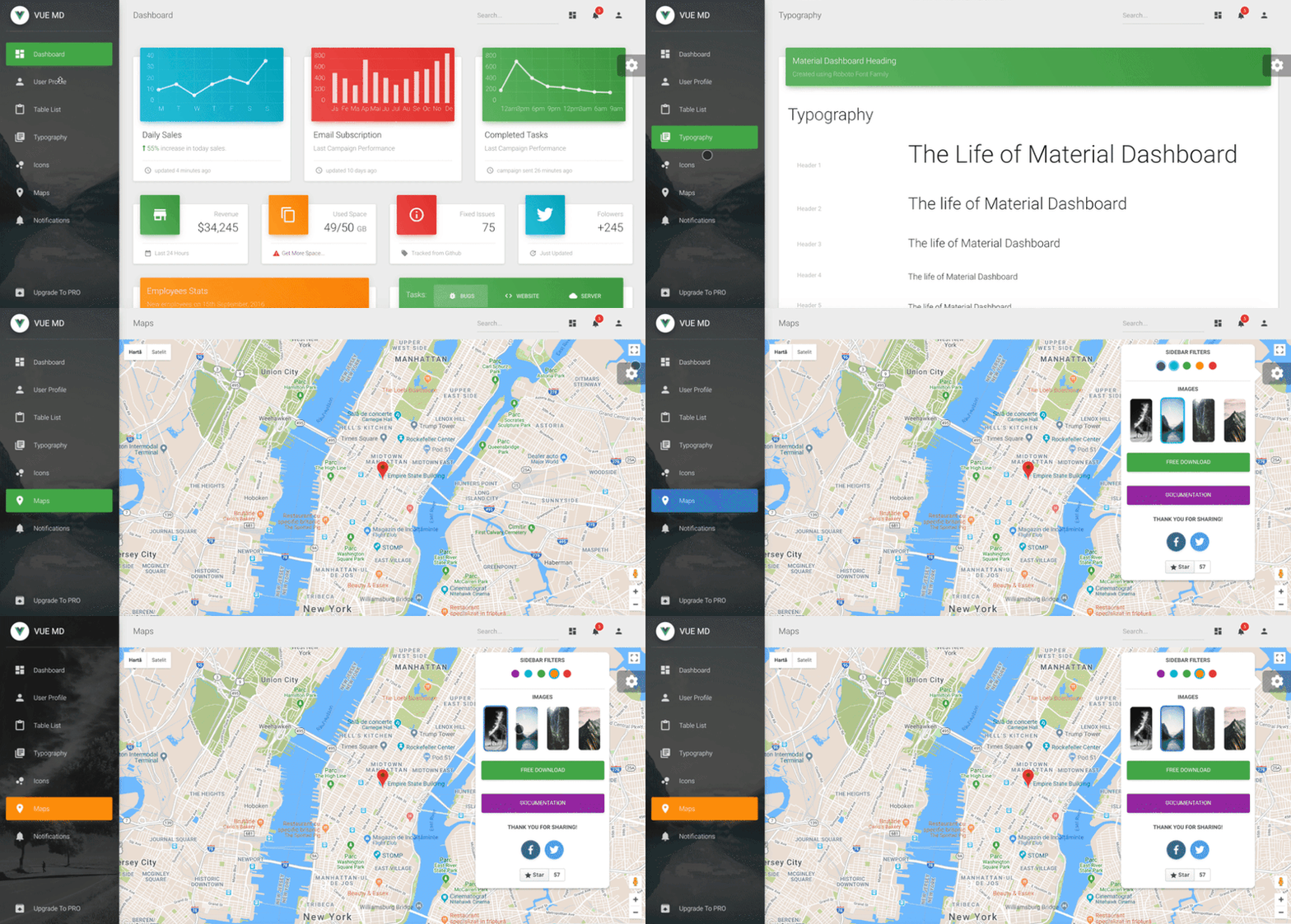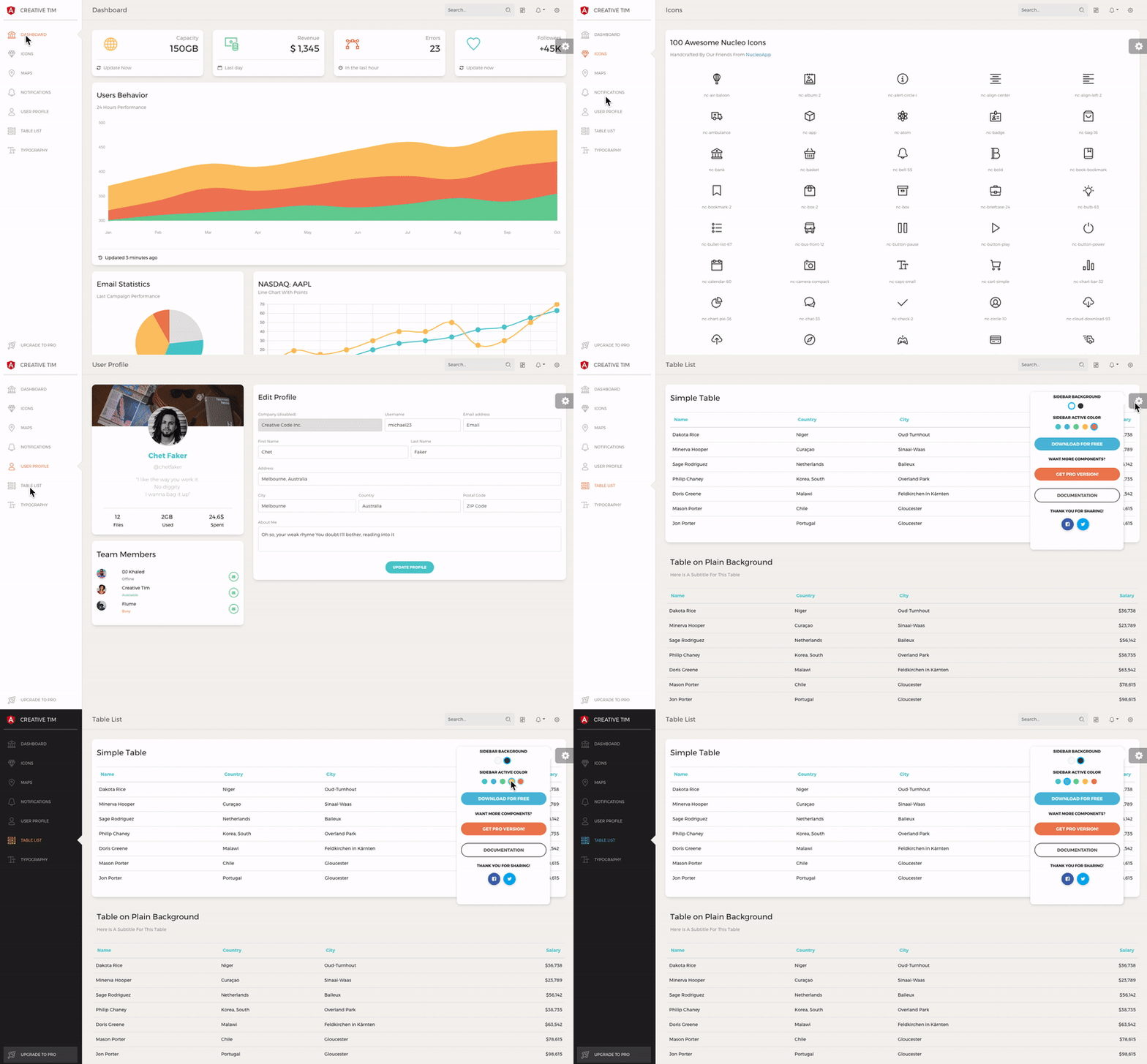
Paper Dashboard Angular is a Bootstrap-based admin dashboard template from Creative Tim, built on Google's Angular Framework, that gives developers a ready-made set of pages and UI components for building back-end interfaces. It is an Angular port of the classic Paper Dashboard design, combining soft colors, light typography, and spacious cards with a structure that remains easy to navigate for component customization.
What is Paper Dashboard Angular?
Paper Dashboard Angular is a free, MIT-licensed dashboard template distributed by Creative Tim, currently at version 2.4.0. It takes a standard Angular CLI project structure as its starting point and outputs a functional admin interface with dashboard, user profile, table, icons, notifications, typography, and upgrade pages. The template is built on top of Angular's framework and the HTML version of Paper Dashboard, uses Bootstrap for styling, and includes SCSS assets for theme customization.
Key Features
- Example pages included — the download ships with dashboard, user profile, tables, icons, maps, notifications, typography, and upgrade pages, each implemented as an Angular component with TypeScript and HTML files.
- Bootstrap + SCSS styling — layout and components are styled with Bootstrap and organized under src/assets/scss/paper-dashboard, with a main paper-dashboard.scss entry file for theme changes.
- Modular Angular structure — the project includes separate modules for the admin layout, sidebar, navbar, footer, and a fixed plugin, following Angular conventions for lazy loading and component reuse.
- Angular CLI workflow — run npm install and ng serve to start a development server on localhost:4200, with preconfigured files such as angular.json, karma.conf.js, and tsconfig.json.
- One-click deployment — a Genezio deploy button is provided so you can deploy the repository to a live URL without manual server setup.
- Documentation page — a tutorial-components.html file and an in-dashboard documentation route at /documentation/tutorial explain how to use the components.
- Browser support — officially supports the last two versions of Chrome, Firefox, Edge, Safari, and Opera.
Who should use Paper Dashboard Angular?
Frontend developers who work in Angular and need a Bootstrap-based admin interface can use it as a starting point for custom dashboards. Startups and product teams that want a polished back-end UI without designing from scratch can replace the sample data and components with their own. Developers who already use Creative Tim's Paper design language can pair this dashboard with Paper Kit to keep presentation pages and admin areas visually consistent.
What can you do with Paper Dashboard Angular?
- Launch an admin panel quickly: use the included dashboard, table, and user-profile pages as scaffolding for a SaaS back office.
- Build data-heavy interfaces: adapt the tables page to display your own datasets with minimal rewriting of the Angular component.
- Prototype UI features: test icons, notifications, and typography treatment in the prebuilt example routes before adding them to your main application.
- Maintain a consistent brand: modify the SCSS variables and paper-dashboard.scss file to match your product's colors and spacing.
How does Paper Dashboard Angular work?
Download the template or clone the repository, then run npm install -g @angular/cli, npm install, and ng serve from the project folder. Navigate to http://localhost:4200/ to open the default dashboard route. The routing configuration in app.routing.ts and admin-layout.routing.ts defines the example pages, and you can extend them with your own components.
Pricing
Paper Dashboard Angular is free to download and is licensed under MIT, so it can be used in commercial projects with attribution. No paid tier is listed on the product page.
Alternatives
Paper Dashboard 2 is the HTML-only version of the same design, while Paper Dashboard React is the implementation for React developers. Both come from Creative Tim and share the same design language.
FAQ
Is Paper Dashboard Angular free?
Yes, the template is free to download from Creative Tim and is released under the MIT license, which permits commercial use. The repository includes the full source code with no feature gating.
What do I need to run Paper Dashboard Angular?
You need Node.js and the Angular CLI. After installing them, run npm install followed by ng serve inside the project directory, then visit localhost:4200 to see the dashboard.
Does Paper Dashboard Angular include a user profile page?
Yes, it includes a user profile example under the /user-profile route, along with dashboard, tables, icons, maps, notifications, and typography pages. Each page is a separate Angular component in the src/app/pages directory.
Which browsers are supported?
The template officially supports the last two versions of Chrome, Firefox, Edge, Safari, and Opera, as stated in the documentation.
Can I use Paper Dashboard Angular with React?
No, this template is built for Angular. Creative Tim offers a separate Paper Dashboard React product if you prefer the same design with React.