Template details
Vue Material Dashboard
Vue Material Dashboard is an open-source Material Design admin template built with Vue.js.
About this template
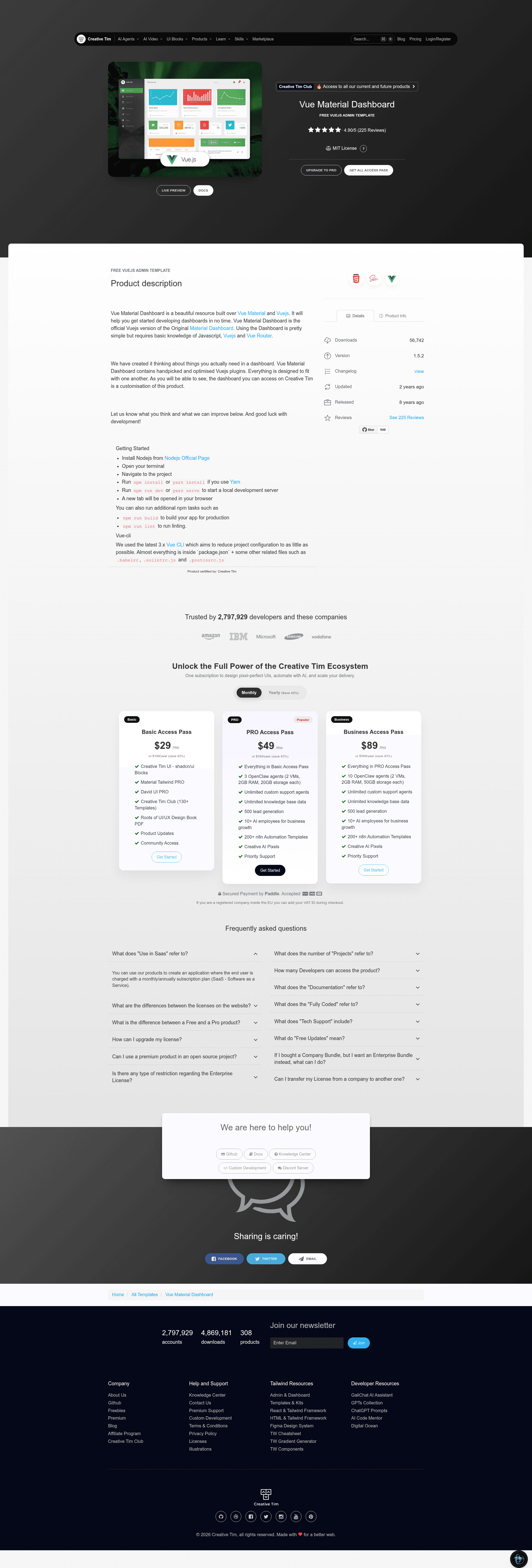
Vue Material Dashboard is a free, MIT-licensed Vue.js admin dashboard template from Creative Tim that implements Material Design through the Vue Material component library and Vue Router.
What is Vue Material Dashboard?
Vue Material Dashboard is the official Vue.js version of Creative Tim's Material Dashboard, built on Vue Material (vuematerial.io) and Vue.js version 2. It takes a standard Vue CLI webpack project structure and delivers a ready-made admin interface with routing, layout components, and pre-styled pages. The template is maintained by Creative Tim and is available at version 1.5.2, released under the MIT license. It ships with a sidebar navigation, top navbar, and content area, all organized under a src directory with pages, components, and routes.
What makes Vue Material Dashboard stand out?
- Vue Material and Material Design — the UI is built directly on Vue Material components, giving cards, buttons, tables, and navigation the Material Design look without extra CSS frameworks.
- Pre-built admin pages — includes Dashboard, User Profile, Tables, Maps, Notifications, Typography, and Icons pages, plus an Upgrade to PRO teaser page.
- Reusable component set — provides ChartCard, StatsCard, NavTabsCard, SimpleTable, OrderedTable, NavTabsTable, SidebarPlugin, and NotificationPlugin components that you can drop into other views.
- SCSS styling system — all styles live in
src/assets/scsswith amaterial-dashboard.scssentry point and anmdfolder for partials, making color and spacing overrides straightforward. - Multiple framework versions — Creative Tim also publishes HTML, React, and Angular editions of Material Dashboard, so you can keep the same design across stacks.
- Modern browser support — officially supports the last two versions of Chrome, Firefox, Edge, Safari, and Opera.
- One-click deploy to Genezio — a deploy button in the README lets you host the template on Genezio from your GitHub repository.
Who should use Vue Material Dashboard?
- Vue.js frontend developers — start an admin panel without writing layout and routing from scratch; the template already includes routes.js, DashboardLayout, and a working sidebar.
- Freelancers and agencies — quickly deliver a client-facing dashboard by restyling the included Dashboard, Tables, and User Profile pages and swapping in real data.
- Developers exploring Vue Material — use the source as a working reference for how Vue Material components, Vue Router, and global directives are wired together.
- Startup teams — stand up an internal operations dashboard for metrics, user lists, and maps using the prebuilt views and chart cards.
What can you do with Vue Material Dashboard?
- Indie developers: launch an MVP admin panel for a side project using the free MIT license and the bundled Dashboard analytics cards and table components.
- Design-conscious frontend teams: keep a consistent Material Design UI across web projects by reusing the same components Creative Tim uses in its own demos.
- Agencies pitching clients: create a functional admin mockup by connecting the existing pages to placeholder data, then hand it off to the client for approval.
How does Vue Material Dashboard work?
The template follows the standard Vue CLI webpack workflow. Clone the repository, run npm install to fetch dependencies, then npm run dev to serve it with hot reload at localhost:8080. For production, npm run build minifies the output. A basic understanding of JavaScript, Vue.js, and Vue Router is recommended before customizing the code.
Common questions about Vue Material Dashboard
Is Vue Material Dashboard free?
Yes. The template is open source and released under the MIT license, so it is free to use, modify, and include in personal and commercial projects. Copyright is held by Creative Tim.
What do I need to run Vue Material Dashboard?
You need Node.js and npm, plus some familiarity with Vue.js and Vue Router. The README instructs you to run npm install, npm run dev, and npm run build from the project root.
Which pages are included in the dashboard?
The template includes Dashboard, User Profile, Tables, Maps, Notifications, Typography, Icons, and an Upgrade to PRO page. These are defined as Vue components under src/pages and registered in src/routes/routes.js.
Does the same design exist for other frameworks?
Yes. Creative Tim offers Material Dashboard in HTML, React, and Angular editions in addition to this Vue version, all with a similar page structure.
What browsers does it support?
The template aims to support the latest two versions of Chrome, Firefox, Edge, Safari, and Opera, as stated in the README.