Template details
pelican-smoothie
A Bootstrap theme for the Pelican static site generator with a customizable landing page, Disqus, and analytics integration.
About this template
pelican-smoothie is a Bootstrap-based theme for the static site generator Pelican that renders a personal blog with a customizable landing page, article summaries, Disqus comments, and built-in analytics from a single pelicanconf.py configuration.
What is pelican-smoothie?
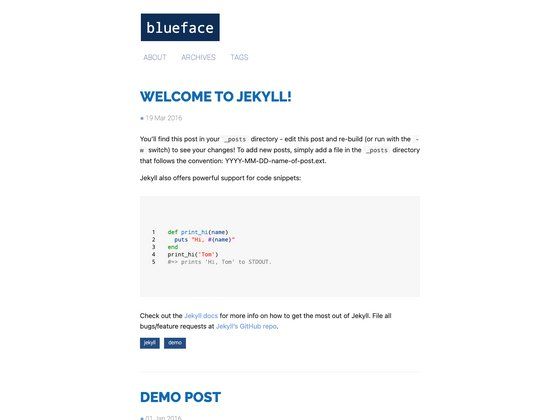
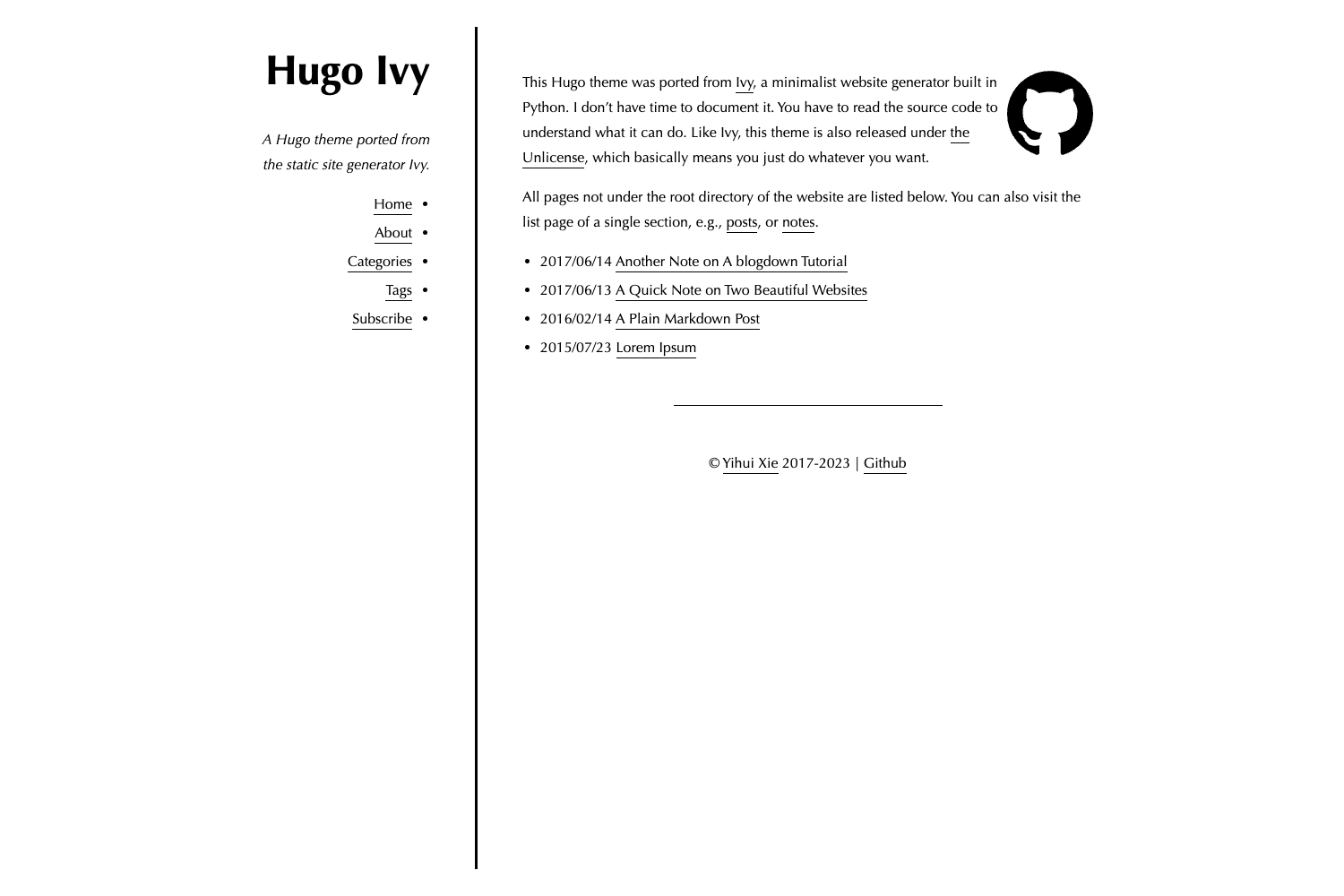
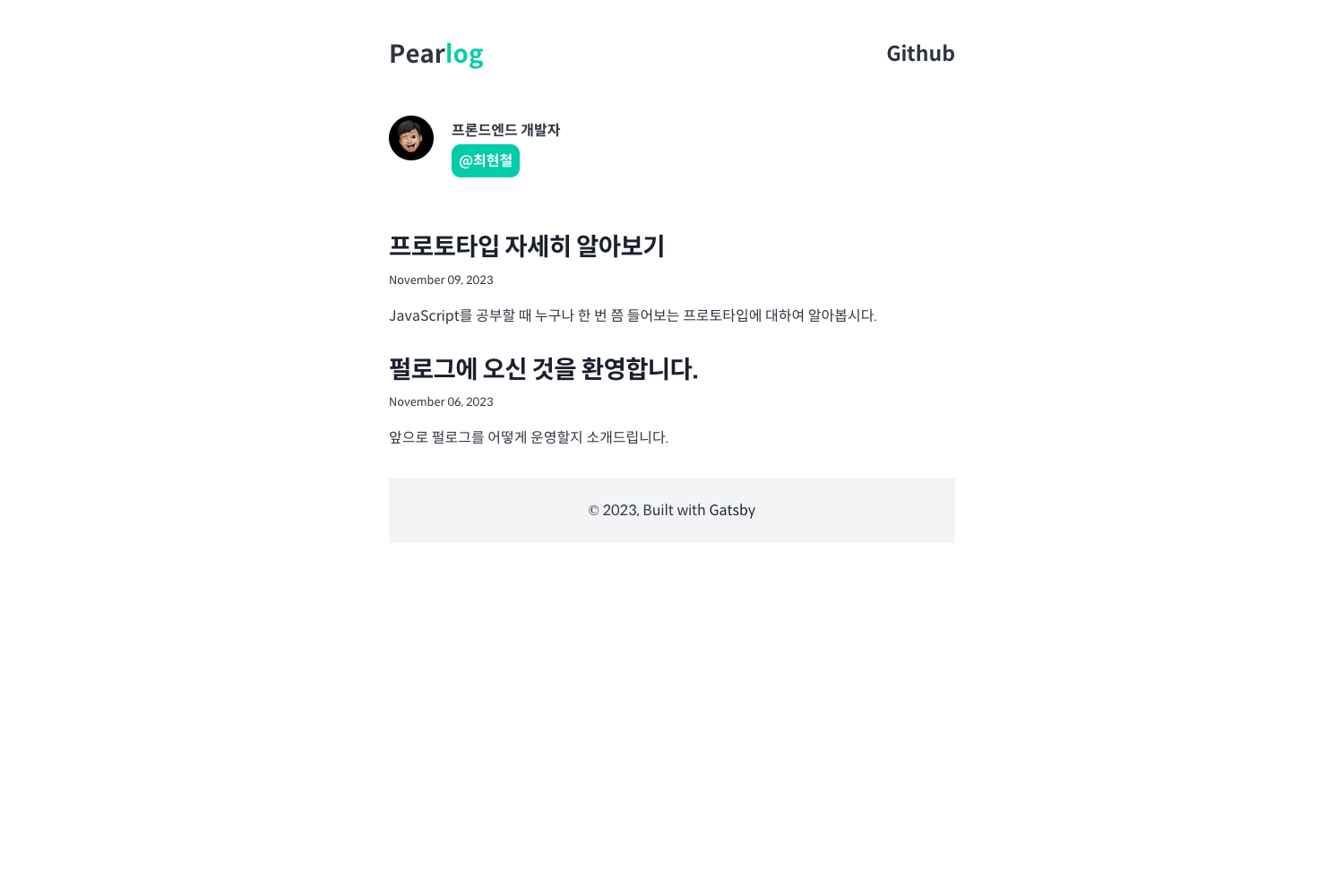
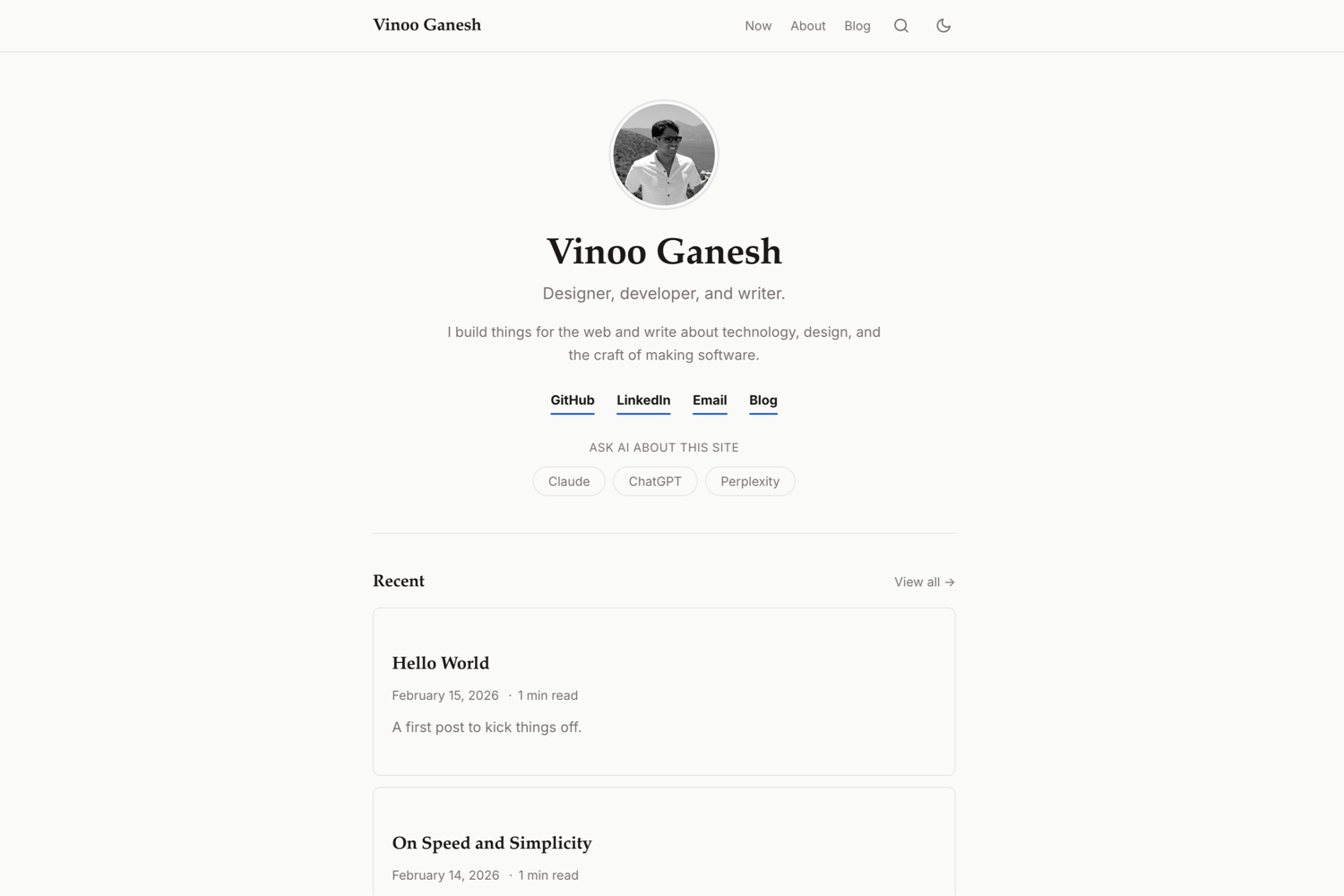
pelican-smoothie is a ready-made theme for Pelican, a Python static site generator that converts Markdown or reStructuredText content into static HTML. It takes your Pelican configuration and content files and produces a responsive blog site built on the Bootstrap framework. The theme was created by Dheepak Krishnamurthy and is demonstrated live at his personal site, kdheepak.com. The repository also includes screenshots showing the minimal design, customizable landing page, a floating action button (FAB), Solarized-themed code blocks, and Disqus integration.
Key Features
- Minimal design — A clean Bootstrap layout that focuses on readability and content, as shown in the first repository screenshot.
- Customizable landing page — The LANDING_PAGE_ABOUT setting accepts an HTML details string, so you can add a bio, an image, or any custom content to the homepage.
- Floating action button — The theme includes a FAB element, visible in the third screenshot, which can be used for quick actions or navigation.
- Solarized code blocks — Code snippets are styled with the Solarized color scheme, making them consistent and easy to read for technical posts.
- Disqus integration — Setting DISQUS_SITENAME in pelicanconf.py automatically adds Disqus comment threads to your articles.
- Google Analytics support — Provide your tracking ID via GOOGLE_ANALYTICS and page views are tracked without extra code.
- Mixpanel support — Similarly, MIXPANEL_ANALYTICS accepts your Mixpanel token for event tracking.
- Configurable site metadata — SITE_TITLE_LABEL, SITE_SUBTITLE_LABEL, SITE_DESCRIPTION, and SITE_LICENSE let you define the site name, tagline, SEO description, and copyright/license footer.
- Social link icons — The SOCIAL dictionary supports Twitter, Github, Email, and GooglePlus, generating visible social links in the theme.
Who is it for?
- Pelican bloggers — Anyone running a Pelican blog who wants a polished, Bootstrap-based theme without designing their own templates.
- Developers needing analytics — Users who want Google Analytics and Mixpanel set up by simply editing two configuration variables in pelicanconf.py.
- Technical writers and developers — The Solarized code blocks and SUMMARY_MAX_LENGTH setting make it suitable for publishing code-heavy articles with custom snippet lengths.
- Personal site owners — The landing page customization and social links make it a good fit for a personal portfolio or about page.
What can you do with pelican-smoothie?
- Launch a personal blog — Write content in Markdown or reStructuredText, configure the theme in pelicanconf.py, and generate a static blog with a landing page and article lists.
- Build a portfolio landing page — Use LANDING_PAGE_ABOUT to add your photo and a short bio in HTML to the homepage.
- Add comments and sharing — Enable Disqus by setting DISQUS_SITENAME, and add social links through the SOCIAL dictionary for Twitter, Github, Email, and GooglePlus.
- Track visitor behavior — Plug in your Google Analytics ID and Mixpanel token to start collecting page-view and event data with no template edits.
How does pelican-smoothie work?
The theme is configured entirely from pelicanconf.py. You set THEME to the path of the theme directory, then populate optional variables such as SITE_TITLE_LABEL, DISQUS_SITENAME, GOOGLE_ANALYTICS, and LANDING_PAGE_ABOUT. When you run Pelican, it processes your content and applies the theme to generate the static site. The example configuration also includes a commented COVER_IMG variable, suggesting an optional cover image feature.
FAQ
Is pelican-smoothie free to use?
The repository is publicly hosted on GitHub and contributions are welcome. The page does not explicitly state a license, so you should check the repository for license details before using it in a commercial project.
How do I install pelican-smoothie?
Download or clone the repository, then set the THEME variable in your pelicanconf.py to the theme directory path, for example 'pelican-themes/pelican-smoothie/'. After that, run Pelican to generate your site.
Does pelican-smoothie support comment systems?
Yes, Disqus is supported. Add your Disqus site shortname to the DISQUS_SITENAME variable in pelicanconf.py, and comment threads will appear on your articles.
Can I track analytics with pelican-smoothie?
Yes, the theme supports both Google Analytics and Mixpanel. Set GOOGLE_ANALYTICS to your Google tracking ID and MIXPANEL_ANALYTICS to your Mixpanel token to start collecting data.