Template details
Plainwhite
A configurable portfolio-style jekyll theme for writers.
About this template
Plainwhite is a minimal, portfolio-style Jekyll theme for writers, configurable entirely through _config.yml and installable as a remote theme on GitHub Pages. It turns a Jekyll site's content and configuration into a static portfolio site with a home page, blog posts, and standalone pages, and is released as open source under the MIT License.
What is Plainwhite?
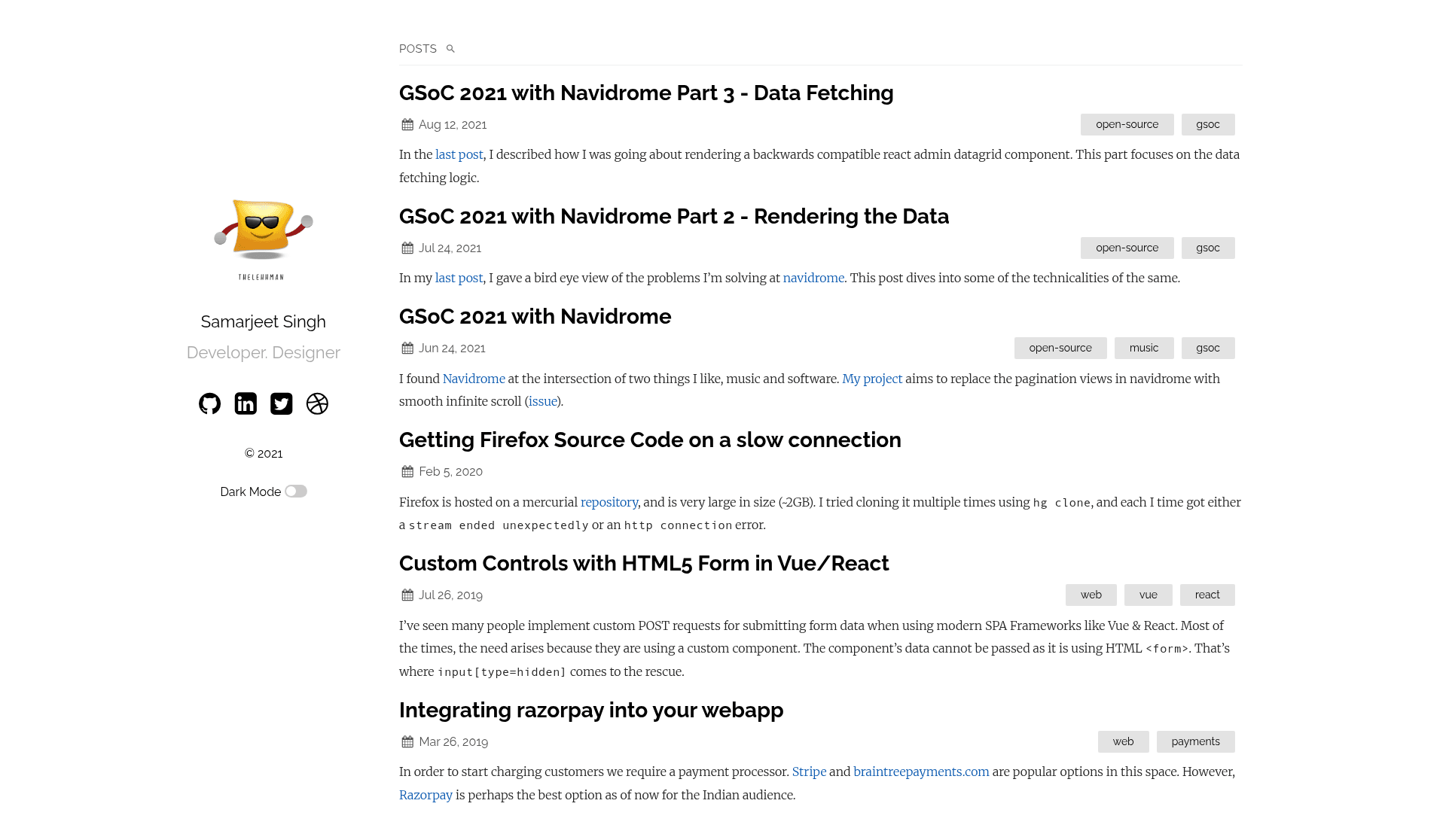
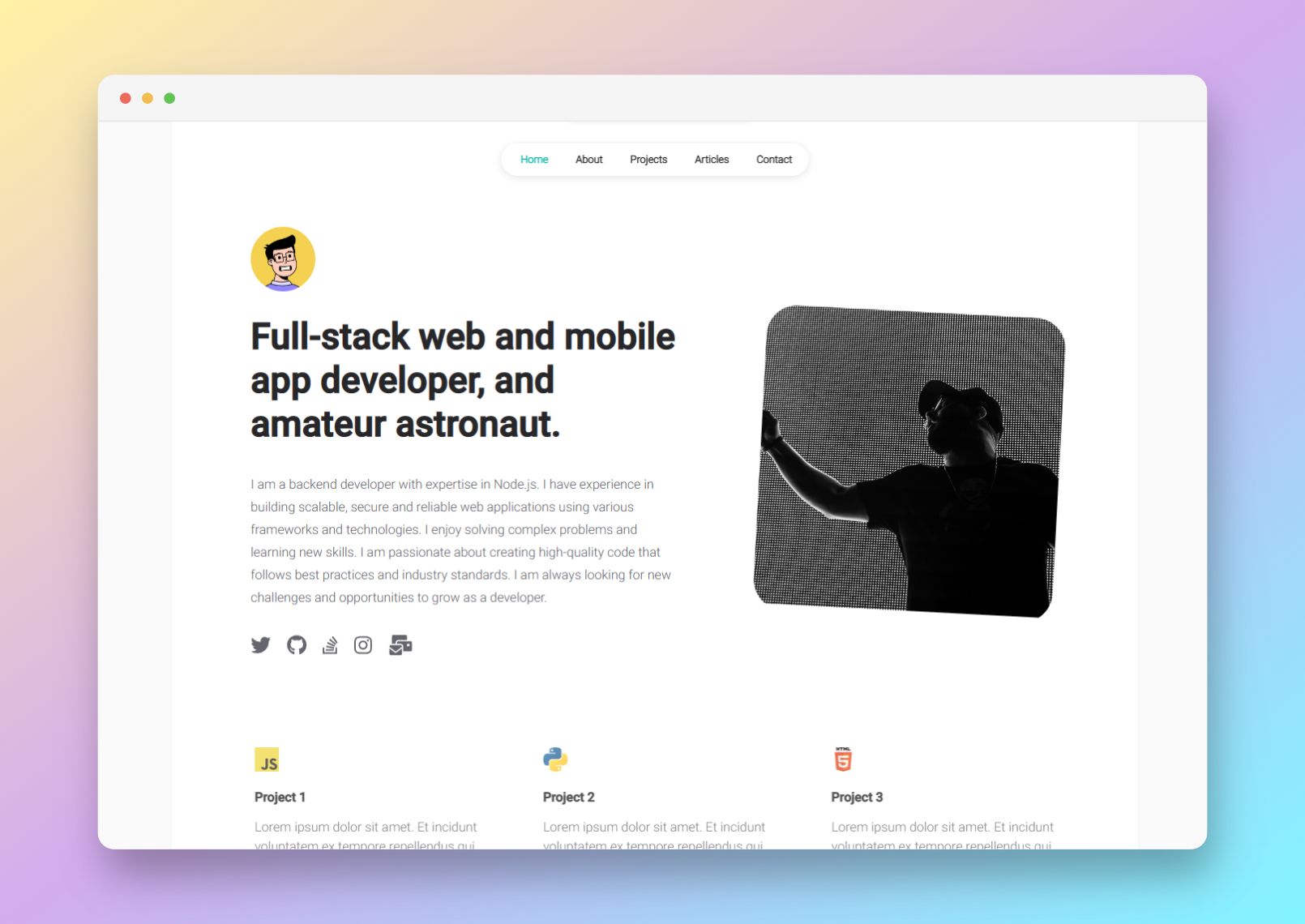
Plainwhite is a Jekyll theme created by Samarsault and published to GitHub as samarsault/plainwhite-jekyll. The theme takes a standard Jekyll site with Markdown content and outputs a static website that includes a sidebar with name, tagline, social links, and a portfolio image; it provides three layout types — Home, Page, and Post. It can be used either through the remote_theme setting on GitHub Pages or as a regular gem installed in a local Jekyll project. The repository has 471 stars and is listed with the topics jekyll, jekyll-site, jekyll-theme, plainwhite, theme.
Key Features
- Jekyll remote theme support — Add
remote_theme: samarsault/plainwhite-jekyllto_config.ymlto use Plainwhite on GitHub Pages without forking the theme, or addgem "plainwhite"to a Gemfile for local builds. - Configurable sidebar — Under the
plainwhitekey you can setname,tagline(including multiline),date_format, and social links for Twitter, GitHub, and LinkedIn. - Dark mode — Enable with
dark_mode: true; the theme checks the OS preferred color scheme, saves the choice in a cookie, and supports a separateportfolio_image_darkimage for dark-mode visitors. - Disqus comments — Set
disqus_shortnameunderplainwhiteto add comments to blog posts. - Google Analytics — Set
analytics_idto add GA tracking to the generated site. - Client-side search — Enable with
search: true; the theme generates asearch.jsonat the site root and uses the Simple-Jekyll-Search plugin to match posts as the user types. - Custom navigation — A
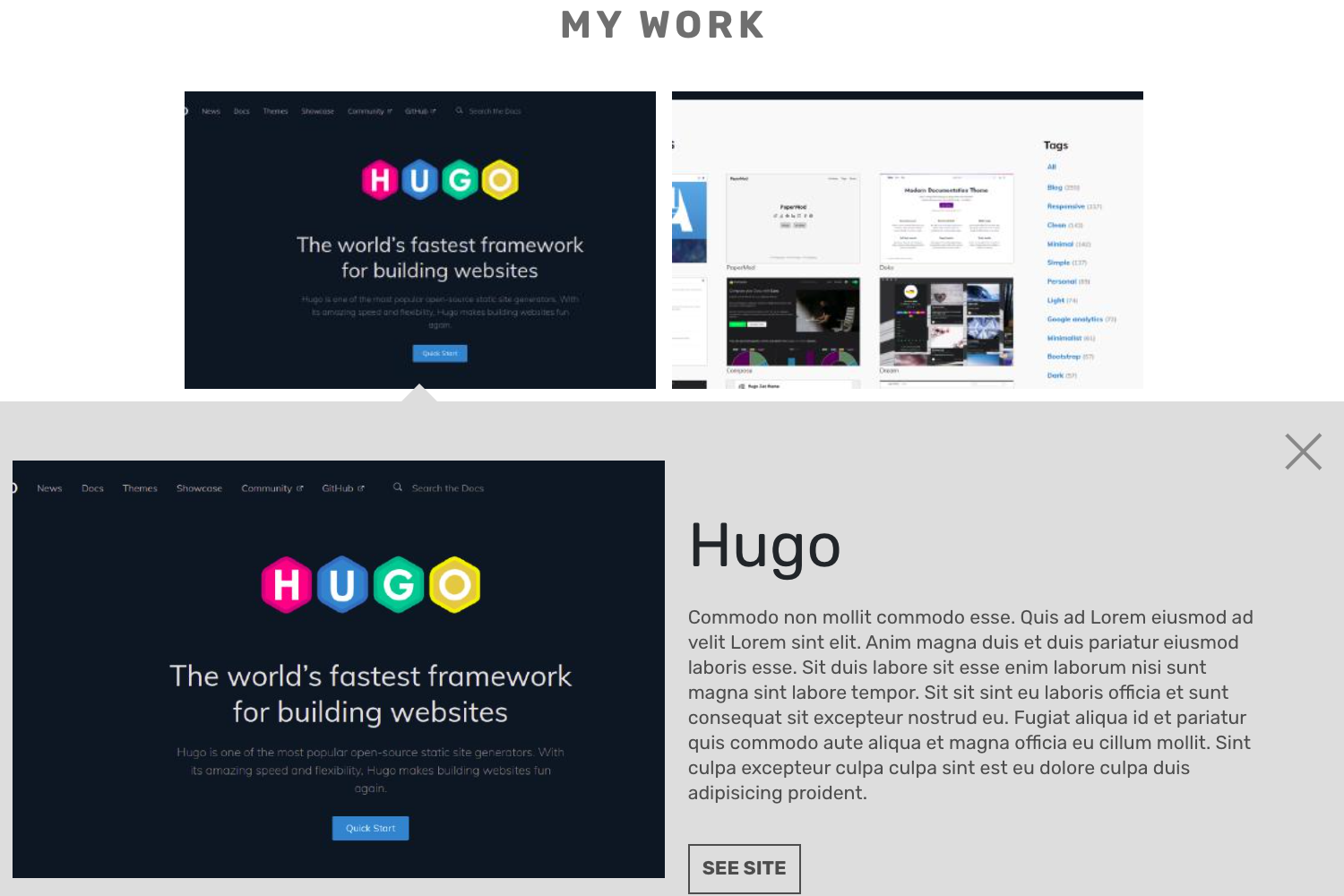
navigationlist of title/URL pairs renders a navigation menu; useful for adding pages like "My Work" or "Resume". - Mobile layout options — The
condensed_mobilesetting lets you choose which layouts (home, post, page) render a condensed sidebar on narrow screens.
Additional configuration includes sitemap, show_excerpts, baseurl, portfolio_image, and html_lang.
Who is it for?
Plainwhite suits writers who want a distraction-free portfolio blog with a minimal aesthetic. Developers and designers can use it as a personal landing page with social links and a portfolio image — the demo tagline is "Developer. Designer." Users hosting on GitHub Pages benefit from the remote-theme install that keeps the theme updated without a fork. Bloggers who want built-in comments, analytics, search, and dark mode without wiring each service themselves will find the config-only approach helpful.
What can you do with Plainwhite?
- Personal portfolio: Set your name, tagline, social links, and portfolio image in
_config.ymlto publish a clean home page linking to your work and profiles. - Writer's blog: Publish posts in Markdown, enable Disqus comments, add Google Analytics, and turn on search so readers can find posts by keyword.
- Multi-page site: Use the
navigationoption to add custom pages like a resume or project gallery, each rendered with the Page layout. - Dark-mode-aware site: Provide a standard and a dark-mode portfolio image to keep your front page readable on both color schemes.
How does Plainwhite work?
Plainwhite is installed either by adding remote_theme: samarsault/plainwhite-jekyll to _config.yml (for GitHub Pages) or by adding gem "plainwhite" to a Gemfile and running bundle. Once installed, all theme behavior is driven by values under the plainwhite key in _config.yml; the theme's layouts and includes read these settings and render the site when you run bundle exec jekyll serve or jekyll build. For development, run bundle install and then bundle exec jekyll serve to preview at http://localhost:4000.
Pricing
Plainwhite is free and open source under the MIT License, so you can use it for personal or commercial projects, modify it, and redistribute it with attribution.
FAQ
How do I install Plainwhite on GitHub Pages?
Add remote_theme: samarsault/plainwhite-jekyll to your site's _config.yml. No local Jekyll installation is needed — GitHub Pages builds the site automatically using that remote theme.
Does Plainwhite support dark mode?
Yes. Set dark_mode: true in _config.yml. The theme then checks the visitor's OS preferred color scheme, stores the preference in a cookie, and lets you specify a separate portfolio_image_dark image for dark mode.
Can I enable comments on posts?
Yes, set disqus_shortname under the plainwhite key in _config.yml, then include the Disqus shortname you use for your site. Comments will appear on post pages.
How do I add a search bar?
Add search: true under plainwhite in _config.yml. The theme generates a search.json file at the site root, and the Simple-Jekyll-Search plugin filters posts based on the user's input.
Is Plainwhite free?
Yes, it's released under the MIT License, so it's free to use, modify, and redistribute for both personal and commercial projects.