Template details
Point Theme
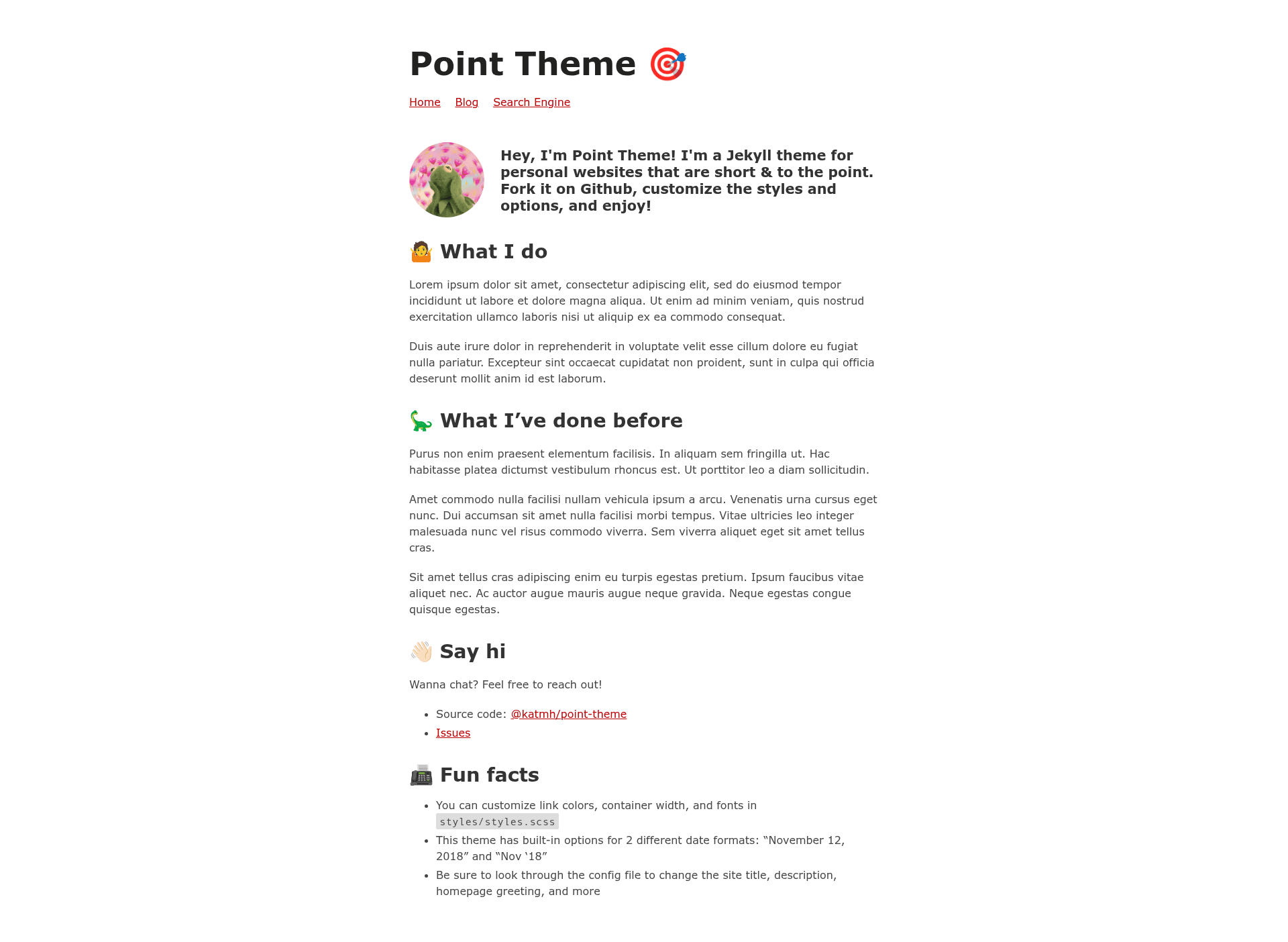
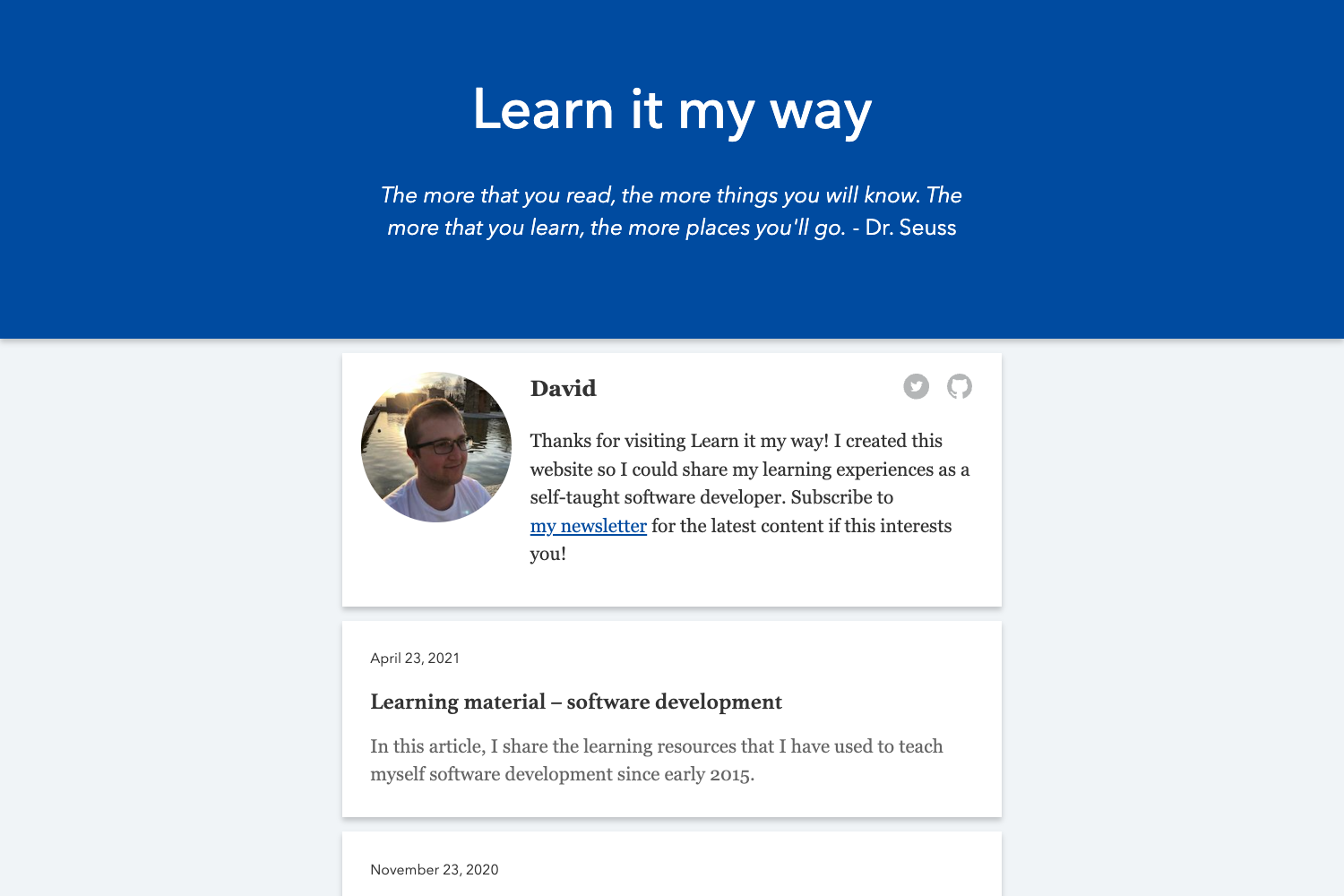
Point: a Jekyll theme for personal websites that are simple and to the point.
About this template
Point is a Jekyll theme for personal websites that are simple and to the point, built to turn Markdown content into a fully responsive static site. This theme runs on Jekyll, takes Markdown files as input, and produces a clean, minimal website that works on devices of all sizes. It was created by Katavie and is based on a previous version of the author's personal site, katmh.com.
What is Point Theme?
Point Theme is a Jekyll-based template designed for personal websites that prioritize simplicity. It accepts content written in Markdown and generates a static, responsive HTML site through the Jekyll build process. The theme is available on GitHub and licensed under the MIT license, making it free to use and modify.
Key Features
- Fully responsive layout — The theme automatically adjusts to screens of any size, from mobile phones to desktop monitors.
- Markdown-based authoring — Every page is written in Markdown, allowing content updates without touching HTML code.
- Easy configuration — Site-wide settings are managed through the
_config.ymlfile, where you can set your site name, description, and other Jekyll options. - SCSS customization — Colors and fonts are defined in
styles/styles.scss, giving you control over the visual style without restructuring templates. - Fork-and-edit workflow — To use it, you fork the repository, customize the config and content, and deploy — a straightforward process for developers.
- Live preview — A demo is hosted at point-theme.netlify.app, showing the default look and feel before you commit to using it.
Who is it for?
- Individuals building a personal site — Perfect for showcasing an about page, links, and a simple portfolio without complex design requirements.
- Jekyll developers — Anyone already comfortable with Jekyll who needs a minimal starter theme for a personal blog or resume site.
- Writers and creators — You can publish content in Markdown, which keeps the writing process focused on text rather than web formatting.
What can you do with Point Theme?
- Freelancers: Create a professional online presence by editing a few Markdown files — about, work, and contact pages — then deploy the generated static site to Netlify or GitHub Pages.
- Bloggers: Set up a simple personal blog with a readable layout, write posts in Markdown, and let Jekyll handle the rest.
- Developers: Fork the repository, tweak the SCSS variables to match your brand, and use the theme as a starting point for experimentation.
How does Point Theme work?
Start by forking the repository on GitHub. Then edit the _config.yml file to set your site's title, description, and other settings. Replace the Markdown content in the pages with your own text, and adjust colors and fonts in styles/styles.scss if desired. Finally, build the site with Jekyll and deploy the static files to any web host.
Pros and cons
- Pros: Simple and minimal design; fully responsive; Markdown-based editing; MIT license; easy to fork and customize without a build step beyond Jekyll.
- Cons: Requires a Jekyll environment to build and preview the site, so it is not a drag-and-drop solution for those unfamiliar with static site generators.
FAQ
Is Point Theme free?
Yes, Point Theme is released under the MIT license, so you can use it freely for personal or commercial projects, modify it, and redistribute it as long as you retain the copyright notice.
How do I customize Point Theme?
After forking the repository, edit _config.yml for site-wide settings such as title and description. To change the look, modify the SCSS variables in styles/styles.scss. All page content is stored as Markdown files, so you update text without touching HTML.
Where can I see a live demo?
A live preview of the theme is available at point-theme.netlify.app. It shows the default layout, typography, and responsive behavior, so you can evaluate the theme before using it.
Does Point Theme support blogging?
Yes, because it is built on Jekyll, it supports blog posts written in Markdown, along with standard pages. The theme's simplicity makes it suitable for a personal blog or a simple portfolio, though it does not include advanced blog features like tags or categories out of the box.
What file do I edit to change the site's colors?
Colors and fonts are controlled in styles/styles.scss. You can edit this SCSS file within the styles directory to redefine variables and build a customized look for your personal site.